Free AI Background Changer Online

Transform any photo background with AI Background Changer.

Aspect ratio
Resolution

↓ Preset Scenarios

How to Use AI Background Changer

  1. 01
    Upload your photo

    Upload the image you want to transform into AI Background Changer. Drag and drop any JPG, PNG, or WebP photo from your device. Clear, well-lit photos of products, people, or furniture allow AI Background Changer to isolate edges with maximum precision.

  2. 02
    Select a scenario or describe your vision

    Select one of the six one-click background scenarios below the converter, or write a detailed text prompt describing your dream backdrop. AI Background Changer understands specific scene elements, textures, atmospheric lighting, and color palettes.

  3. 03
    Generate, preview, and download

    Click the Generate button to let AI Background Changer create your new background. Review the realistic lighting harmonization, compare the before and after, and download your high-resolution image ready for marketplace listings or social media.

Key Features of AI Background Changer

01

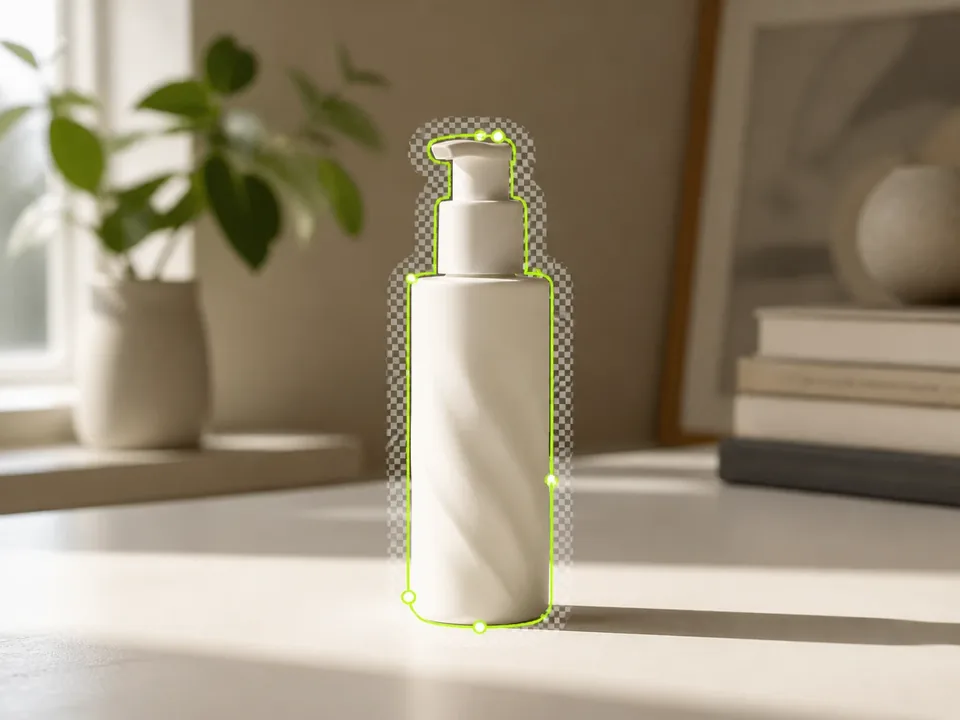
Accurate Subject & Edge Detection

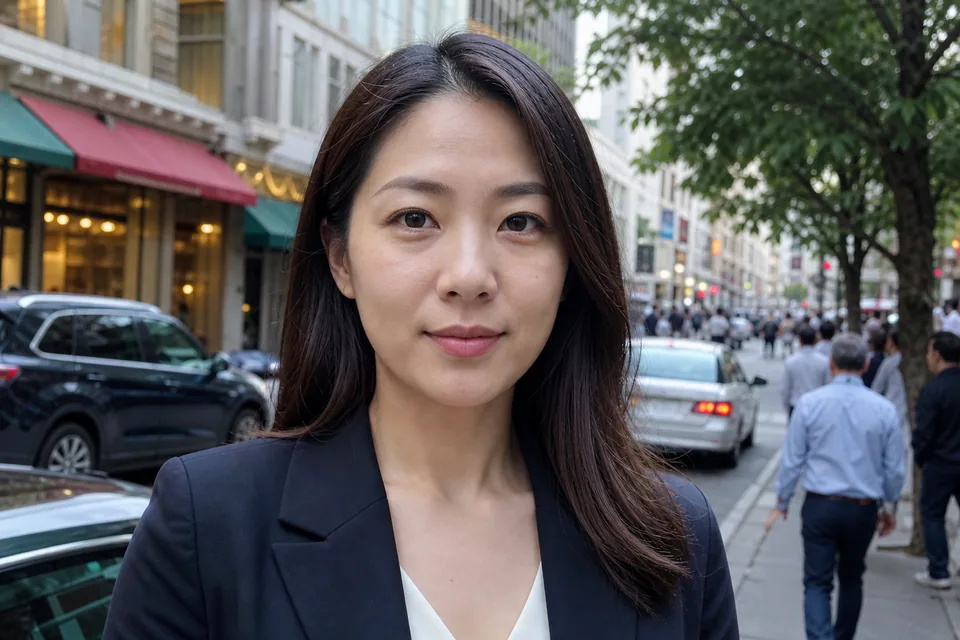
AI Background Changer detects people, products, and everyday items automatically. It cleanly separates the main subject from distracting backgrounds, keeping natural contours and edges intact without tedious manual lassoing.

Try AI Background Generator

Accurate Subject & Edge Detection
02

Intelligent Lighting and Shadow Harmonization

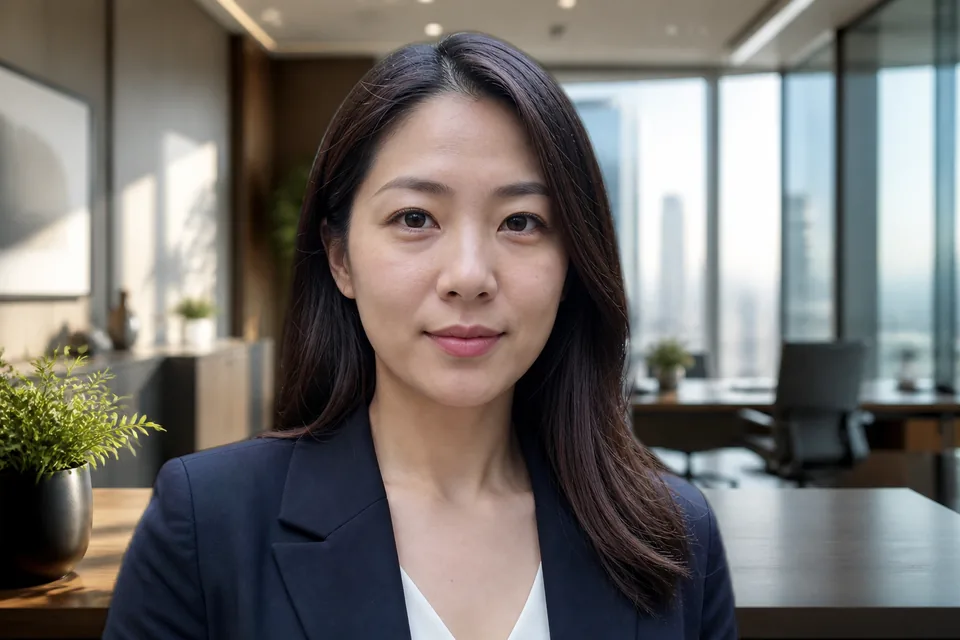
Replacing backdrops often looks artificial when lighting mismatches. AI Background Changer recalculates light direction, ambient color casts, and contact shadows so your subject blends seamlessly into the generated environment.

Free Background Changer
Intelligent Lighting and Shadow Harmonization
03

Prompt-Driven Scene Synthesis

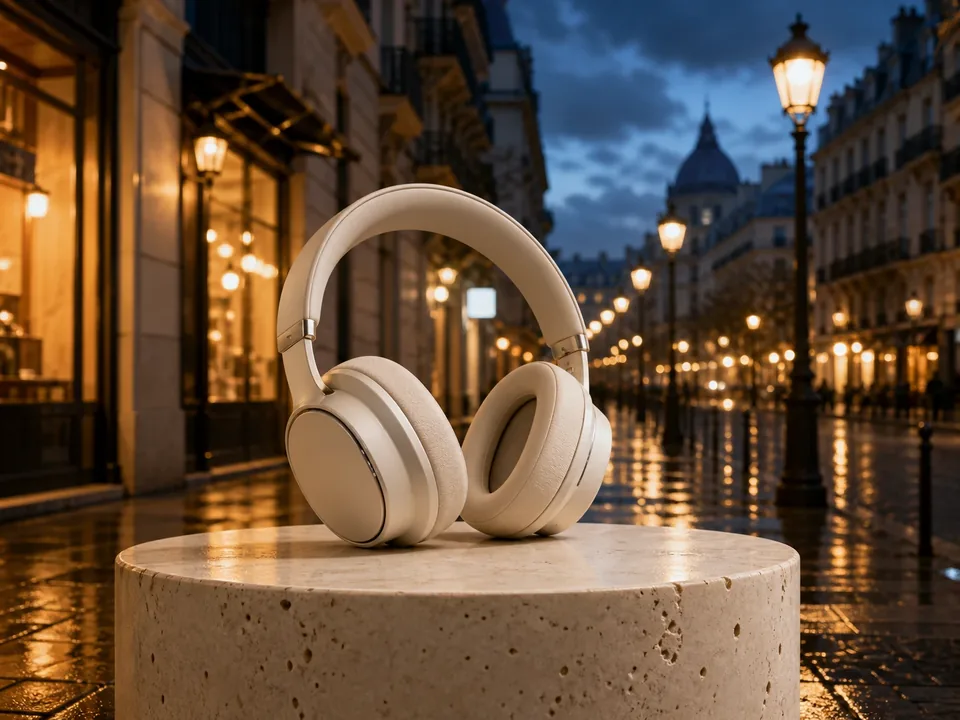
With AI Background Changer, you are never restricted to static stock backdrops. Describe any environment in natural language—from minimalist marble pedestals to bustling metropolitan avenues—and AI Background Changer builds custom scenery on demand.

Start Background Photo Edit
Prompt-Driven Scene Synthesis
04

Commercial 4K High-Resolution Output

AI Background Changer outputs crisp, full-resolution photos suitable for professional print, e-commerce storefronts, and high-impact digital advertising. Your product and portrait details remain razor-sharp after background replacement.

Photo Background Change Online
Commercial 4K High-Resolution Output
05

Zero Installation and Instant Browser Workflow

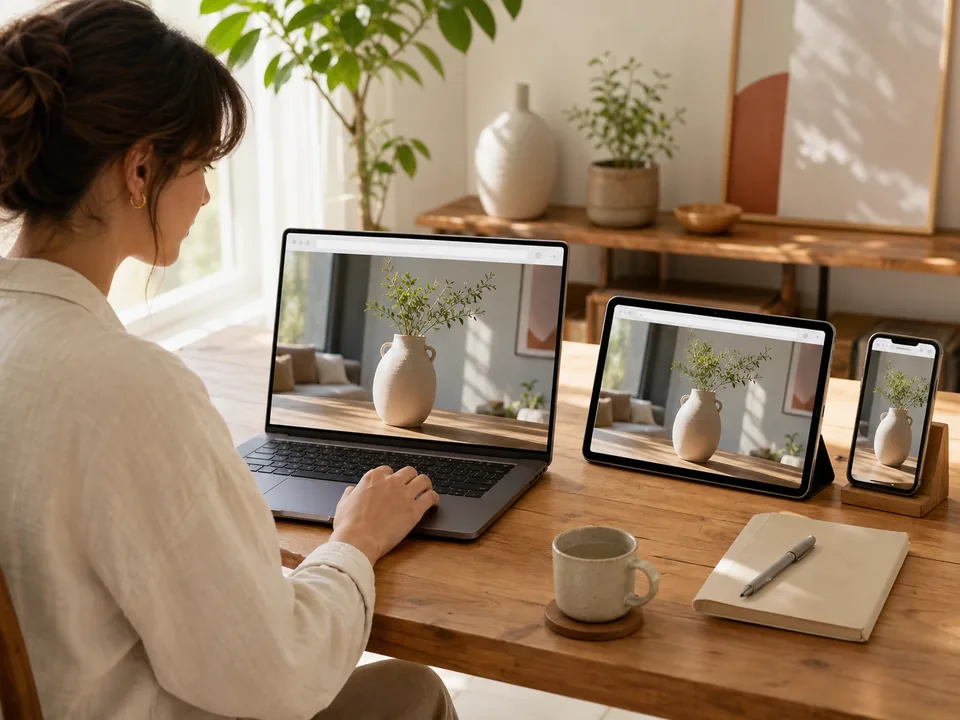
AI Background Changer operates entirely online in your browser. Whether you work on desktop, iPad, or mobile phone, AI Background Changer delivers studio-grade background transformations without demanding heavy graphic cards or expensive software.

Try Free Background Generator

Zero Installation and Instant Browser Workflow

AI Background Changer Before & After Gallery

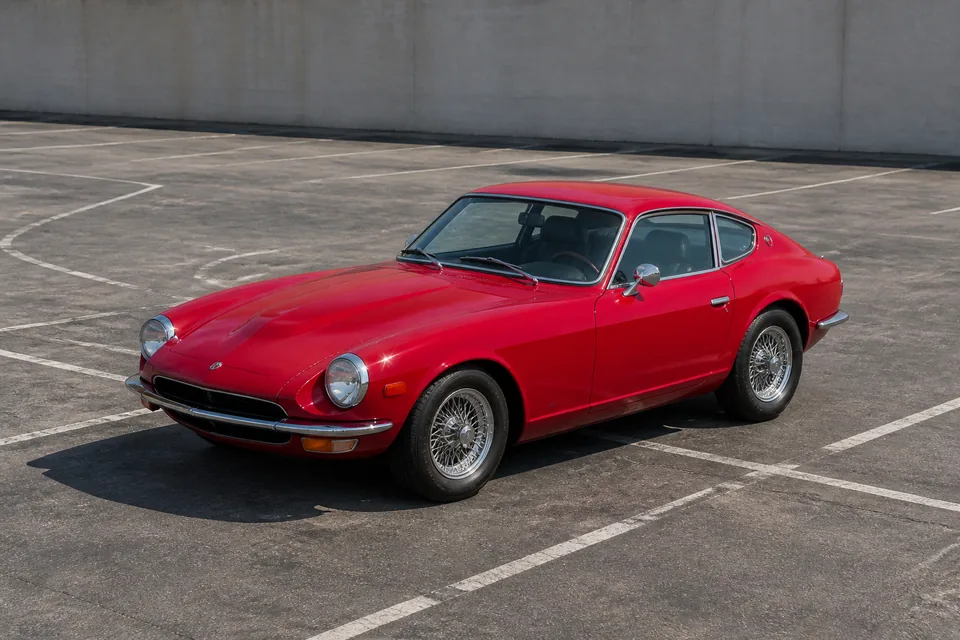
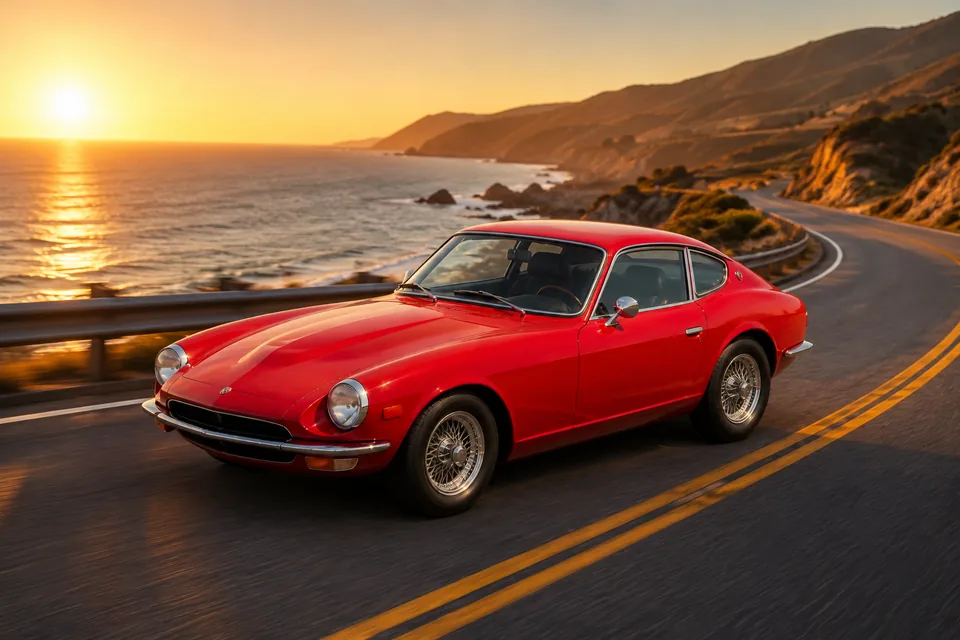
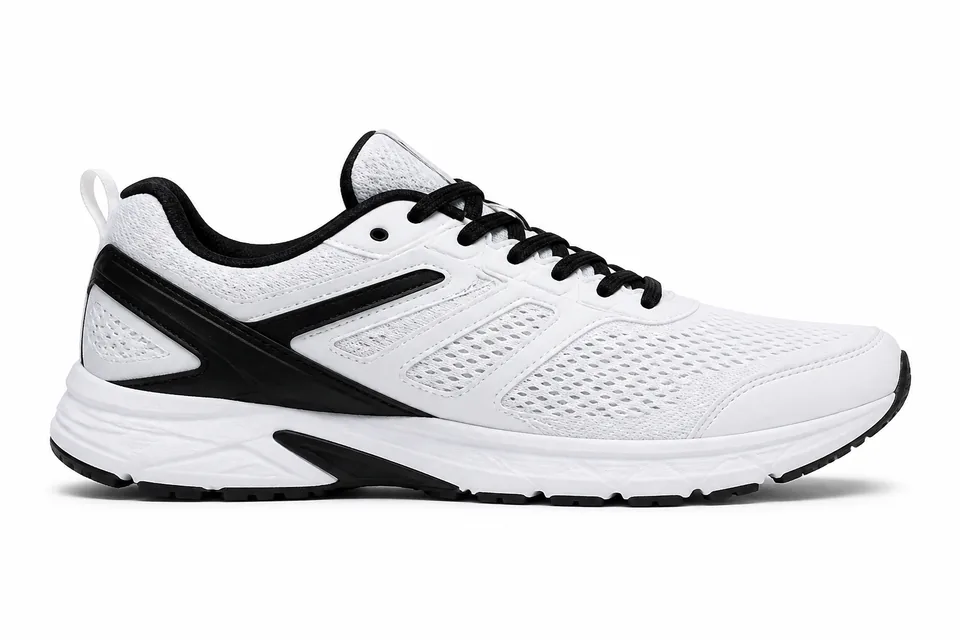
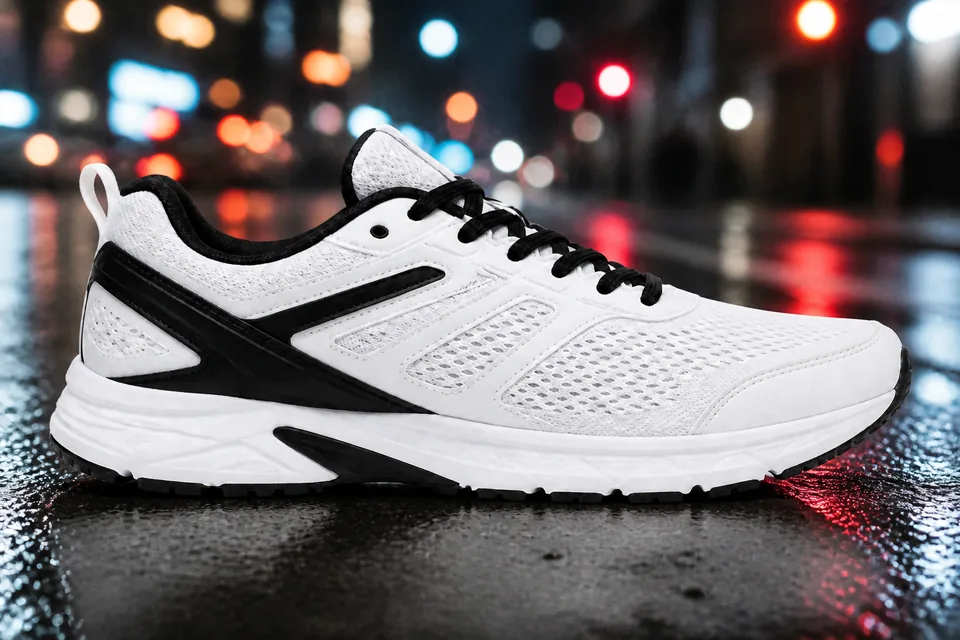
Explore real transformations created with AI Background Changer. The subject retains full original fidelity while the scene is completely reimagined.

BeforeAfter
Luxury Skincare Bottle
BeforeAfter
Corporate Executive Headshot
BeforeAfter
Vintage Sports Car
BeforeAfter
Sneaker Commercial Ad
BeforeAfter
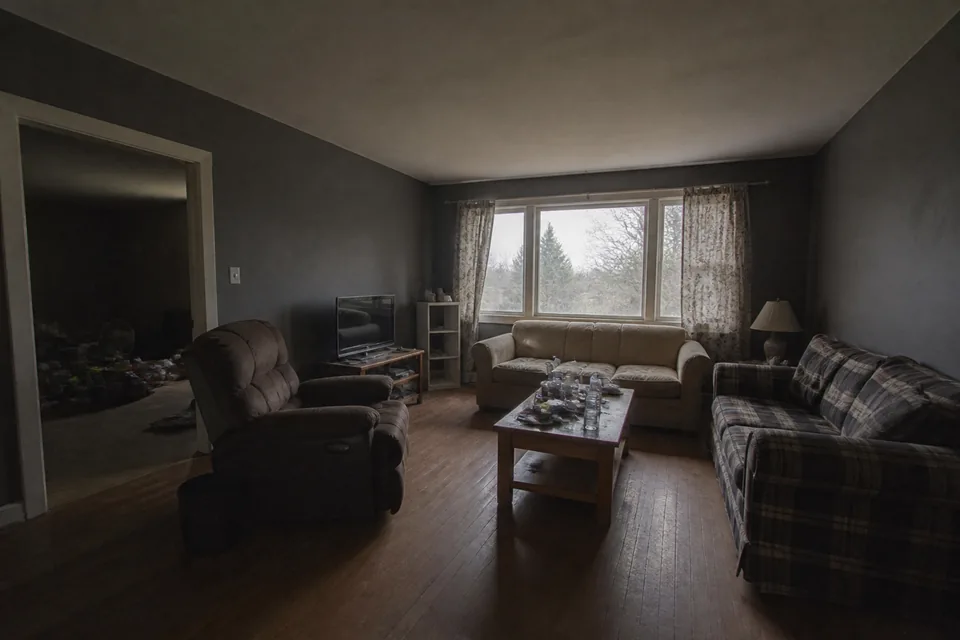
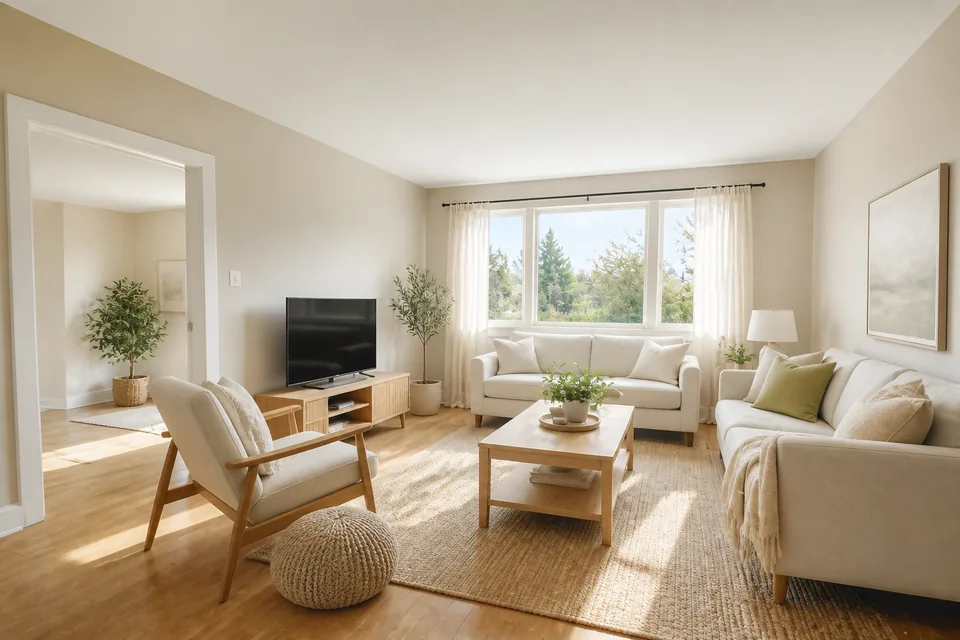
Modern Interior Staging
BeforeAfter
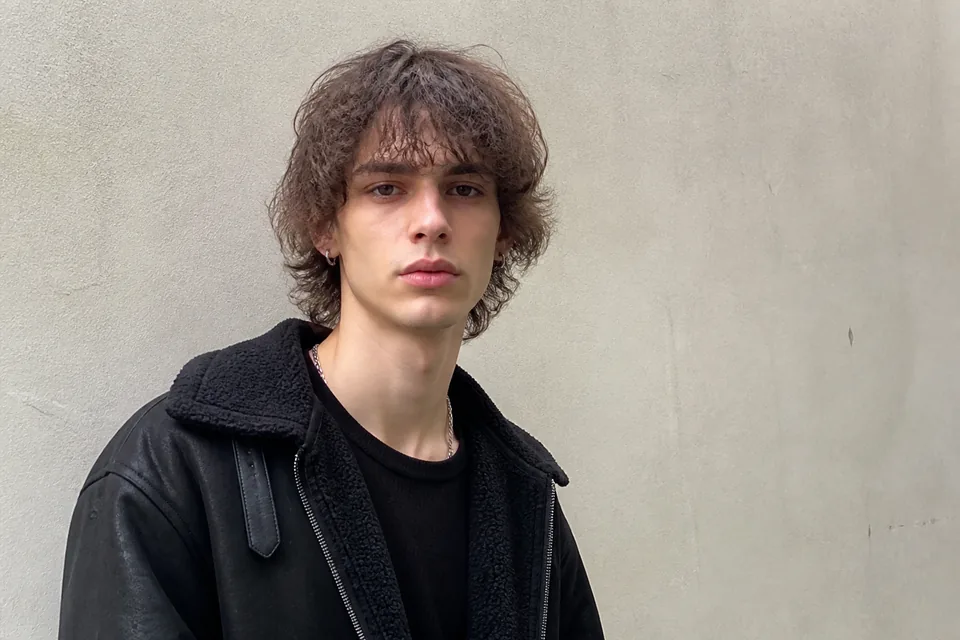
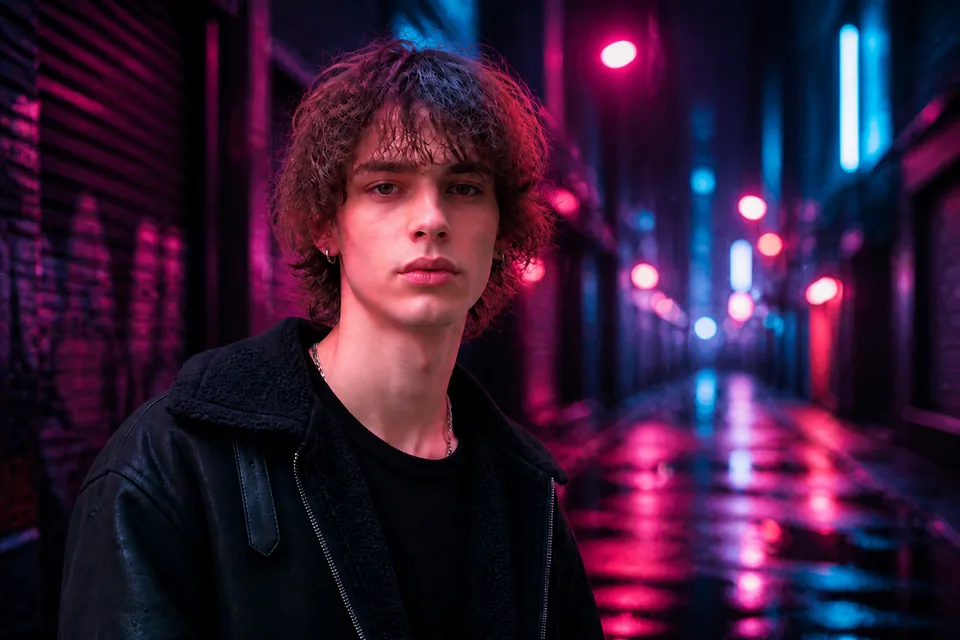
Cyberpunk Portrait

What Creators and Sellers Say About AI Background Changer

Join thousands of e-commerce brands, photographers, and creators who rely on AI Background Changer for fast visual production.

  • Marcus Vance

    Marcus Vance

    E-commerce Brand Founder

    AI Background Changer transformed our Amazon listing workflow. Instead of scheduling four studio shoots a month, we upload raw phone photos and generate luxury marble backdrops in seconds. Our conversion rate increased by 28% after updating product heroes with AI Background Changer.

  • Elena Rostova

    Elena Rostova

    Portrait & Commercial Photographer

    Hair cutouts and realistic relighting have always been the most tedious part of post-processing. AI Background Changer handles fine strands and ambient contact shadows better than any plugin I have tested. AI Background Changer cut my editing time in half.

  • Devin Wright

    Devin Wright

    Social Media Content Director

    We generate dozens of creative ad variations every week. With AI Background Changer, we test diverse backgrounds—from neon cityscapes to cozy cafes—without reshooting the creator. AI Background Changer is now indispensable for our rapid creative testing.

  • Sophia Lin

    Sophia Lin

    Real Estate Marketing Specialist

    Staging vacant properties was costing our agency thousands. AI Background Changer allows us to turn dull, empty spaces into bright, beautifully lit Scandinavian interiors. Buyers love the staged listings produced by AI Background Changer.

  • Julian Moreau

    Julian Moreau

    Art Director

    What sets AI Background Changer apart is the prompt responsiveness and lighting harmony. It does not just paste an object onto a flat image; AI Background Changer calculates reflections and shadows that make the composition feel physically grounded.

  • Aria Takahashi

    Aria Takahashi

    Digital Creator & Influencer

    I use AI Background Changer for all my YouTube thumbnails and profile avatars. I can snap a photo in my bedroom and instantly transport myself to a Tokyo cafe or sunset beach. AI Background Changer gives my feed a unified, high-budget look.

Frequently Asked Questions

What is AI Background Changer?

AI Background Changer is an advanced online tool that replaces the background of any photo using artificial intelligence. Unlike simple background removers that leave you with an empty cutout, AI Background Changer isolates your subject and generates entirely new, context-aware environments based on your text prompts or preset scenarios.

How does AI Background Changer differ from a background remover?

A standard background remover only deletes the background to create a transparent PNG. AI Background Changer goes a step further: it removes the old background, generates a brand-new realistic environment, harmonizes lighting and reflections, and casts realistic contact shadows so your subject looks naturally placed in the new scene.

How do I change the background of a photo with AI Background Changer?

Using AI Background Changer is effortless. First, upload your photo to the converter. Second, choose one of the preset scenarios (such as Studio Tabletop or Executive Office) or enter a custom prompt. Third, click Generate. AI Background Changer will produce your transformed photo in seconds for instant download.

How does AI Background Changer ensure lighting and shadows match?

AI Background Changer uses intelligent relighting and depth-estimation algorithms. When a new scene is generated, AI Background Changer analyzes the subject's geometry and applies directional lighting, ambient color casts, and realistic ground contact shadows that match the new environment.

Can I use AI Background Changer for commercial projects?

Yes. Paid subscribers can use images created with AI Background Changer for commercial purposes, including Amazon and Shopify storefronts, print media, digital marketing campaigns, and client deliverables. Free users can test AI Background Changer for personal and evaluation use.

What image file formats does AI Background Changer support?

AI Background Changer supports all standard image formats including JPG, PNG, and WebP. For optimal results with AI Background Changer, we recommend uploading high-clarity photos with well-defined foreground subjects.

Is AI Background Changer free to use?

Yes, AI Background Changer offers free trial credits upon sign-up so you can test background changes immediately. For continuous use, commercial licensing, watermark-free downloads, and high-resolution exports, flexible subscription and credit packs are available.

Can I use AI Background Changer on mobile devices and tablets?

Yes. AI Background Changer is 100% web-based and fully responsive. You can access AI Background Changer on Safari, Chrome, iOS, and Android without downloading any external mobile applications or plugins.

What makes a good prompt for AI Background Changer?

When writing prompts for AI Background Changer, specify the surface material (e.g., marble podium, oak floor), the lighting mood (e.g., soft morning sun, dramatic studio spotlight), and the overall environment (e.g., minimalist loft, tropical coast). AI Background Changer uses these details to render highly realistic backdrops.

Will delicate details like hair, fur, and glass be preserved by AI Background Changer?

Yes. AI Background Changer is specifically engineered with deep neural networks trained on complex edge boundaries. Fine hair strands, animal fur, transparent glass edges, and intricate textile textures are faithfully preserved by AI Background Changer.

Start Using AI Background Changer Today

Replace photo backgrounds in seconds with AI Background Changer. Turn rough snapshots into stunning commercial imagery now.