GPT Image 2 AI Image Generator

Create polished 4K product shots, posters, and ads with readable text and precise edits. Try GPT Image 2 now.

Key Features of GPT Image 2 Model

01

Reliable Text Rendering

GPT Image 2 can place clearer text inside generated images. It handles headlines, product labels, signs, buttons, posters, and longer blocks of text. It also works across more languages and keeps the text closer to the requested layout.
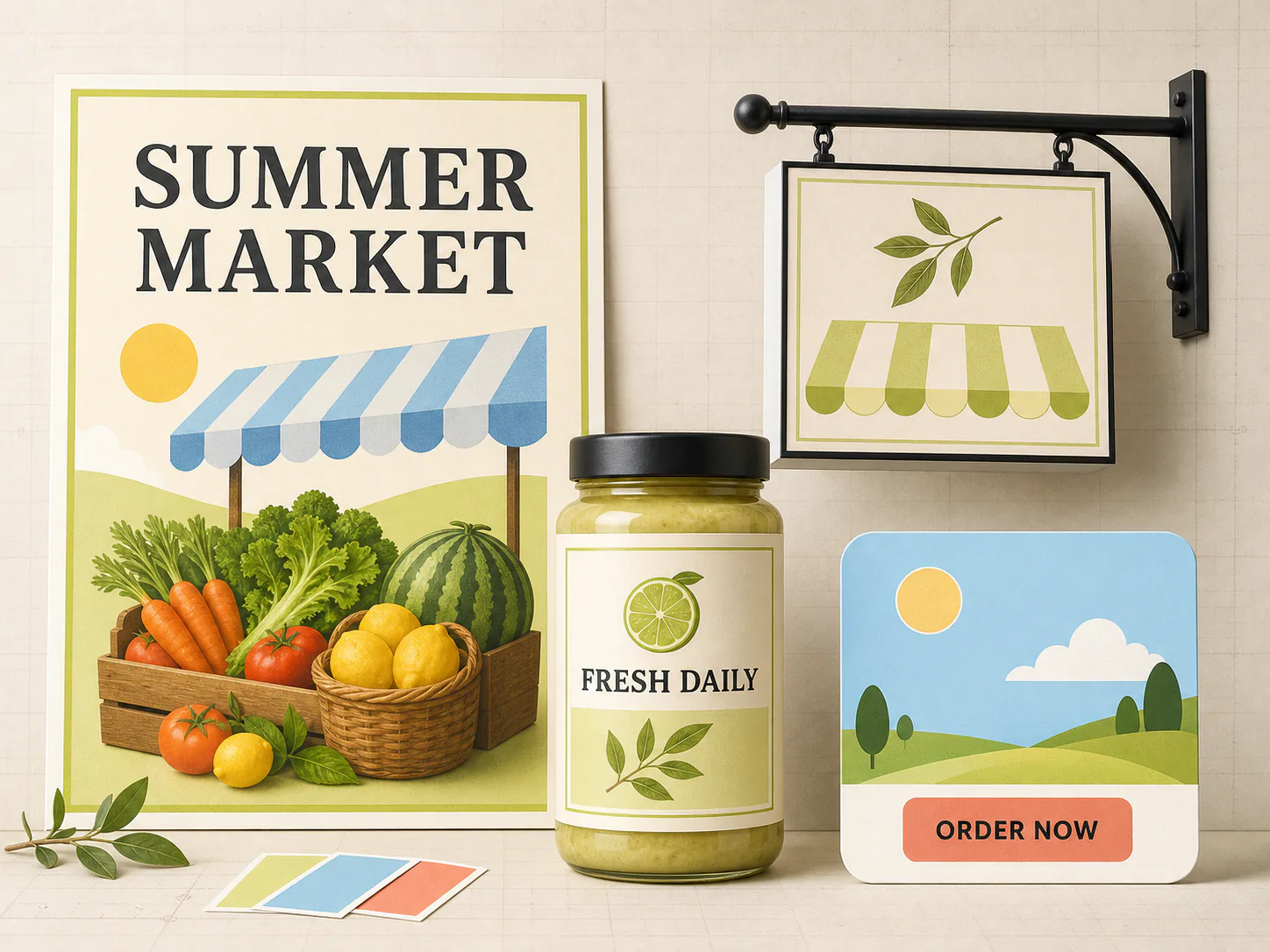
Reliable Text Rendering
02

Strong Real-World Knowledge

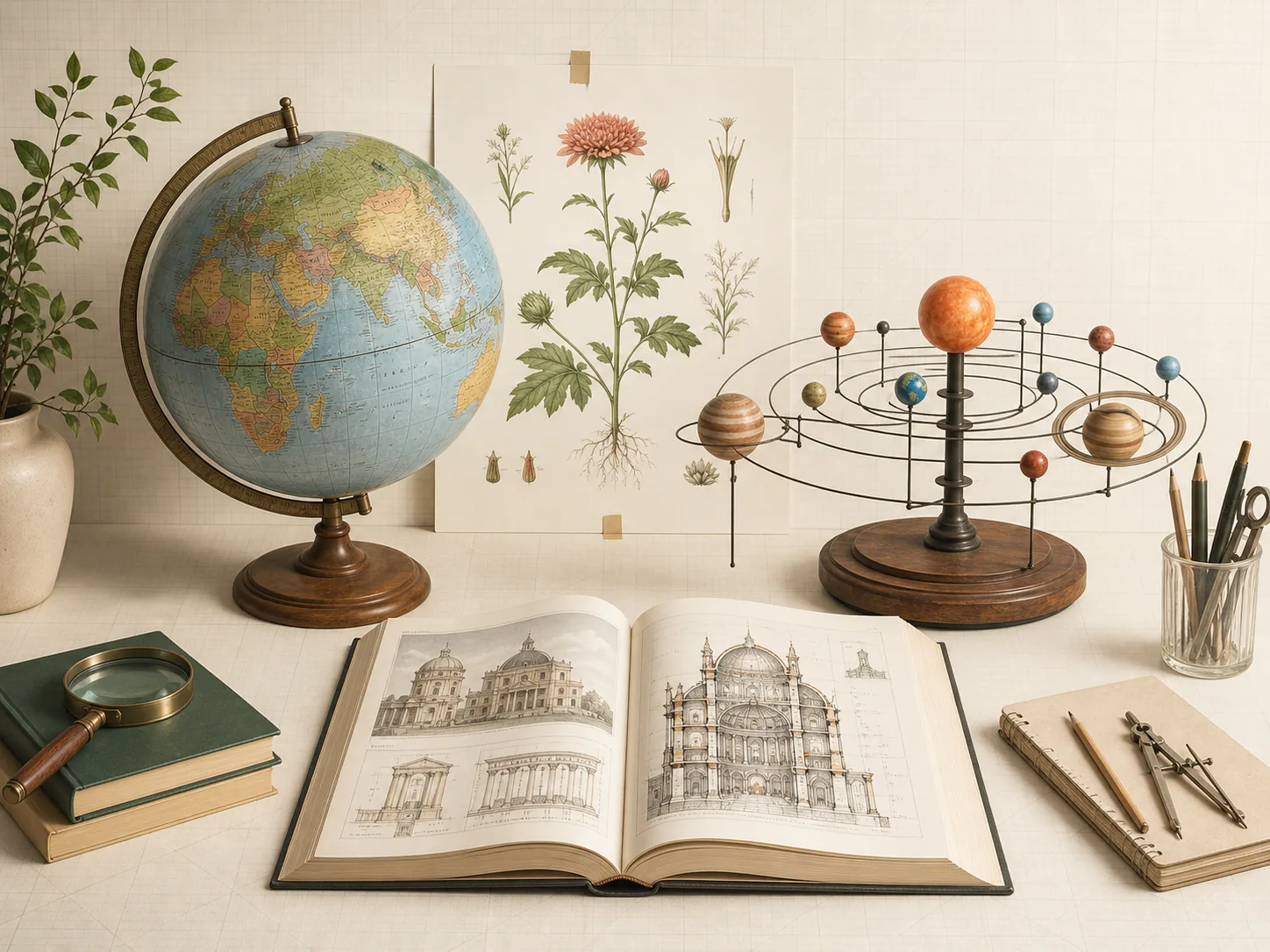
GPT Image 2 has a better understanding of places, objects, history, science, and everyday life. This helps it create scenes with more accurate details and fewer strange elements. It is useful for diagrams, maps, learning materials, and images based on real subjects.

Strong Real-World Knowledge
03

Flexible 4K Output

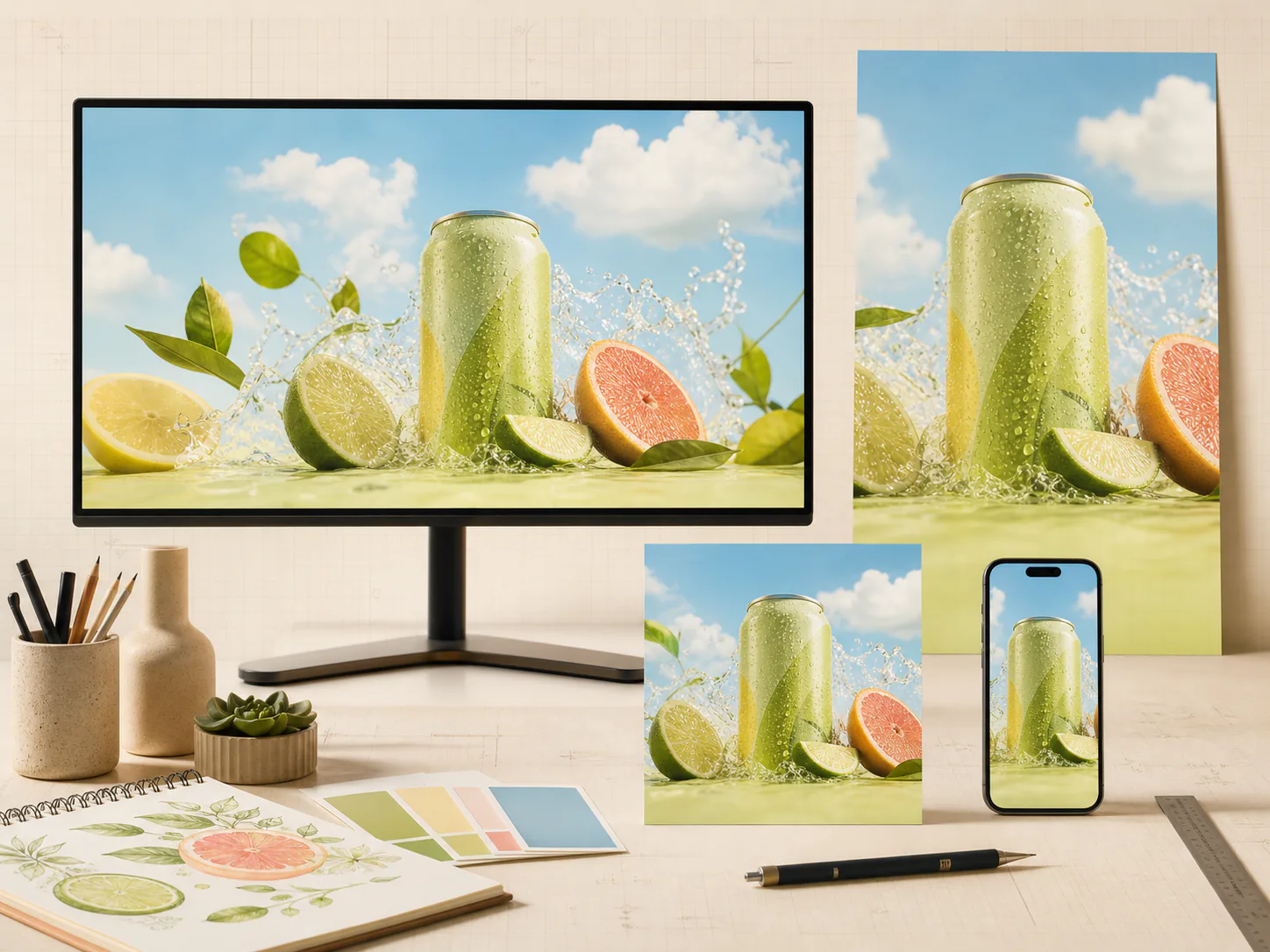
GPT Image 2 supports image output from 1K to 4K. It works with square, portrait, landscape, and wide formats. You can create the right size for product pages, social posts, ads, banners, posters, and print designs.

Flexible 4K Output
04

Precise Instruction Following

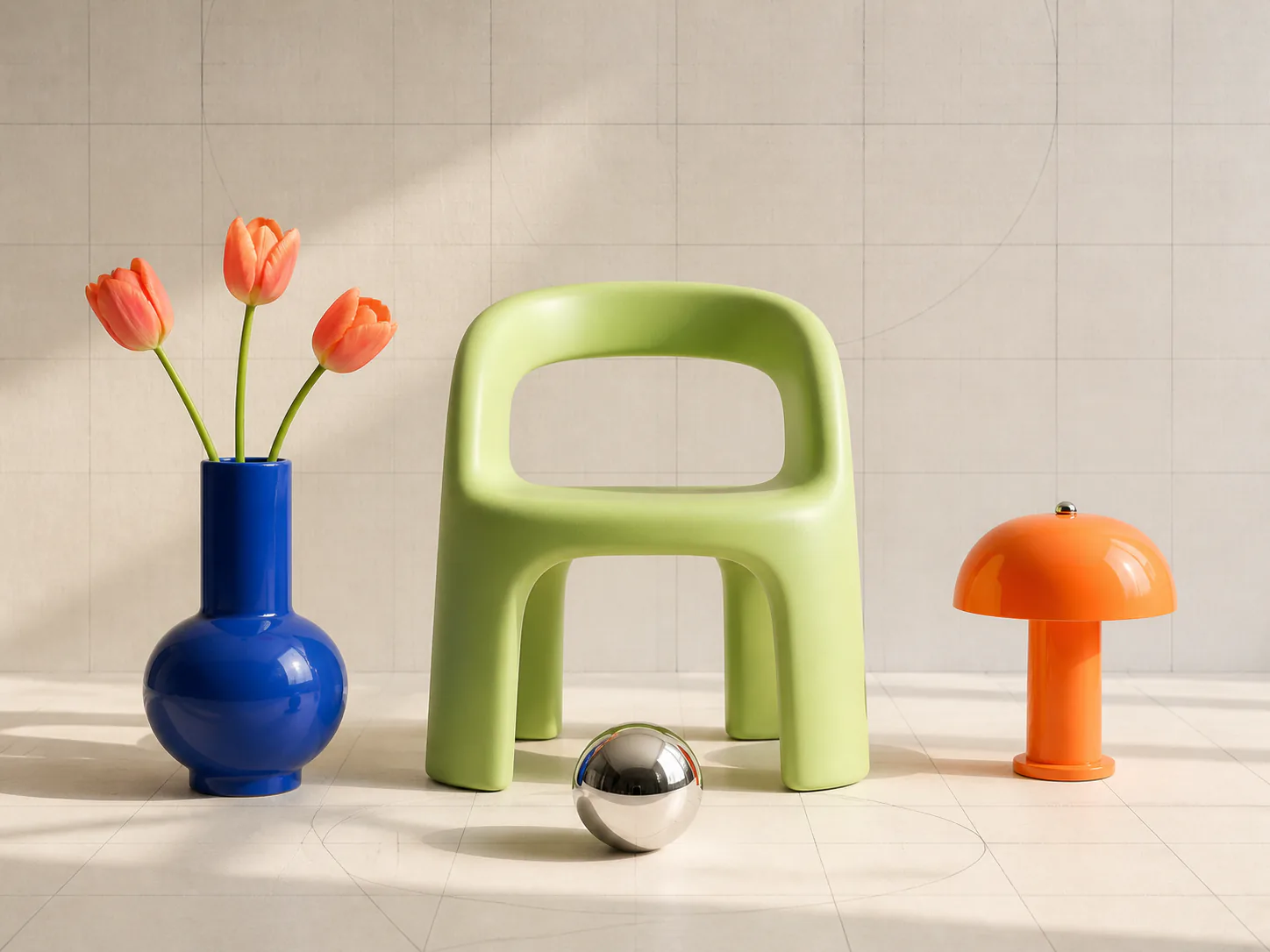
GPT Image 2 can follow detailed prompts with many requirements. You can define the subjects, clothing, colors, camera angle, lighting, text, background, and object positions. The model is better at keeping these details together in one clear composition.

Precise Instruction Following
05

Precise Image Editing

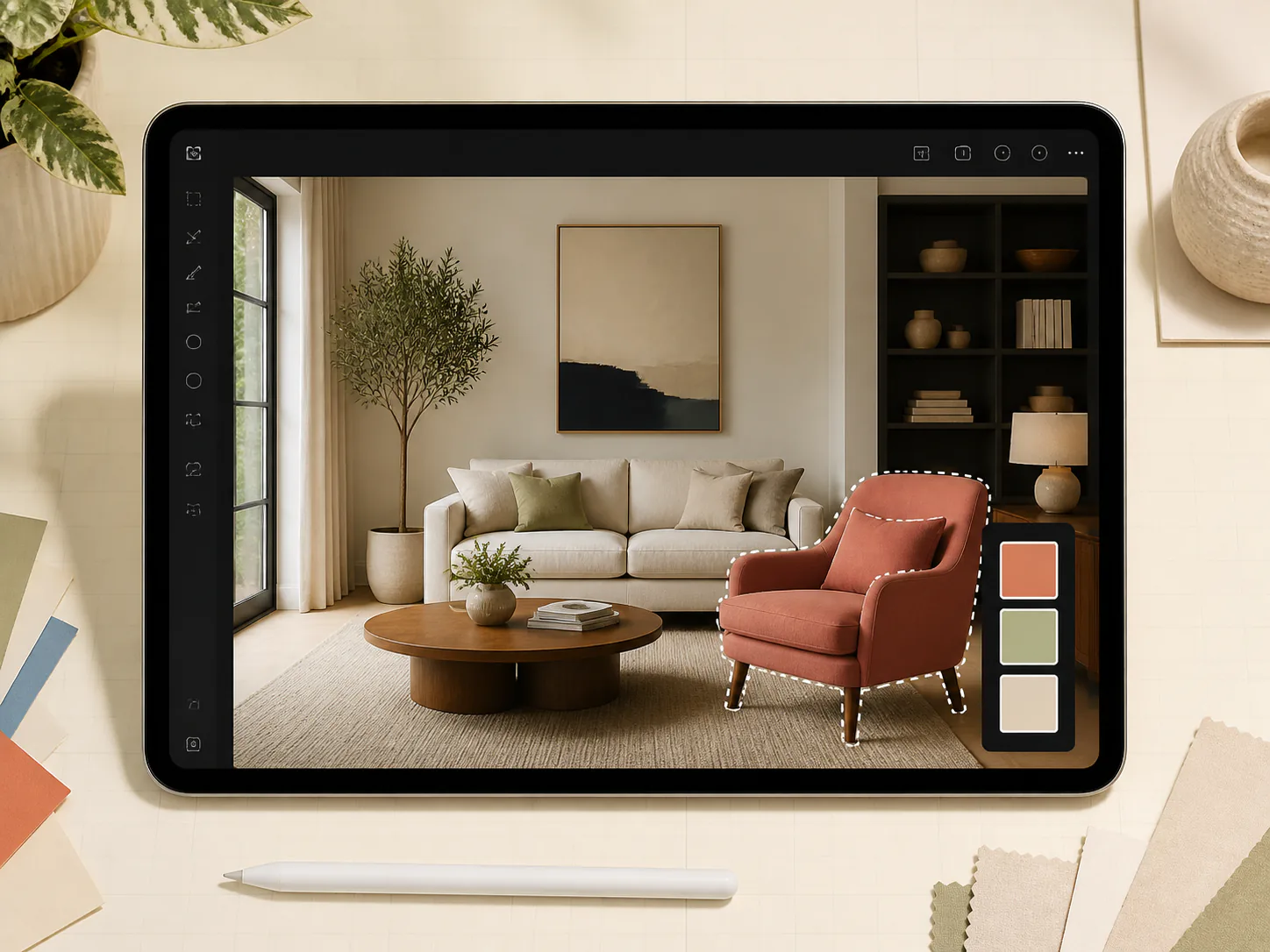
GPT Image 2 can change the part you describe while keeping the rest of the image stable. You can replace a background, remove an object, change clothing, or adjust lighting without recreating the whole scene. This gives you more control and reduces unwanted changes.

Precise Image Editing
06

Better Reference Image Consistency

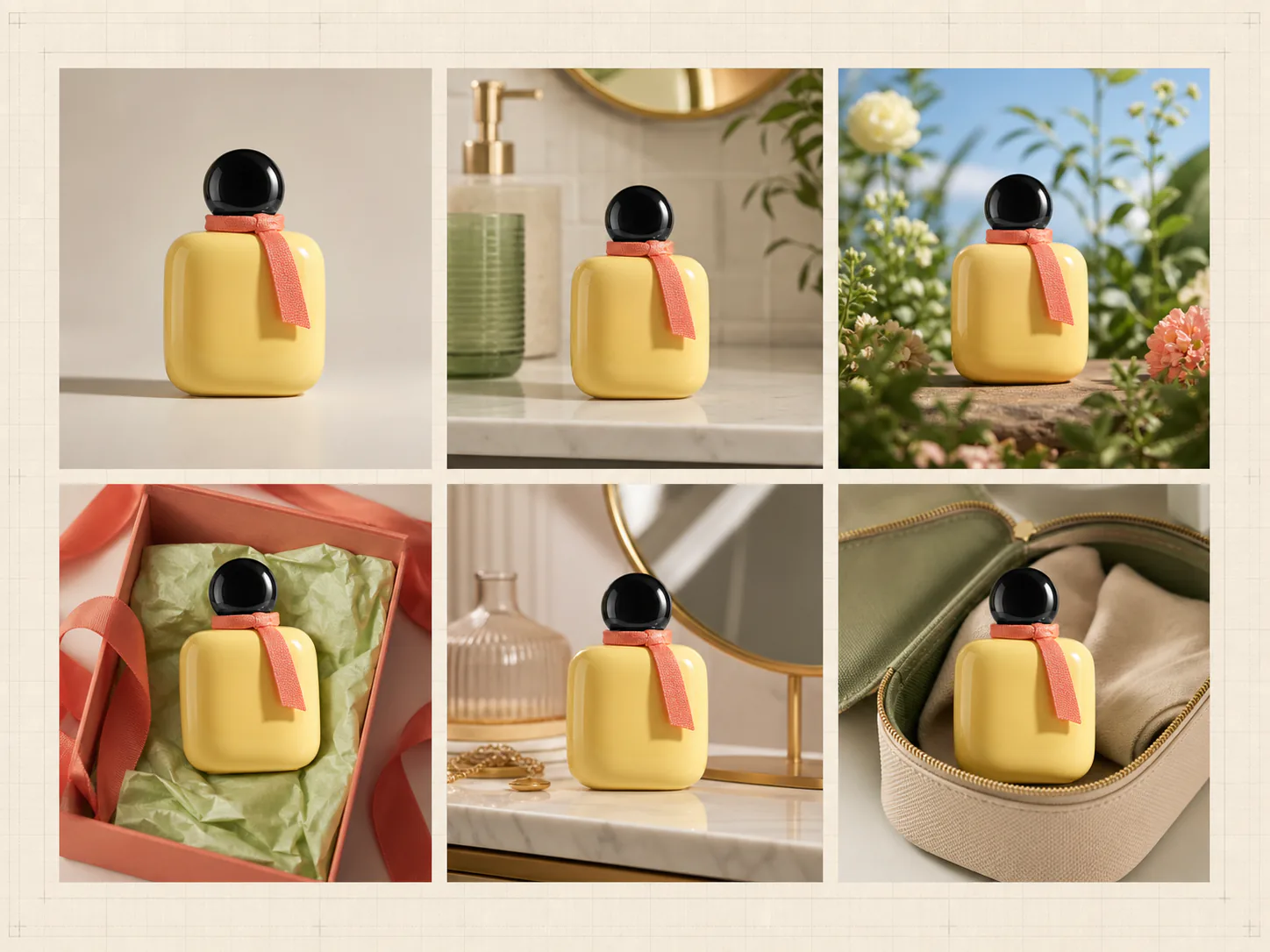
GPT Image 2 keeps important details from your reference images, including faces, product shapes, colors, poses, and visual styles. This reduces unwanted changes between the source image and the final result. You can combine up to 16 reference images and spend less time fixing inconsistent results.

Better Reference Image Consistency

GPT Image 2 Use Cases

  • Online Sellers:
    Create product photos, new backgrounds, lifestyle scenes, and seasonal images from one source photo. Add new product images faster and reduce the need for repeated photo shoots.
  • Marketers:
    Create ads, posters, campaign images, and social media posts with clear text and different sizes. Test more ideas and launch campaigns in less time.
  • Content Creators:
    Create thumbnails, covers, story images, and social posts from a simple prompt. Make more content without spending hours on each design.
  • Designers:
    Turn ideas into posters, layouts, product concepts, and first drafts. Use reference images and precise editing to reduce revision time.
  • Photographers:
    Change backgrounds, lighting, colors, clothing, or unwanted objects in a photo. Finish common editing work faster and spend less time on manual changes.

Comparison: GPT Image 2 vs. Nano Banana Pro

FeatureGPT Image 2Nano Banana Pro
Best forComplete layouts, focused edits, ads, posters, and product visualsWorld knowledge, multilingual text, Search grounding, and brand work
Text to imageYesYes
Image editingYesYes
Output resolution1K, 2K, and 4K1K, 2K, and 4K
Maximum input images168
Text inside imagesStrong for posters, labels, signs, and layoutsStrong, with a focus on multilingual text

How to Use GPT Image 2

  1. 01
    Upload Reference Images

    Upload the images you want to edit or use as references. You can add up to 16 images.

  2. 02
    Write Your Prompt

    Describe the image or edit in plain words. State what should change and what should stay the same.

  3. 03
    Set the Parameters

    Select 1K, 2K, or 4K. Then choose the ratio that fits your page, ad, post, story, or banner.

  4. 04
    Generate & Download

    Click Generate to create your image. Review the result and download it when it is ready.

YouTube Videos About GPT Image 2

Frequently Asked Questions

What is GPT Image 2?

GPT Image 2 is OpenAI's latest image generation model. It can create images from text and edit images from a prompt. It supports flexible sizes and high-fidelity image inputs.

Can GPT Image 2 edit an existing image?

Yes. Upload an image and describe the change. You can change the style, background, lighting, clothing, product setting, or part of the scene.

Does GPT Image 2 support 4K images?

Yes. GPT Image 2 offers 1K, 2K, and 4K output. Larger images can take more time and credits.

How many reference images can I upload?

You can upload up to 16 reference images with GPT Image 2.

Can GPT Image 2 create text inside an image?

Yes. It can create labels, signs, headlines, and other text.

Why choose the GPT Image 2 model?

GPT Image 2 is built for professional image creation and editing. It combines clear text rendering, strong prompt control, real-world knowledge, and precise image editing, making it a strong choice for ads, product visuals, UI mockups, posters, and educational graphics. With flexible sizes up to 4K and support for up to 16 reference images, it helps you create complex visuals with fewer revisions.

Can I use GPT Image 2 for free?

Yes. Sign up at imgtoimgai.io to get free credits and try GPT Image 2. You can buy more credits when you need more generations.

Create Your Next Image with GPT Image 2

Turn your idea into a stunning visual with GPT Image 2. Start now and create your first image for free.