Seedream 5 Pro AI Image Generator

Create product ads and infographics with readable text.

Get Inspired

Key Features of Seedream 5 Pro

01

Dense Infographics and Layouts

Seedream 5 Pro turns data, charts, and dense text into one professional layout. Charts, labels, icons, and short copy stay in a clear reading order. Use it for explainers, comparison posters, and product pages that have a lot to say.
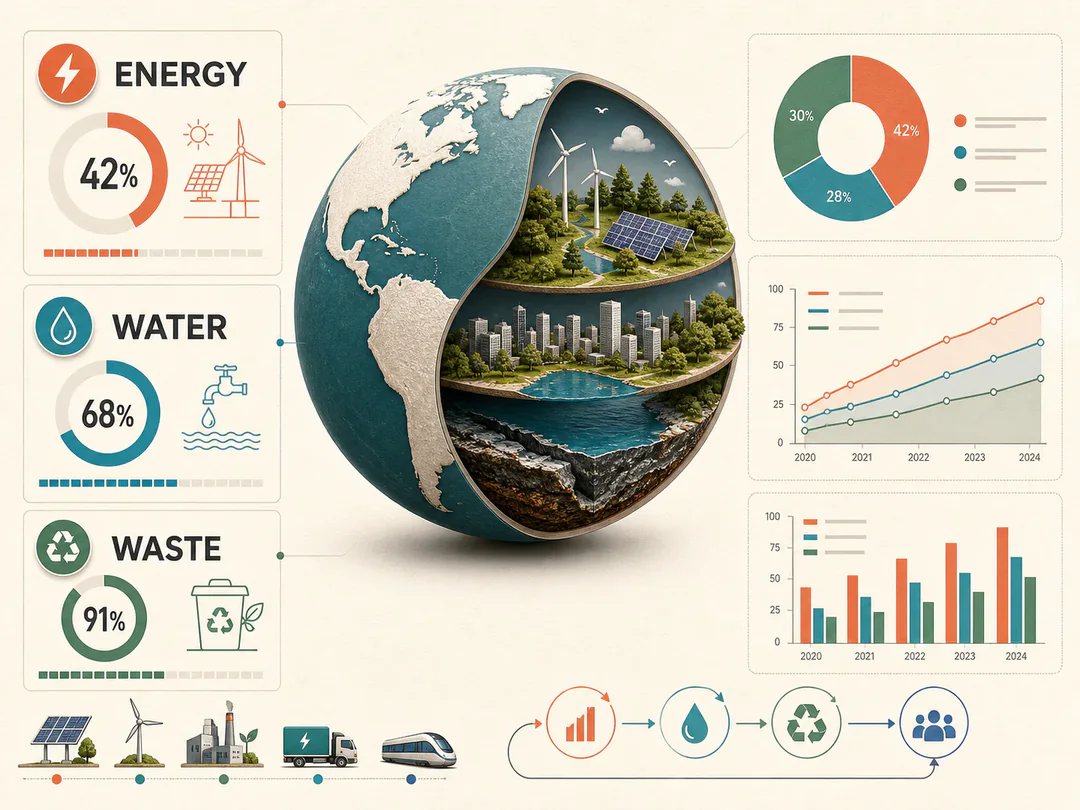
Dense Infographics and Layouts
02

Precise Image Editing

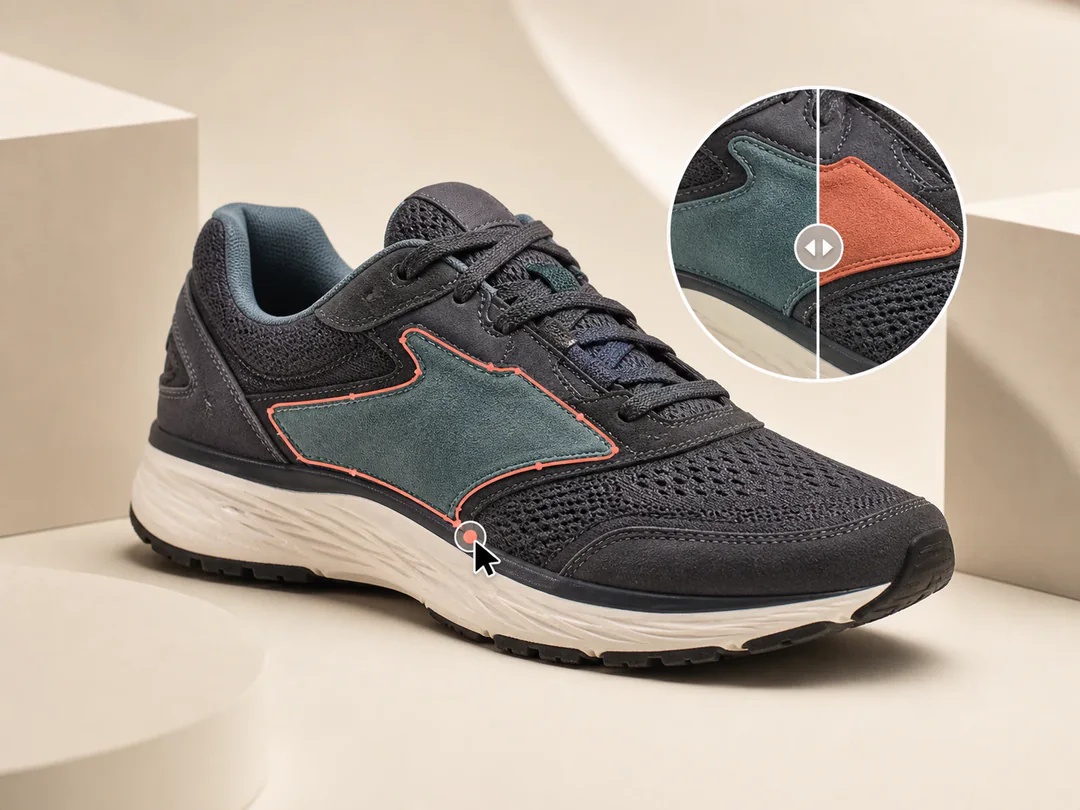
Seedream 5 Pro can change one part of an image and keep the rest of the photo the same. You can swap a background, recolor a product, change clothing, or fix one object. The lighting and layout around the edit should still match the original.

Precise Image Editing
03

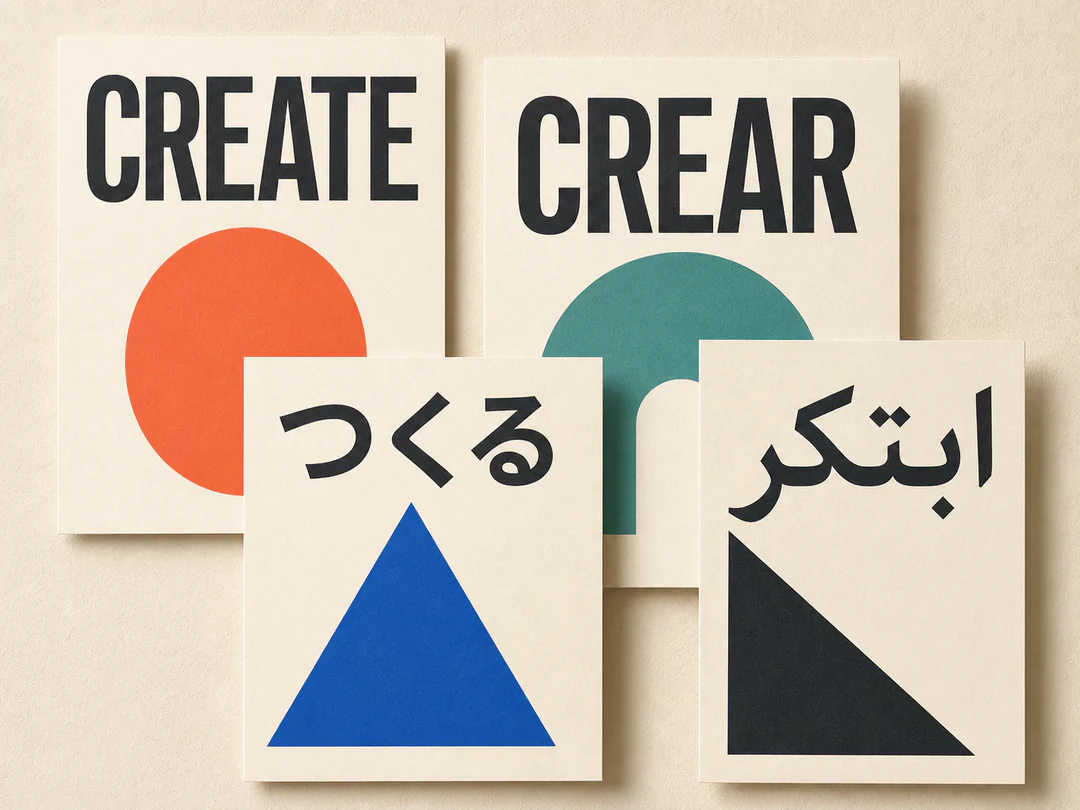
Readable Text in Many Languages

Seedream 5 Pro puts readable text inside posters, ads, and packaging, including many languages in one design. Titles, product names, labels, and short selling points sit in the layout instead of looking pasted on. The same poster can carry English, Chinese, Japanese, and Korean, or switch to right-to-left Arabic.

Readable Text in Many Languages
04

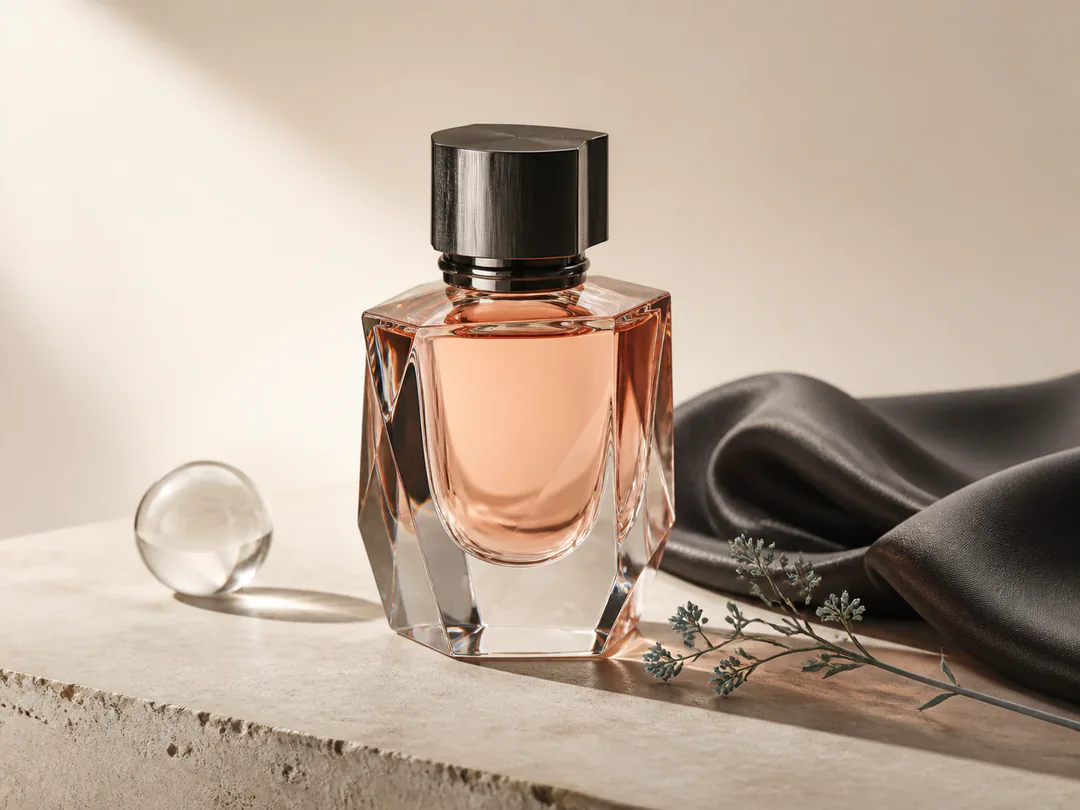
Commercial Product Detail

Seedream 5 Pro generates commercial product shots with accurate shape, materials, and reflections. Studio light, glass, metal, and fabric look closer to a real camera. Use it for launch posters, e-commerce heroes, and packaging stills.

Commercial Product Detail
05

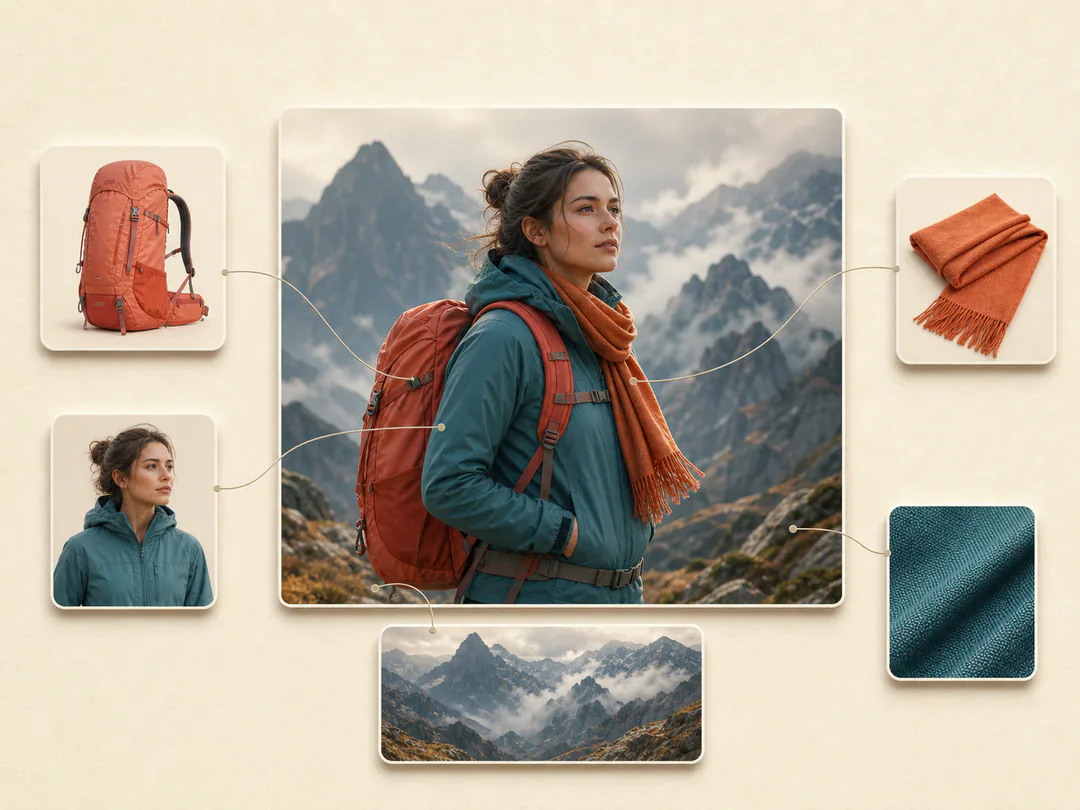
Multi-Image Reference Control

Seedream 5 Pro can combine several reference photos into one image and keep each subject looking like itself. You can bring in a product, a person, an outfit, a scene, and a style at the same time. On imgtoimgai.io you can upload up to 10 references.

Multi-Image Reference Control

How to Use Seedream 5 Pro

  1. 01
    Add reference images (optional)

    Upload the images you want to edit or use as references. You can add up to 10 images. JPEG, PNG, and WebP are supported, up to 10 MB each.

  2. 02
    Write your prompt

    Describe the image or edit in plain words. Say what should change and what should stay the same. For posters and packaging, spell out the exact words you want in the image.

  3. 03
    Choose quality and aspect ratio

    Pick basic (1K) to test ideas, or high (2K) for more detail. Then choose the ratio for square posts, stories, product shots, or wide covers.

  4. 04
    Generate and download

    Click Generate. Review the result. Download it, or change the prompt and generate again.

Seedream 5 Pro vs Seedream 5 Lite

FeatureSeedream 5 ProSeedream 5 Lite
Official modelByteDance Seedream 5.0 ProByteDance Seedream 5.0 Lite
Main focusCommercial detail, dense layouts, precise editsEveryday images, cinematic look, lower cost
Resolution on this site1K (basic) / 2K (high)2K (basic) / 3K (high) / 4K (ultra)
Reference imagesUp to 10Up to 14
Text in imagesStrong for posters, labels, dense layoutsGood everyday text
Best forProduct ads, packaging, infographics, brand visualsFast concepts, lifestyle shots, higher-res drafts

Frequently Asked Questions

What is Seedream 5 Pro?

Seedream 5 Pro is ByteDance Seed’s professional image model. It makes images from a text prompt. You can also upload photos and tell it what to change. It fits product ads, posters, packaging, and dense infographics.

What makes Seedream 5 Pro stand out?

Dense layouts and control. It is stronger on infographics, readable on-image text, precise edits, and commercial product detail. You can also combine up to 10 reference images in one generate.

When should I use Seedream 5 Pro instead of Seedream 5 Lite?

Use Pro when you need sharper commercial detail, clearer on-image text, or tighter multi-reference control for ads and brand work. Use Lite when you want a lower credit cost, more reference slots (up to 14), or higher max resolution up to 4K.

How many reference images can I upload?

Up to 10 reference images in one generation. JPEG, PNG, and WebP are supported, up to 10 MB each. The first reference is included; each additional reference costs 3 extra credits.

Can Seedream 5 Pro edit an existing image?

Yes. Upload a source image and describe what to keep and what to change—background, color, material, clothing, objects, or layout.

Can it put text inside an image?

Yes. It works well for titles, product names, labels, posters, and short selling points. It can also handle many languages in one design. Always double-check critical brand names and numbers before you publish.

Can I try Seedream 5 Pro for free?

Yes. Sign up on imgtoimgai.io, get free credits, and run Seedream 5 Pro in the generator.

Start with Seedream 5 Pro

Use Seedream 5 Pro for product ads and infographics with readable text.