01
Fast AI Processing
AI Image Upscaler uses the most advanced AI model to upscale the image you upload. It upscales your image in seconds, then you can preview the result on the page and download the file.
Use AI Image Upscaler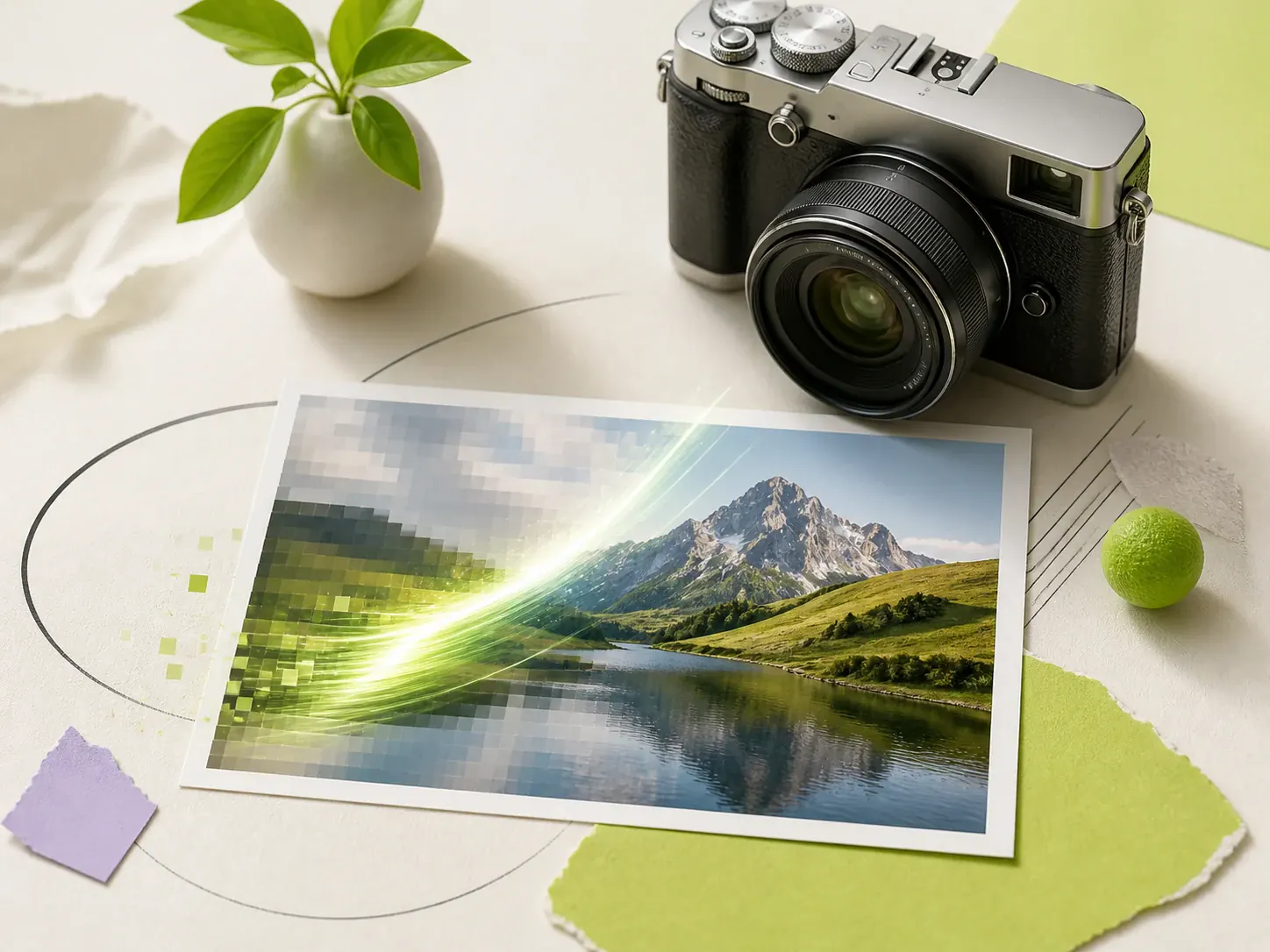
Use AI to enhance your image quality. Upscale photos and increase the resolution.
AI Image Upscaler uses the most advanced AI model to upscale the image you upload. It upscales your image in seconds, then you can preview the result on the page and download the file.
Use AI Image UpscalerAI Image Upscaler is made for everyone, not only designers. You upload a photo, choose Scale, and click generate. The upscaled image comes back in seconds. You do not need Photoshop skills. You do not need to install software. You can use it on any device right away.
Try AI Image Upscaler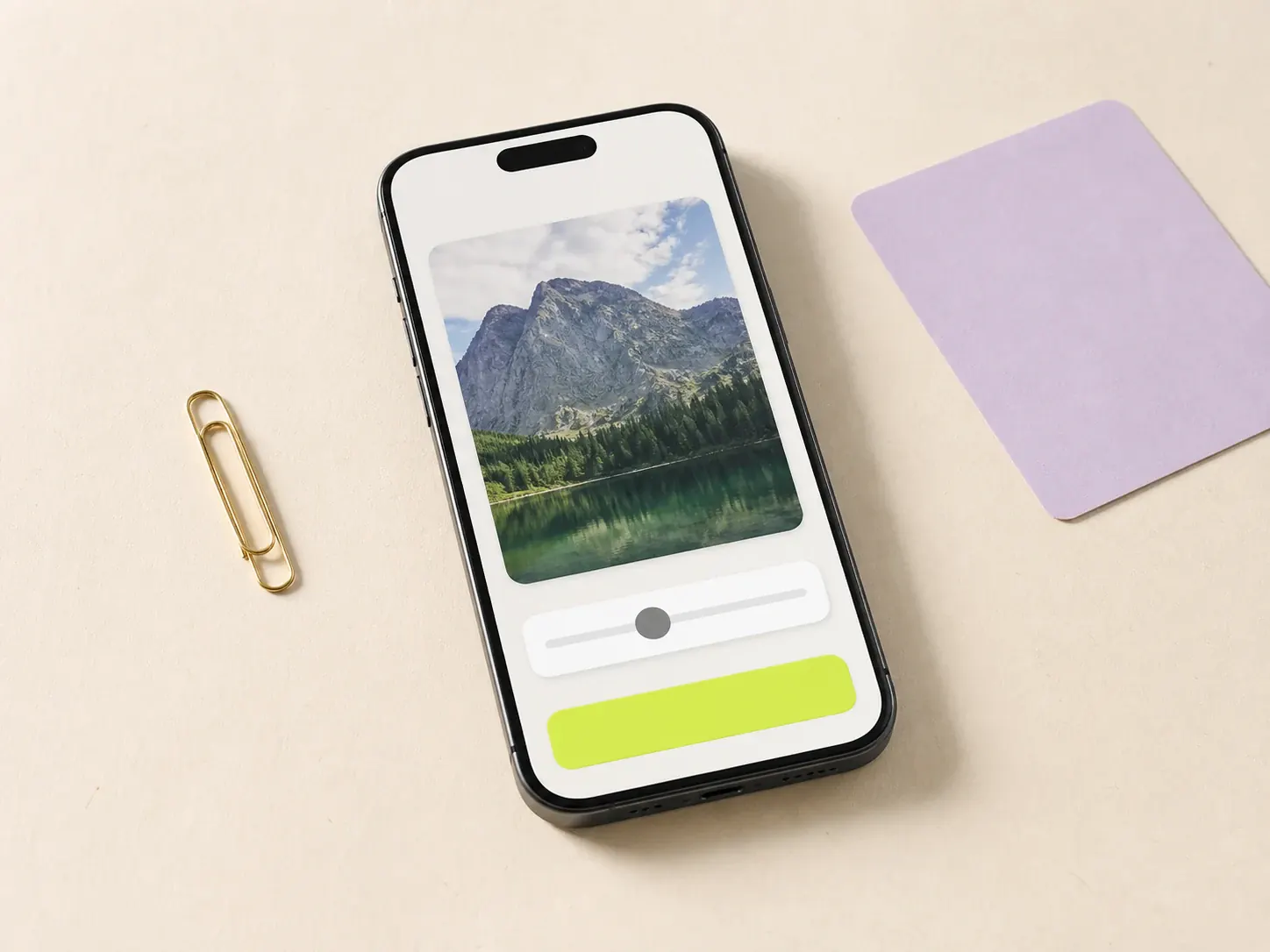
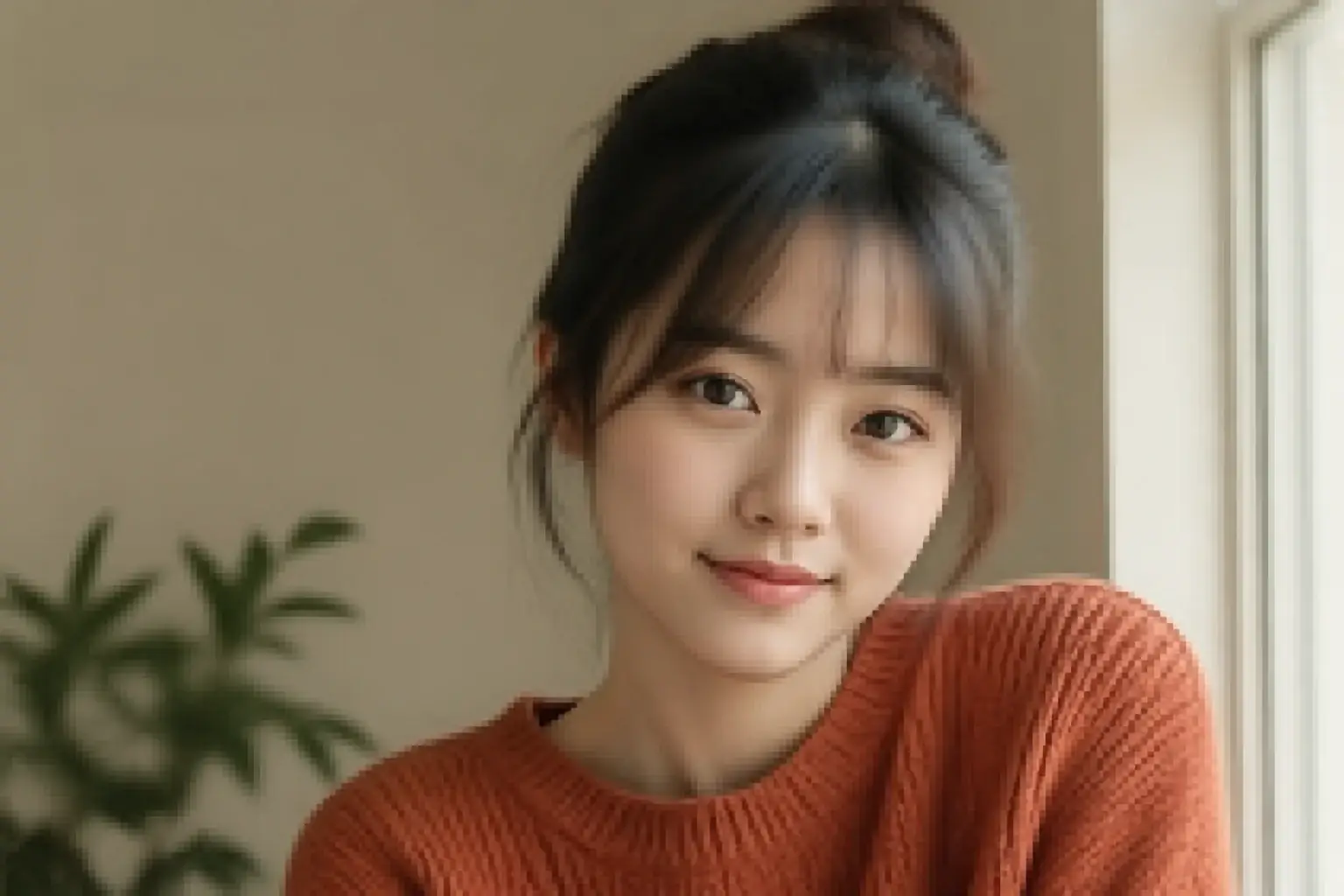
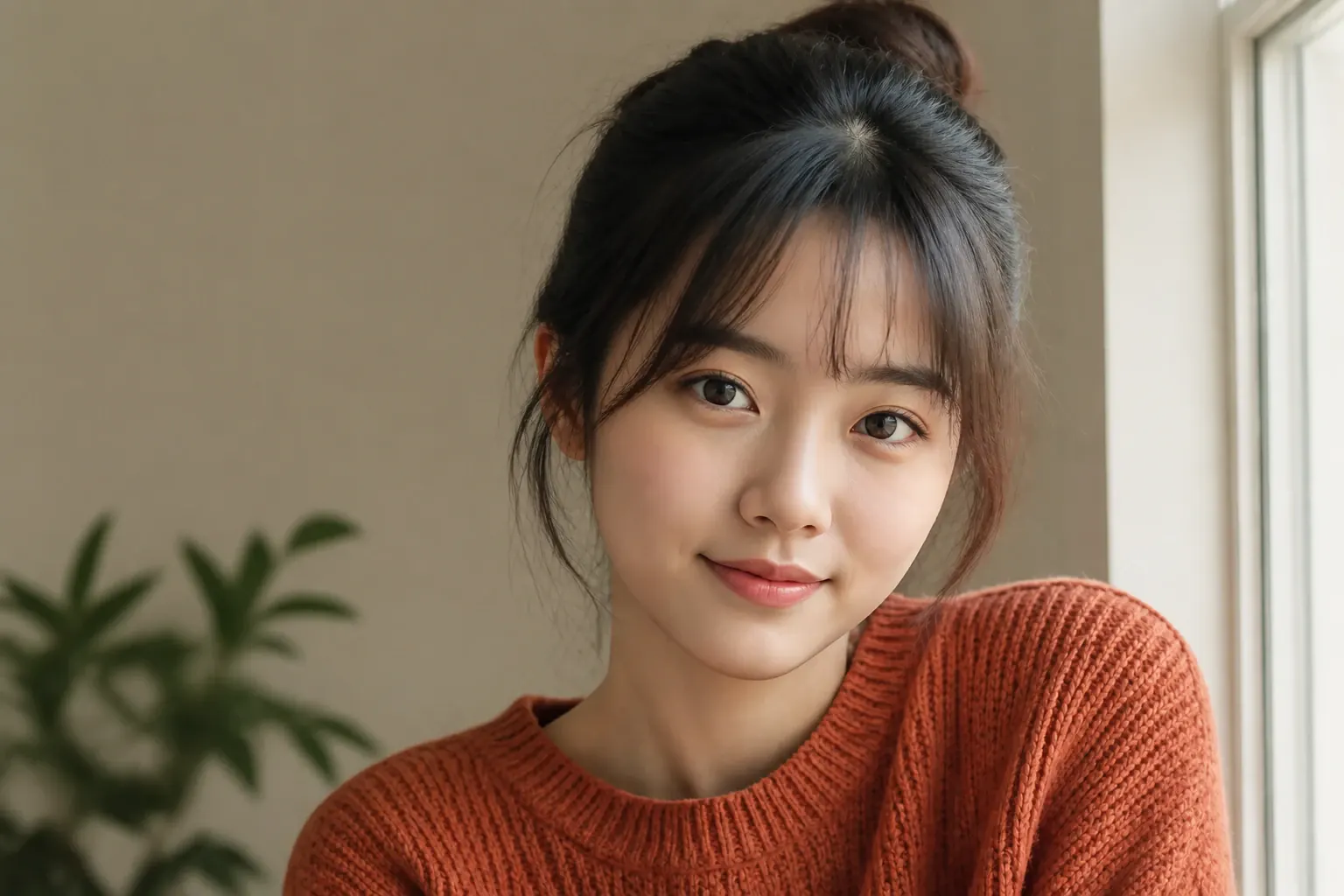
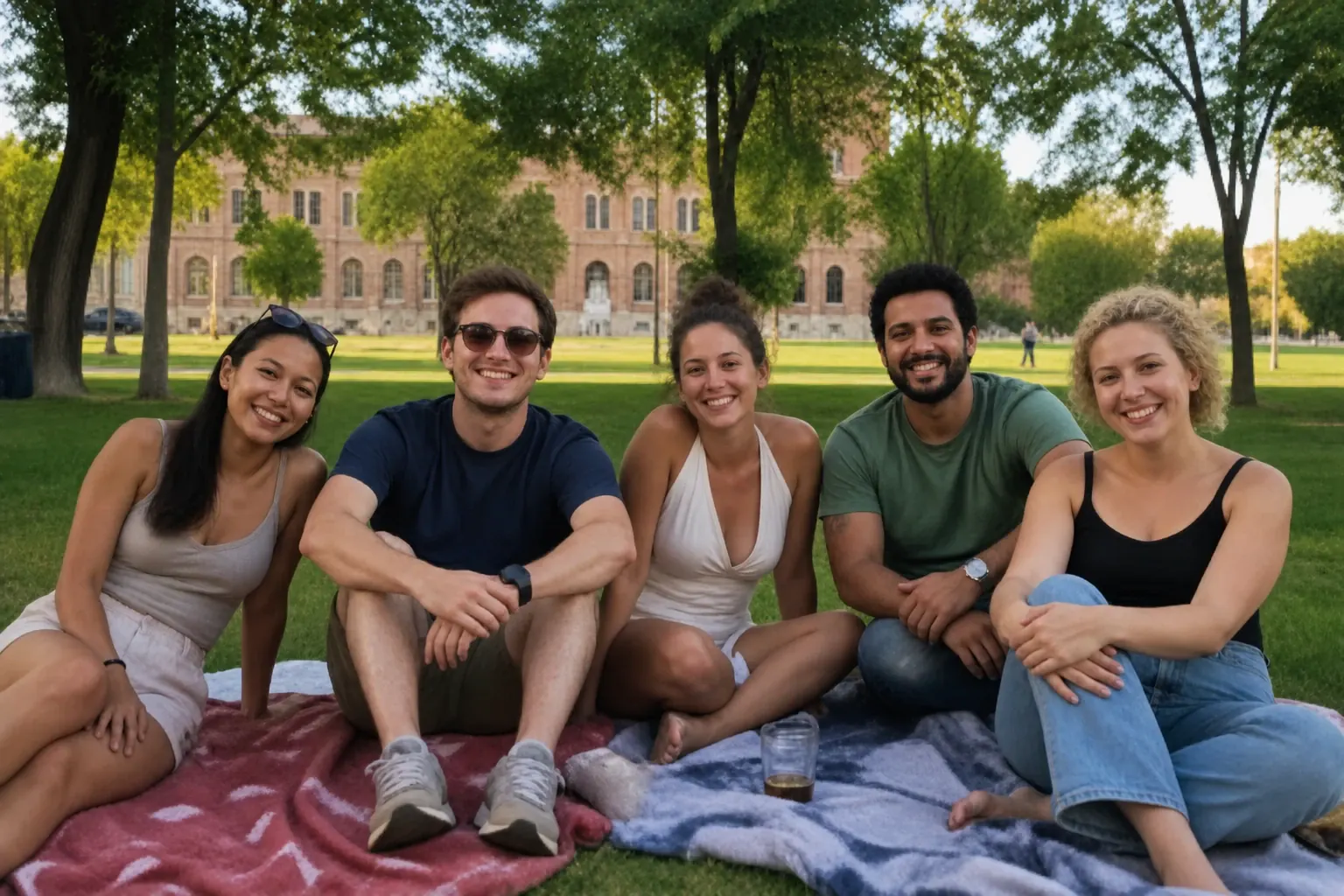
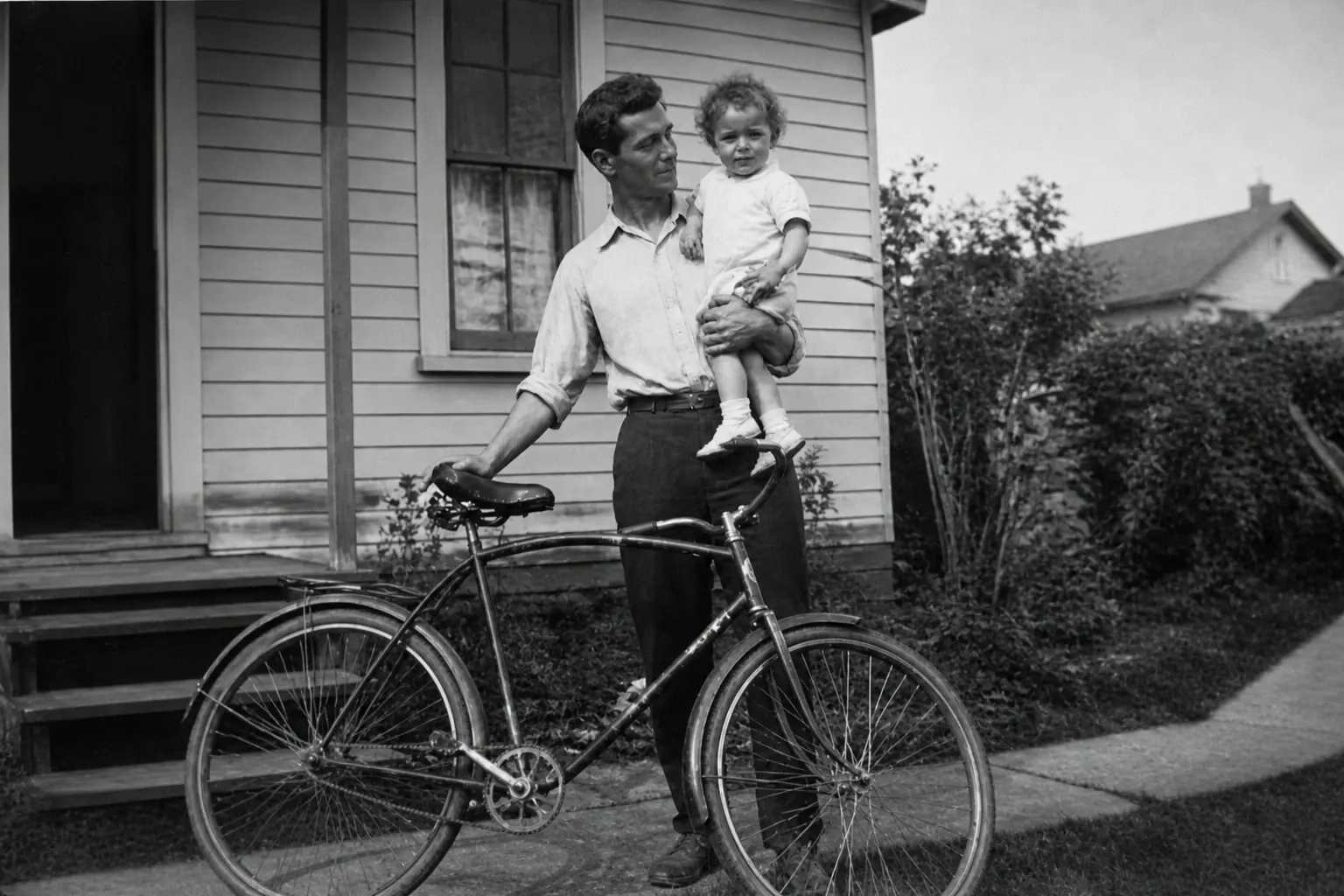
AI Image Upscaler does extra enhance for the face, so you don't have to worry it still looks blurry after the upscale. Upload a portrait, a group photo, or a scanned photo with people in it. Turn on Face Enhance and you can see the result right away.
Try Face Enhance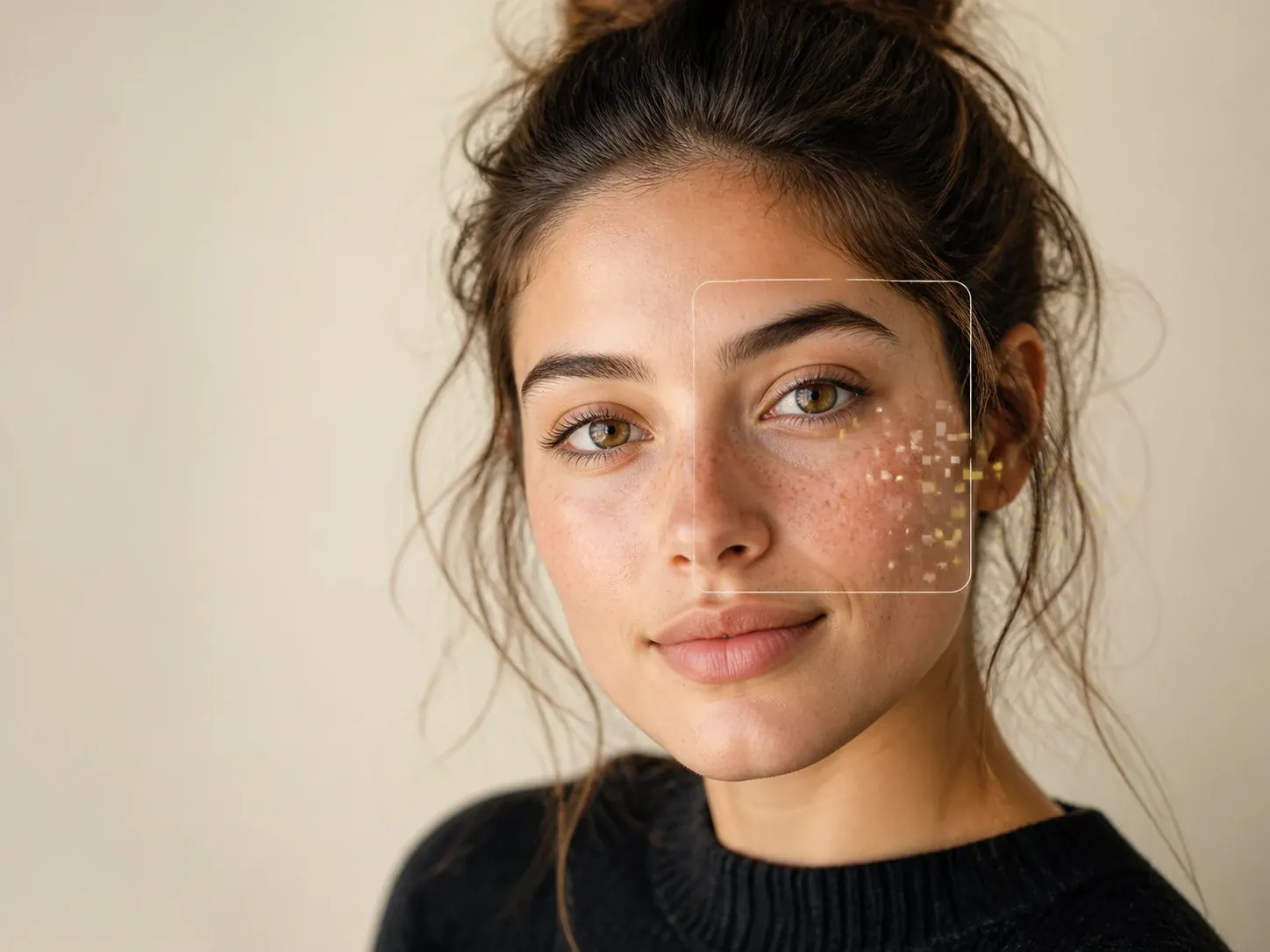
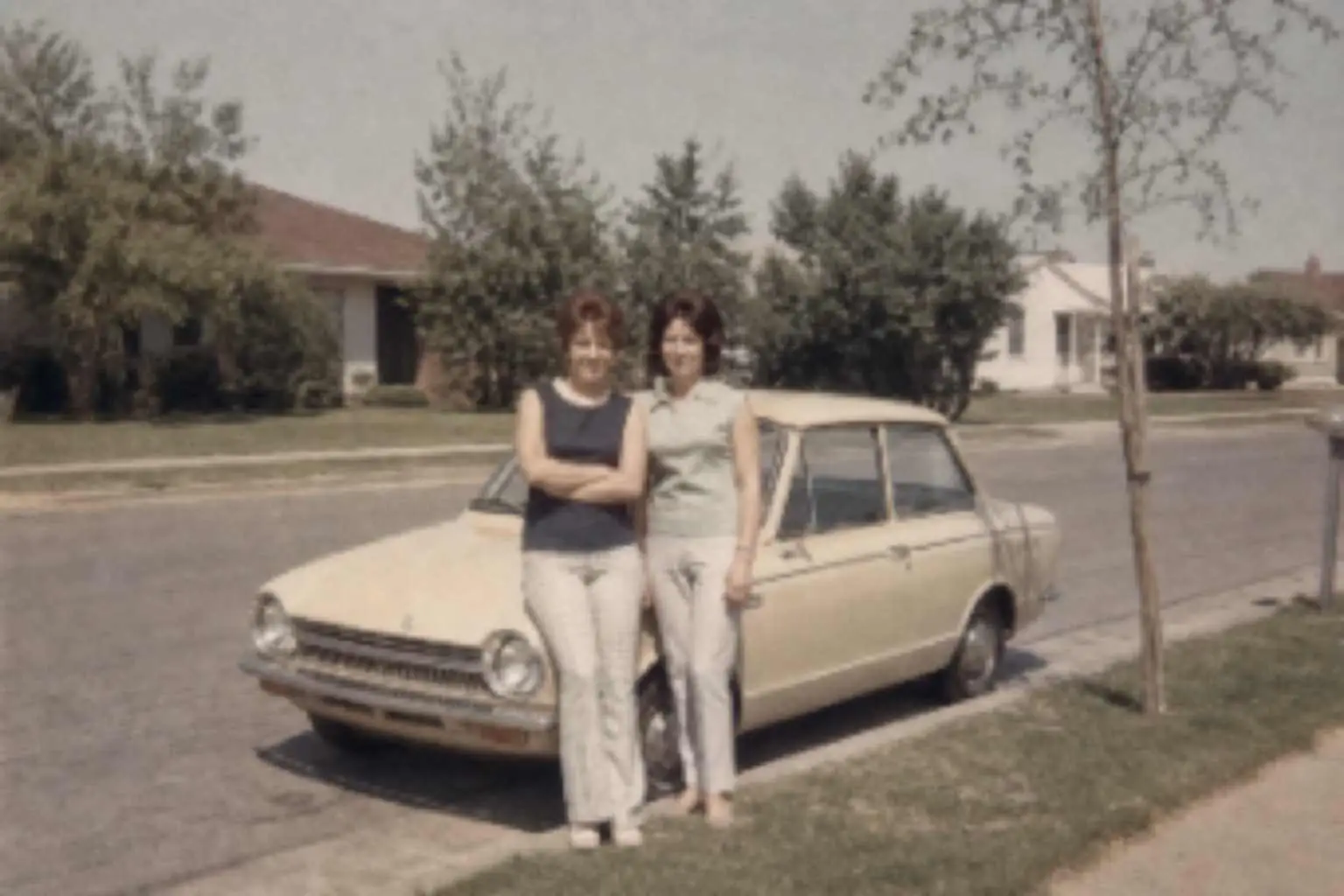
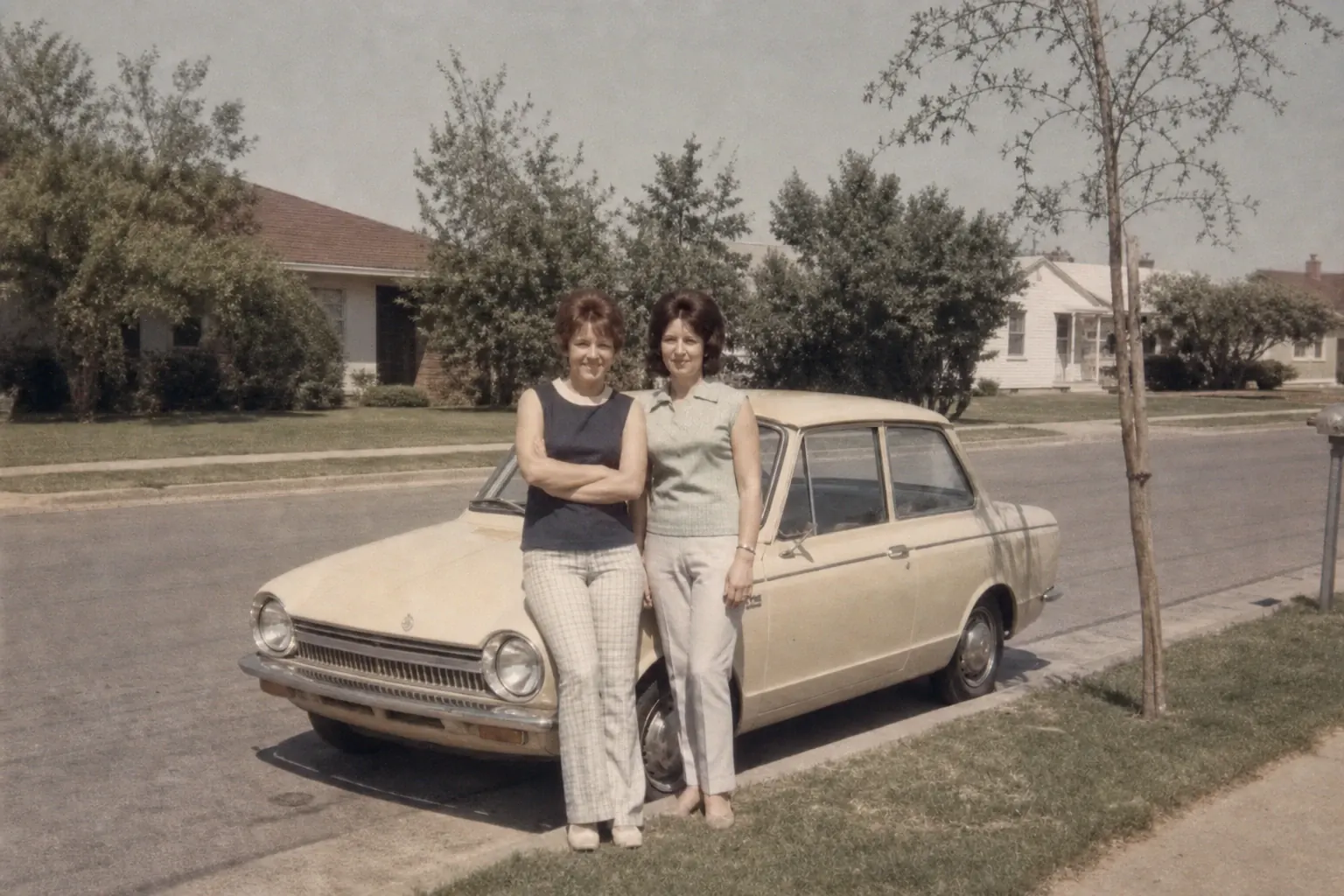
AI Image Upscaler can make your photo up to 4×, so a small profile photo, product shot, or scan can be used in real work and commercial projects.
Get a Larger Photo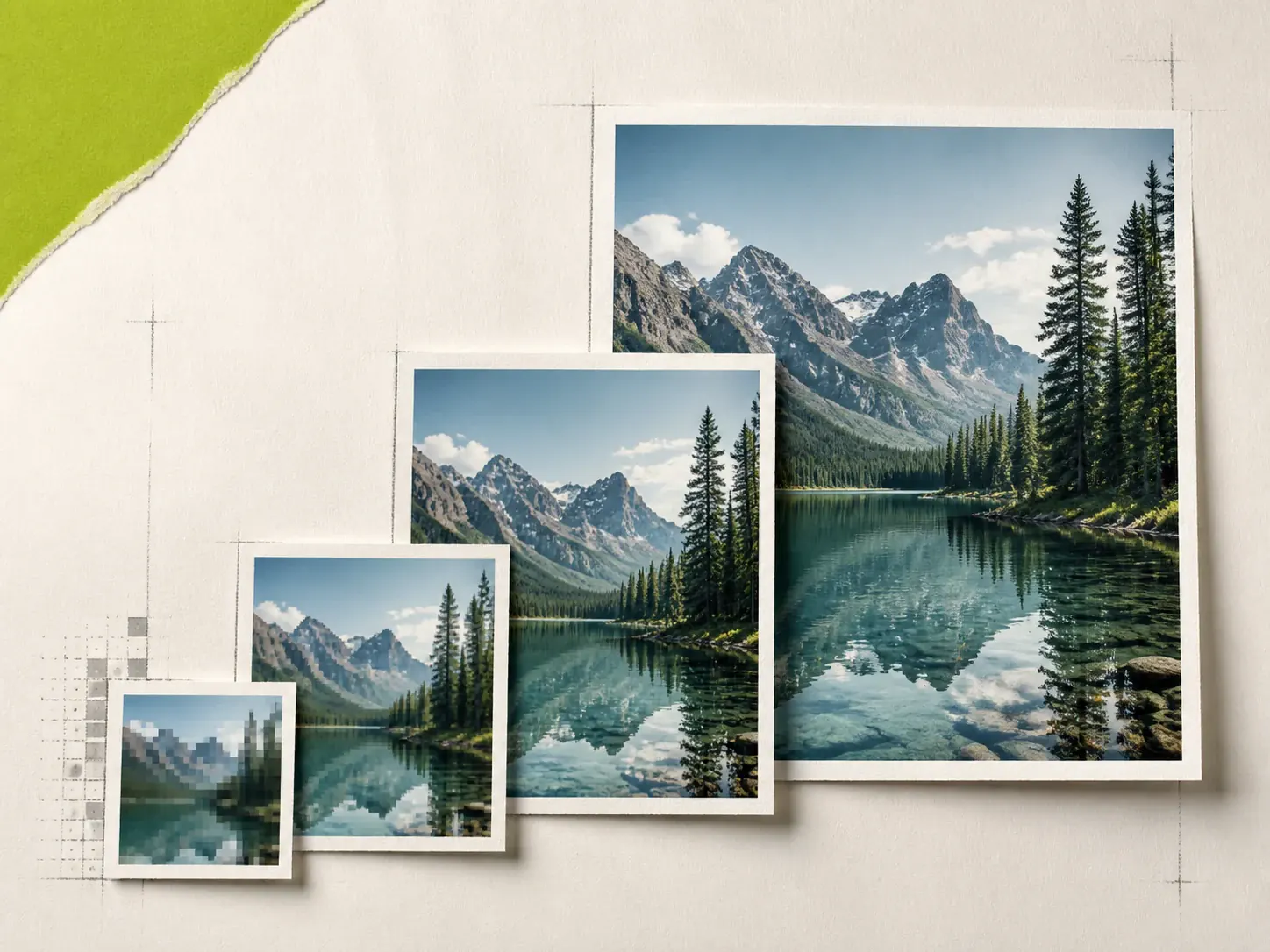
Drag or drop your low-resolution image, such as a portrait, a product shot, a group photo, or a scanned photo. We support JPG, PNG, and WebP.
Choose Scale 2× or 4× to match your goal. AI Image Upscaler enhances the image quality and keeps the details, textures, and edges. Turn on Face Enhance if the photo has people.
Preview the upscaled result on the page. Download the high-resolution image. You can share it, publish it, or use it in a listing, a print, or your work.
AI Image Upscaler is an online tool that upscales a photo and enhances the image quality. You upload a file, choose Scale 2× or 4×, and download a high-resolution image. This is not the same as stretching a photo in an editor. The tool actually increases the resolution.
Upload your photo at the top of the page. Choose Scale 2× or 4× to match your goal. Turn on Face Enhance if the photo has people. Click Upscale Image, preview the result, and download the high-resolution image.
AI Image Upscaler enhances the image while it upscales, so the result can look clearer than a stretched file. The source still matters. A tiny or very blurry photo cannot get details that were never there.
AI Image Upscaler does extra enhance for the face, so you don't have to worry it still looks blurry after the upscale. Turn it on when you upscale a photo with people.
It can help a slightly blurry photo look clearer after the upscale. It cannot fix a photo that is out of focus, and it cannot fix a photo that moved when you took it.
You can upload JPG, PNG, and WebP photos to AI Image Upscaler. After the upscale, you can download the high-resolution image and use it in your work.
No. AI Image Upscaler helps you increase the resolution and enhance the image on the web. You don't need to install Photoshop or any other software.
Yes. Open this page in your phone browser, upload a photo, and download the result. It works on iPhone and Android.
Yes. Sign up and you can start using AI Image Upscaler for free. We don't lock the high-resolution download behind a paywall the way some other sites do.
Yes. Subscribed users can use the upscaled images in real work and commercial projects. Free users are limited to non-commercial use.
Explore More AI Tools
Discover more powerful tools to polish, transform, and elevate your creative visuals.
Use AI to enhance your image quality. Upscale photos and increase the resolution.