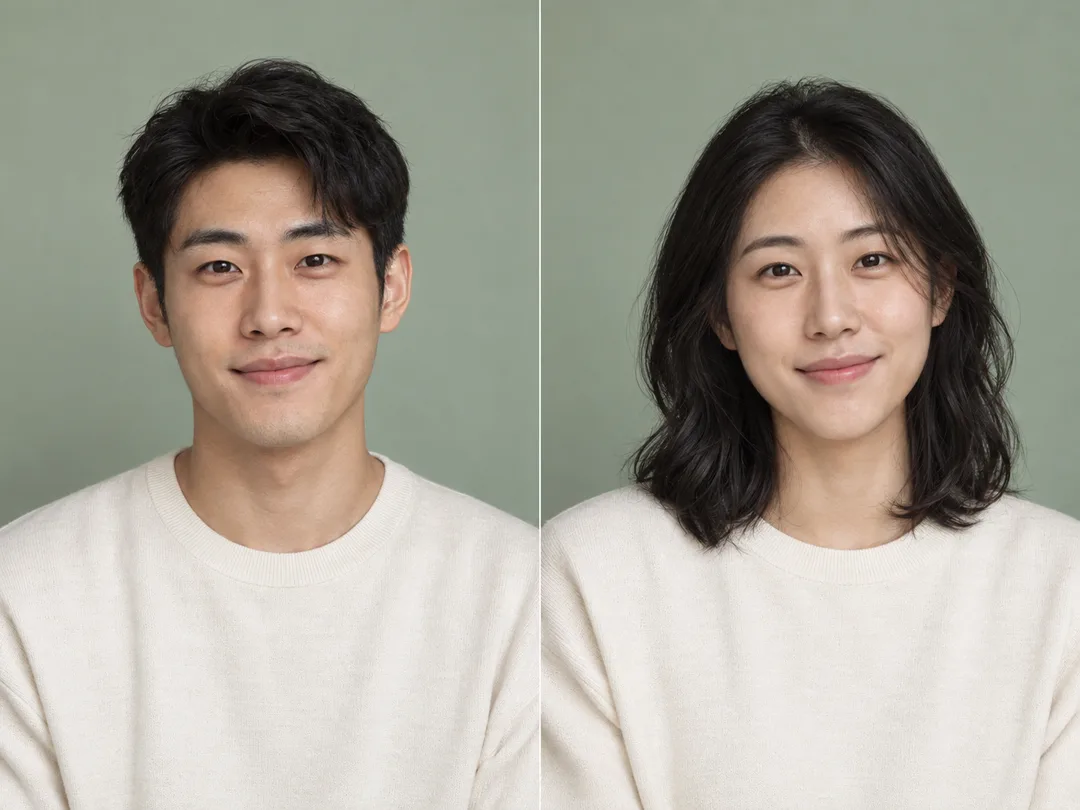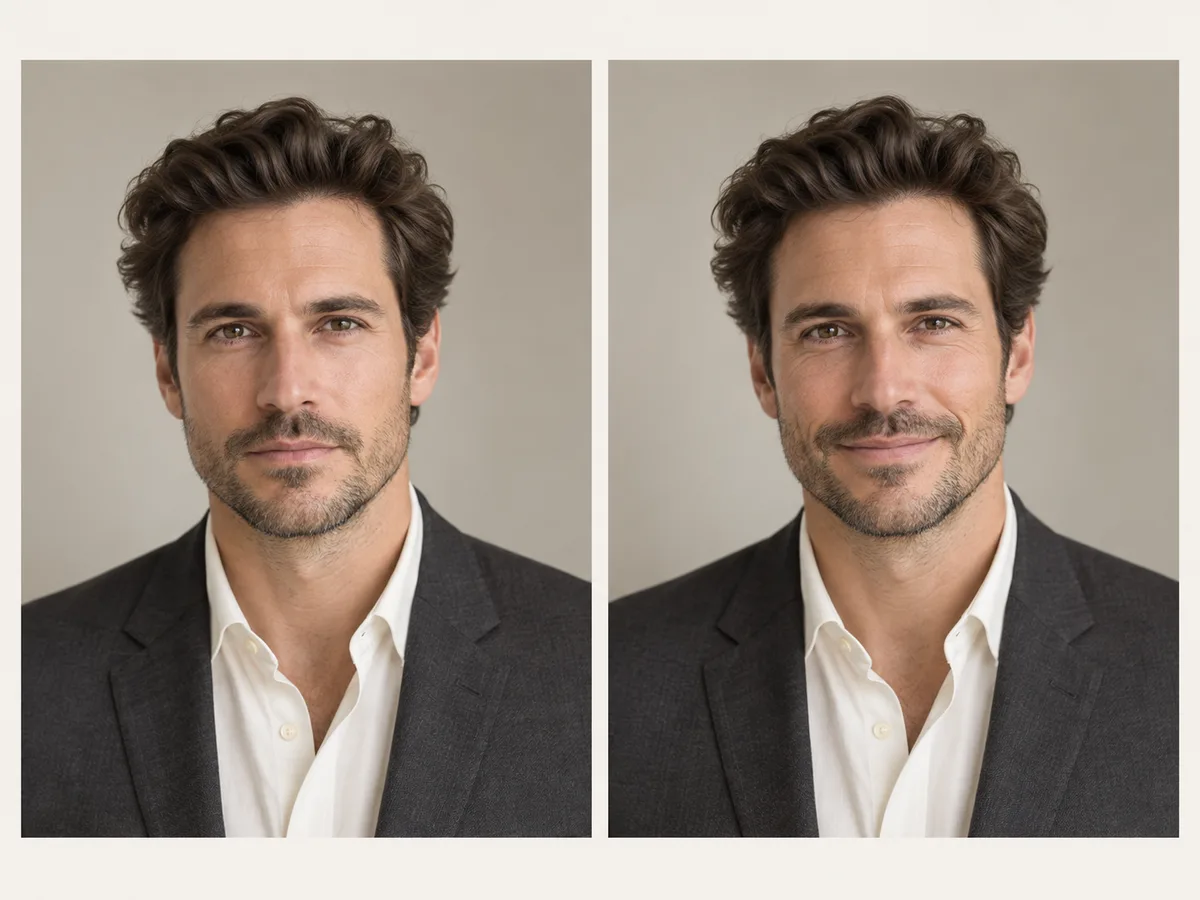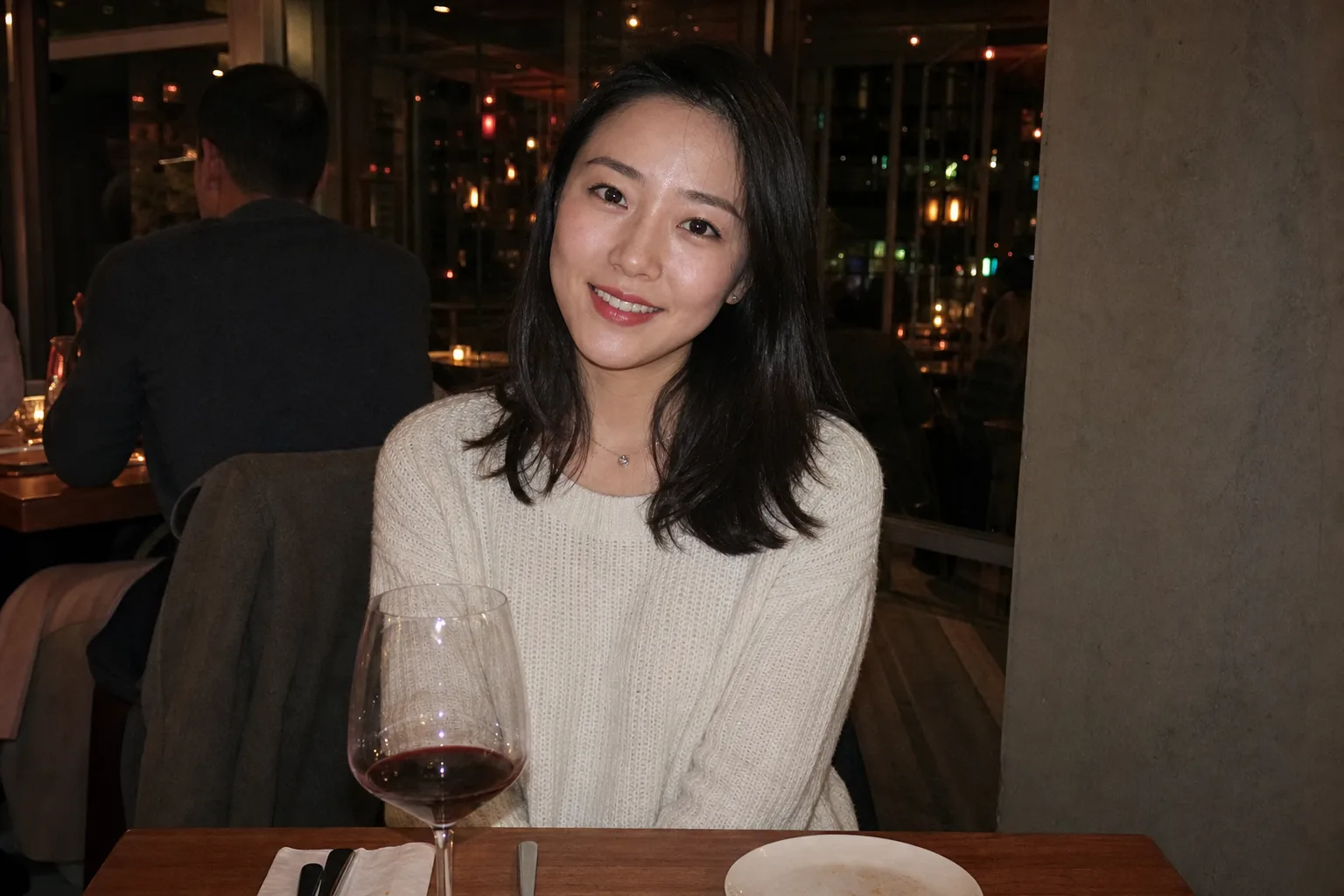
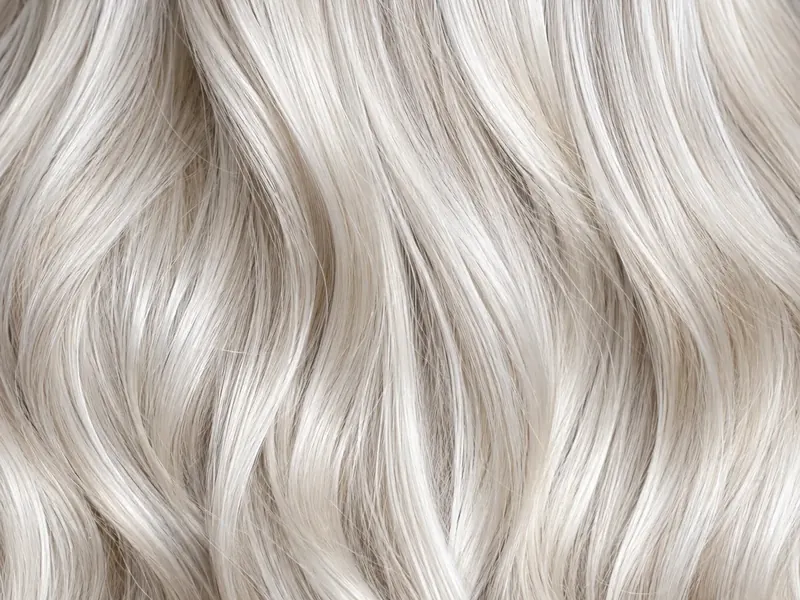
Platinum Blonde
Cool & Icy
Ultra-light, cool-toned blonde with silvery icy reflections.
Vibe: High-fashion, bold, and modern.
Best for: Creating a dramatic hair transformation that stands out.
Try on platinum, honey, ash, or golden blonde hair on your photo in seconds with our Blonde Hair Filter.
↓ Try with an example photo
Pick your favorite blonde shade from our Blonde Hair Filter color palette and test it on your photo with one click.
Our Blonde Hair Filter lets you experiment with every major shade in the blonde color spectrum. Click Try On below any swatch to load that blonde color preset into the prompt box:
Cool & Icy
Ultra-light, cool-toned blonde with silvery icy reflections.
Vibe: High-fashion, bold, and modern.
Best for: Creating a dramatic hair transformation that stands out.
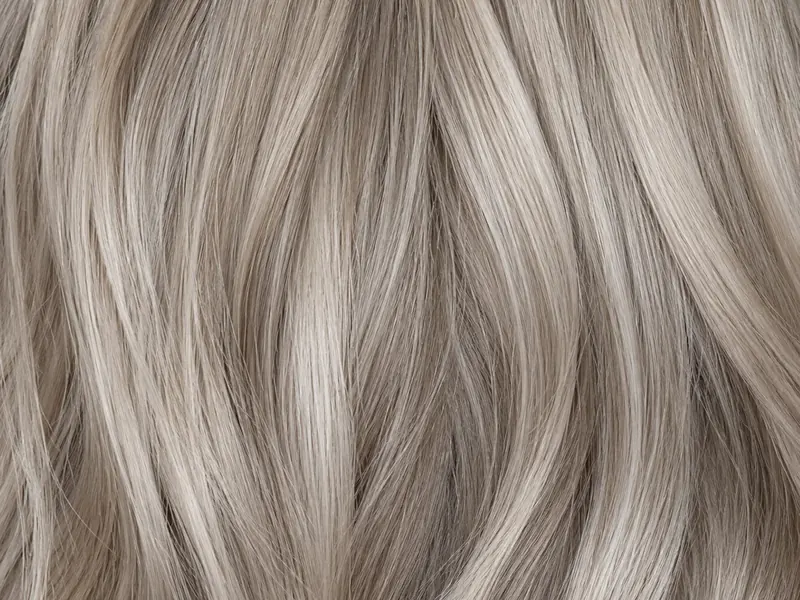
Cool Smoky Gray-Blonde
Soft blonde with neutral gray and smoky undertones that eliminate brassy warmth.
Vibe: Subtle, elegant, and low-key chic.
Best for: Tone down warmth and test a sophisticated cool blonde hair color.
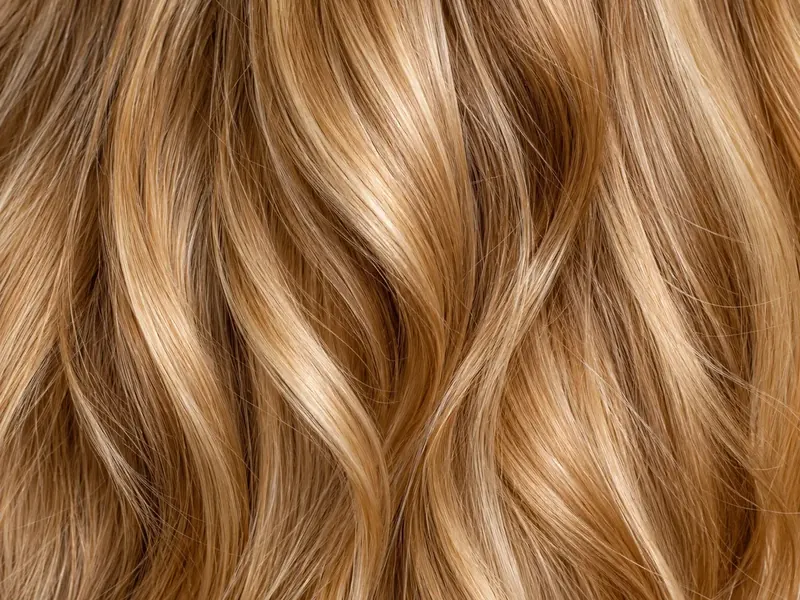
Warm Rich Amber-Gold
Warm golden blonde mixed with amber and honey warmth.
Vibe: Radiant, healthy, glossy, and sun-bathed.
Best for: Adding warmth and brightness to dark brown or warm skin tones.
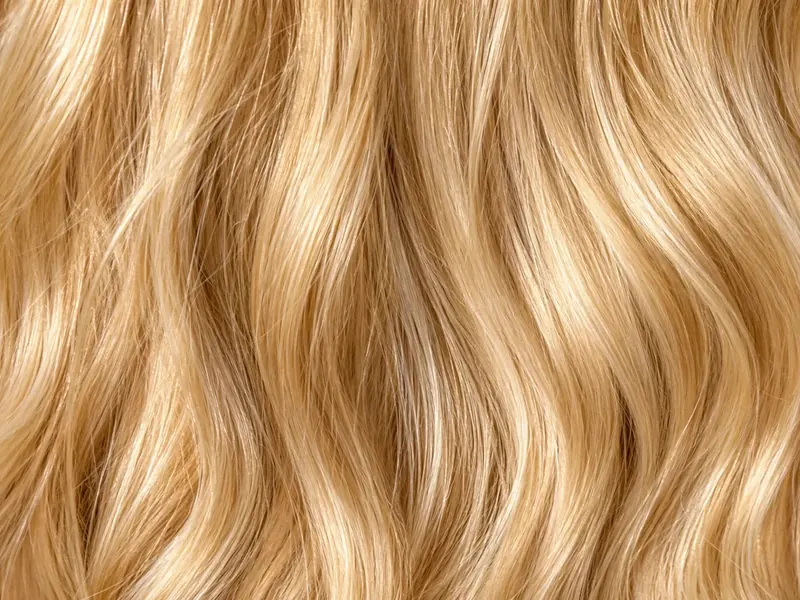
Classic Sun-Kissed Warmth
Pure golden yellow-blonde that mimics natural sunlight hitting your hair.
Vibe: Classic beachy look full of energy and brightness.
Best for: Anyone wanting a classic sun-kissed blonde makeover.
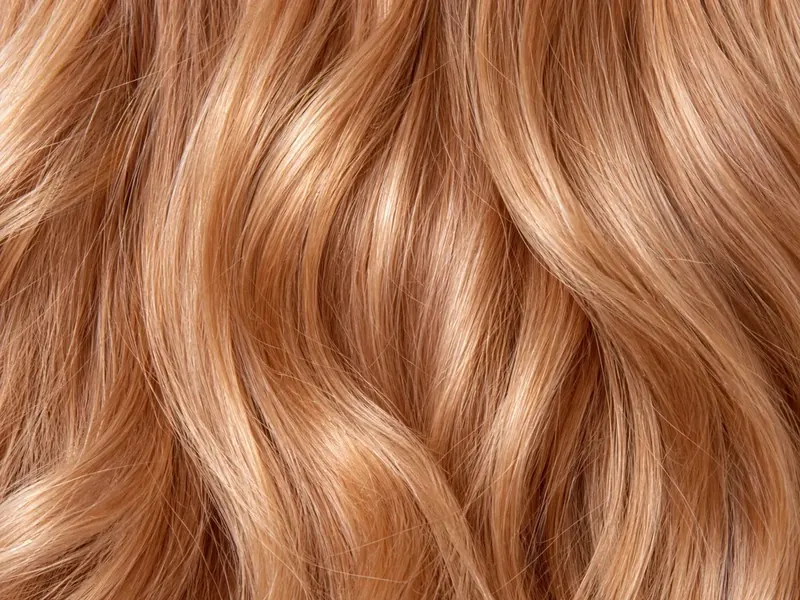
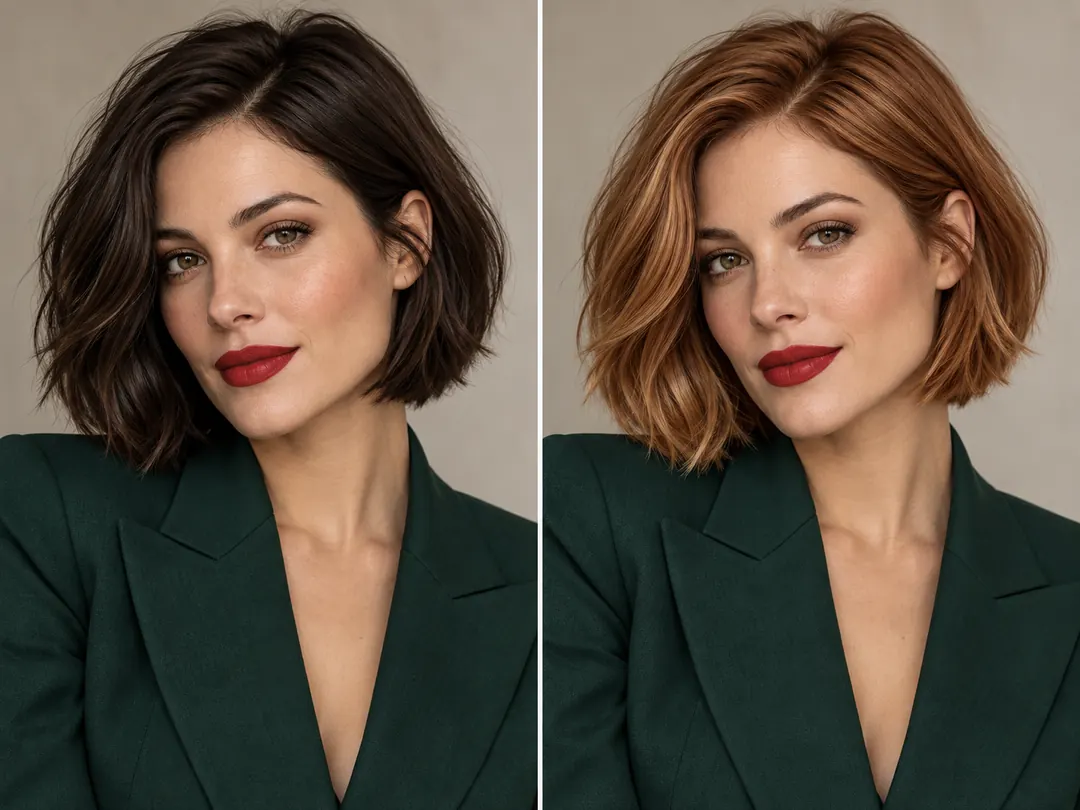
Warm Copper-Blonde Mix
A sweet blend of golden blonde with subtle peachy copper undertones.
Vibe: Soft, playful, unique, and romantic.
Best for: Adding a blush of warm color without going full red.
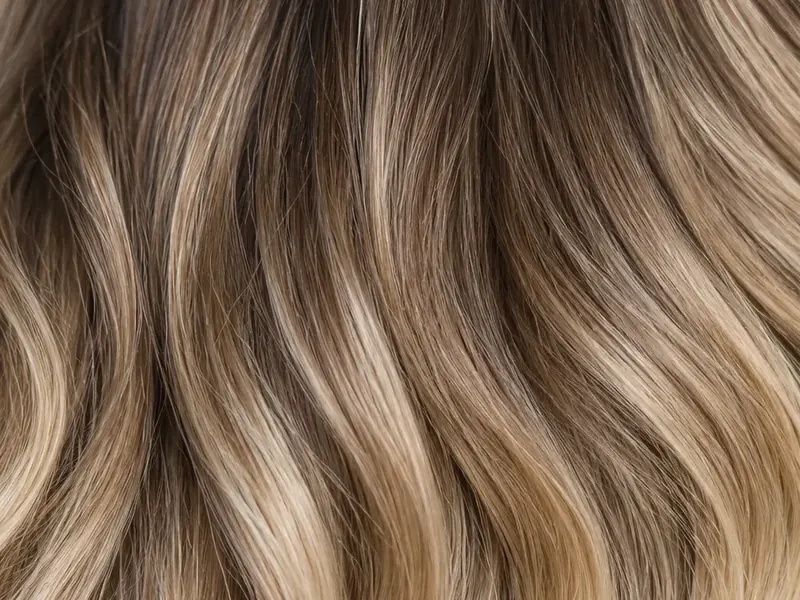
Multitonal Depth with Roots
A natural blend of dark blonde, wheat tones, and soft root shadow depth.
Vibe: Low-maintenance, dimensional, and realistic.
Best for: A natural balayage preview with our Blonde Hair Filter that looks like a professional salon dye job.
How beauty color experts match cool, warm, and dark skin tones with the perfect blonde hair color using our Blonde Hair Filter.
Choosing a blonde hair color is not just about picking a light shade. The secret to a stunning hair transformation lies in balancing your skin undertones with your hair shade. Top beauty brands and salon colorists rely on precise color harmony rules. Our AI Blonde Hair Filter lets you test these expert shade pairings on your own photo before making any commitment.
| Skin Tone & Undertone | Recommended Blonde Shades | Shades to Approach with Care | Why This Color Combo Works |
|---|---|---|---|
| Cool Skin Undertones (Pink/rose undertones, blue/purple veins) | Platinum Blonde, Ash Blonde, Pearl Blonde | Warm Golden Blonde, Heavy Copper Strawberry Blonde | Cool skin tones look best with cool, icy, or smoky blonde shades. Platinum and ash blonde neutralize skin redness and highlight your eyes with crisp contrast. |
| Warm Skin Undertones (Golden/peach undertones, green veins) | Honey Blonde, Golden Blonde, Butter blonde, Strawberry Blonde | Very Icy Platinum Blonde, Washout Pale Ash Blonde | Warm skin glows next to golden, honey, and amber tones. Warm blonde shades bring out a healthy blush in your cheeks without making skin look pale or tired. |
| Dark & Deep Skin Tones (Rich brown, espresso, warm bronze undertones) | Honey Blonde, Caramel Blonde, Golden Bronze, Rooted Balayage | Flat Bleach Platinum Blonde without root shadow | Deep skin tones look stunning with rich honey, caramel, and golden blonde highlights. Rooted balayage preserves dark roots, creating a natural and high-contrast frame for your face. |
Our Blonde Hair Filter covers the complete blonde color spectrum in a single tool. Easily test cool platinum, smoky ash, warm honey, golden wheat, strawberry blonde, and dimensional balayage on your photo. Switch between different blonde tones with ease to find the exact color that highlights your style.
Try Blonde Hair Filter Online Free Now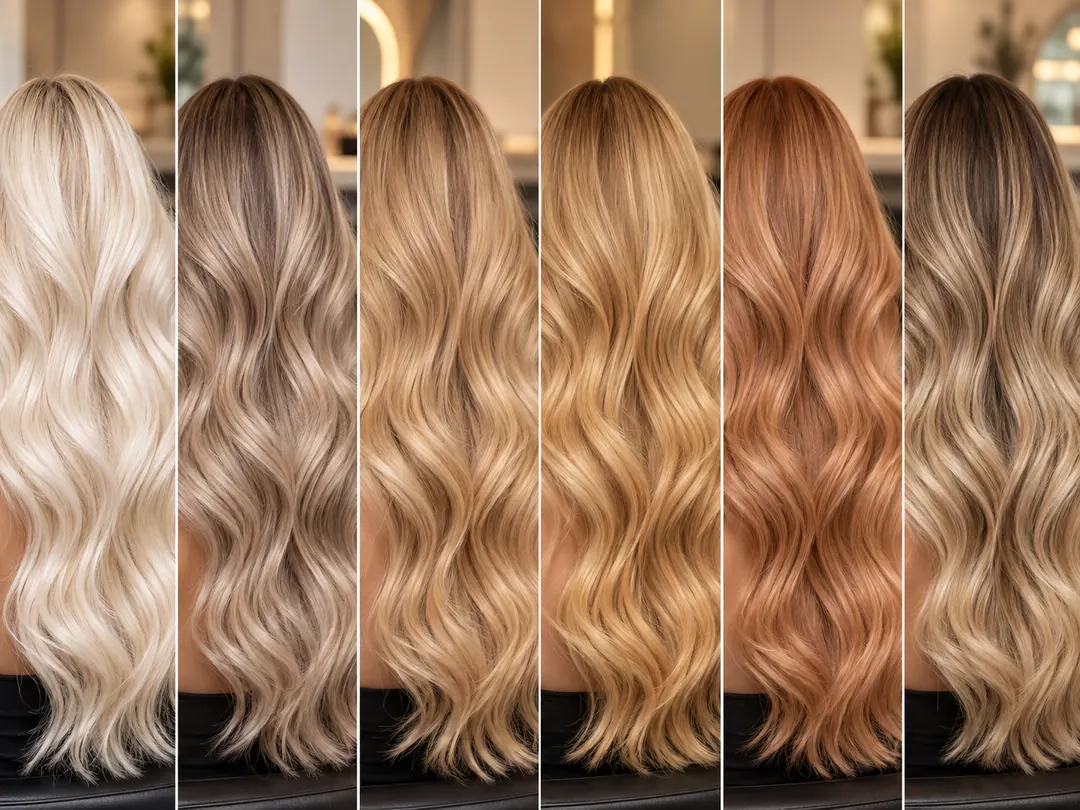
Changing dark brown, black, or previously dyed hair to blonde usually requires multiple bleach steps. Our AI Blonde Hair Filter effortlessly transforms dark starting hair digitally. The AI analyzes your hair strands and applies realistic blonde shades while keeping your natural lighting and hair texture intact.
Dark Hair to Blonde with AI Blonde Hair Filter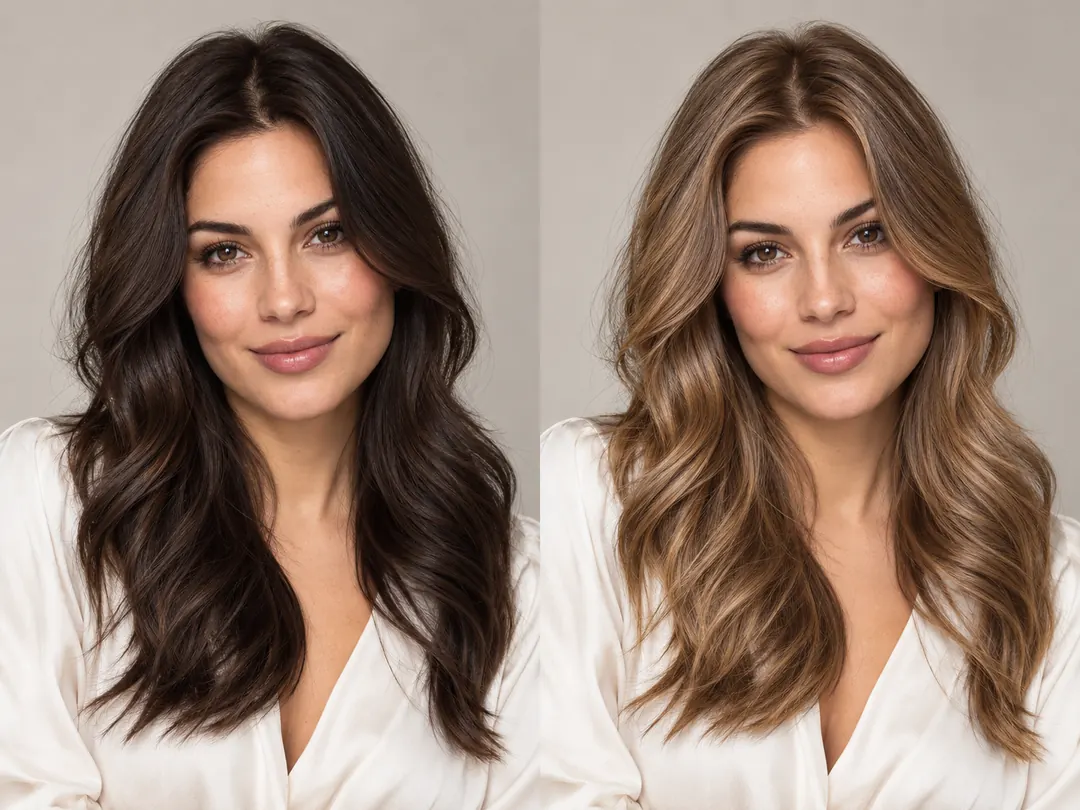
Our Blonde Hair Filter focuses precisely on your hair while keeping your facial identity completely safe. It changes only your hair color, preserving your curls, waves, hair volume, and natural strand shine. Your eyes, facial features, skin texture, and background remain preserved naturally.
Virtual Blonde Hair Color Try On Free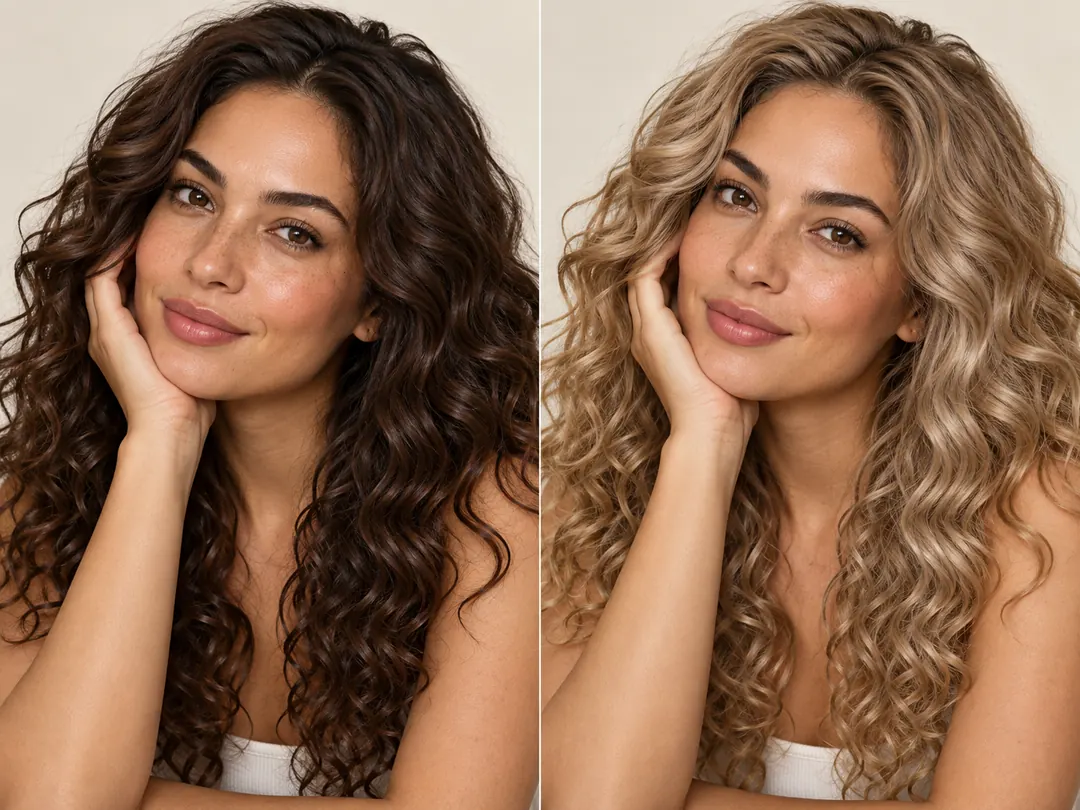
Testing different hair colors on your photo is quick and simple. With our Blonde Hair Filter, you can click any preset sample or color swatch to update your hair color instantly. Preview multiple blonde shades in seconds and compare your favorite looks effortlessly.
Try On Blonde Hair Online Free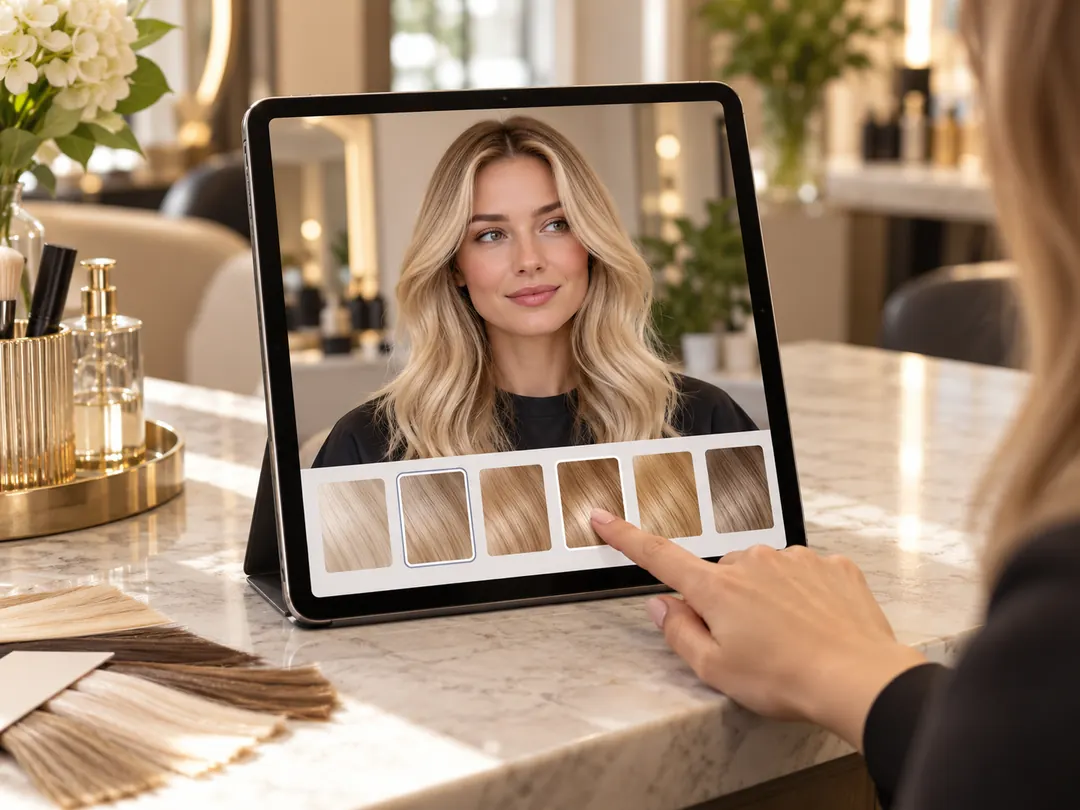
Drop your portrait into the upload zone, or click to choose a photo from your phone or computer. Our Blonde Hair Filter works with JPG, JPEG, PNG, and WebP images. For the best outcome, use a clear, well-lit photo where your hair is clearly visible.
Click one of our example preset cards under the converter, select a shade swatch from the parameter panel, or type your custom hair color request into our Blonde Hair Filter prompt box. You can ask for platinum blonde, honey blonde, ash highlights, or a soft balayage blend.
Click Generate. Our AI Blonde Hair Filter analyzes your hair shape, preserves your facial features, and applies realistic blonde tones across every strand. Look at the before and after result on your screen right away.
Click Download to save your high-resolution picture to your device. Show your new look to your hair stylist, post it on social media, or compare different blonde shades with friends.
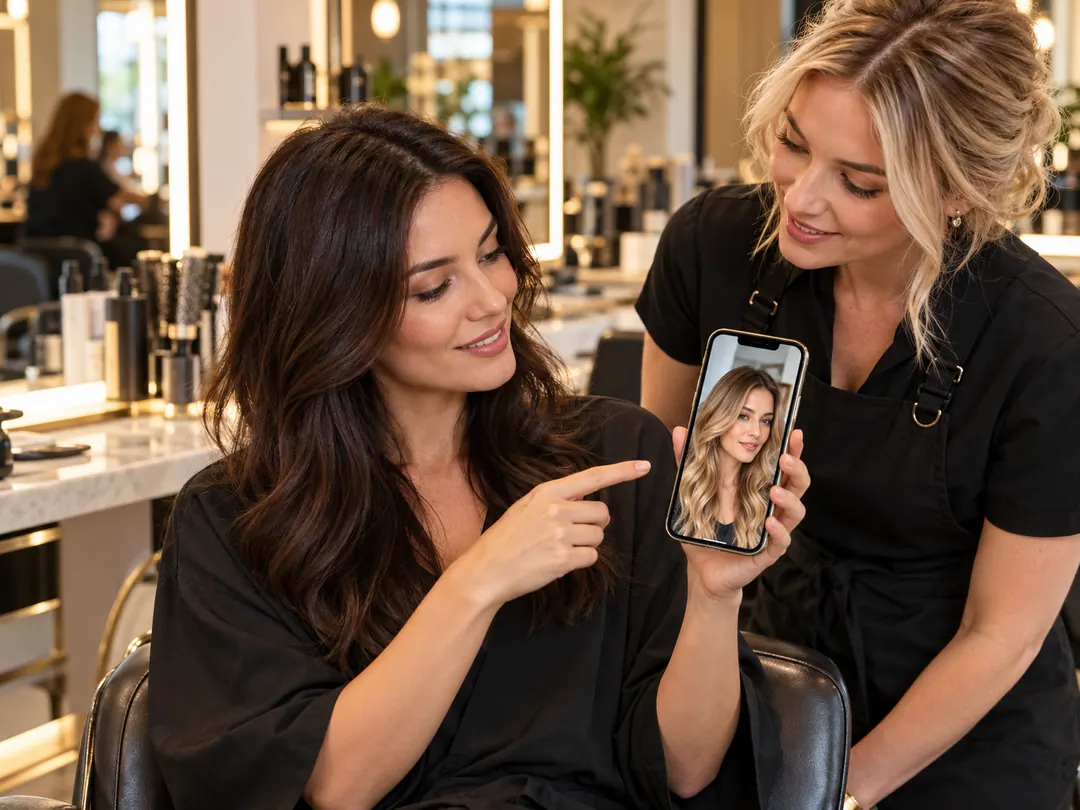
Bleaching dark hair to blonde is a big salon commitment that costs money and time. Instead of trying to describe a blonde shade with vague words, use our Blonde Hair Filter to create a visual reference on your actual face. Show your colorist the exact honey, ash, or balayage result you want. Using our AI Blonde Hair Filter during salon consultations prevents color misunderstandings and helps your stylist formulate the right dye and toner recipe.
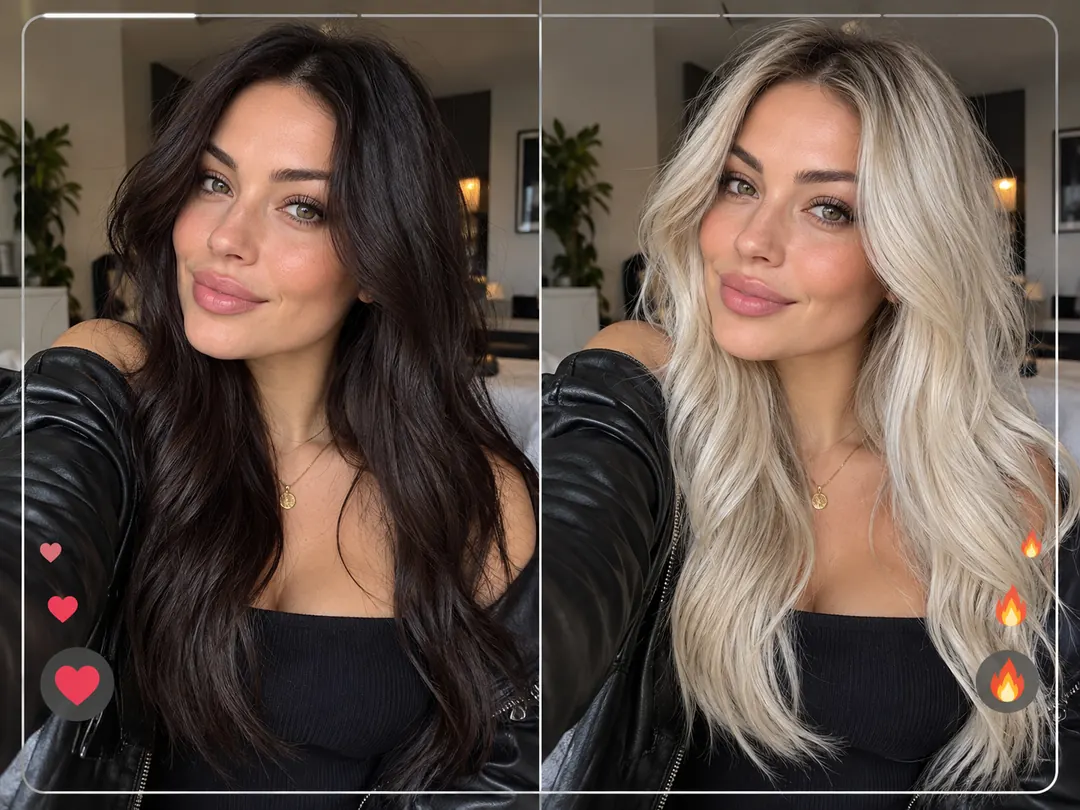
Dramatic hair color transformations generate massive engagement on TikTok, Instagram, and Pinterest. With our Blonde Hair Filter, you can create shocking before-and-after makeover posts in seconds. Test a striking platinum blonde or strawberry blonde filter look, poll your followers on whether you should go blonde, or post a viral transformation reel. The AI Blonde Hair Filter delivers clean, photorealistic images that look like you stepped out of a luxury hair salon.
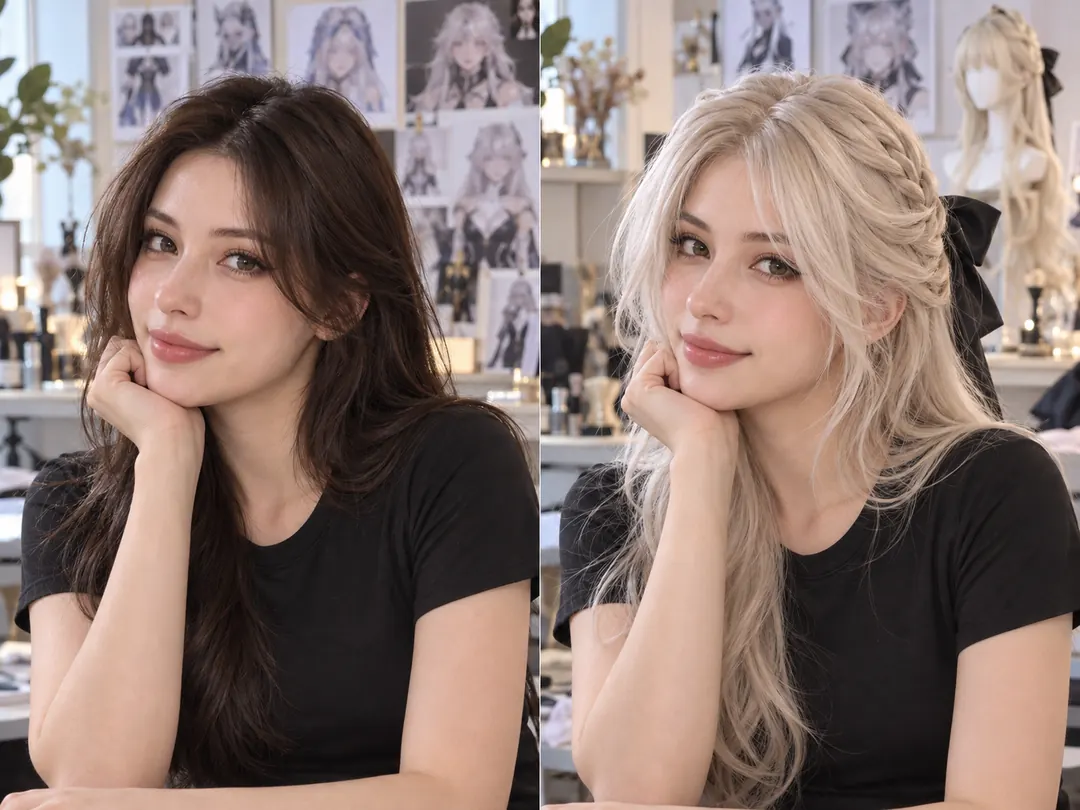
Cosplayers and costume designers frequently need blonde wigs for anime, movie, and video game characters. But buying wigs without knowing if platinum, ash, or golden blonde suits your skin tone can lead to wasted money. Use our Blonde Hair Filter to test different character hairstyles and blonde tones on your photo first. The AI Blonde Hair Filter lets cosplayers pick the most flattering wig shade before ordering online.
Changing your hair color to blonde often means adjusting your daily makeup palette and wardrobe colors. Blonde hair creates different contrast against red lipstick, neutral eyeshadows, and jewel-tone clothing. Our Blonde Hair Filter lets you preview how your current outfits and favorite makeup looks pair with blonde hair. Test how your wardrobe looks with blonde hair before buying new cosmetics or clothes.
Explore More AI Tools
Discover more powerful tools to polish, transform, and elevate your creative visuals.
AI Blonde Hair Filter is an online photo editor that changes your hair color to blonde using artificial intelligence. You can test platinum, ash, honey, golden, strawberry, and balayage blonde shades on your photo without applying real bleach or hair dye.
Yes. Our AI Blonde Hair Filter is trained to handle dark brown and black hair. The AI analyzes your hair area and renders realistic blonde tones while preserving your natural lighting reflections and strand texture.
The Blonde Hair Filter focuses specifically on your hair area. Your eyes, facial features, skin texture, makeup, clothing, and background are kept natural and preserved during the transformation.
Yes. You can select a preset shade from our color swatches (Platinum, Ash, Honey, Golden, Strawberry, Balayage) or enter custom text instructions in the prompt box to get your preferred blonde tone.
Yes. When you register a new account, you receive free trial credits to test the Blonde Hair Filter on your photos immediately. If you need higher generation limits, faster processing, or higher resolution exports, you can choose one of our paid subscription plans.
Yes. Images generated while on an active paid subscription plan include commercial usage rights for business, social media campaigns, and marketing materials. Generations created with free trial credits are intended for personal evaluation.
No. Our AI Blonde Hair Filter runs entirely in your web browser. You can use it on mobile devices (iPhone, Android) and desktop computers without installing any apps.
Yes. Many users save their Blonde Hair Filter preview photo to show their hair stylist during salon consultations as a visual reference for dyeing and toning.
Our Blonde Hair Filter supports standard digital image formats, including JPG, JPEG, PNG, and WebP. For the best preview quality, upload clear, well-lit portrait photos.
Upload your photo to test platinum, honey, ash, and golden blonde shades before you dye.