

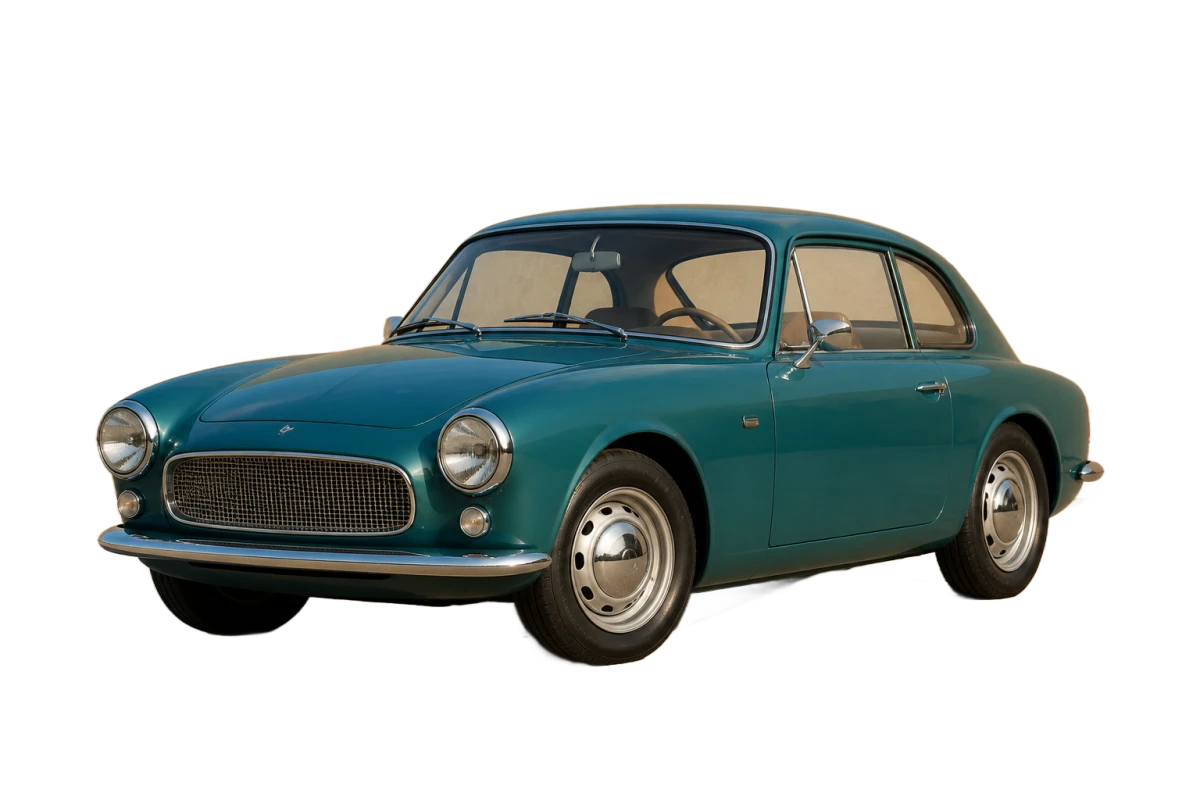




Free AI Background Remover

Remove the background from any photo in seconds. No Photoshop, no wait.

AI Background Remover Use Cases

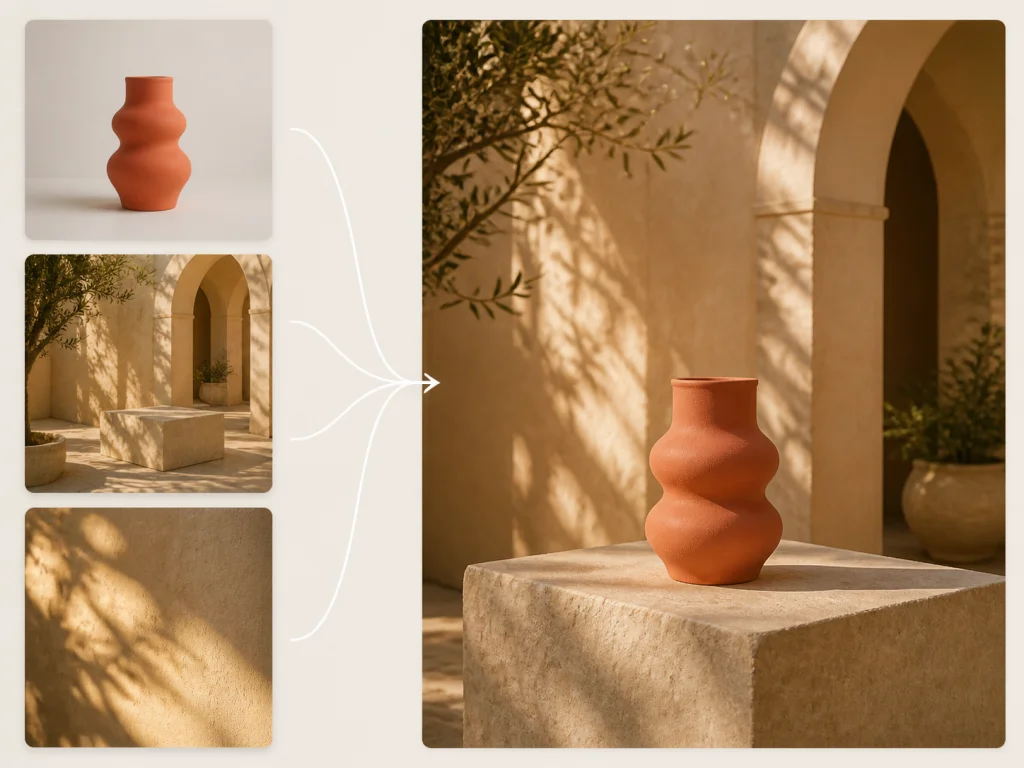
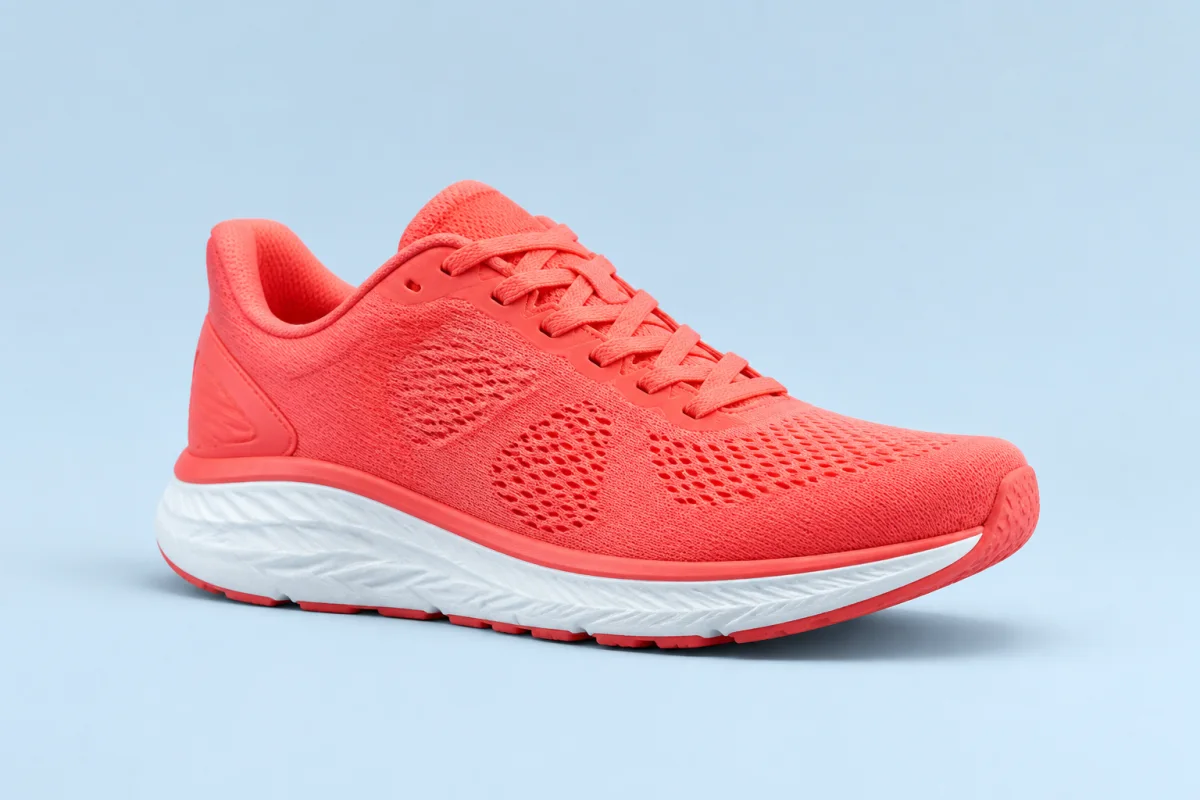
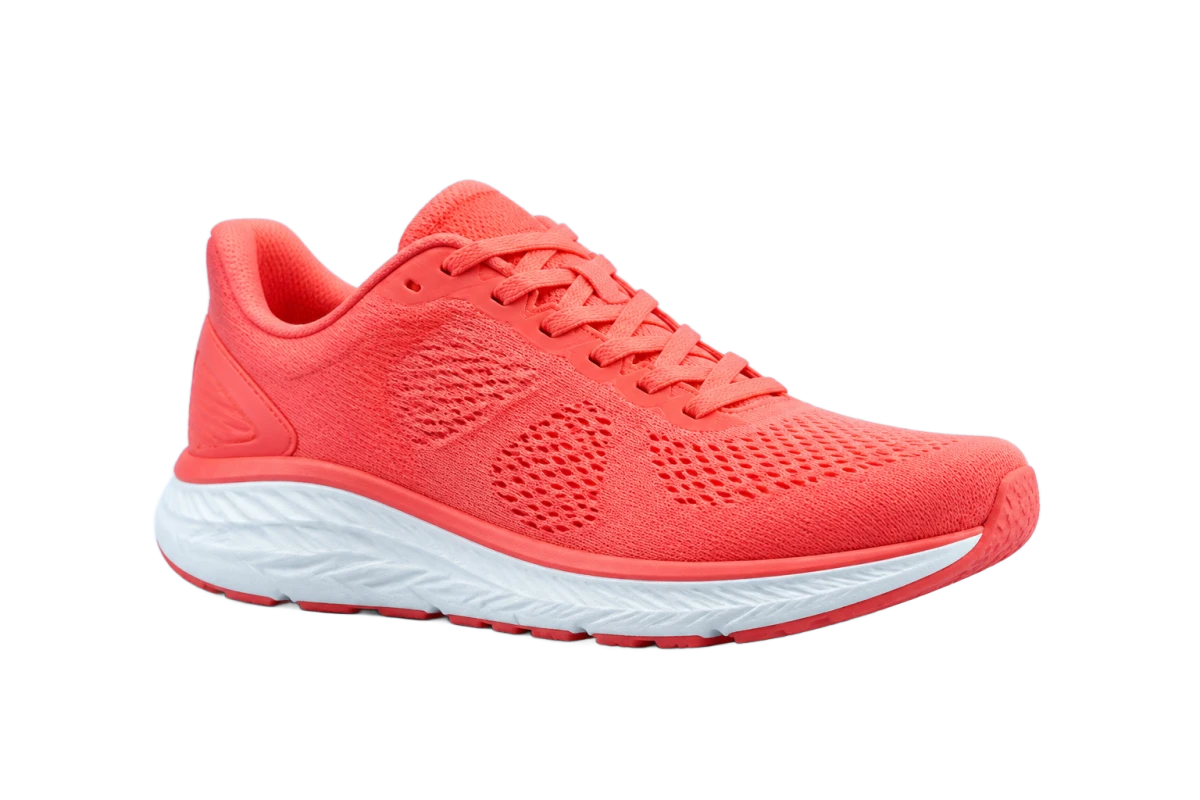
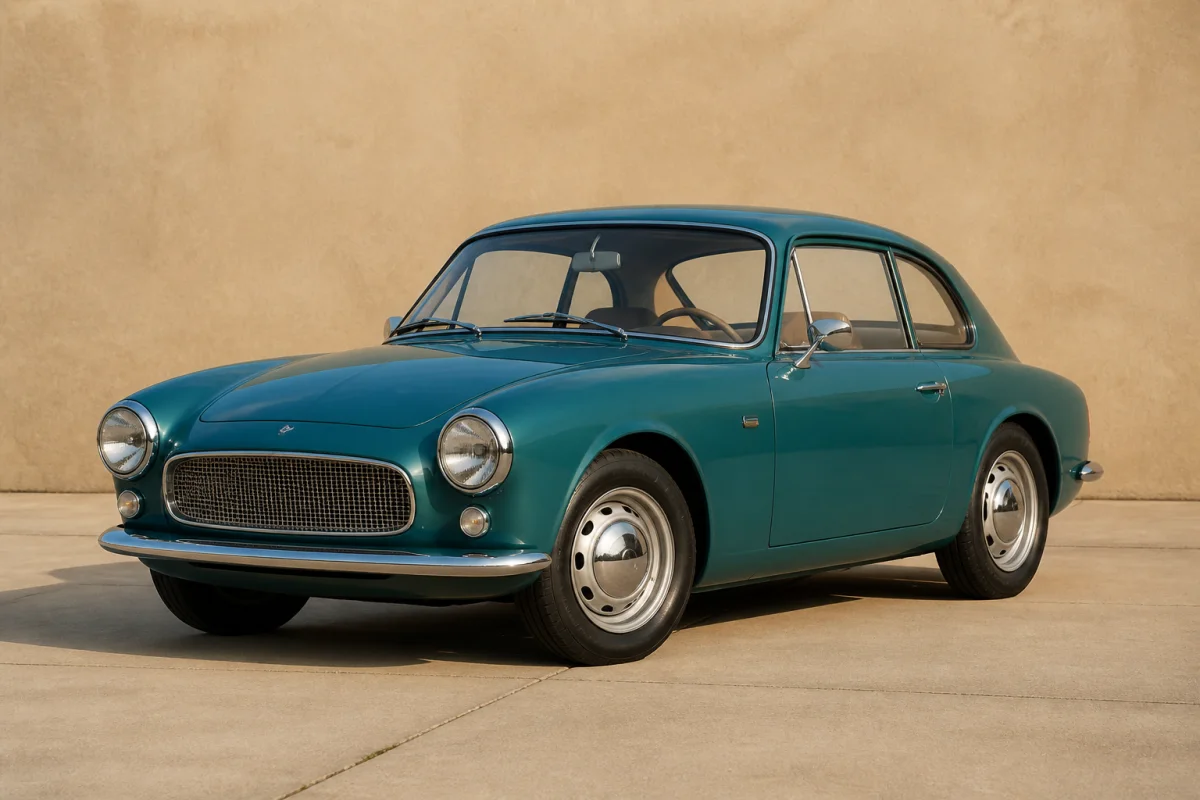
See how our AI powered background remover quickly creates transparent backgrounds for everyday photos.

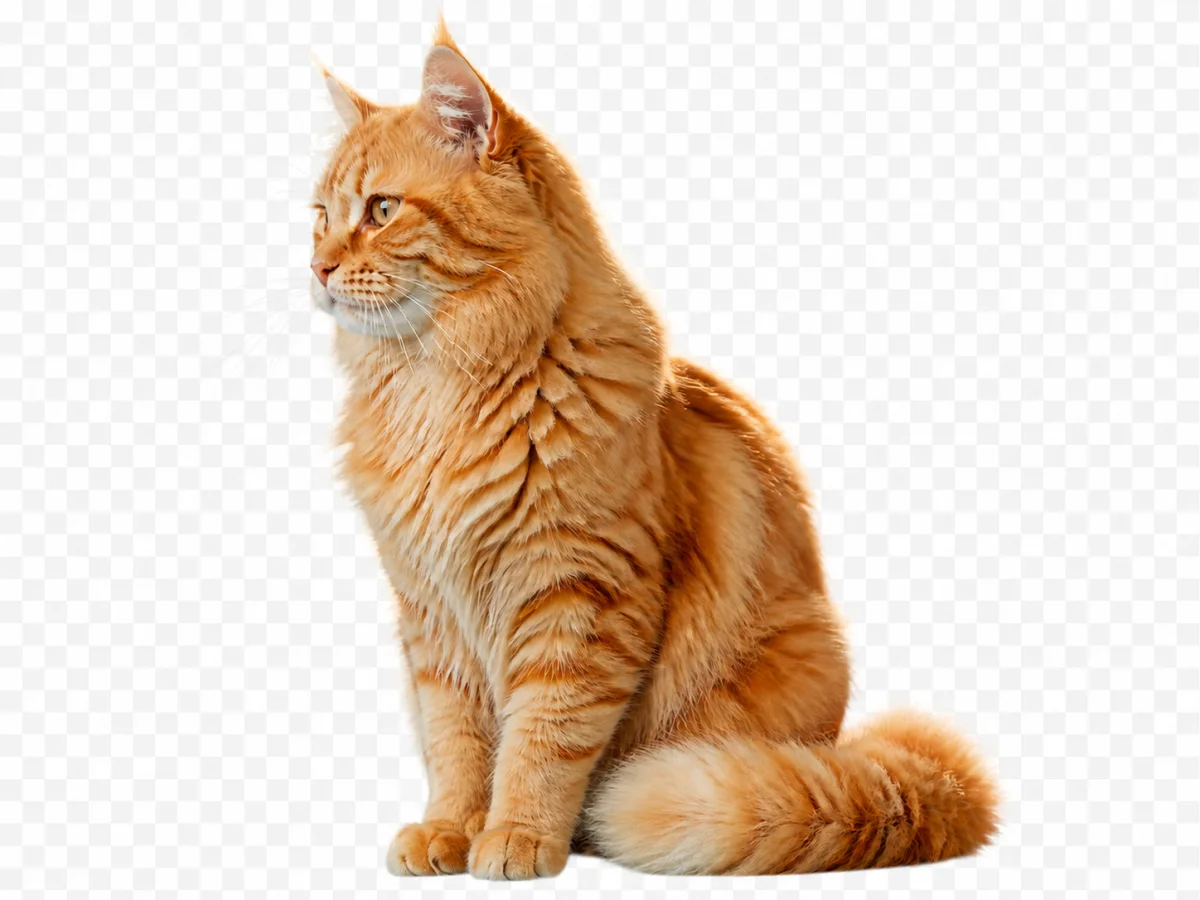
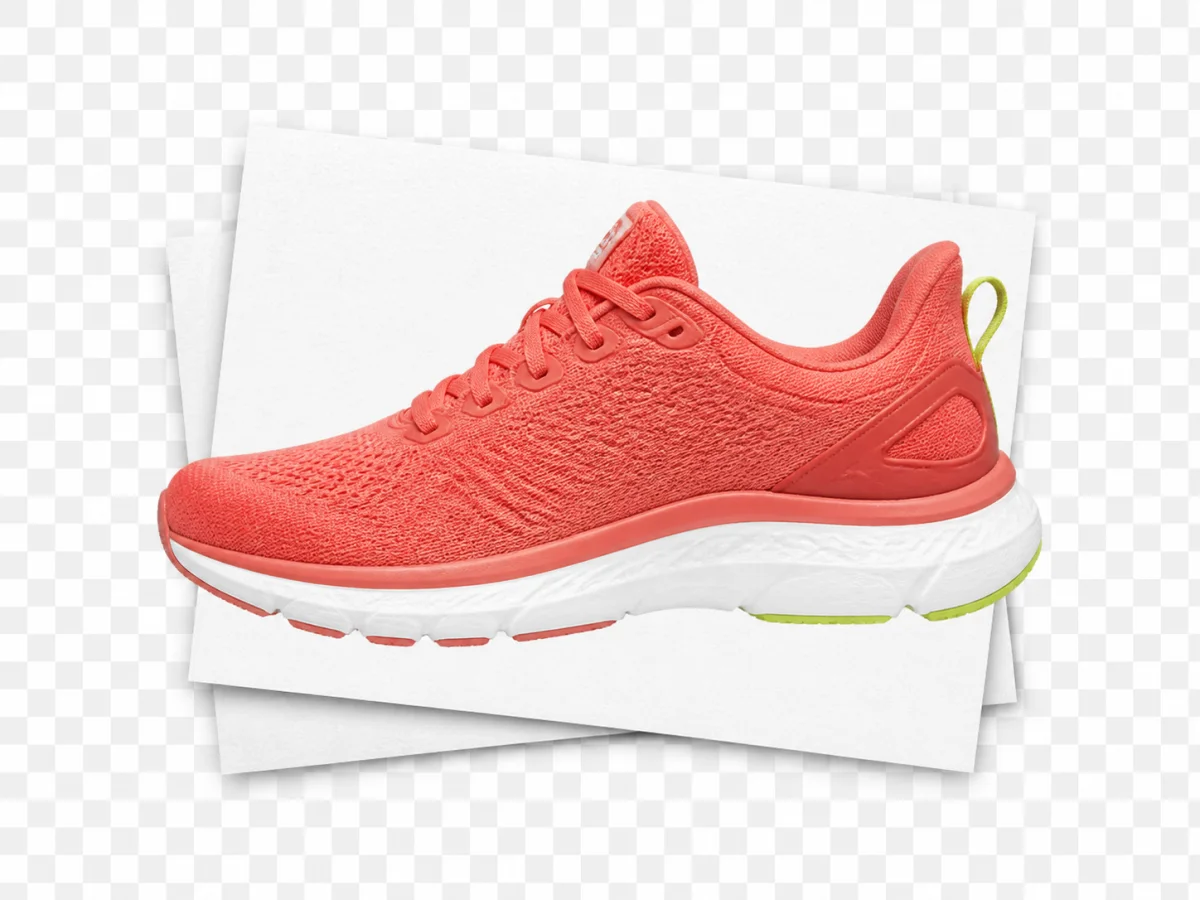
BeforeAfter
BeforeAfter
BeforeAfter
BeforeAfter
BeforeAfter

Key Features of AI Background Remover

01

Fast Background Removal

AI BG remover is fast. Before, you had to open Photoshop and remove the background by hand. You sat there and fixed the edge again and again. But now, with AI removal, you get the photo back fast. Then you can keep working.

Use AI Background Remover

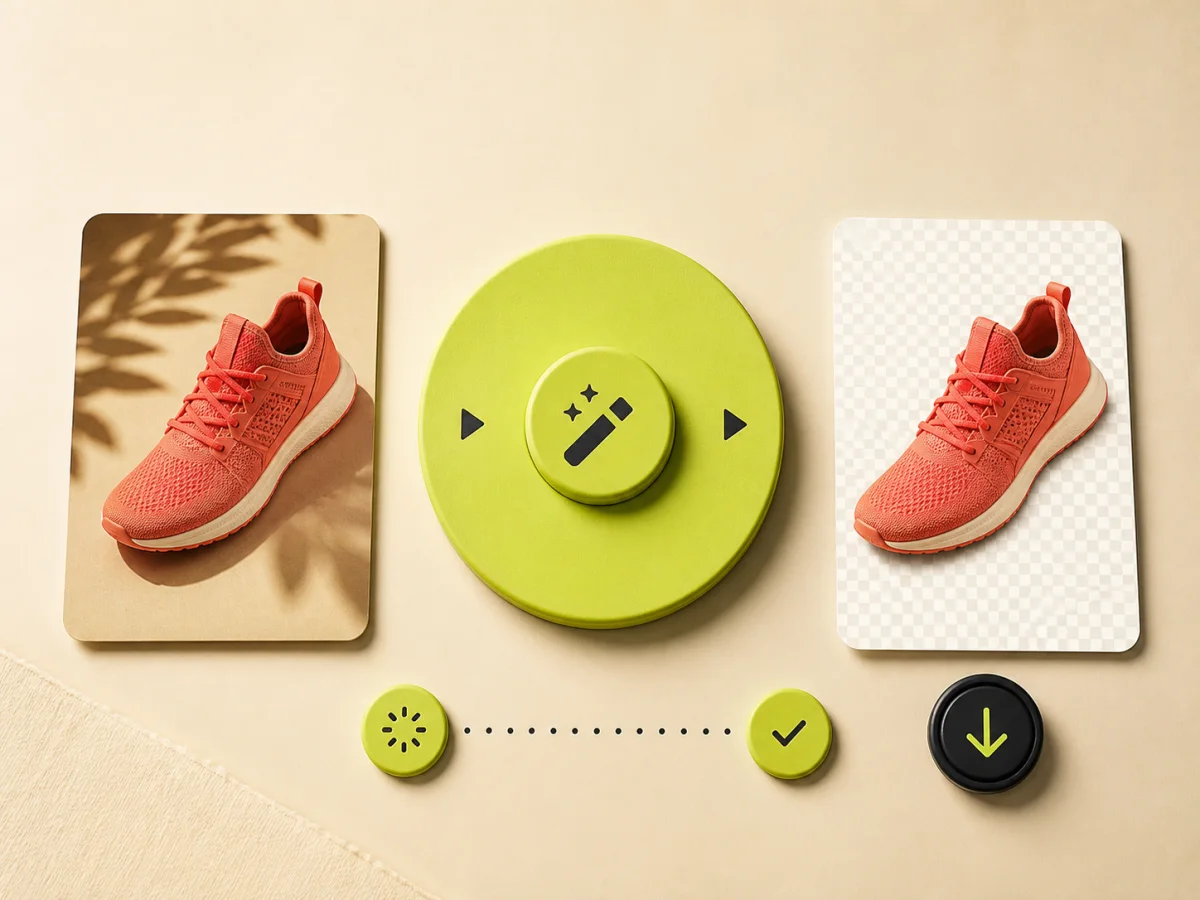
Fast Background Removal
02

Easy to Use

AI Background Remover is easy to use. Add your photo. Click remove. Save the file. That is all. If you can add a photo, you can use AI Background Remover.

Picture Background Delete
Easy to Use
03

Keeps Every Detail

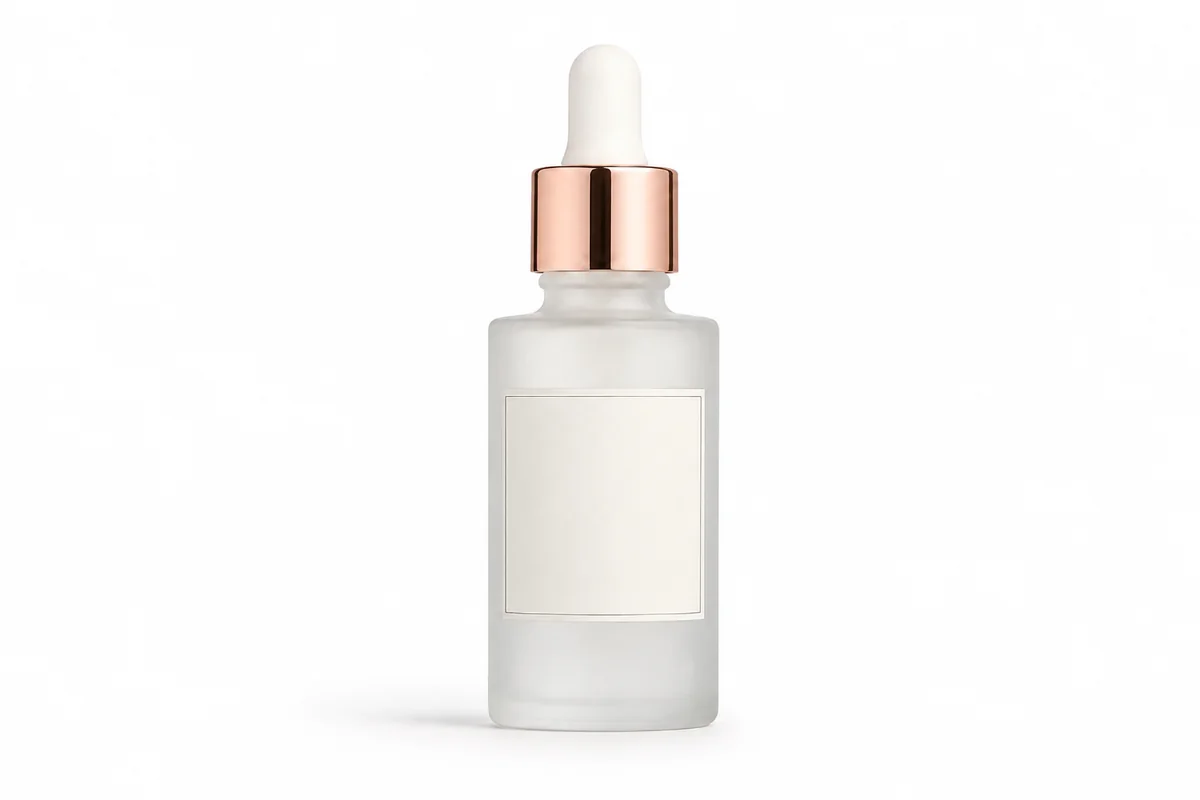
Background remover AI keeps every detail. Small parts stay clear, like the edge of a shirt, the line of a bottle, or a logo. The result is still your original photo. Only the background is gone.

Get a Clean Photo
Keeps Every Detail
04

Transparent PNG Export

AI Background Remover gives you a transparent photo. That means there is no background. Only the person or product is left. You can put this file on a shop page, a poster, or a new background. You can use this one PNG from AI Background Remover in many places.

Get a Transparent Background
Transparent PNG Export

How to Use AI Background Remover

  1. 01
    Upload your photo

    Upload the photo you want to edit. Use a picture from your phone or computer. Put it in the box at the top of the page.

  2. 02
    AI Remove Background

    Click remove. AI Background Remover finds the person or product and removes the background. You wait a moment. Then a new photo shows up.

  3. 03
    Preview and download

    Preview the result on the page. Look at the details. Then download the high-quality photo. You can use it right away.

Frequently Asked Questions

What is AI Background Remover?

AI Background Remover is an online tool that removes the background from a photo. You upload a photo and download a transparent PNG. The person or product stays. Only the background is gone.

How do I remove a background from an image?

Use AI Background Remover in three steps. Upload your photo at the top of the page. Click remove. Then preview the result, look at the details, and download the high-quality photo.

Do I get a transparent PNG?

Yes. AI Background Remover gives you a transparent PNG. There is no background in the file. Only the person or product is left.

Will hair, fur, and fine edges stay intact?

The tool is made for detailed edges, including hair and fur. A sharp, well-lit photo still gives a cleaner cutout than a dark or blurry one.

Is AI Background Remover free to try?

Yes. We offer a free version of AI Background Remover. Sign up, then you can use it right away. For more features or heavy use, you need a subscription.

What image formats can I upload?

You can upload JPG, PNG, and WebP photos to AI Background Remover. After the background is removed, you can download it and use it in your work.

Do I need professional skills to use AI Background Remover?

No. You do not need professional skills to use AI Background Remover. Add a photo, click remove, and download the PNG. We kept the steps short so everyday people can use it, not just designers.

Can I remove a background from an image on iPhone or Android?

Yes. You can use AI Background Remover on iPhone and Android. Open this page in your phone browser, upload a photo, and download the PNG.

Can I use AI Background Remover for commercial projects?

Yes. Subscribed users can use AI Background Remover for commercial projects. Free users are limited to non-commercial use.

Start with AI Background Remover

Remove the background from your photo in seconds.