01
Sound Included
Your video comes with the trend sound already in it. No need to search for the audio in TikTok or line it up by hand. Download it and post it.
Get a Hotel Lobby AI Video With Sound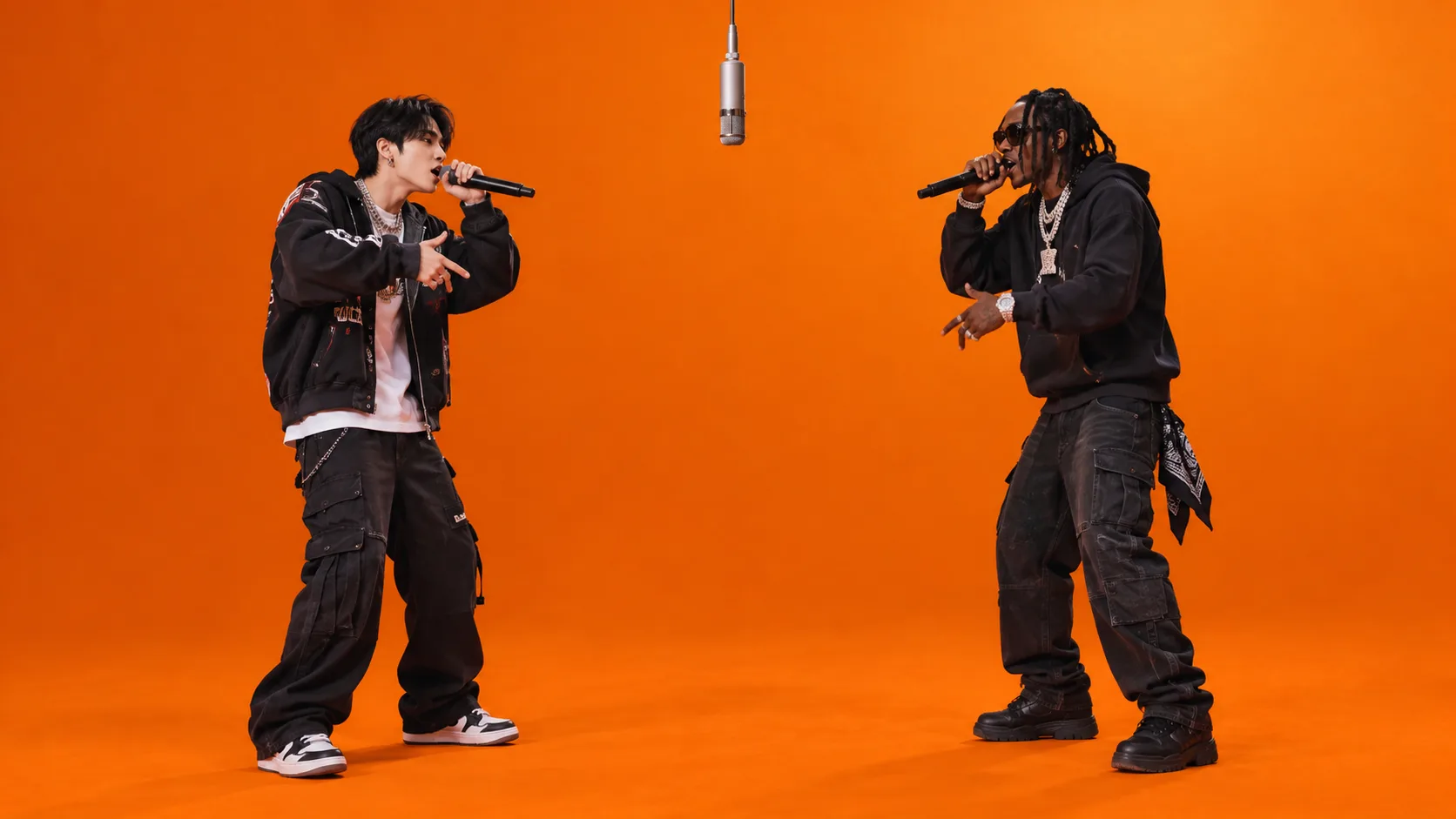
Upload two photos. Hotel Lobby AI puts you and a friend in the orange booth, rapping at the hanging mic. Your video comes with sound, ready to post.
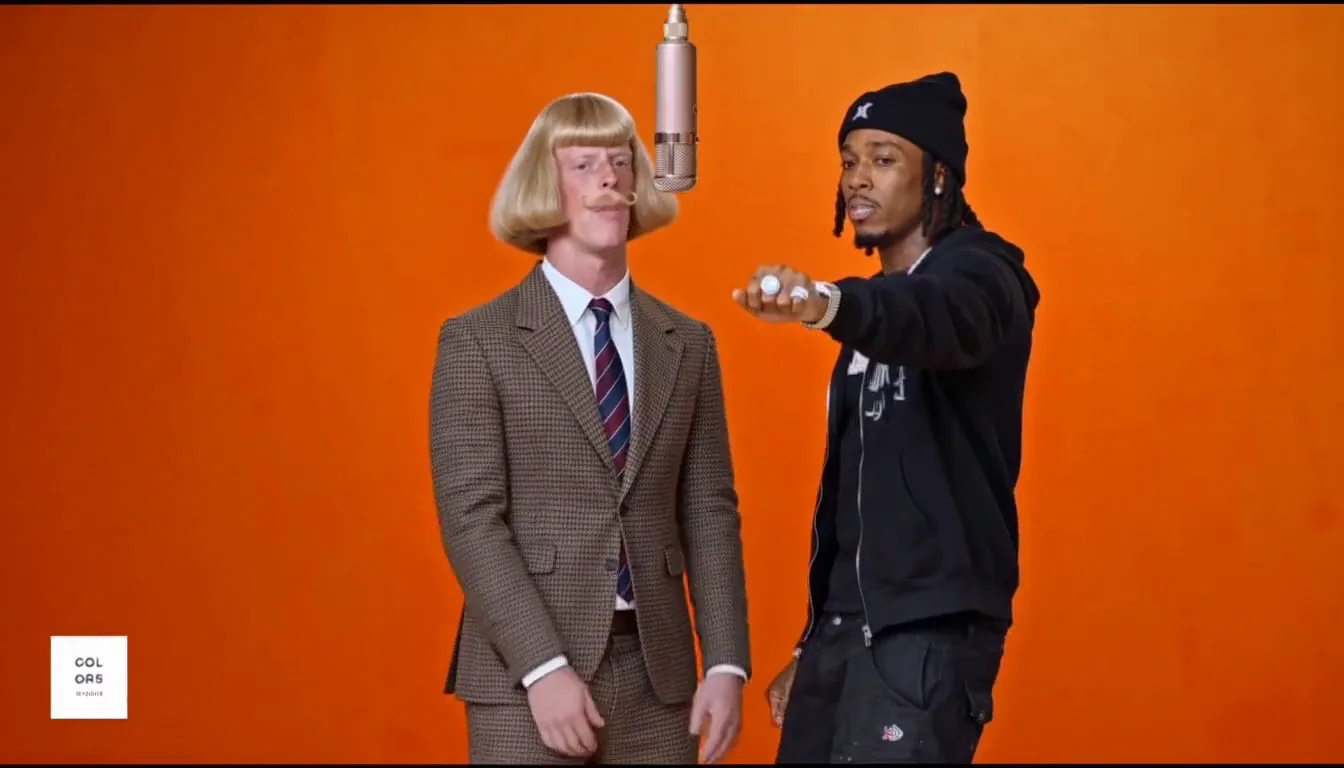
The trend comes from Quavo and Takeoff's 2022 "Hotel Lobby" performance on A COLORS SHOW. The two rappers stand in an orange booth and trade lines at one hanging mic.
In the AI version, two new faces take their places. People use best friends, couples, siblings, grandparents, and even their pets. You may also see it called the Migos AI trend or the AI rap duo trend.
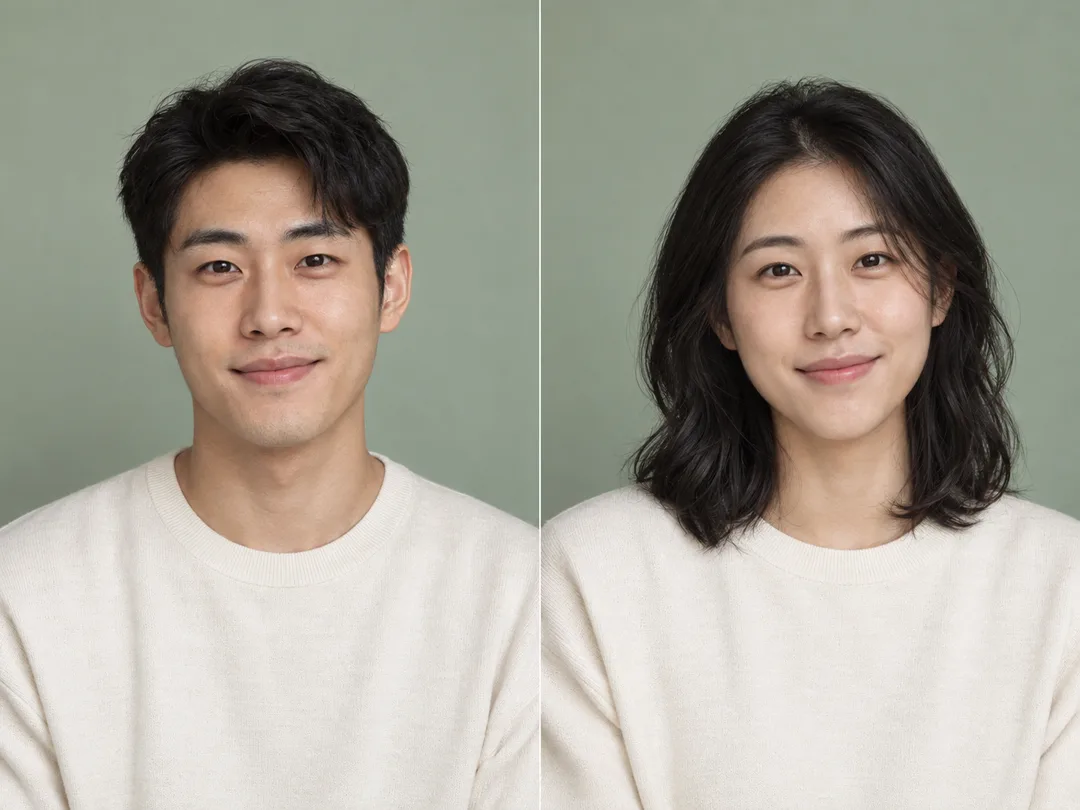
Add one photo for the left performer and one for the right. Use one person or pet per photo, with the face clear and well lit. The photos don't need to be taken together.
Choose 9:16 for TikTok, Reels, and Shorts. Or pick 16:9, 1:1, or another size that fits where you will post.
Click Generate. Your video is ready in minutes. Keep the page open while it renders.
Download the video. The sound is already in it, so you can post it right away. Add #hotellobby and turn on TikTok's AI-generated label before you post.
Two photos in. A finished video with sound out.
Your video comes with the trend sound already in it. No need to search for the audio in TikTok or line it up by hand. Download it and post it.
Get a Hotel Lobby AI Video With SoundBest friends, couples, you and your grandma, or you and your dog. Any two people or pets can take the stage. Each one gets their own side.
Create a Hotel Lobby AI Video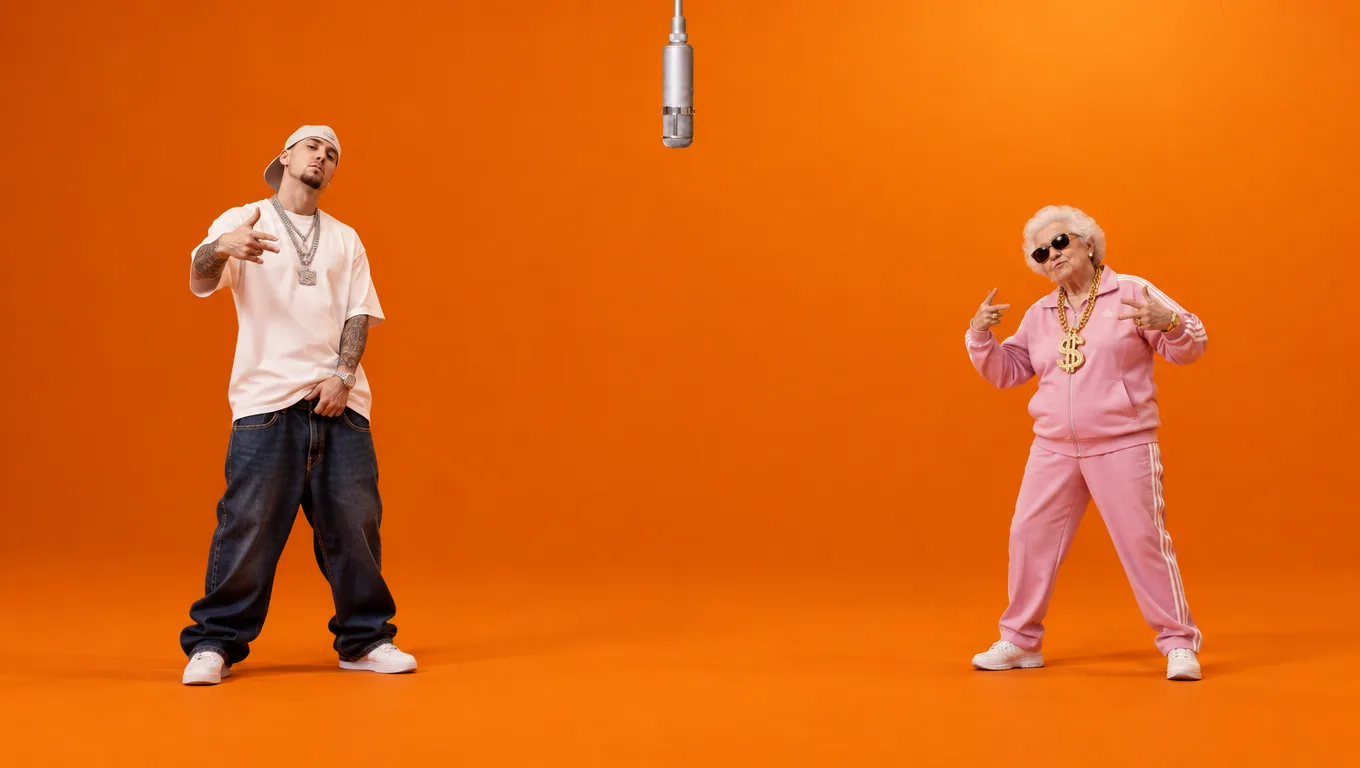
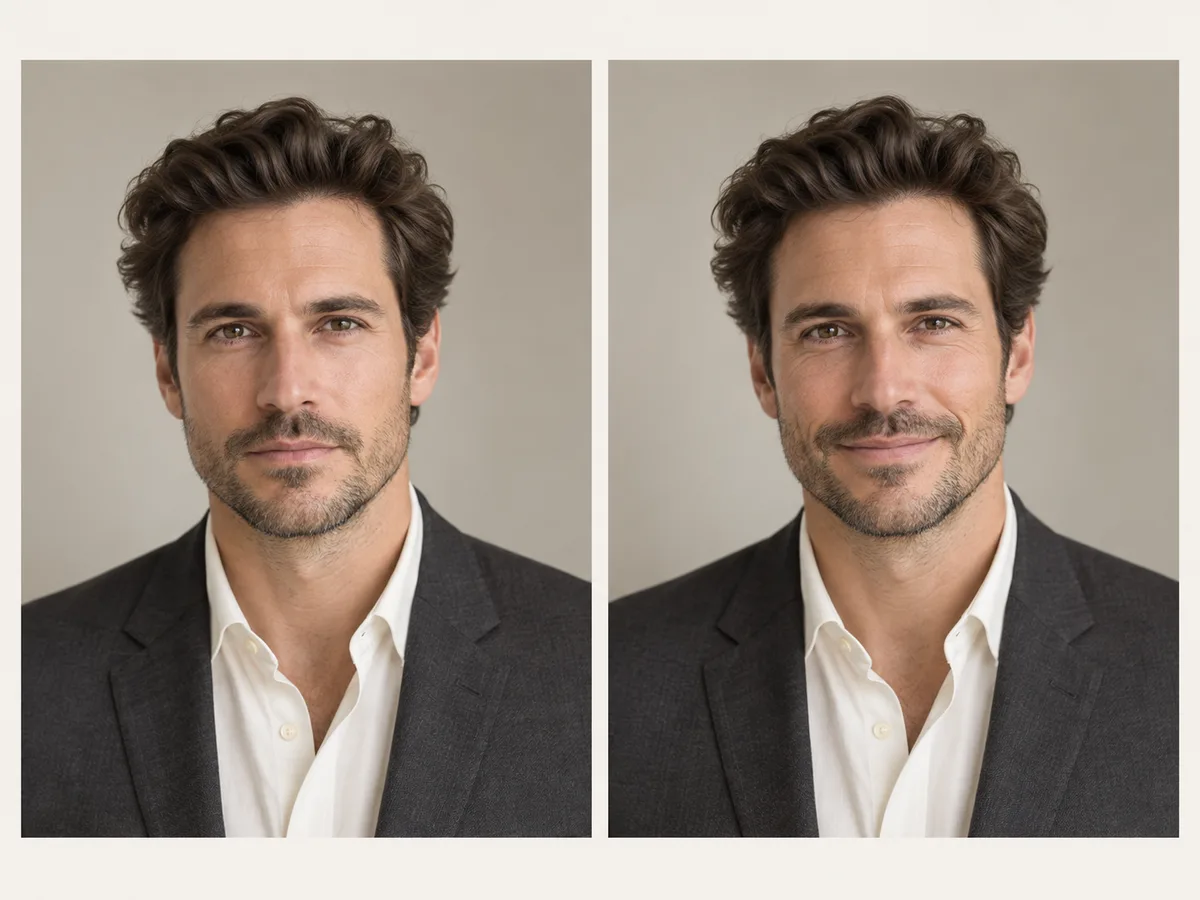
Each photo becomes one performer. Faces, hair, and outfits carry into the video, so your friends know it's you. Photo 1 stays on the left and photo 2 on the right. Swap sides with one click.
Upload Two Photos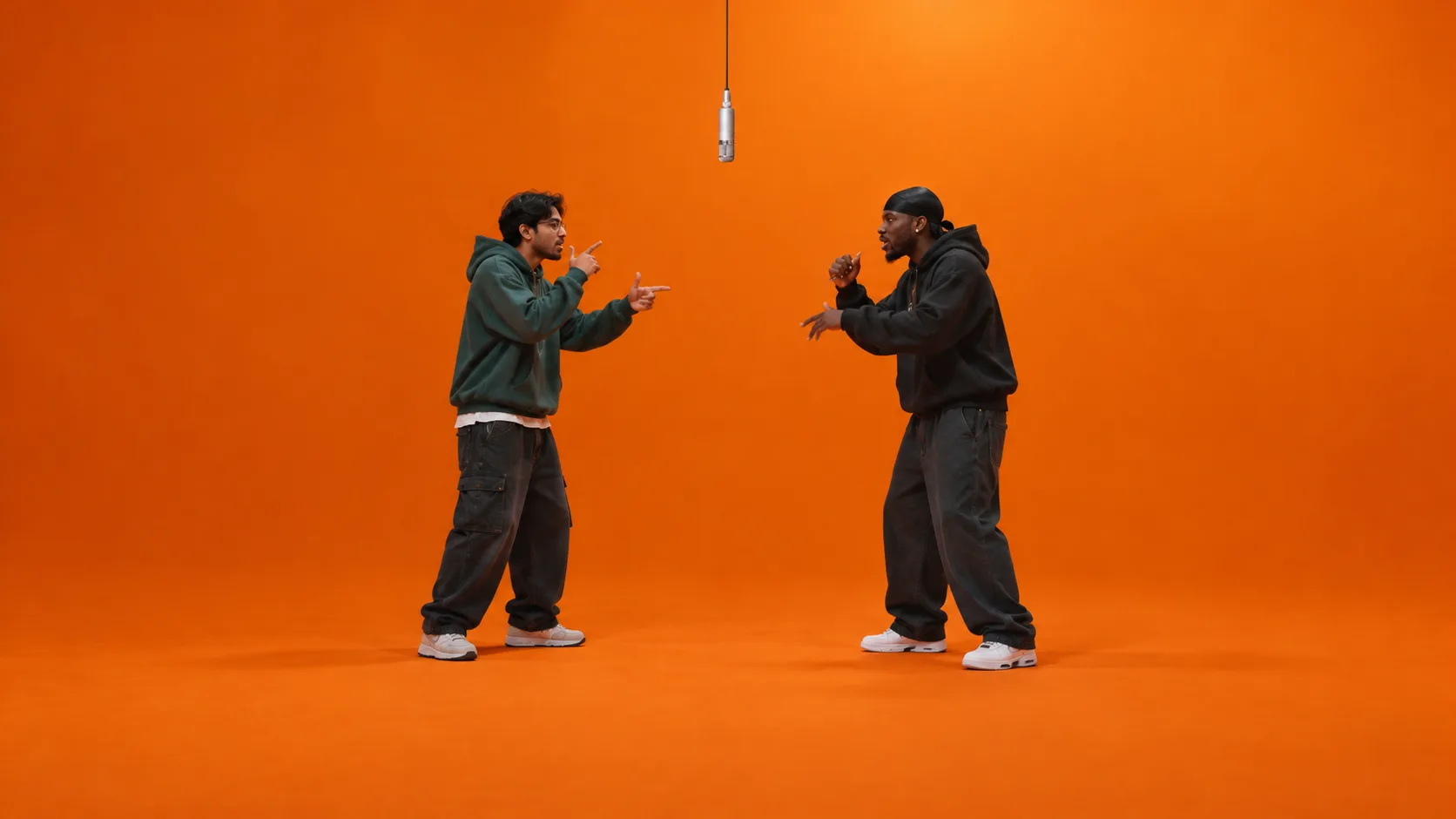
You only need two photos, even if they were taken in different cities. It works in your browser on phone or computer. No template to find and no editing.
Try Hotel Lobby AI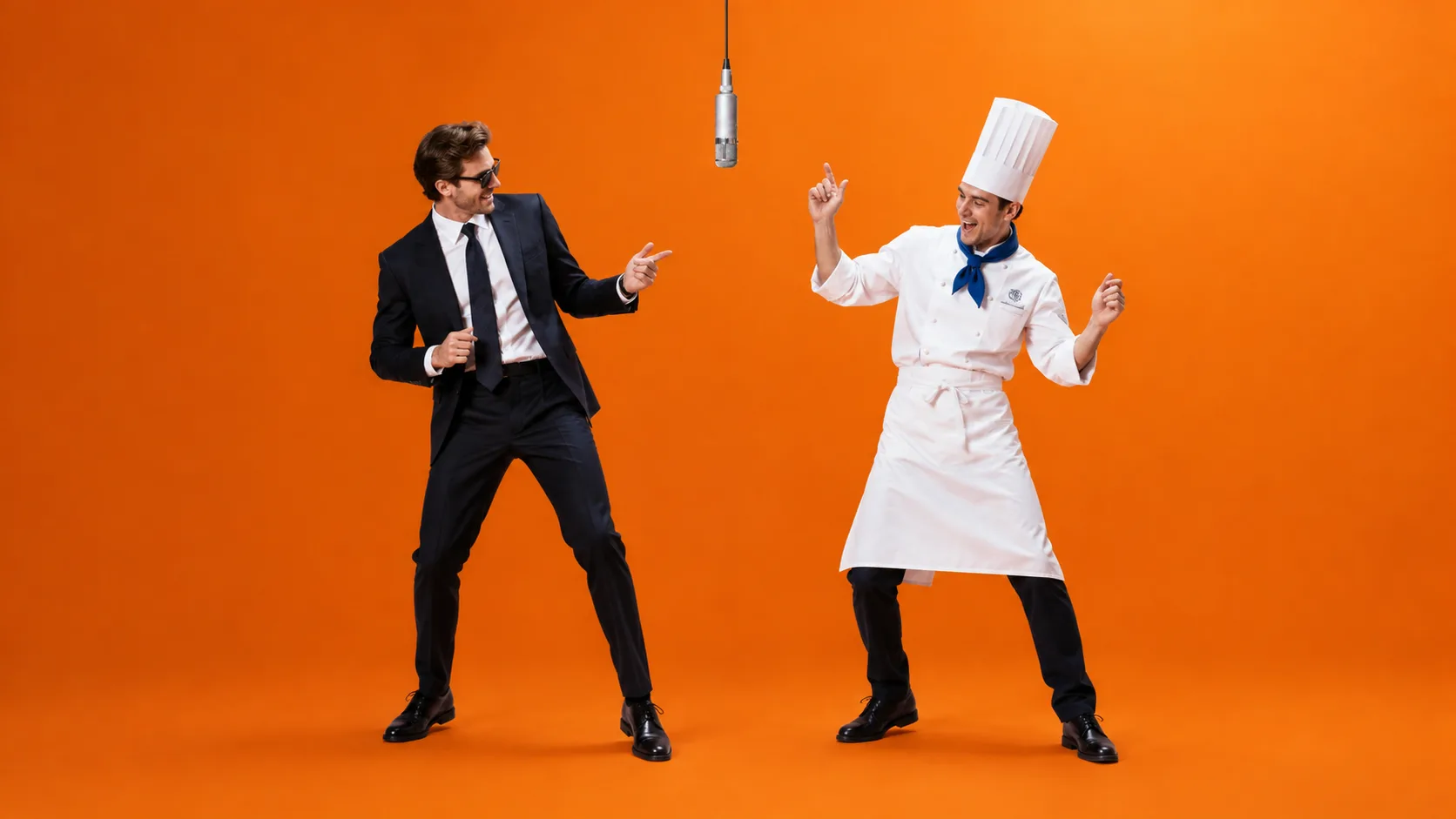
The main ways to make the trend, side by side.
| Hotel Lobby AI Generators Compared | Our generator | CapCut templates | Other AI generators |
|---|---|---|---|
| Two people you pick | Yes, one photo each | Most templates take one face | Yes |
| Sound in the video | Included, ready to post | Original clip audio | None. Add it in TikTok and line it up |
| Video sizes | 7 sizes, from 9:16 to 21:9 | Fixed by the template, often 3:4 | 9:16 only |
| No watermark | Yes | Exports have a watermark | Yes |
| Price per video | About $2.70 on a yearly plan, or $9.90 for one | CapCut Pro subscription to remove the watermark | $9.99 per video |
Checked October 2026 from each tool's own page. Prices and features may change.
It recreates Quavo and Takeoff's "Hotel Lobby" performance on A COLORS SHOW with two new people. Here you make it from two photos. The video shows you both in the orange booth at the hanging mic.
Upload one photo for each performer, pick a size, and click Generate. When the video is ready, download it and post it.
Yes. The sound is already in your video. You don't need to add it in TikTok or CapCut.
One video is $9.90, paid once, with no subscription. Making more? The Lite yearly plan gives you 12 videos for $59.90, about $4.99 each. The Pro yearly plan gives you 37 videos for $99.90, about $2.70 each. If a video fails, you get your credits or video back automatically.
Each full video is paid. You can watch a sample video on this page before you pay. There is no watermark on the video you buy.
One person or pet per photo, facing the camera, in good light. Waist-up selfies work well. Avoid sunglasses, heavy filters, group photos, and tiny faces. JPG, PNG, WebP, or GIF, up to 20 MB each.
Yes. Either side can be a pet, or both. Use a clear photo where the pet's face is easy to see.
You can choose adaptive, 21:9, 16:9, 4:3, 1:1, 3:4, or 9:16. Use 9:16 for TikTok and Reels. Each video comes in 768P with no watermark.
No. There is no CapCut template to find and no app to install. It runs in your browser on iPhone, Android, and computer.
Only with their permission. Don't use photos of celebrities or public figures. For anyone under 18, you need a parent's or guardian's consent.
Explore More AI Tools
Discover more powerful tools to polish, transform, and elevate your creative visuals.
Two photos. One orange booth. A video with sound, ready to post.