Image to Sketch Converter Online

Transform your images into stunning sketches instantly.

Aspect ratio
Resolution

Sketch Style

How to Use Image to Sketch Converter

  1. 01
    Upload your photo

    Upload your photos to Image to Sketch Converter. Drag them in, or click to choose files from your phone or computer. JPG, PNG, and WebP all work. Portraits, pets, products, and everyday photos are fine — clear, well-lit pictures will give you cleaner sketches.

  2. 02
    Pick a sketch style

    Pick the sketch style that best fits your vision: Pencil, Ink, Charcoal, Color Pencil, Watercolor, or Figure. You can also edit the prompt to refine the look and add any extra details you want.

  3. 03
    Generate and download

    Click the Generate button. Your sketch will come back right away, so you can preview the stunning result on the page and download high-quality images.

Why Use Our Image to Sketch Converter

01

Multiple sketch style presets

Image to Sketch Converter comes with six presets: Pencil, Ink, Charcoal, Color Pencil, Watercolor, and Figure. Each style has a preview, so you can see the look before you generate. Tap Pencil if you want a photo to pencil sketch, or pick another style that fits your vision.

Start Photo to Sketch
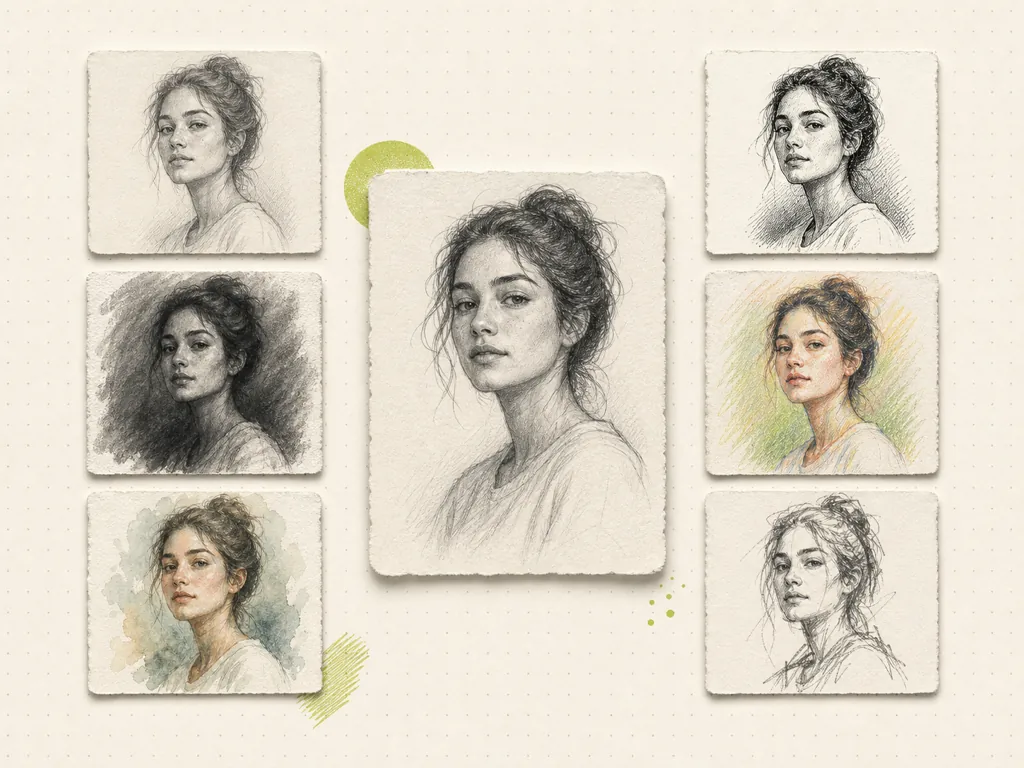
Six sketch styles of the same woman around a central pencil portrait
02

No drawing skills required

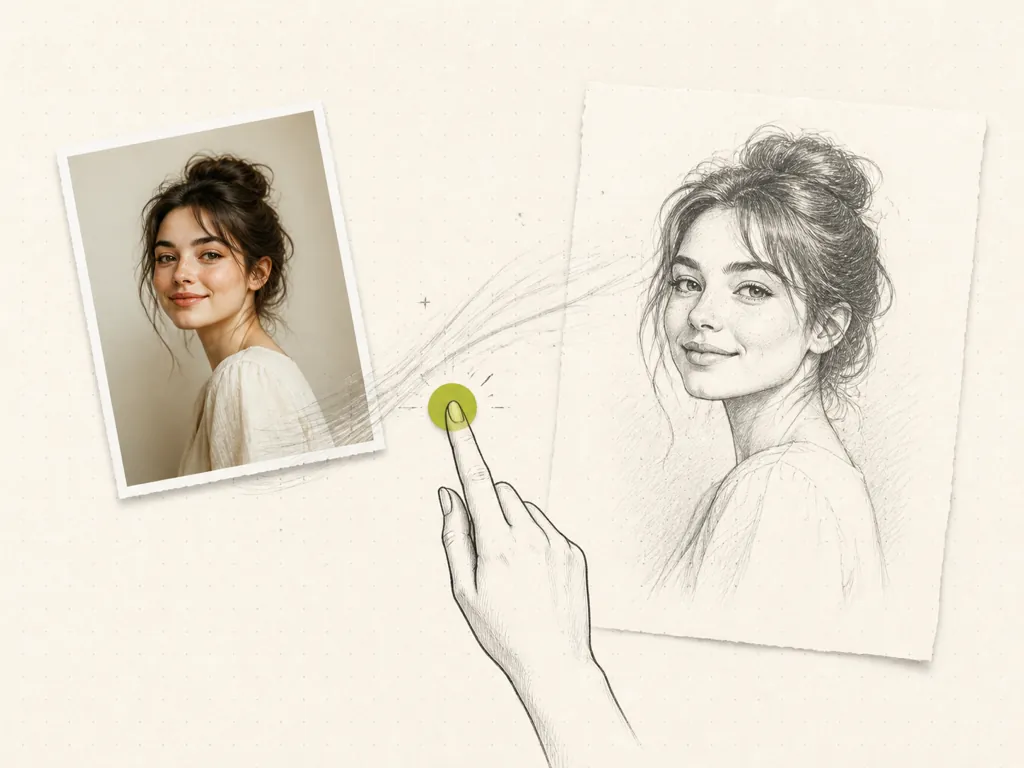
You don't need drawing skills, or ten years of practice. Upload photos, pick a style, and generate. Image to Sketch Converter does the sketching for you.

Convert Photo to Sketch
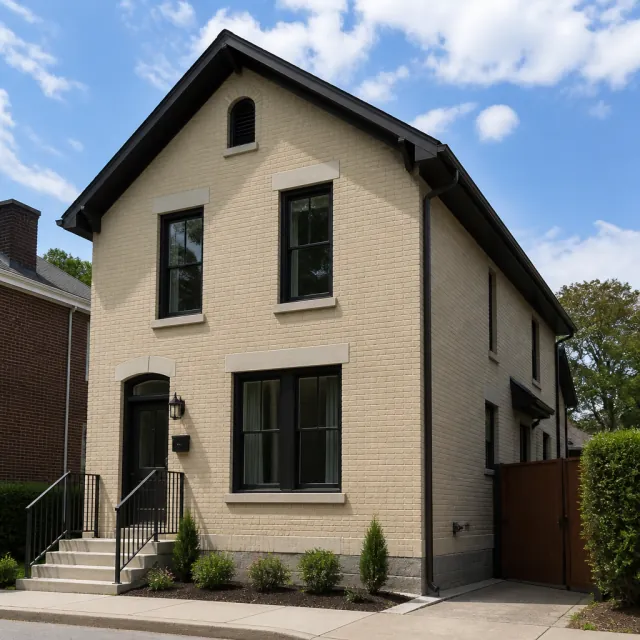
Photo of a woman converting into a pencil sketch with one tap
03

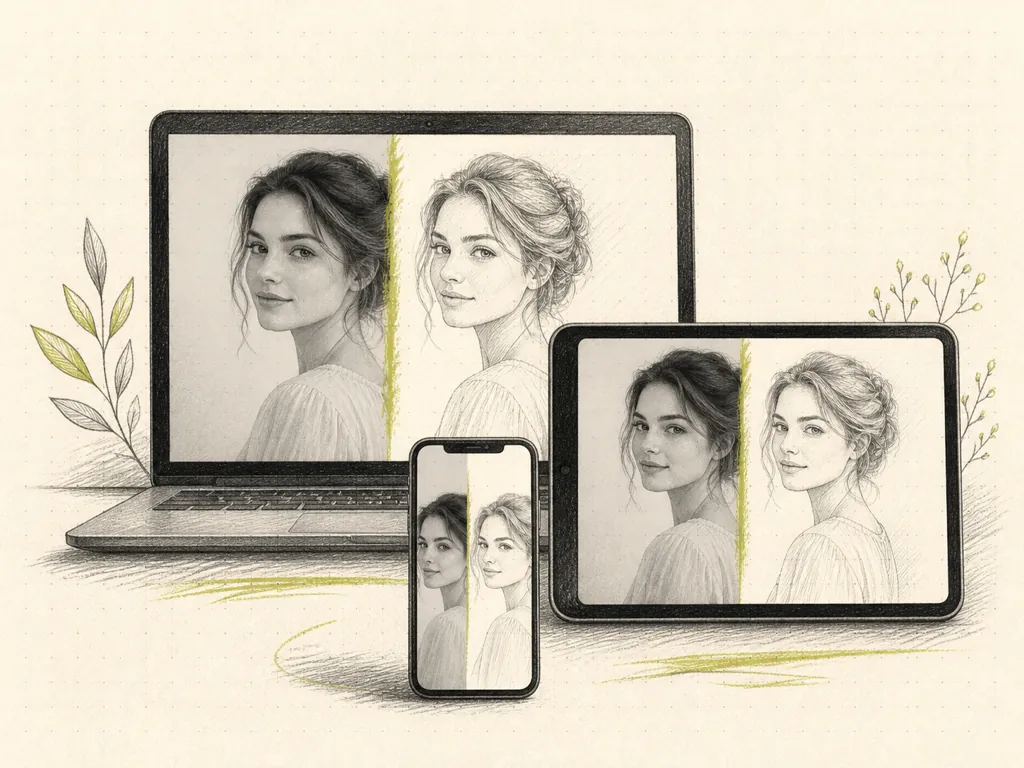
Works on any device

Use Image to Sketch Converter in your browser on phones, tablets, and computers. Open the page, upload from your camera roll or desktop, and download sketches. You don't need extra apps.
Try Image to Draw Free
Photo-to-sketch preview on a laptop, tablet, and phone
04

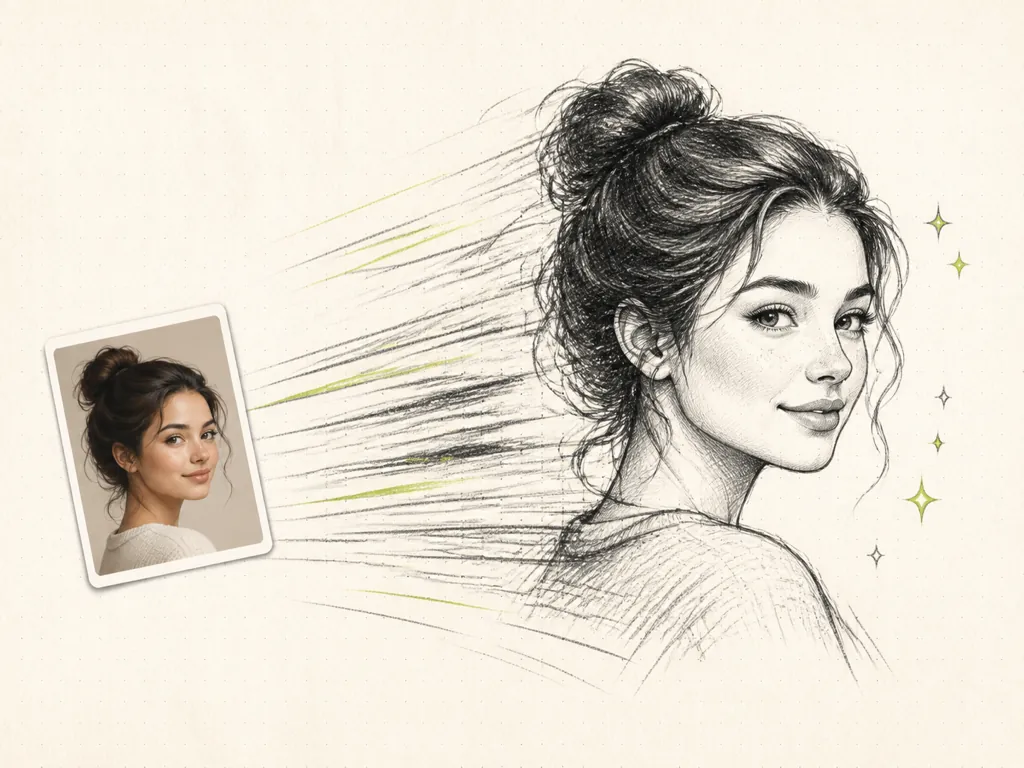
Fast generation speed

Click the Generate button and sketches will come back right away. You can preview results on the page, then try another style or edit the prompt if you want a different look. You spend your time choosing the look, not waiting on files.

Convert Image to Sketch
Small portrait photo turning into a large pencil sketch
05

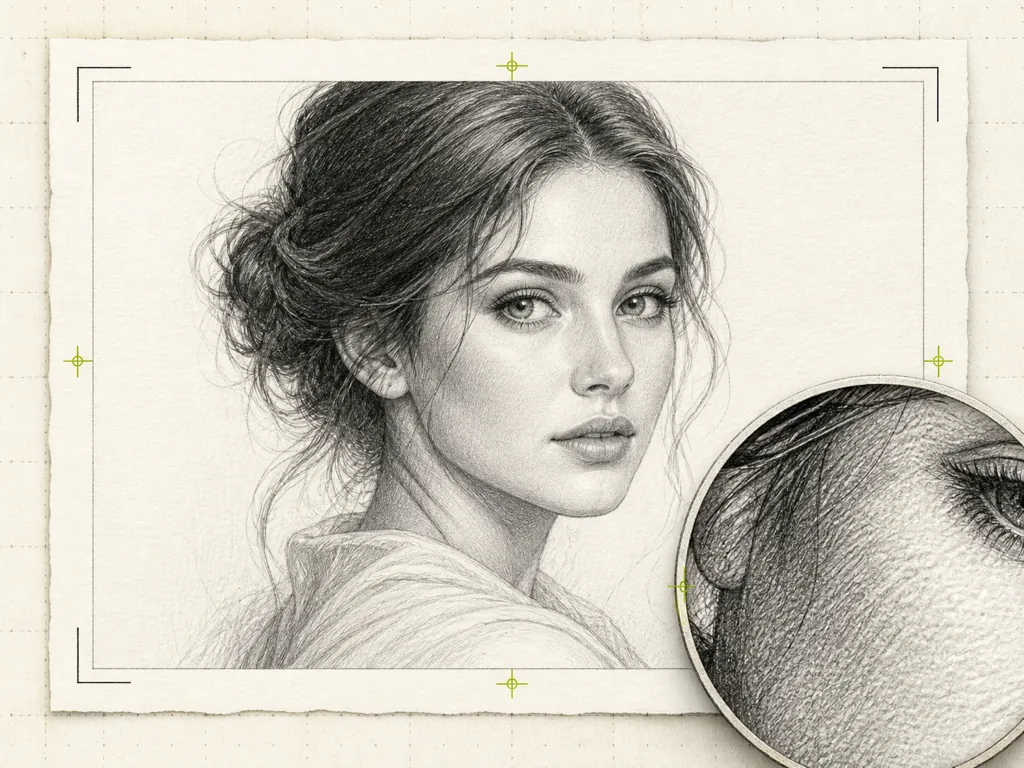
High-resolution output

Download high-resolution images you can use in posts, prints, and projects. You can generate up to 4K, so sketches stay sharp on a big screen or in print. The files are ready to save, not tiny previews.

Turn Image into Sketch Free
Pencil sketch portrait with crop marks and a magnified eye detail
06

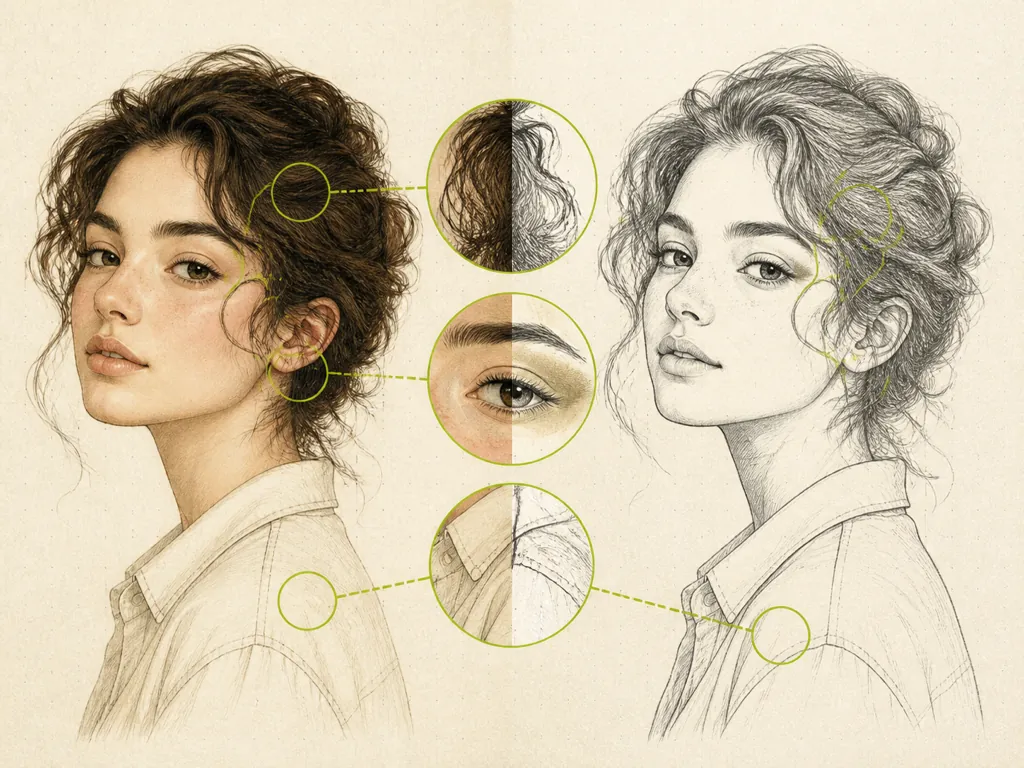
Keeps original details

Image to Sketch Converter keeps key features, proportions, and details from the original photos. Faces, products, and pets should still look like themselves — just drawn as sketches. Hair, edges, and small shapes stay readable, so the drawing still feels like your photo, not a generic portrait.

Convert Image to Line Drawing
Color portrait and pencil sketch with close-ups of hair, eye, and collar

Image to Sketch Gallery

Twelve before-and-after examples. The subject stays the same. Only the sketch style changes.

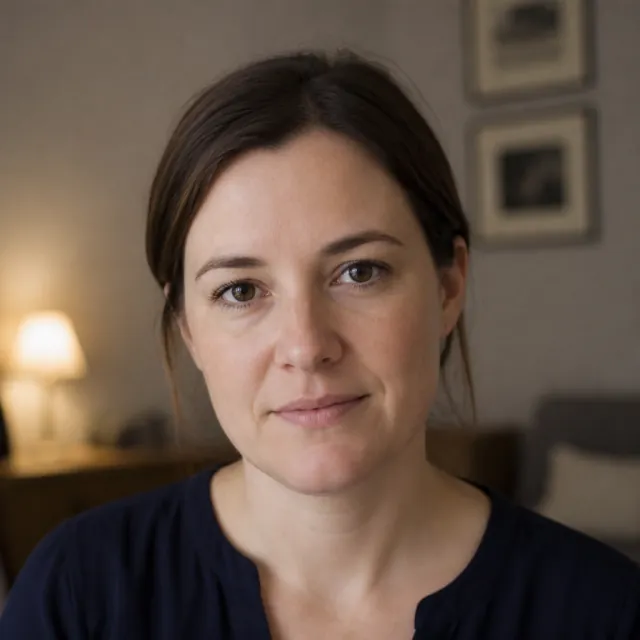
Photo
Woman in a navy shirt, indoor portrait
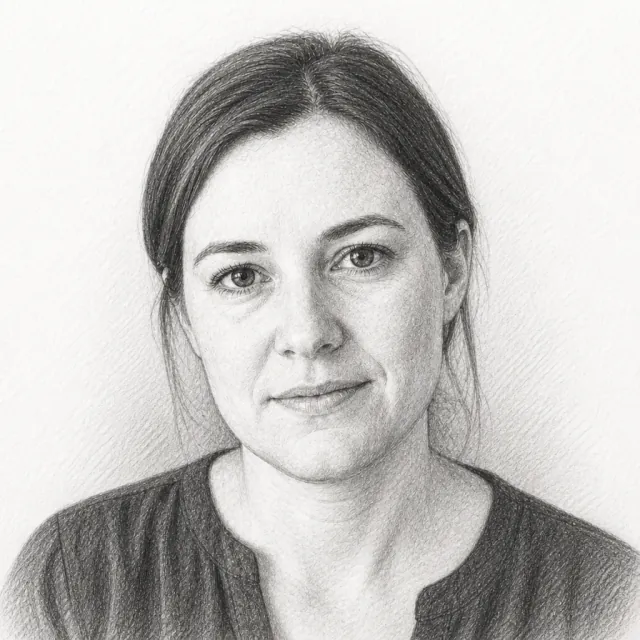
Sketch
Woman in a navy shirt, pencil sketch
Portrait, Pencil

A headshot becomes a graphite drawing. The face stays the same person.

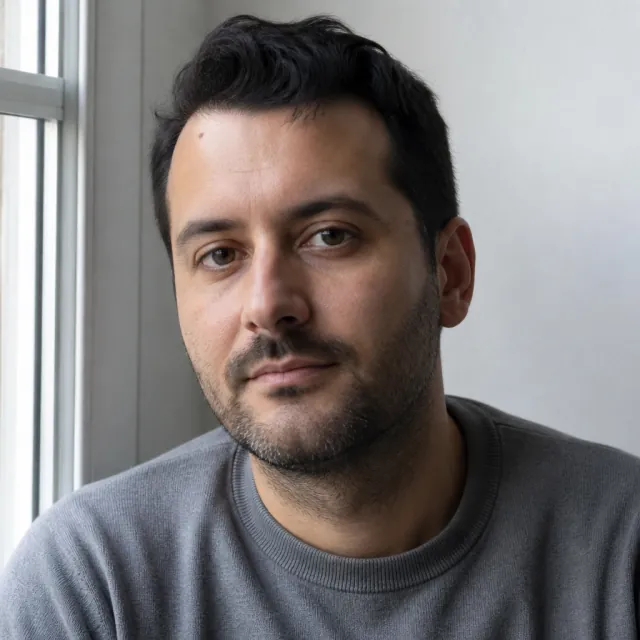
Photo
Man in a grey sweater by a window
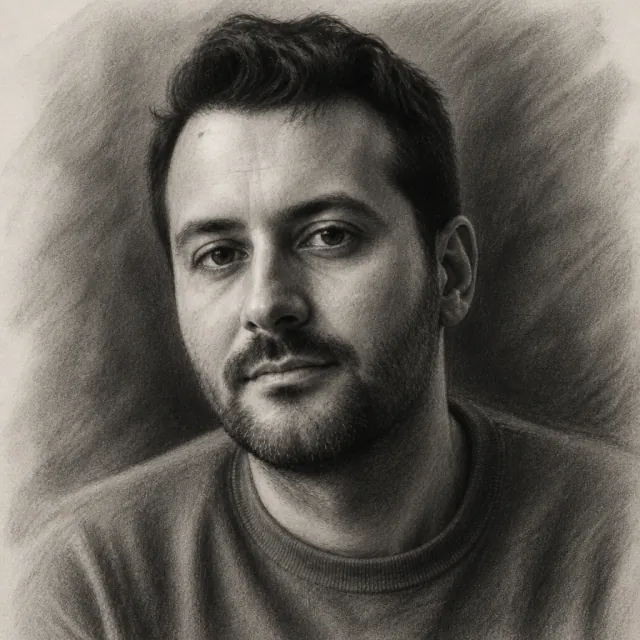
Sketch
Man in a grey sweater, charcoal sketch
Portrait, Charcoal

Soft charcoal, deep shadow, same man.

Photo
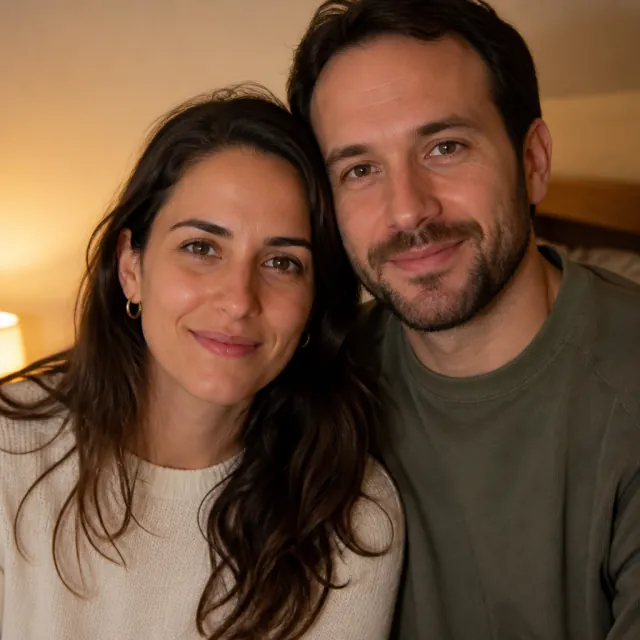
Couple in knit sweaters, close portrait
Sketch
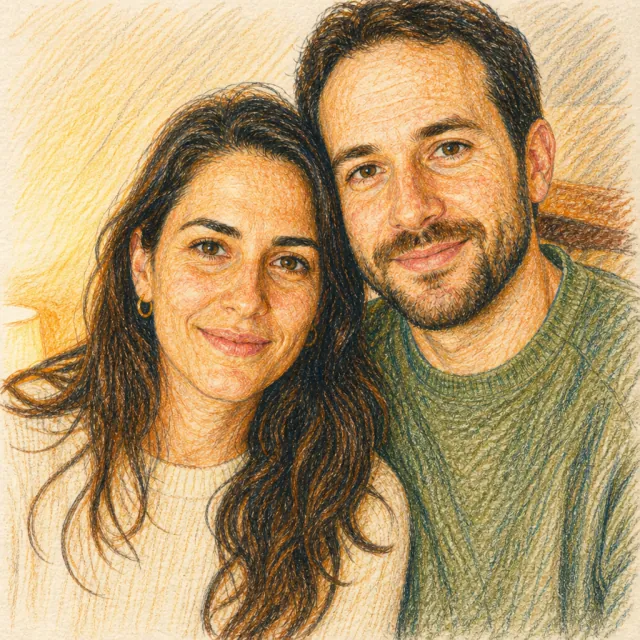
Couple in knit sweaters, color pencil sketch
Couple, Color Pencil

Two people, layered color pencil, still clearly the same pair.

Photo
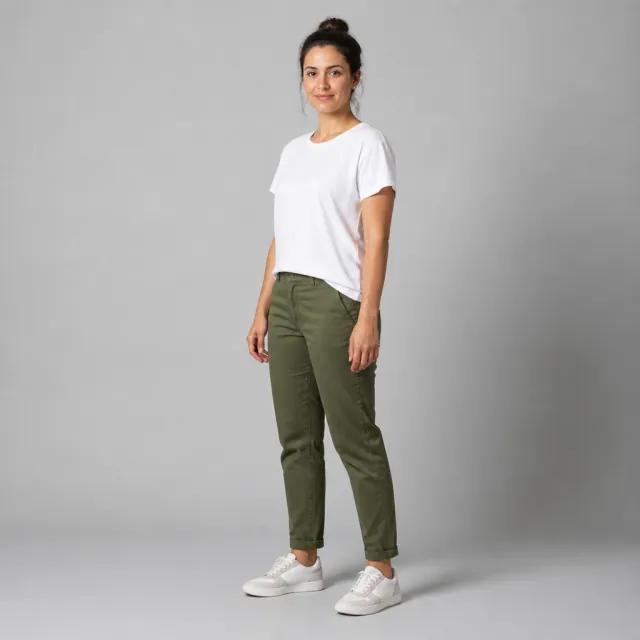
Woman in a white t-shirt and olive pants, full body
Sketch
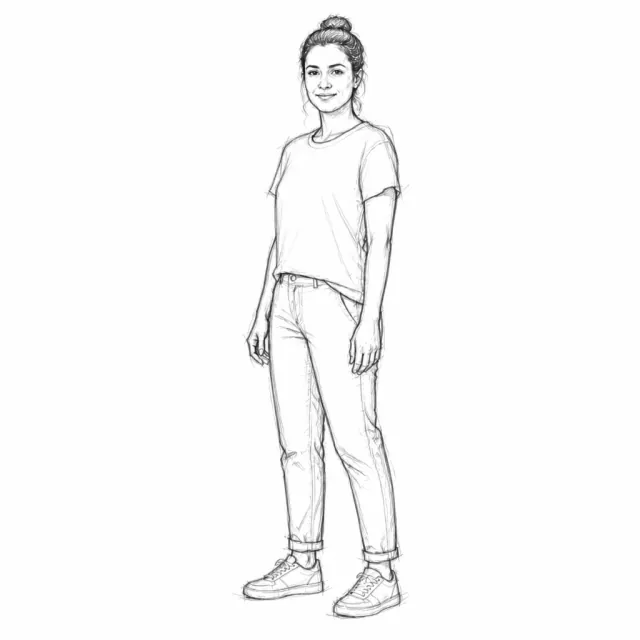
Woman in a white t-shirt, figure sketch
Figure, Gesture

Full-body pose as a figure sketch. Proportions stay honest.

Photo
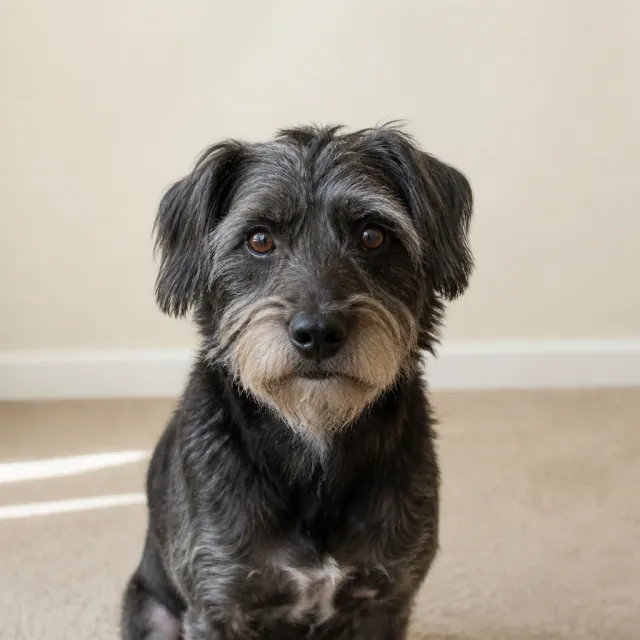
Scruffy grey terrier on a carpet
Sketch
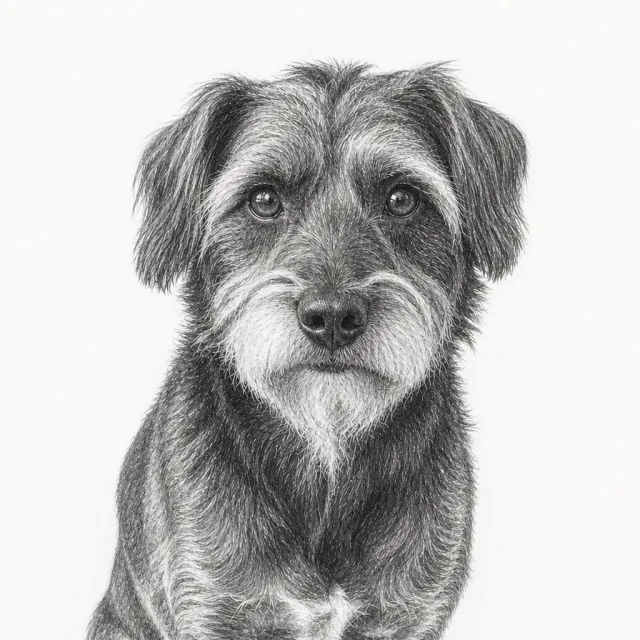
Scruffy grey terrier, pencil sketch
Dog, Pencil

Pet portrait in pencil. Fur is suggested, not smeared.

Photo
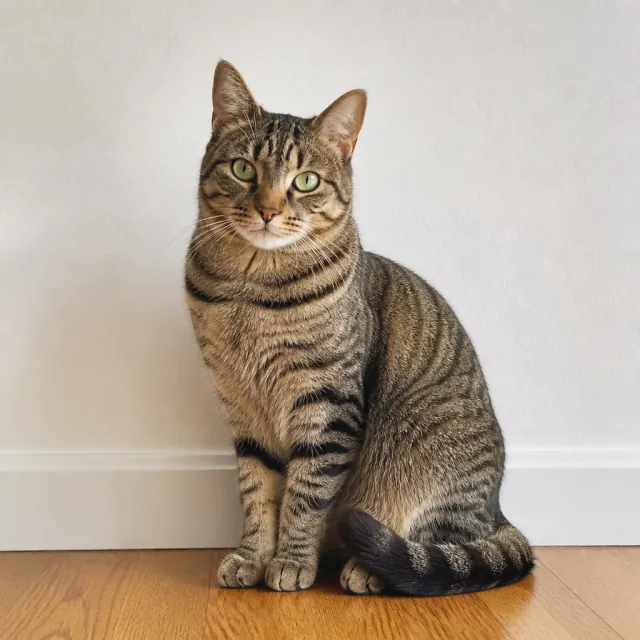
Brown tabby cat on a wood floor
Sketch
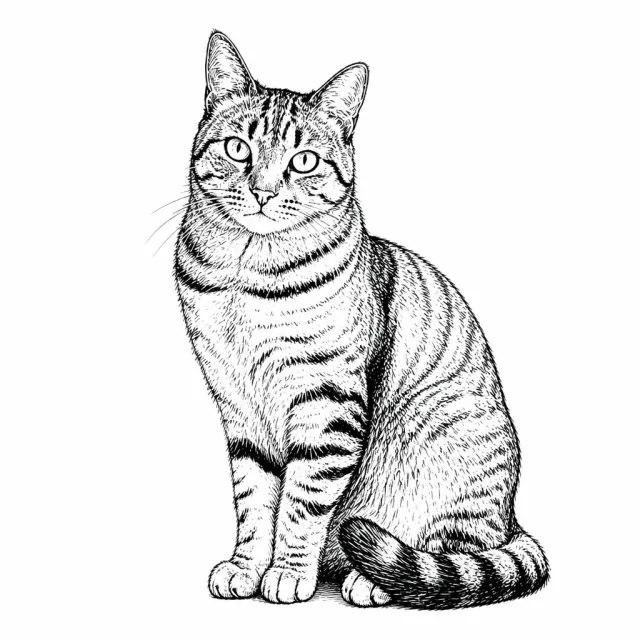
Brown tabby cat, ink sketch
Cat, Ink

Bold ink lines, white paper, same cat.

Photo
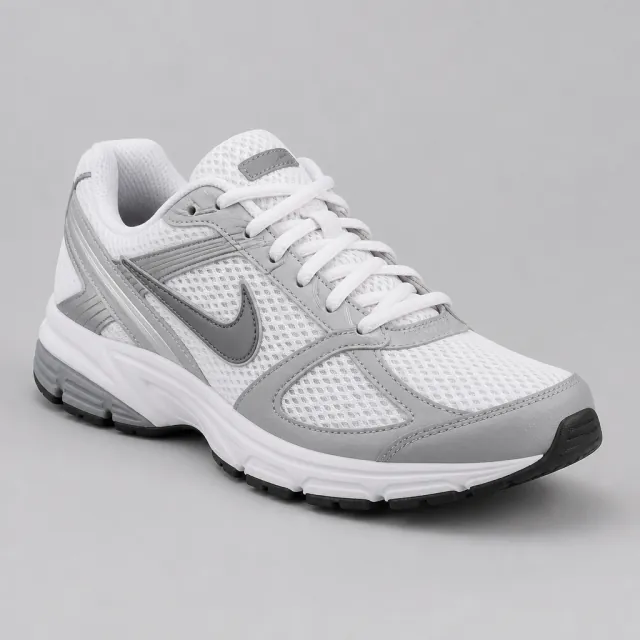
White and grey running sneaker on a studio backdrop
Sketch
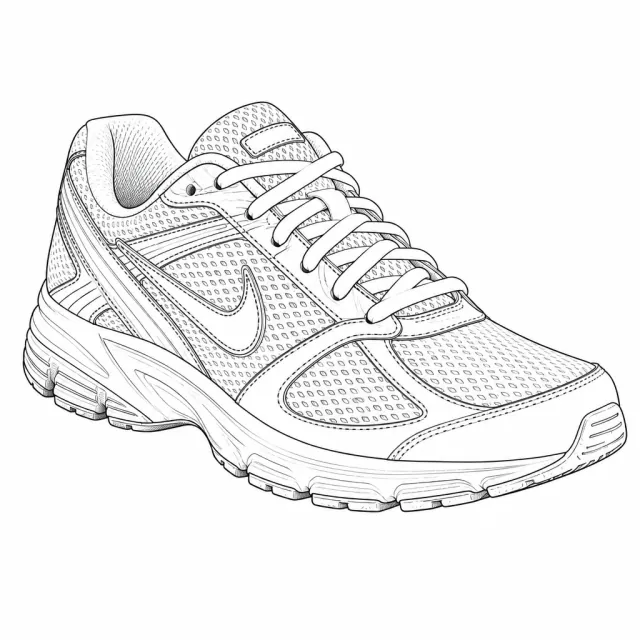
White and grey running sneaker, ink sketch
Sneaker, Ink

This product shot becomes a photo to line drawing. Shape and logo stay readable.

Photo
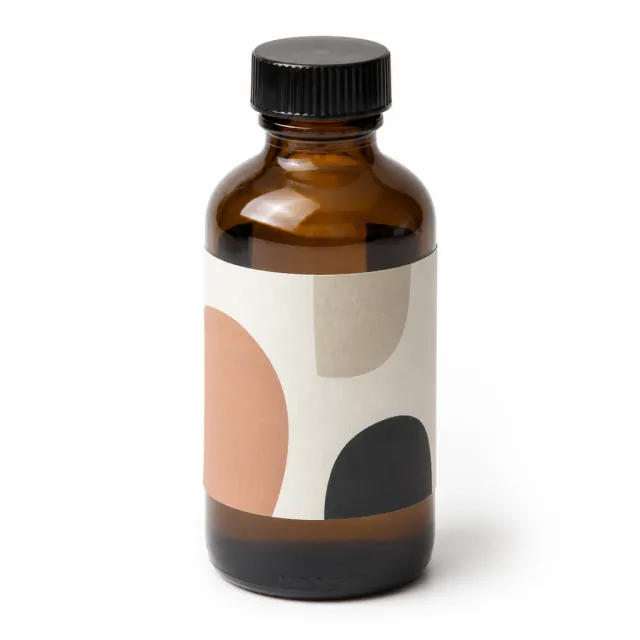
Amber glass bottle with an abstract label
Sketch
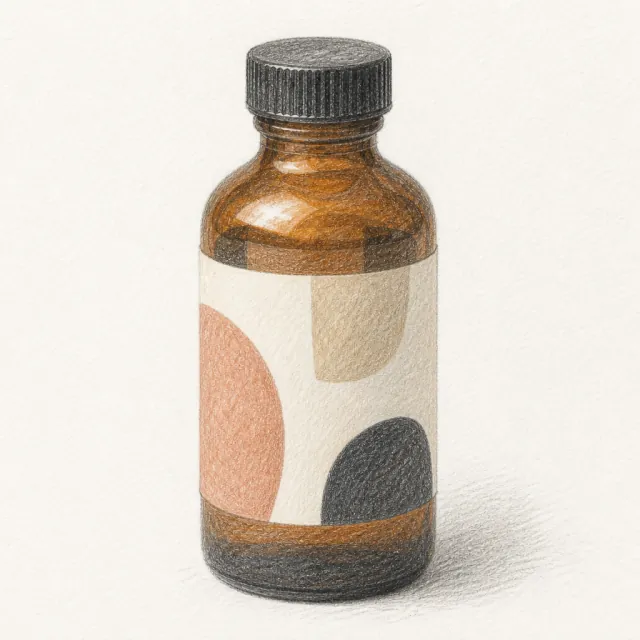
Amber glass bottle, color pencil sketch
Bottle, Color Pencil

A product shot redrawn in color pencil. The label stays the same product.

Photo
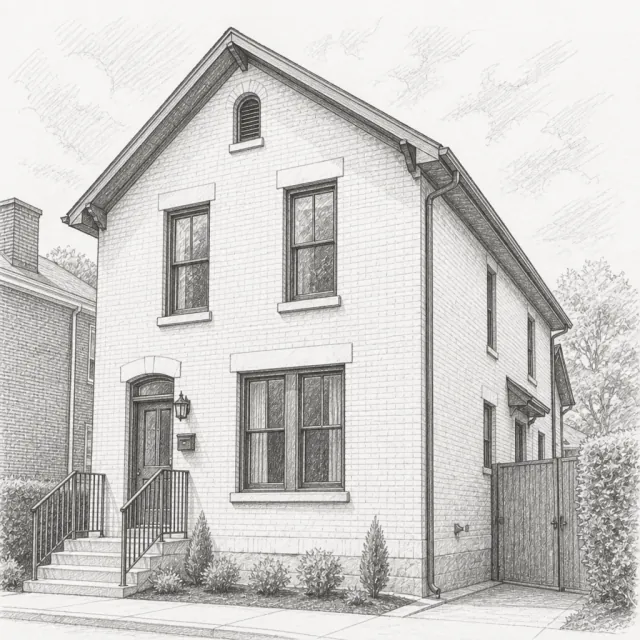
Tan brick townhouse with black windows
Sketch
Tan brick townhouse, pencil sketch
House, Pencil

Architecture as a pencil sketch. Edges stay straight.

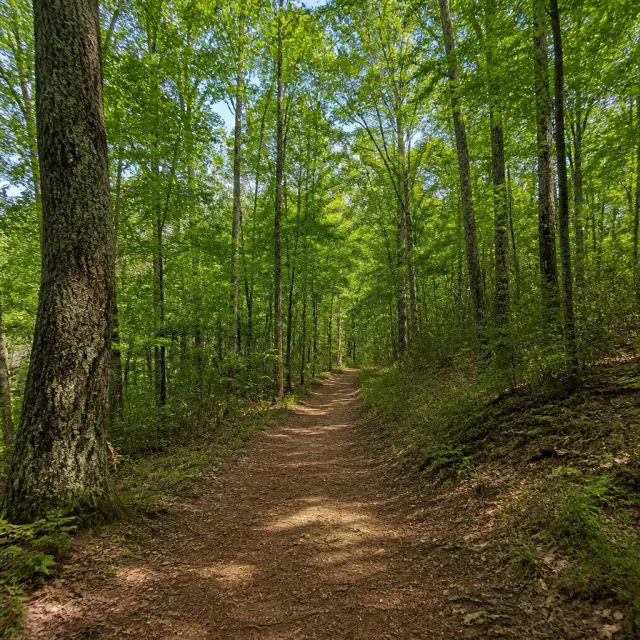
Photo
Dirt trail through sunlit trees
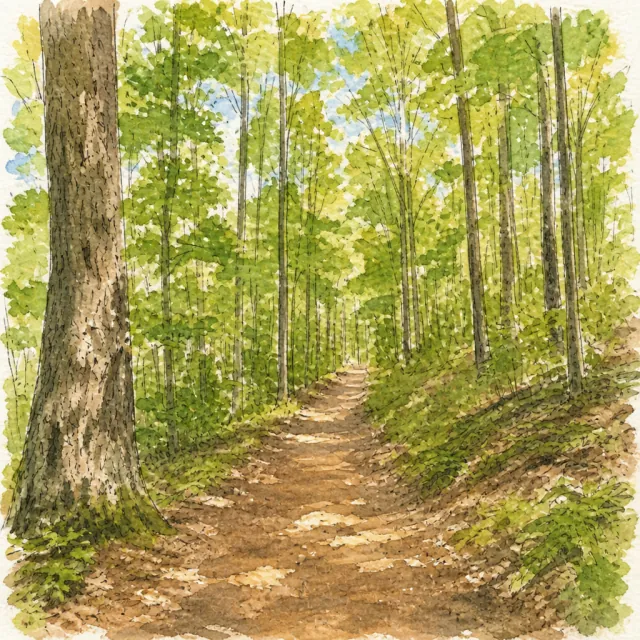
Sketch
Dirt trail through trees, watercolor sketch
Trail, Watercolor

A landscape with loose washes and a light ink line.

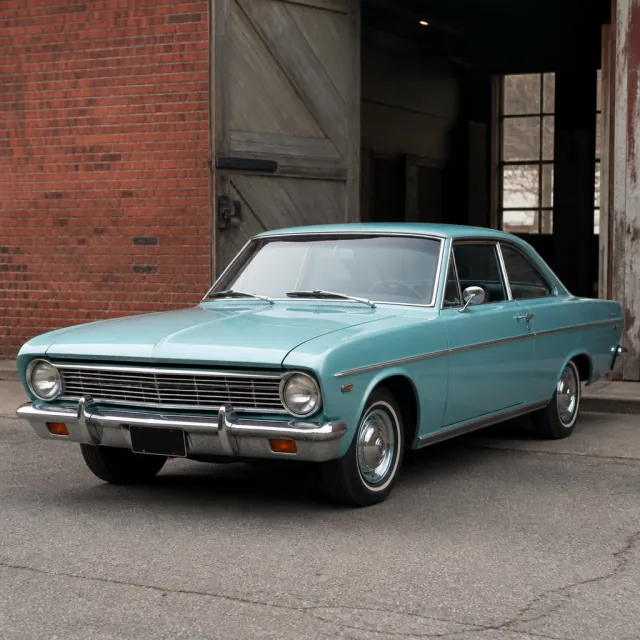
Photo
Light blue vintage coupe by a brick wall
Sketch
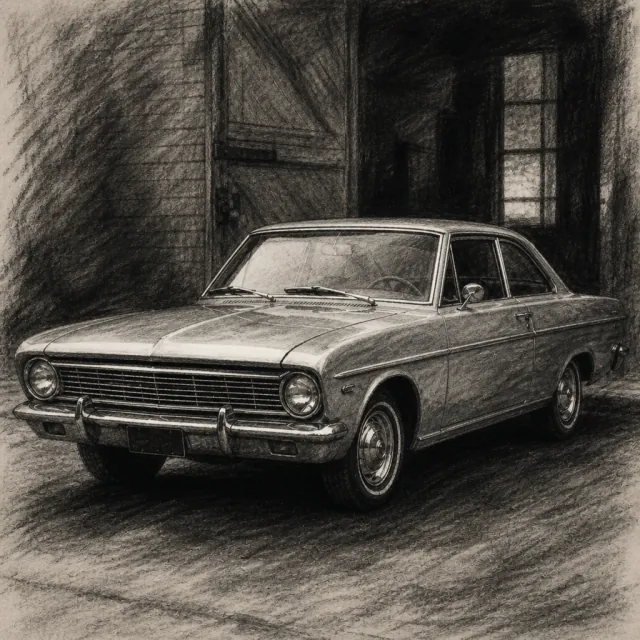
Light blue vintage coupe, charcoal sketch
Car, Charcoal

A car in charcoal. The body shape stays the same car.

Photo
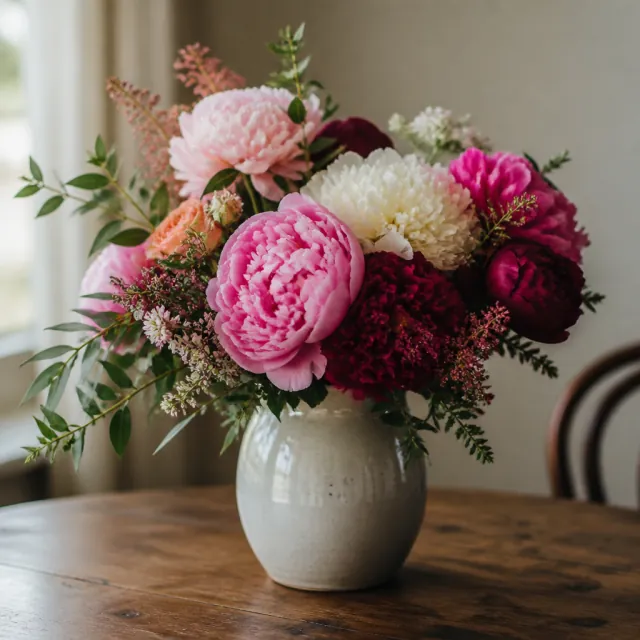
Peony bouquet in a cream vase
Sketch
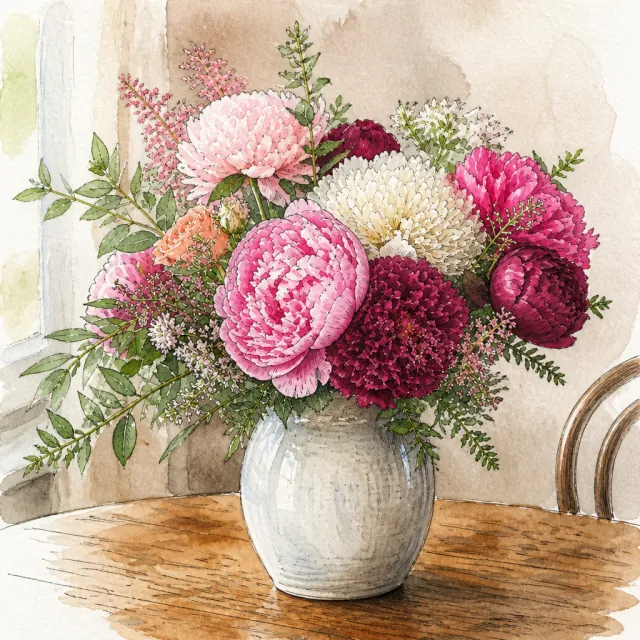
Peony bouquet, watercolor sketch
Flowers, Watercolor

A bouquet as a watercolor sketch. Color stays soft.

Frequently Asked Questions

What is Image to Sketch Converter?

Image to Sketch Converter turns photos into sketches. You upload photos, pick a style, and download drawings. It keeps key features from the originals, so people, pets, and products still look like themselves — just drawn as sketches.

How do I use Image to Sketch Converter?

Upload your photos to Image to Sketch Converter. Pick the sketch style that best fits your vision, or edit the prompt if you want more control. Click the Generate button, preview results on the page, then download high-quality images.

Can I use Image to Sketch Converter on iPhone?

Yes. Open Image to Sketch Converter in Safari or Chrome on iPhone or Android. Upload photos from your camera roll, pick a style, and download sketches. You don't need extra apps.

Is Image to Sketch Converter free to try?

Yes. Sign up and you can start for free. Heavy use and commercial files sit on paid plans. Try your photos first, then upgrade if you need more.

What sketch styles can I use with Image to Sketch Converter?

Image to Sketch Converter comes with six presets: Pencil, Ink, Charcoal, Color Pencil, Watercolor, and Figure. Each style adds a prompt you can use right away. You can also edit the prompt to refine the look and add extra details.

Will people still look like themselves?

That is the point of Image to Sketch Converter. It keeps key features, proportions, and details from the original photos. Use clear, well-lit photos. Blurry, dark, or tiny faces are harder to keep sharp.

What photo formats work with Image to Sketch Converter?

You can upload JPG, PNG, and WebP. After you generate, download sketches and use them in posts, prints, or layouts. Clear, well-lit photos still give cleaner results.

Do I need special skills to use Image to Sketch Converter?

No. You don't need special skills to use Image to Sketch Converter. Upload photos, pick a style, and click Generate. If you can do those three steps, you can get sketches.

Can I use Image to Sketch Converter for commercial projects?

Yes, on a paid plan. Subscribed users can use the files in real work. Free users are limited to non-commercial use. You still need the rights to the photos you upload.

How do I make photos look like sketches?

Use Image to Sketch Converter. Upload photos, pick a style such as Pencil, Ink, or Charcoal, then click Generate. Preview the stunning results on the page and download high-quality images. If you want a different look, edit the prompt and generate again.

Start Image to Sketch Now

Transform your photos into sketches in seconds.