

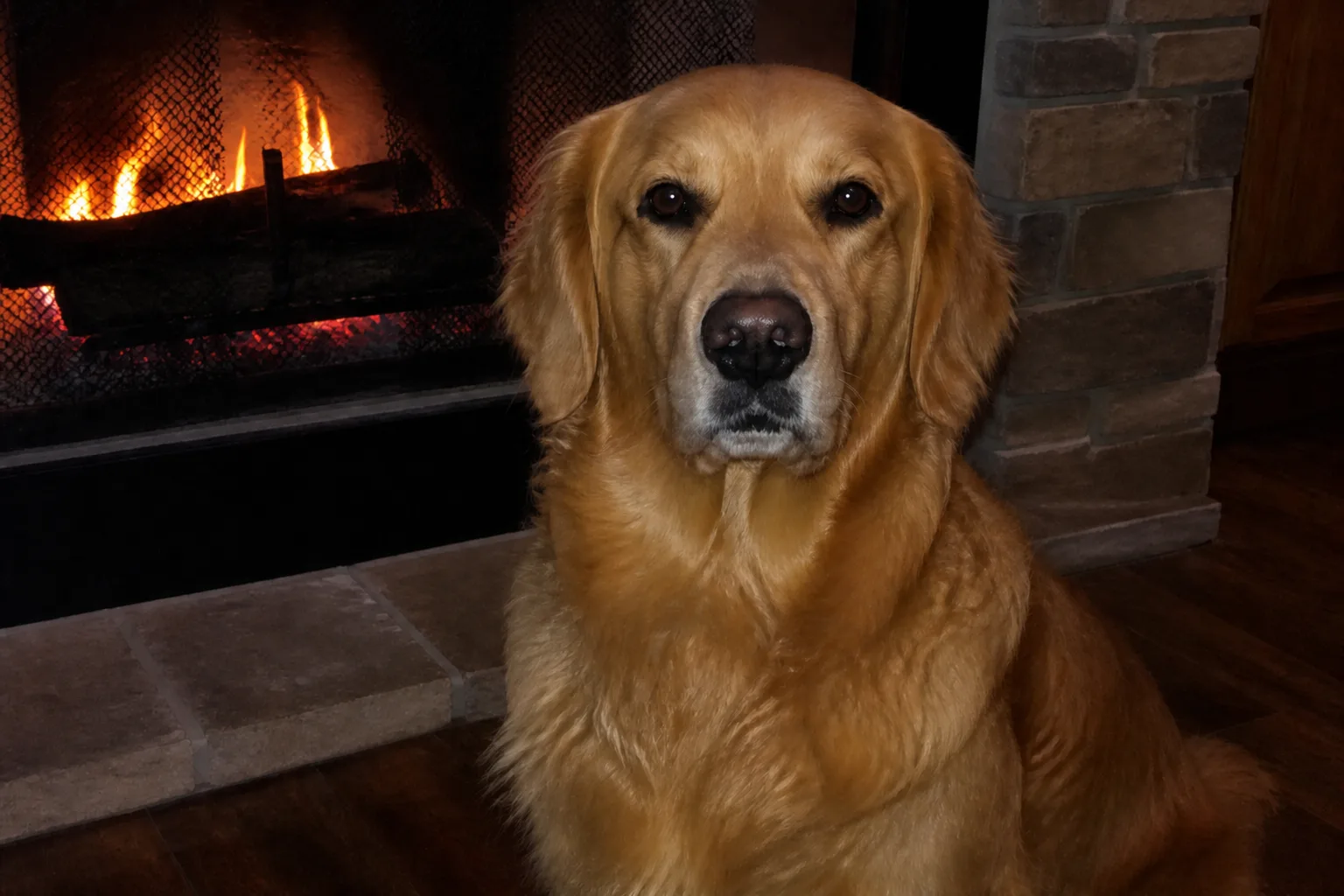
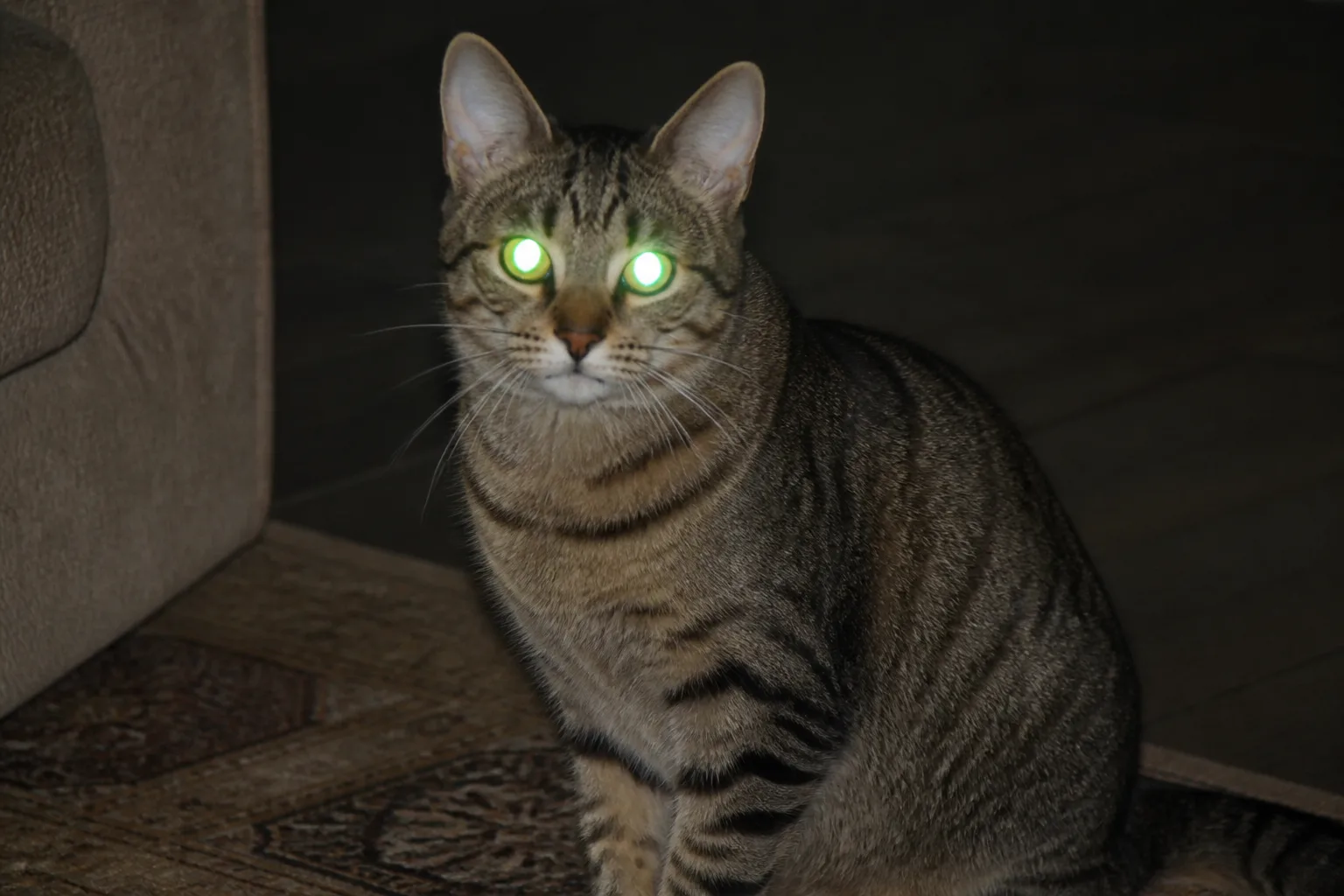
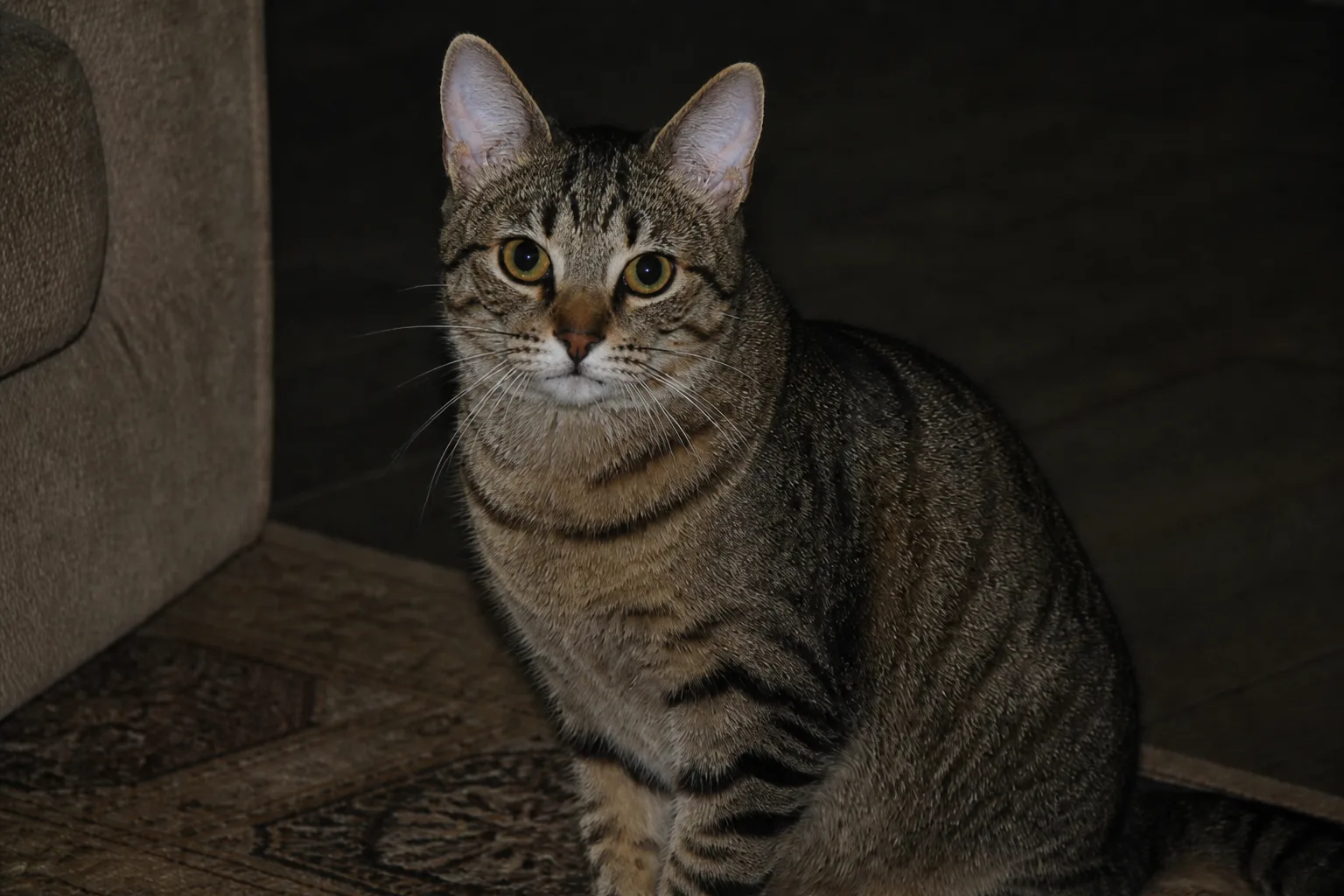
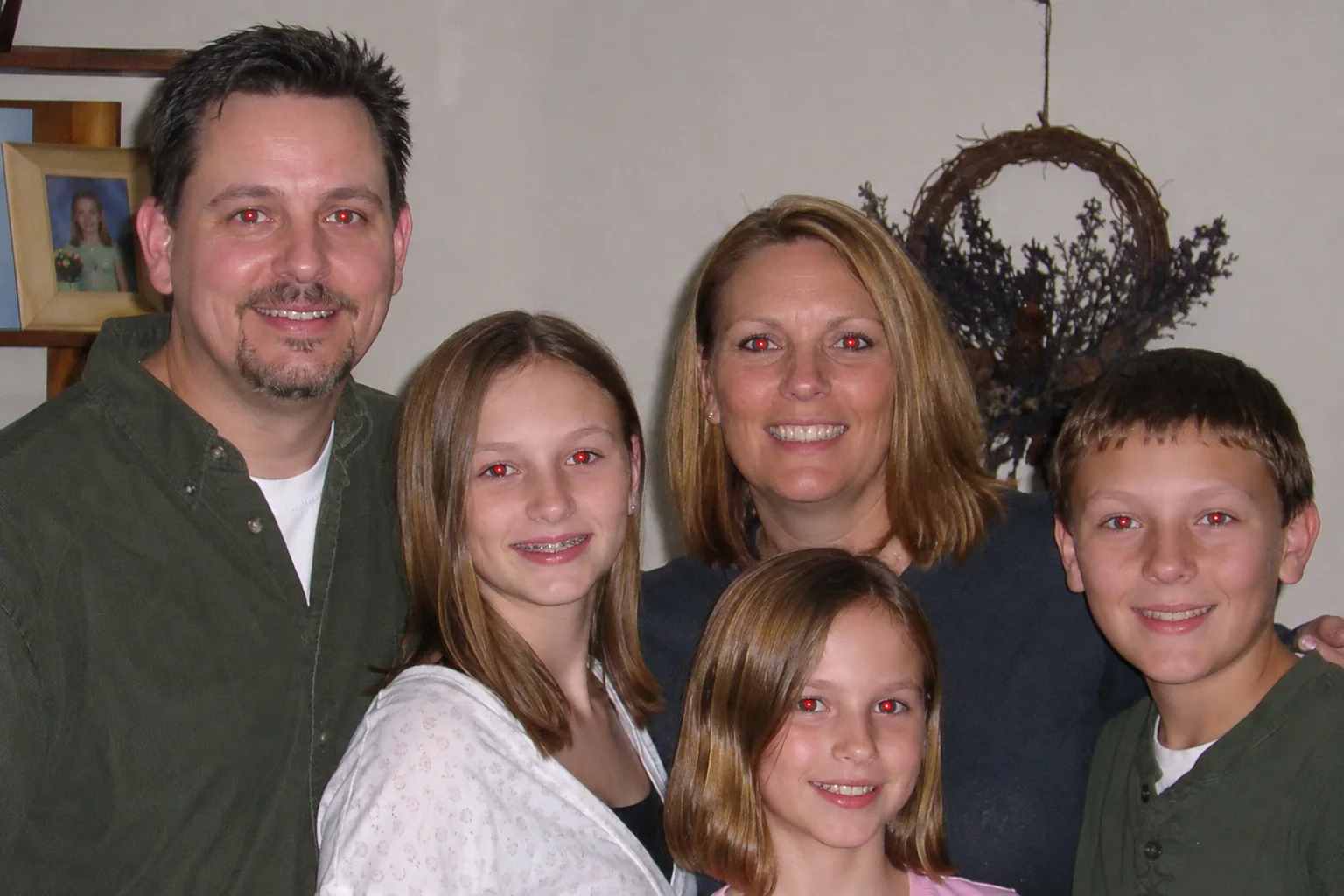
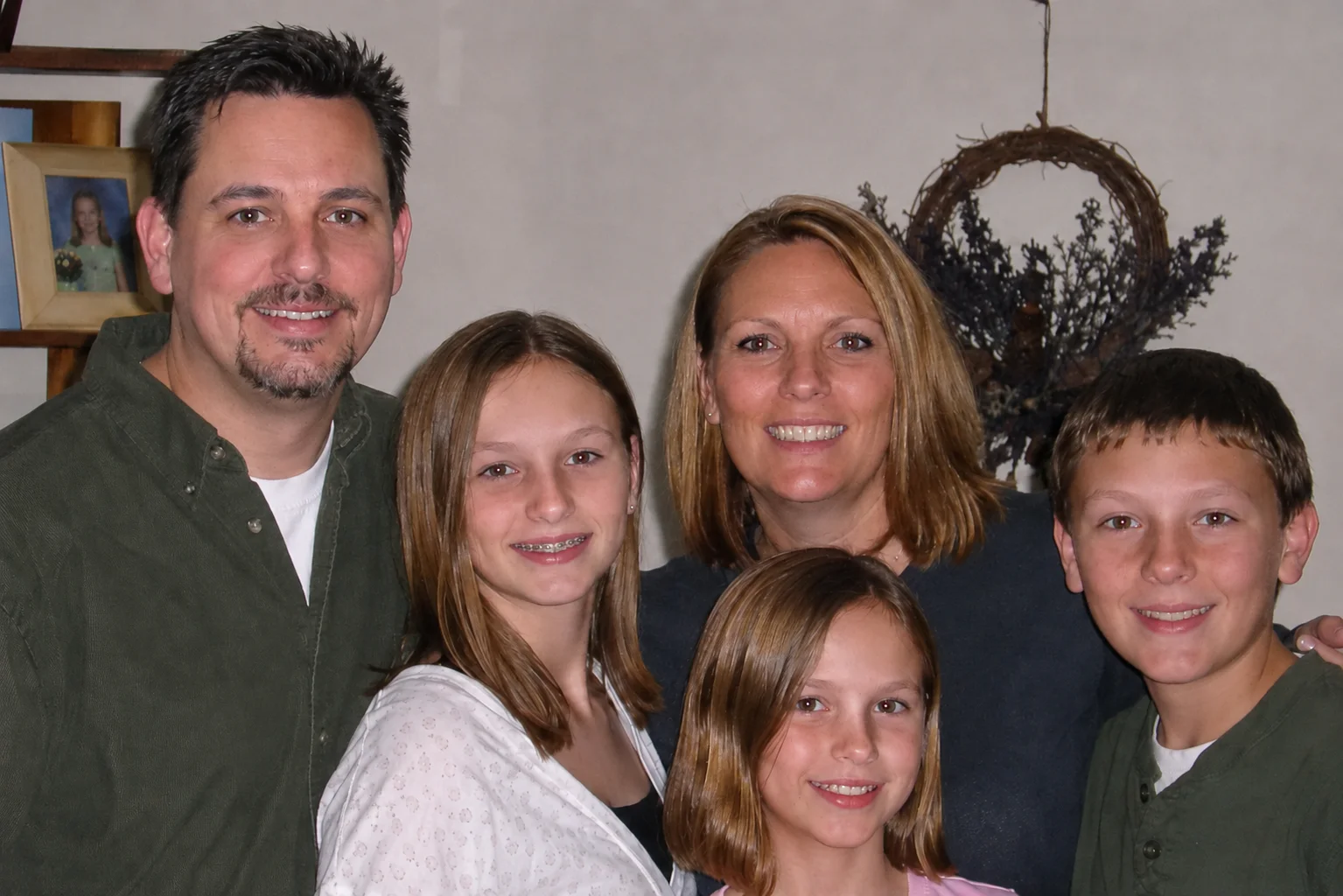


Free Online Red Eye Remover

Remove red eyes from photos instantly with AI. Restore natural eye color, sharp pupil depth, and lifelike catchlights in portraits, group shots, and pet photos online.

Aspect ratio
Resolution

↓ Try with an example photo

See Red Eye Remover in Action

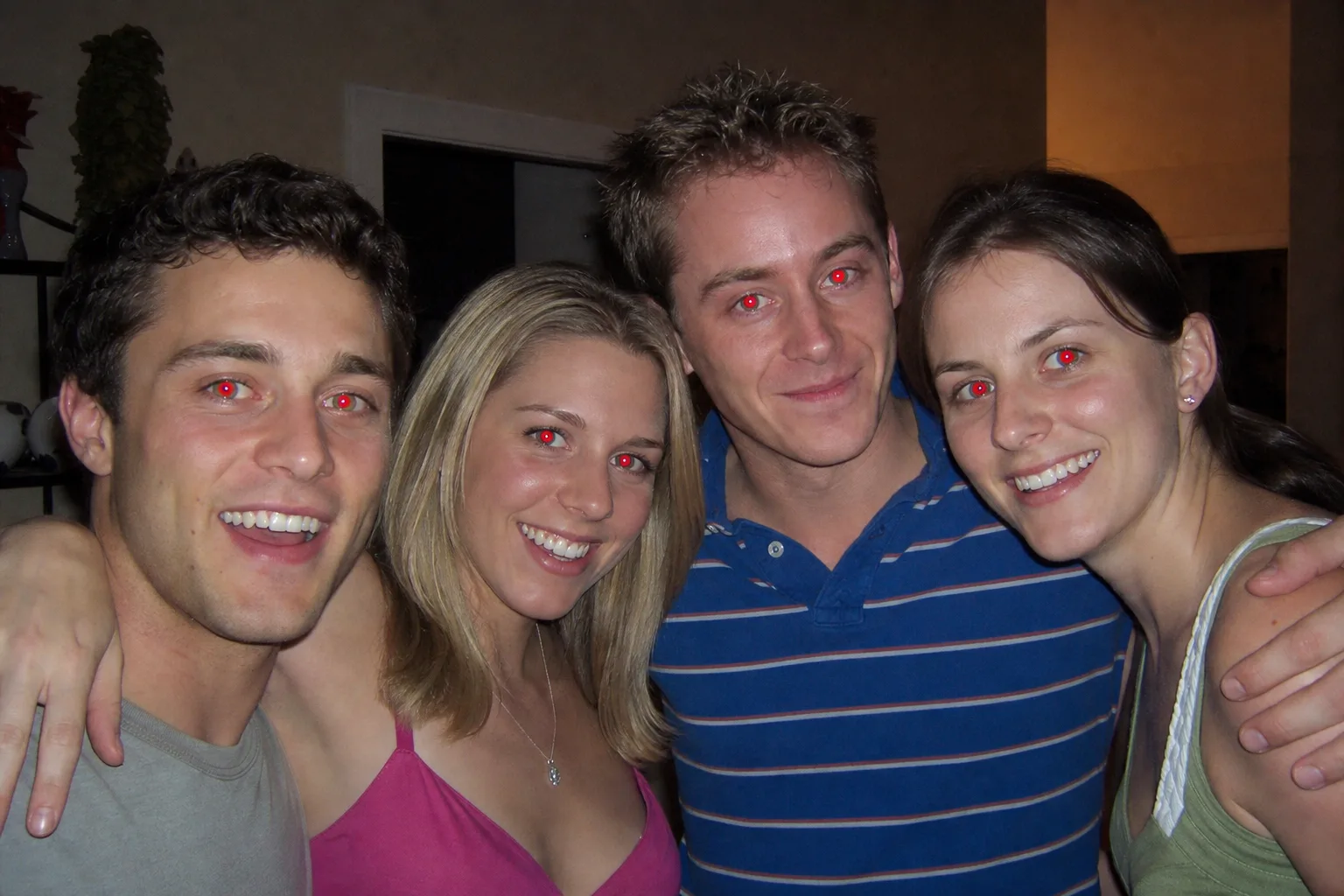
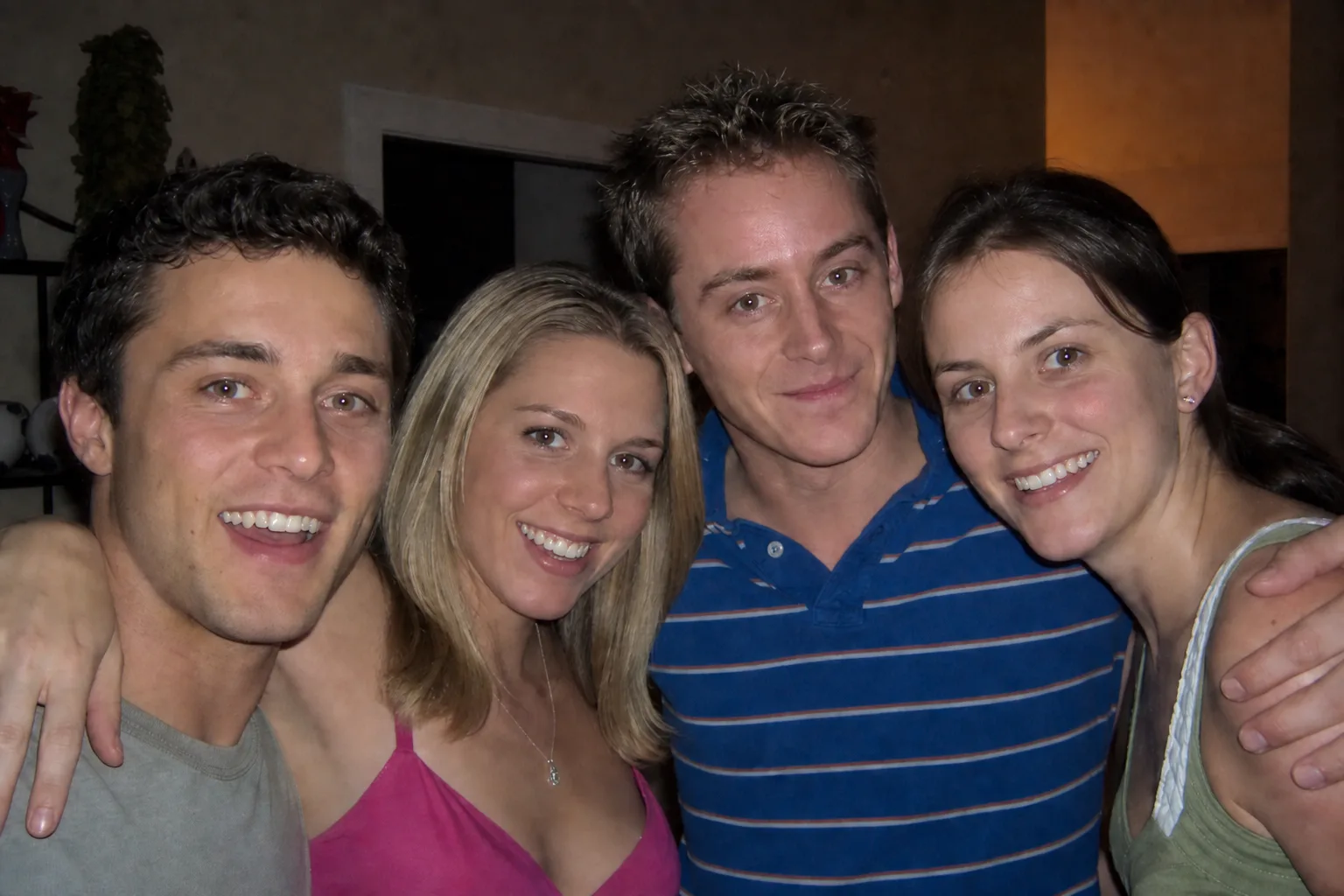
BeforeAfter
BeforeAfter
BeforeAfter
BeforeAfter
BeforeAfter
BeforeAfter

How to Remove Red Eyes from Photos in 3 Simple Steps

Fix red eyes in seconds with our intuitive online Red Eye Remover. No photo editing experience or Photoshop required.

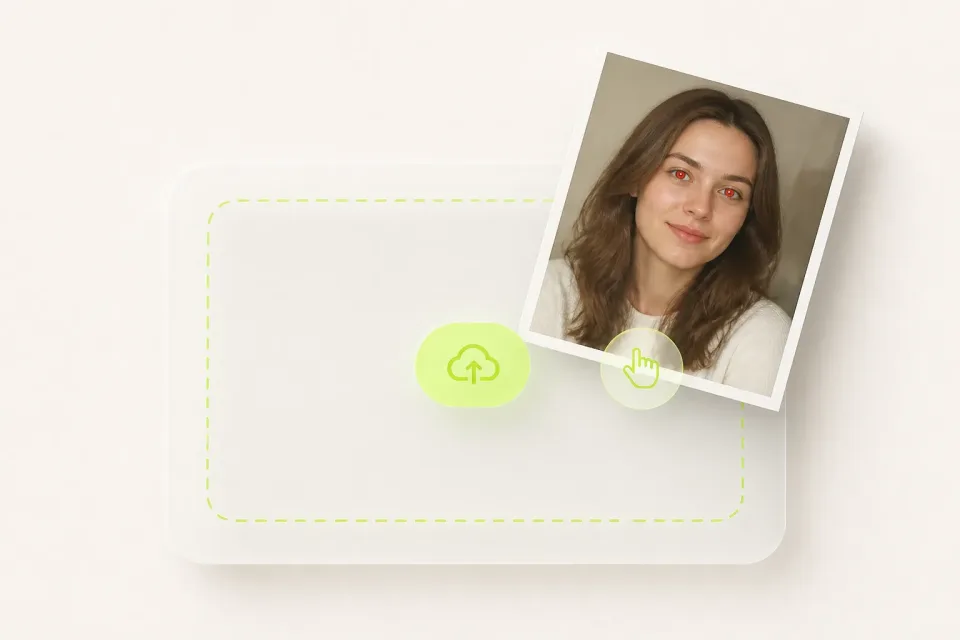
User dragging a portrait photo with red eyes into the Red Eye Remover upload zone
01
Upload your photo

Upload the image you want to fix into the Red Eye Remover drop zone. You can drag and drop your file directly or browse from your phone or computer. Red Eye Remover supports JPG, PNG, and WebP formats. Whether it is a close-up selfie, a busy group picture, or a cute pet snapshot, high-resolution and clear images give the best possible results.
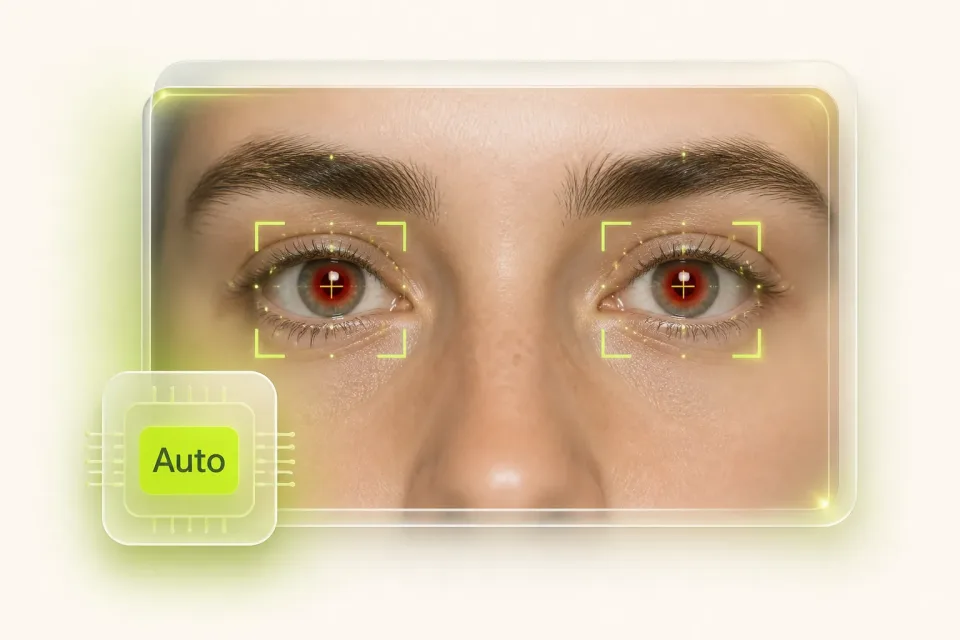
AI scanning facial landmarks and highlighting pupil areas for instant color restoration
02
Let AI detect and correct red eyes

Once uploaded, Red Eye Remover automatically analyzes the photo, pinpoints eye coordinates, and neutralizes the red flash glare. If you want specific adjustments, you can type your own prompt or tap an example photo below to automatically fill recommended instructions (such as fixing pet eye glow or balancing group lighting). The AI intelligently handles the color restoration for you.

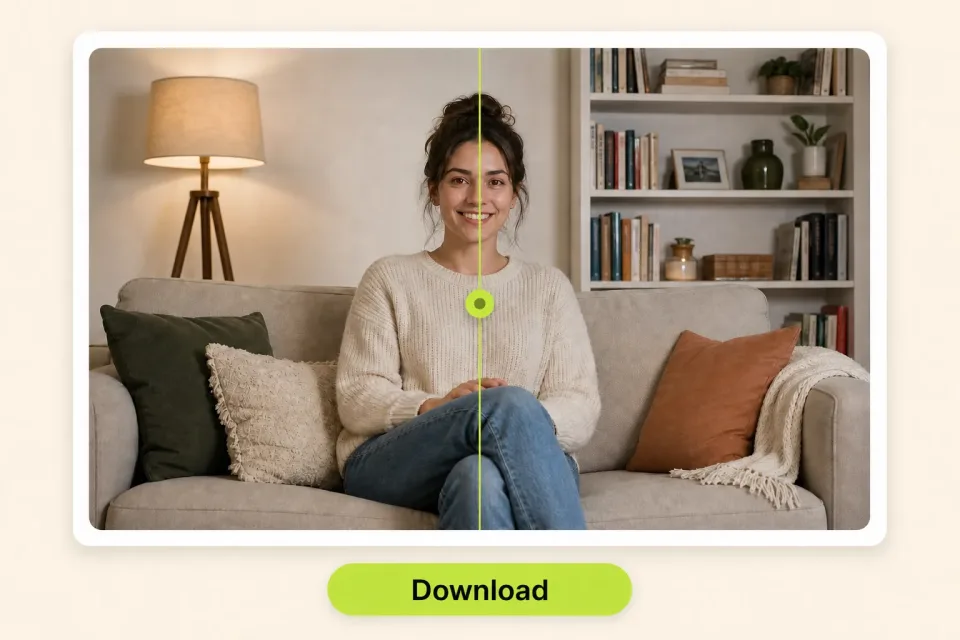
Before-and-after slider of a living-room portrait with a Download button
03
Preview and download your clean photo

Inspect the before-and-after preview directly on the screen. Verify that the red eye effect is completely gone and that the natural eye reflections look lifelike. Click the Download button to save your high-resolution photo to your device, ready to print, share, or post.

The Science Behind Red Eye: Why Do Eyes Glow in Flash Photos?

Have you ever wondered why an otherwise stunning photo gets ruined by glowing red eyes? Understanding the optical science behind red eye explains why it happens and why our AI Red Eye Remover is engineered to fix it properly.

01

The Optical Flash Reflection Phenomenon

The red eye effect is a natural photographic artifact caused by the retro-reflection of light inside the human eye under low-light conditions:

  • Dilated Pupils in Dim Light

    When you take photos in dim indoor rooms, evening parties, or nighttime settings, your pupils naturally dilate (expand) to let in more ambient light.

  • The Speed of the Camera Flash

    A camera flash fires in a fraction of a millisecond. This sudden burst of intense light happens much faster than the human iris can physically contract.

  • Reflection from the Vascular Retina

    Light enters through the wide-open pupil, travels through the vitreous humor, and illuminates the retina and choroid at the back of the eyeball. The choroid layer is rich in micro-blood vessels (hemoglobin). The light reflects off this blood-filled tissue and bounces straight back out through the pupil toward the camera lens.

  • The Retro-Reflection Angle

    On smartphones and compact cameras, the flash bulb sits only a few millimeters away from the lens axis. Because the light source and the lens are almost perfectly aligned, the reflected red light enters the camera sensor directly, capturing the unmistakable red pupil glow.

02

Why Pet Eyes Glow Green, Yellow, or Blue

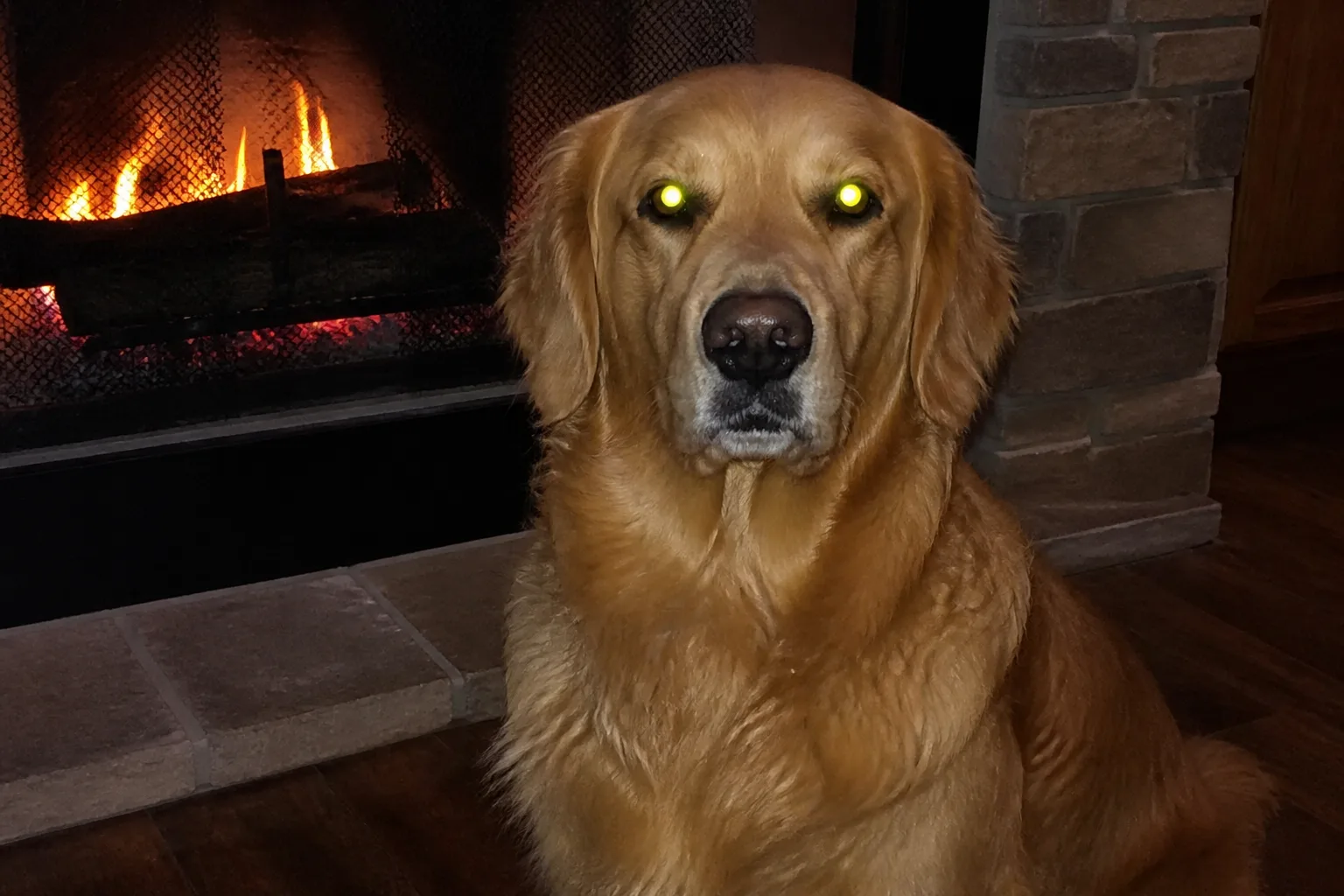
If you photograph your dog, cat, or other animals with a flash, their eyes rarely turn red—instead, they glow in eerie shades of neon green, bright yellow, or electric blue.

This occurs because most nocturnal animals and predators have a specialized reflective anatomical layer behind their retina called the Tapetum Lucidum (Latin for "bright tapestry"). The tapetum lucidum acts like a biological mirror, reflecting light back through the photoreceptors to dramatically boost night vision.

When a camera flash strikes a pet's eye, the light reflects off this tapetum lucidum rather than red blood vessels. Depending on the animal's breed, age, and eye pigmentation, the reflected glow appears green, golden, or turquoise. Our AI Red Eye Remover intelligently detects and removes these bright green or yellow pet reflections, restoring your pet's natural eye look.

03

How AI Red Eye Remover Restores Natural Eye Anatomy

Basic photo editors fix red eyes by applying a blunt desaturation brush, which simply paints the pupil area solid black or muddy gray. This creates an unnatural "doll-eye" appearance because it destroys the natural cornea reflections (catchlights) and flattens the depth of the eye.

Our AI Red Eye Remover uses deep visual recognition to:

  1. 1

    Distinguish between the blood-induced red glare and the natural iris color (brown, blue, green, hazel).

  2. 2

    Preserve the corneal catchlight—the bright white glint caused by ambient light that gives eyes their lively sparkle.

  3. 3

    Reconstruct subtle gradients and shadows inside the pupil, ensuring the corrected photo looks completely authentic, as if the flash reflection never occurred.

Key Features of Our Online Red Eye Remover

Discover why millions of photographers, creators, and everyday smartphone users trust Red Eye Remover to rescue their favorite memories.

01

AI Auto-Detect Red Eyes

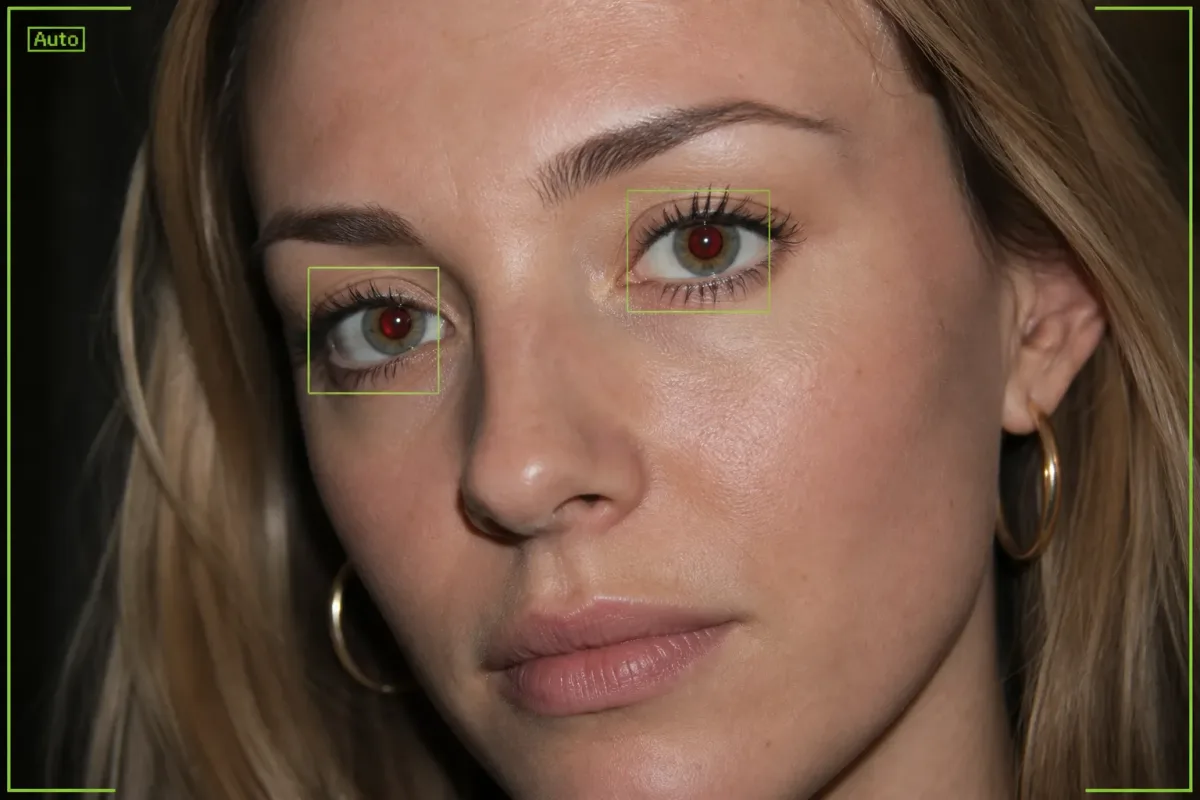
No more tedious manual painting or zooming in to click every single eye. Red Eye Remover uses AI to automatically detect faces and pinpoint red pupils across your photo, removing the harsh red flash glare in seconds.

Try Free Red Eye Remover
Illustration of AI auto-detecting red pupils across a portrait
02

Fix Red Eyes in Pets

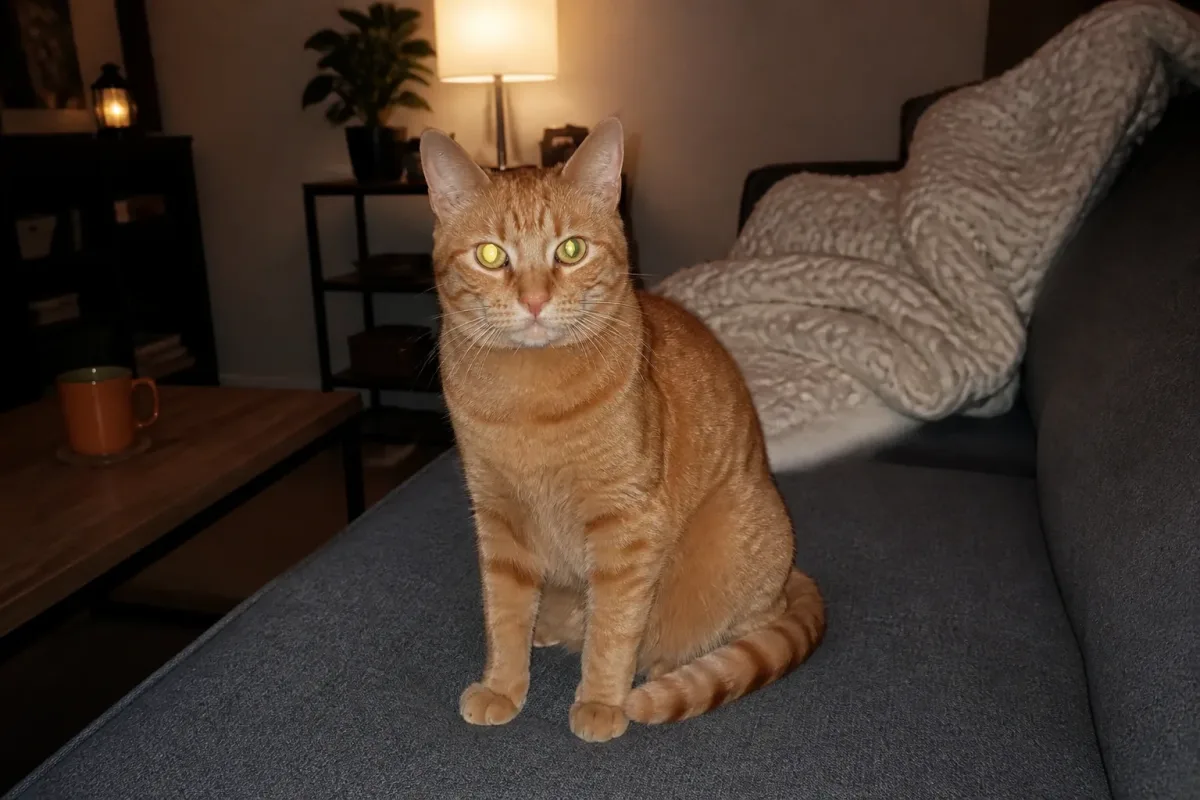
Camera flashes often make dog and cat eyes glow green, yellow, or blue instead of red. Red Eye Remover intelligently identifies these pet eye reflections and cleans them up, restoring your pet's natural eye appearance without affecting the surrounding fur or facial contours.

Fix Pet Eyes with Red Eye Remover
Orange tabby cat on a sofa with yellow-green flash eye glow
03

Preserves Natural Reflections & Iris Texture

A realistic eye is never a solid black dot. Red Eye Remover carefully separates the red flash artifact from the surrounding iris patterns and corneal catchlights. It retains the natural highlights, shadows, and color gradations of the eye, ensuring your portraits look fresh, lively, and unedited rather than artificial.

Fix Red Eye in Photo
Woman sitting by a cafe window with natural eye catchlights in daylight
04

Multi-Person & Group Photo Batch Processing

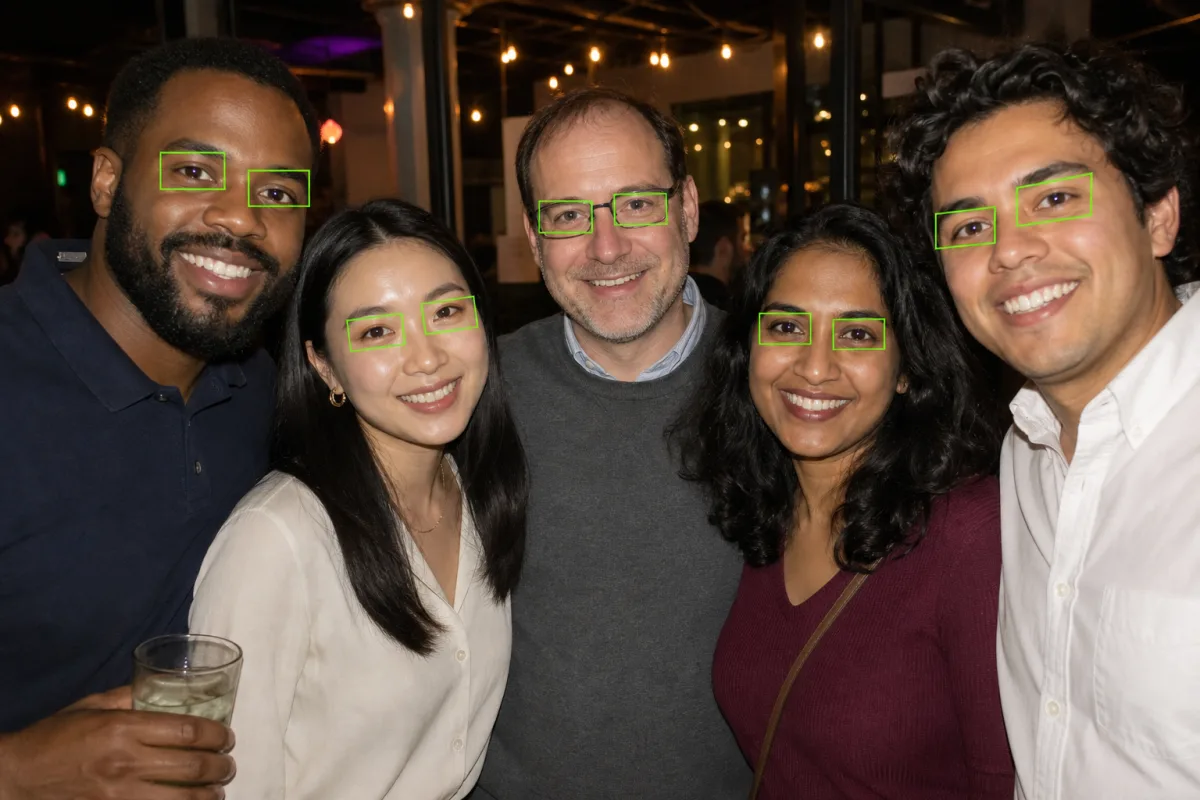
Group photos at weddings, concerts, and family gatherings often result in multiple people suffering from red-eye reflections simultaneously. Red Eye Remover processes group pictures effortlessly, identifying every face across the frame and fixing multiple red eyes in a single run. You do not need to edit each person one by one.

Fix Group Photos with Red Eye Remover
Group photo with every face detected for red-eye correction
05

Works Seamlessly on iPhone, Windows & Mac

Red Eye Remover is completely web-based and runs directly inside your favorite browser. Whether you are editing on iPhone (Safari), Android (Chrome), Mac, Windows, or iPad, you enjoy a fast, lightweight experience without installing heavy software or downloading third-party mobile apps.

Start Free Online Red Eye Remover
Phone, tablet, and laptop showing the same Red Eye Remover web app

Frequently Asked Questions About Red Eye Remover

What is Red Eye Remover?

Red Eye Remover is an AI-powered online photo editing tool that detects and eliminates unnatural red eye reflections caused by camera flash in photos. It restores the natural color, pupil depth, and catchlights of eyes in portraits, group photos, and pet pictures without requiring manual editing skills.

How do I use Free Online Red Eye Remover?

Using Free Online Red Eye Remover takes just three steps: upload your image into the drop zone, let the AI automatically detect and fix the red eye reflections, and preview the results. Once satisfied, click the download button to save your clean, high-resolution photo.

Why do camera flashes cause red eyes in photos?

In dim lighting, pupils dilate to let in more light. When a camera flash fires directly in line with the lens, the light enters through the wide pupil and reflects off the blood vessels in the retina at the back of the eye. This reflected red light bounces straight back into the camera, creating the red eye effect.

Can Red Eye Remover fix green or yellow glowing pet eyes?

Yes. Red Eye Remover uses AI to intelligently detect and remove the unnatural green, yellow, or blue flash glow in pet photos. It restores your pet's natural eye color while keeping their fur and facial details intact.

Does Red Eye Remover support group photos with multiple people?

Yes. Red Eye Remover can scan and detect multiple faces across wide group shots, party photos, and family portraits. It identifies all red pupils in the frame and fixes them simultaneously in a single operation.

Will my corrected eyes look natural or like fake black circles?

Your eyes will look completely natural. Unlike basic editors that paint a flat black circle over the eye, Red Eye Remover preserves the authentic iris color, delicate corneal light reflections (catchlights), and natural pupil shading so the eye looks vibrant and realistic.

Can I use Red Eye Remover on my iPhone or Mac?

Yes. Red Eye Remover works directly in your web browser with no downloads or installation required. You can use it on iPhone, iPad, Mac, Windows PC, and Android devices using Safari, Google Chrome, Edge, or Firefox without installing any desktop software or mobile apps.

What photo formats are supported by Red Eye Remover?

Red Eye Remover supports all standard digital image formats, including JPG, JPEG, PNG, and WebP. For best results, upload clear, well-lit original photos.

Is Red Eye Remover free to try?

Yes. You can sign up and try Red Eye Remover for free to fix your photos. For heavy batch processing and high-volume commercial projects, premium plans provide higher generation capacity and priority processing.

Restore Natural Eye Color with Free Online Red Eye Remover

Fix annoying red eyes in your portraits, selfies, and group photos in seconds. Upload your photo now and get clear, natural results.