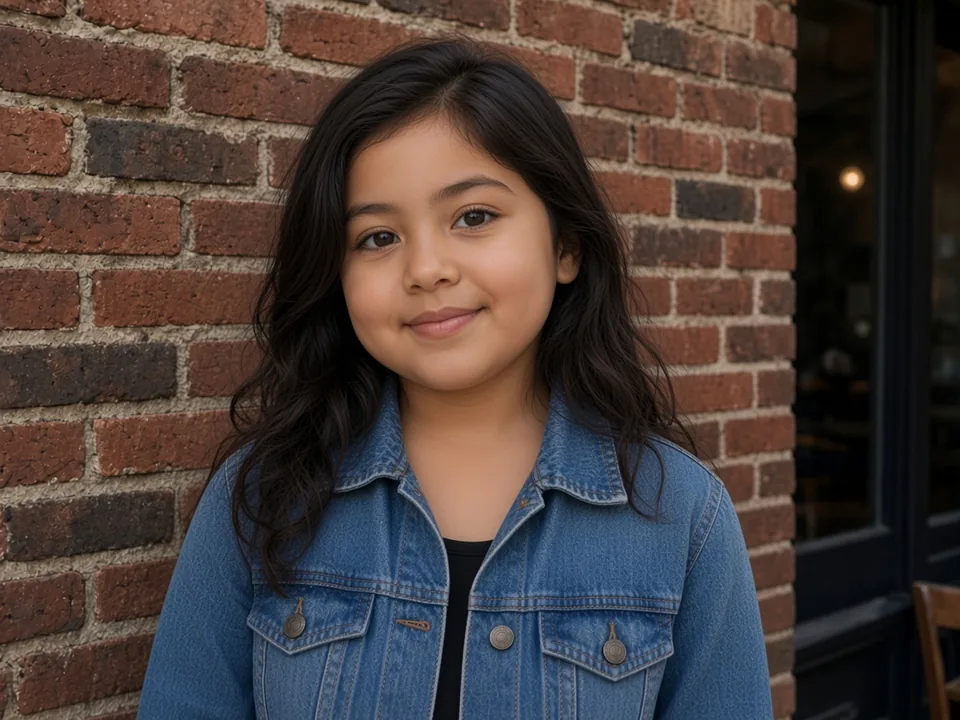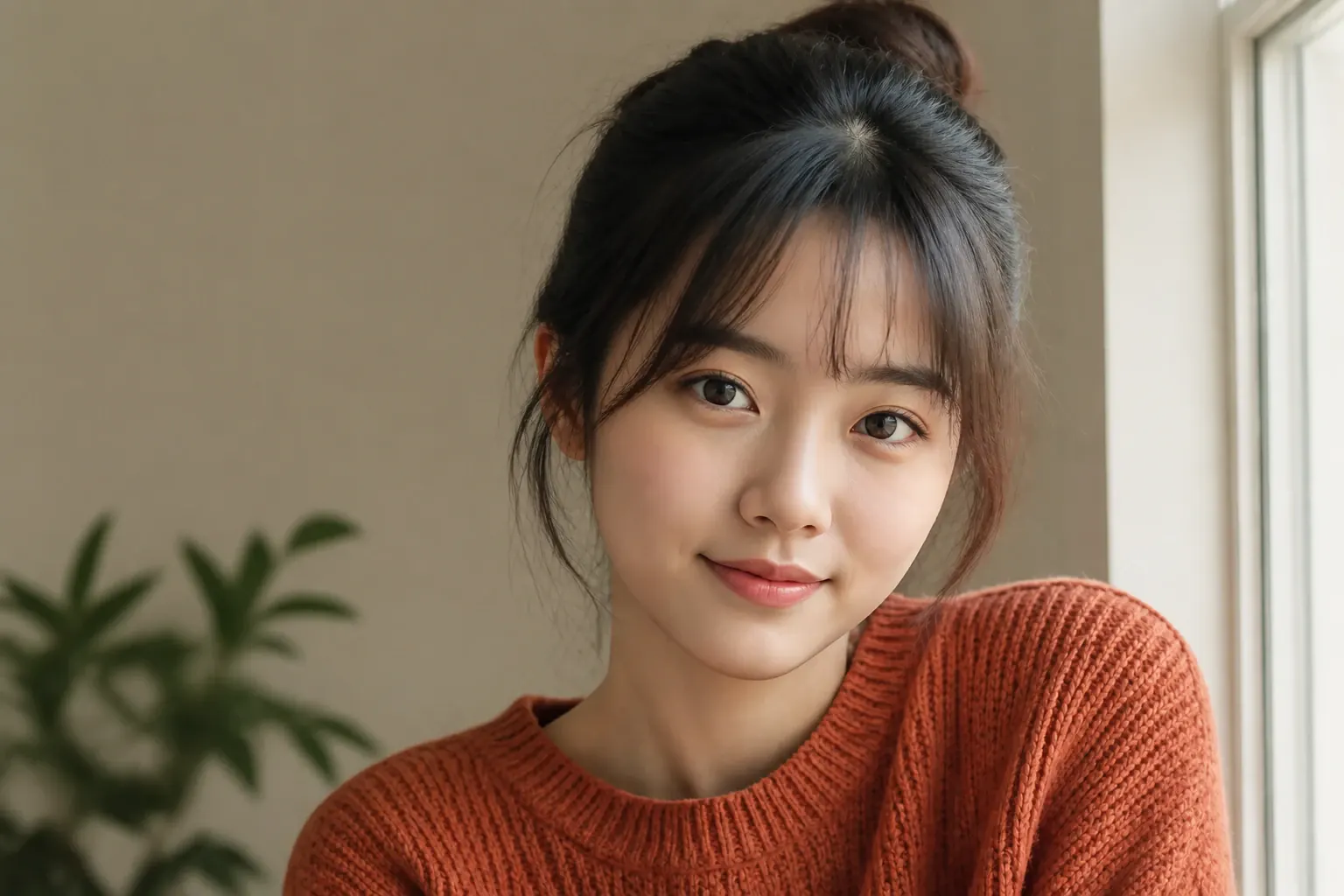
Free AI Baby Filter Online

Turn any portrait into an adorable baby face in seconds with our free AI baby filter. Keep your natural facial features, skin tone, and background completely unchanged.

Aspect ratio
Resolution

↓ Try with an example photo

Why Choose Our AI Baby Filter

01

True Facial Identity Preservation

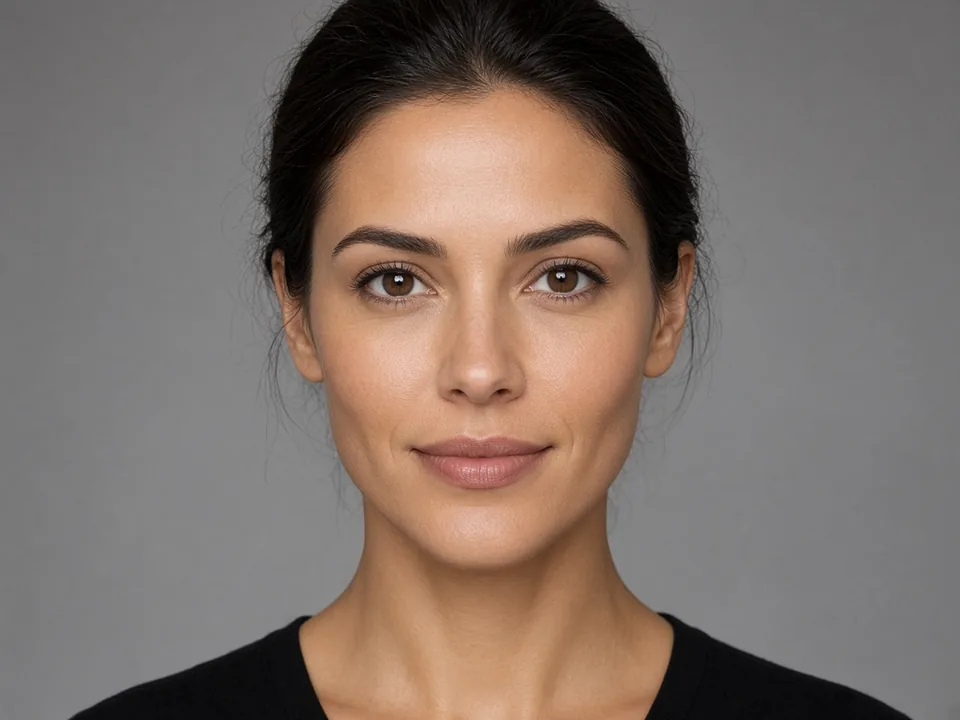
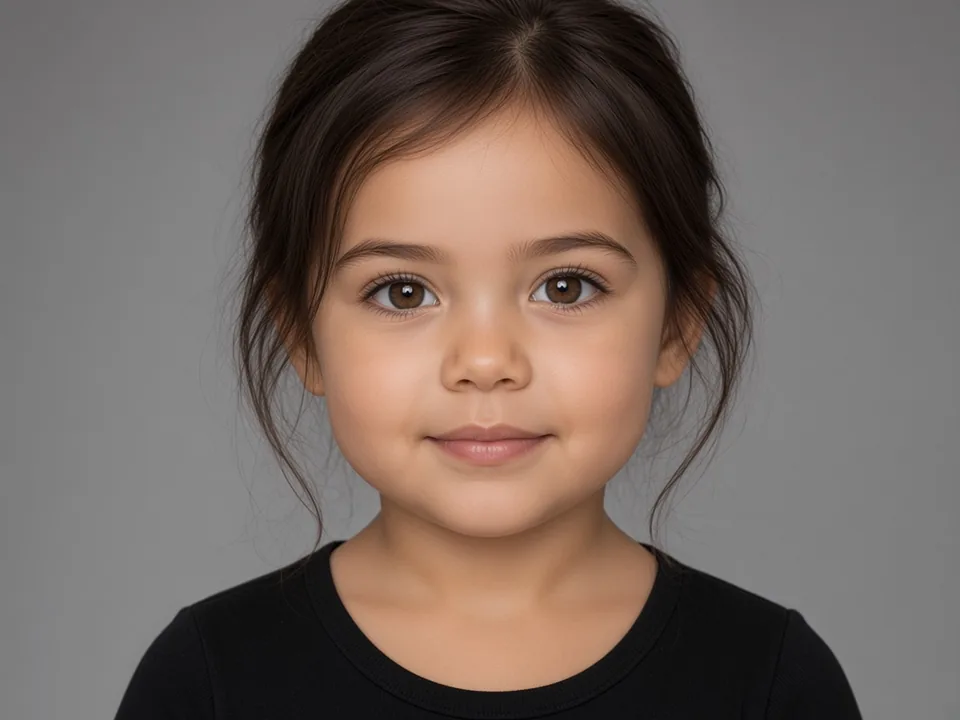
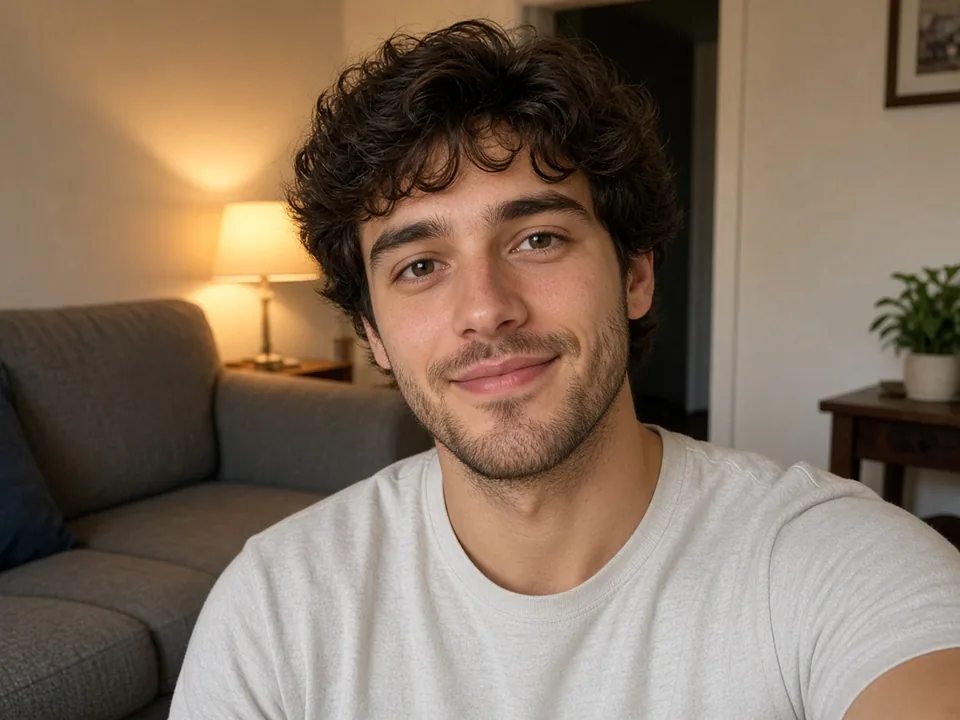
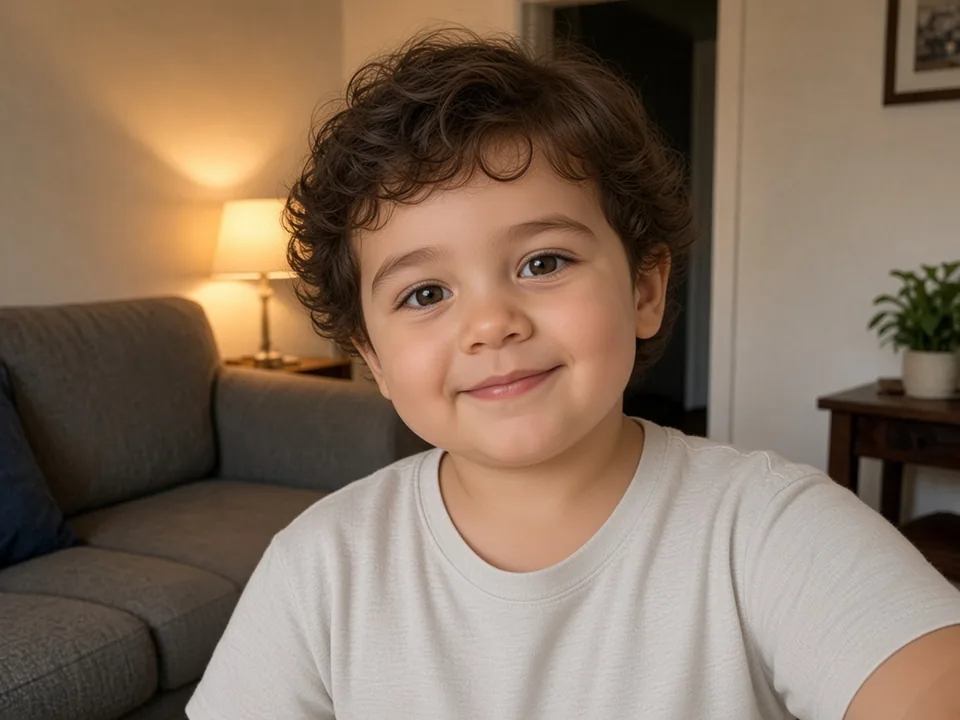
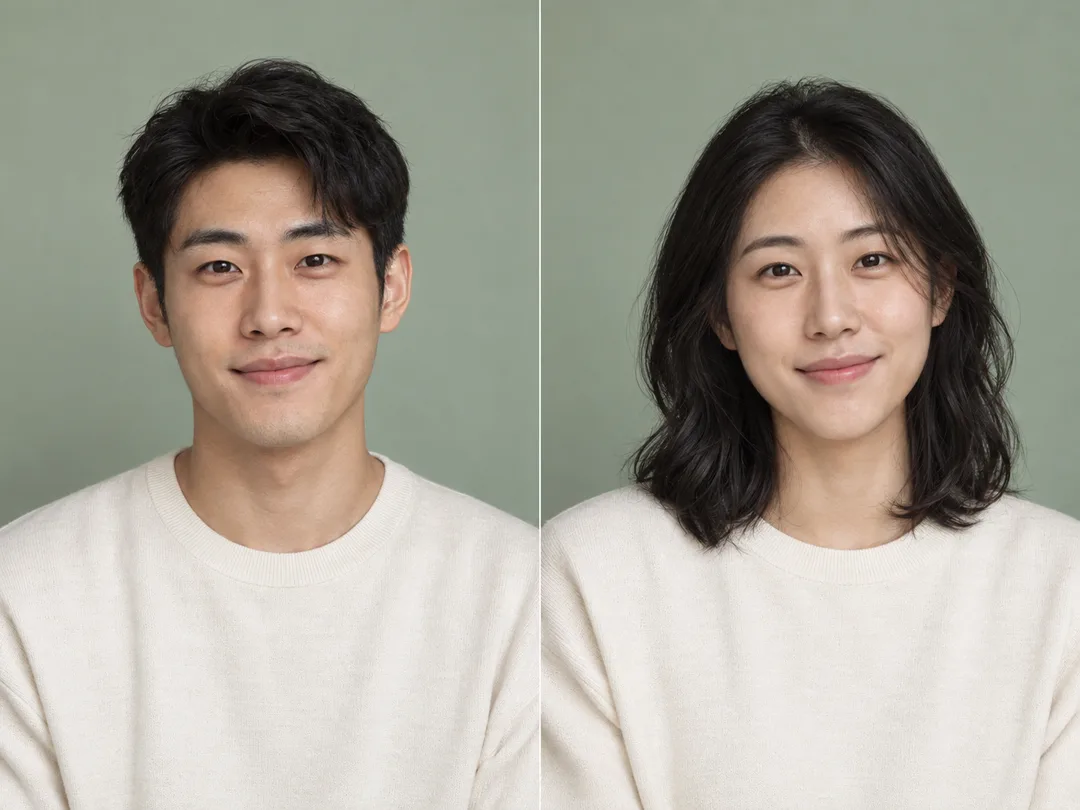
Most filter apps just paste a generic baby face over your photo. The result looks fake and looks nothing like you. Our baby filter is different. The AI looks at your real facial features—your eye shape, nose bridge, and smile—and reshapes them into natural baby proportions. You get a cute baby version that actually looks like you, not a random stranger, making this the most realistic baby filter online.

BeforeAfter

02

Natural Baby Proportions & Softness

A real baby face is not just a shrunken adult face. Babies have bigger eyes compared to their head, rounder foreheads, smaller noses, and chubby cheeks. Our baby face filter follows these real proportions. It softens sharp jawlines and adds natural baby fullness, while keeping your own face easy to recognize through the baby filter.

BeforeAfter
03

Background and Outfit Stay Unchanged

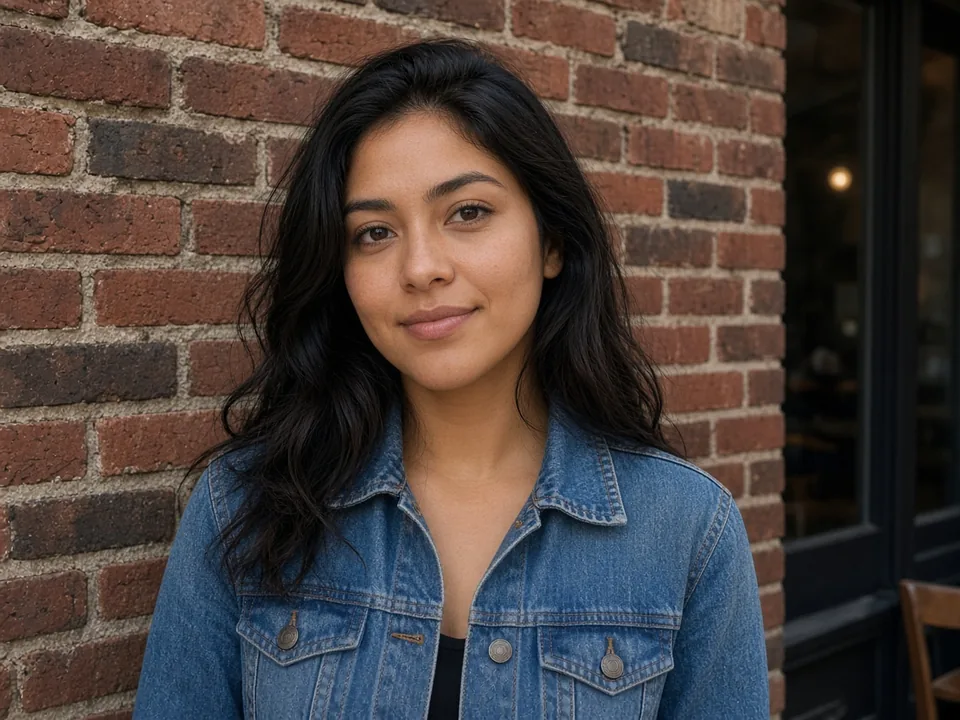
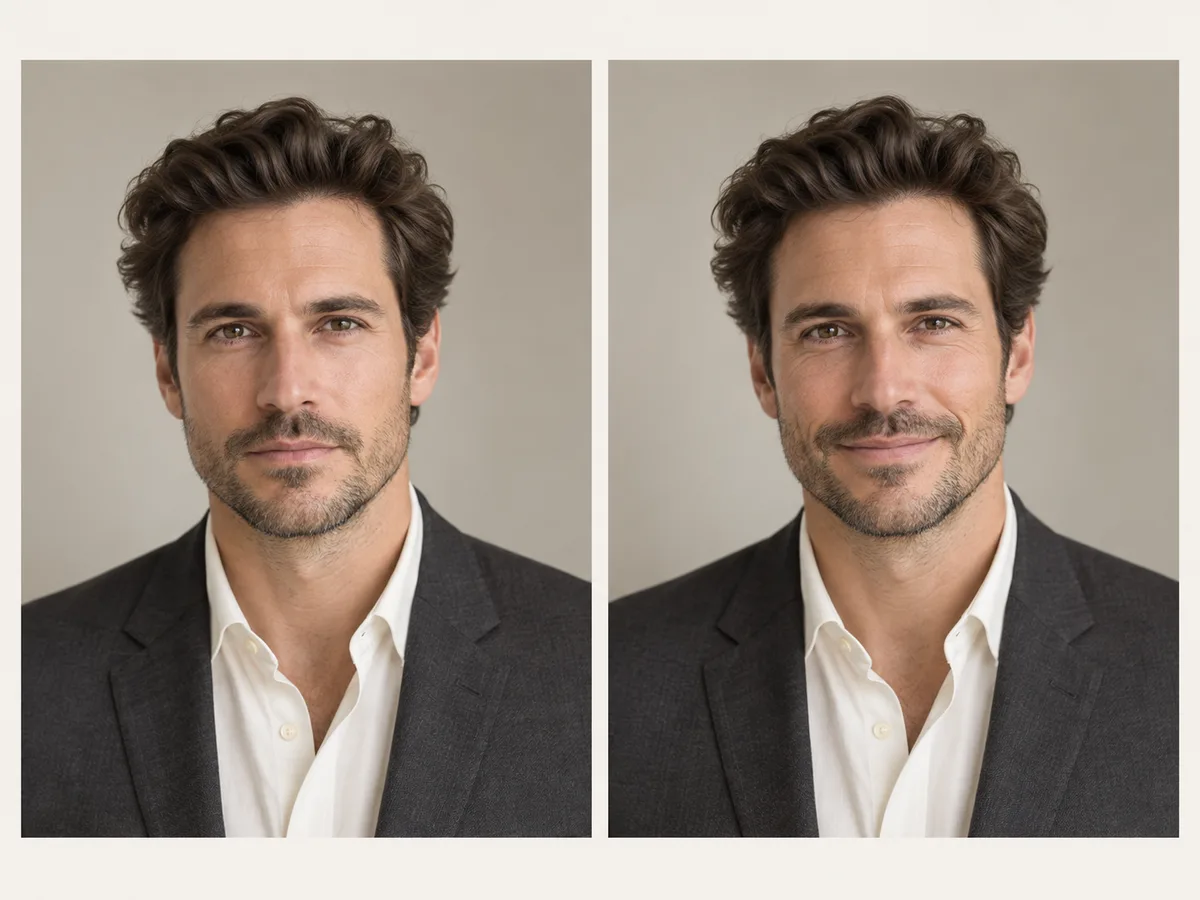
Most filter apps blur your background or replace your shirt with a cartoon baby bib. Our AI baby filter only changes your face and hair. Your clothes, lighting, and background stay completely unchanged. Whether your photo was taken at a coffee shop, on the beach, or at home, the rest of your photo stays the same when you use our baby filter.

BeforeAfter
04

Fast In-Browser Processing with No App Needed

Skip the App Store. You don't need to install another app or waste phone storage just to try a baby filter. Everything runs right in your web browser on iPhone, Android, Mac, or PC. Just upload your photo and let our online baby filter create your baby picture in seconds.

BeforeAfter
05

Flexible Multi-Age Progression

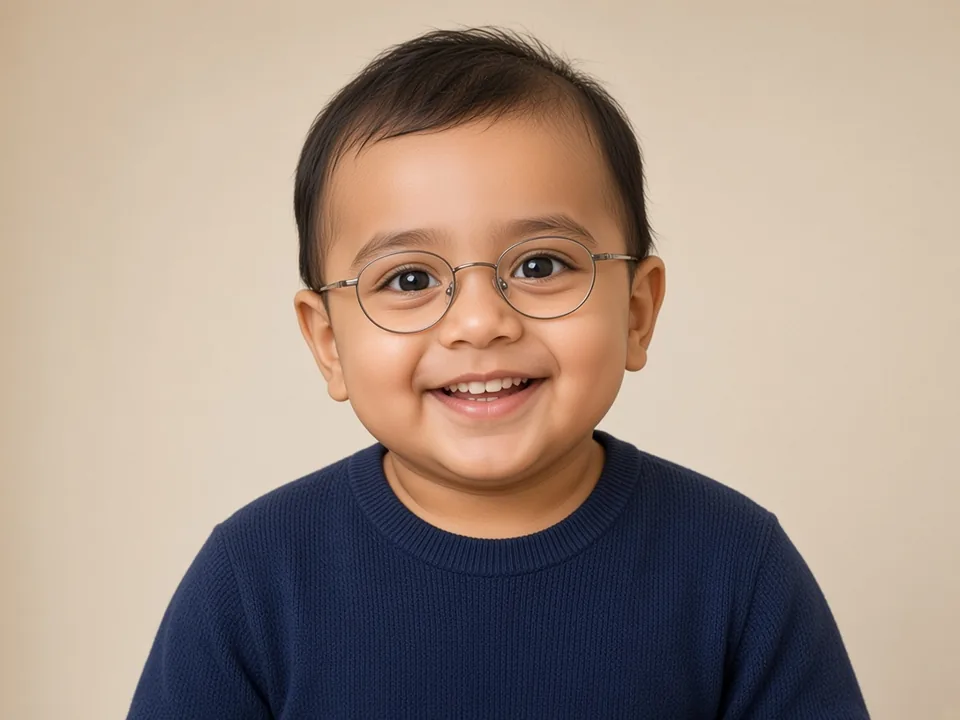
You are not stuck with one fixed look. Our baby filter lets you choose how young you want to be. Turn your photo into a 9-month-old baby with chubby cheeks, a 1-year-old toddler with a big smile, or a 3-year-old kid. Just pick an example card or type a quick prompt, and our AI baby filter gives you the exact age you want with every baby filter creation.

BeforeAfter

How to Use AI Baby Filter in 4 Easy Steps

  1. 01
    Upload your photo

    Click the upload area or drag and drop your photo into the box. AI Baby Filter supports standard formats including JPG, JPEG, PNG, and WebP. For the best result with our baby filter, pick a clear, well-lit photo where your face is looking straight at the camera.

  2. 02
    Choose an age preset or write your prompt

    Click one of our example cards below the converter to load a preset prompt, or type your own instructions into the prompt box. You can ask our baby filter for a 9-month-old baby, a 2-year-old toddler, or add custom details to your baby face filter.

  3. 03
    Generate your baby photo with AI

    Click Generate. Our AI baby filter analyzes your facial landmarks and creates a natural baby version of your photo in seconds. You can compare the before and after pictures right on your screen to see your childhood look created by the baby filter.

  4. 04
    Download and share your baby picture

    Click Download to save your high-resolution baby photo to your phone or computer. Your new picture from our baby filter is ready to share on Instagram, post on TikTok, print for greeting cards, or share in family group chats.

Baby Filter Guide: How to Get Natural Results

Clear input photos give the most realistic baby faces when using our baby filter. Here is a quick guide to make sure your baby face filter photos turn out great every single time.

Input Photo Quality Checklist

Check your photo against this quick list before you upload it to our baby filter:

FeatureGood (Pass)Avoid (Fail)Why It Matters
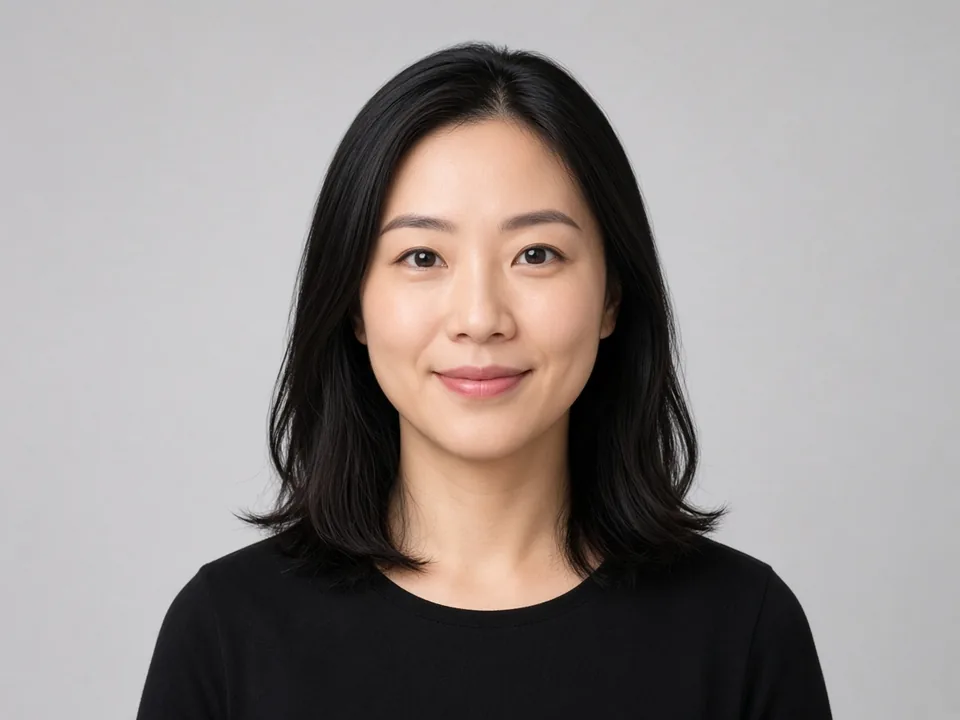
AngleFront-facing, looking straight at cameraSide profile, tilted up or downThe baby filter needs to see both eyes and your nose bridge clearly.
LightingSoft, even room light or daylightHard single-side shadows, strong backlightingDeep shadows can look like adult jaw lines to the baby filter.
EyesBoth eyes open and visibleSunglasses, tinted glasses, or hair covering eyesYour eye shape and iris color help the baby filter lock in your identity.
AccessoriesClean face, forehead visibleHats, beanies pulled down, hands on chinBaby foreheads are naturally round. Hats block the baby filter from shaping the head.
FramingOne person, face fills most of the frameBig group photos, distant full-body shotsThe baby face filter works best when the baby filter focuses on one clear face.
FiltersNatural, unfiltered photoHeavy beauty filters, skin blurPre-smoothed photos hide your real features and make the baby filter face look waxy.

Why the Baby Looks Like You (and Why It Sometimes Looks Weird)

If you ever wondered why your baby filter looks like you—or why some photos look weird—here is how our baby filter works:

Why it looks like you

  • Your real eyes and smile stay locked: The baby filter does not replace you with a random baby. It keeps your true eye color, eyelid shape, smile curve, and skin tone.
  • Natural baby proportions: Instead of shrinking your head, the AI baby filter rounds your cheeks, softens your jaw, and makes your eyes look naturally bigger on your face.

Why does a baby filter look weird or not work?

If your photo looks uncanny, weird, or creepy, it is usually because of one of these three common issues:

  • Harsh shadows on the face: Strong shadows under the eyes or cheeks confuse the AI. The baby filter might mistake dark shadows for adult cheekbones or eye bags.
  • Heavy makeup or fake lashes: Babies do not wear eyeliner or mascara. When a photo has heavy makeup, the baby filter tries to blend adult cosmetics with baby skin, creating an awkward look.
  • Head turned away from the camera: When half your face is hidden, the baby filter has to guess what the other half looks like. This can make the baby face filter look crooked.

Quick fix: Upload a simple, front-facing selfie with clean lighting. Your baby filter version will look natural right away.

Baby Age Stages & Output Sizes

Our AI baby filter gives you full control over age progression and image framing. You can change how old your baby photo looks by clicking a preset card or typing a prompt in our baby filter:

Age StageTarget AgeWhat It Looks LikeBest Prompt
Baby6–12 MonthsSuper chubby cheeks, tiny button nose, big curious eyesTurn into a 9-month-old baby with chubby cheeks using baby filter
Toddler1–2 YearsHappy smile, baby teeth, fuller hairstyleTurn into a 1-year-old toddler with a cheerful smile using baby filter
Little Kid3–4 YearsTaller face, clear expression, neat child haircutTurn into a 3-year-old kid with the same clothes using baby filter
Output Sizes
  • 1:1 Square: Best for Instagram, Discord, and WhatsApp avatars generated with our baby filter.
  • 9:16 Vertical: Best for TikTok, Instagram Stories, and Reels baby face videos.
  • 4:5 Portrait: Best for Instagram feed posts and family photo prints from your baby filter pictures.

AI Baby Filter Use Cases

01

Social Media Avatars & Stories

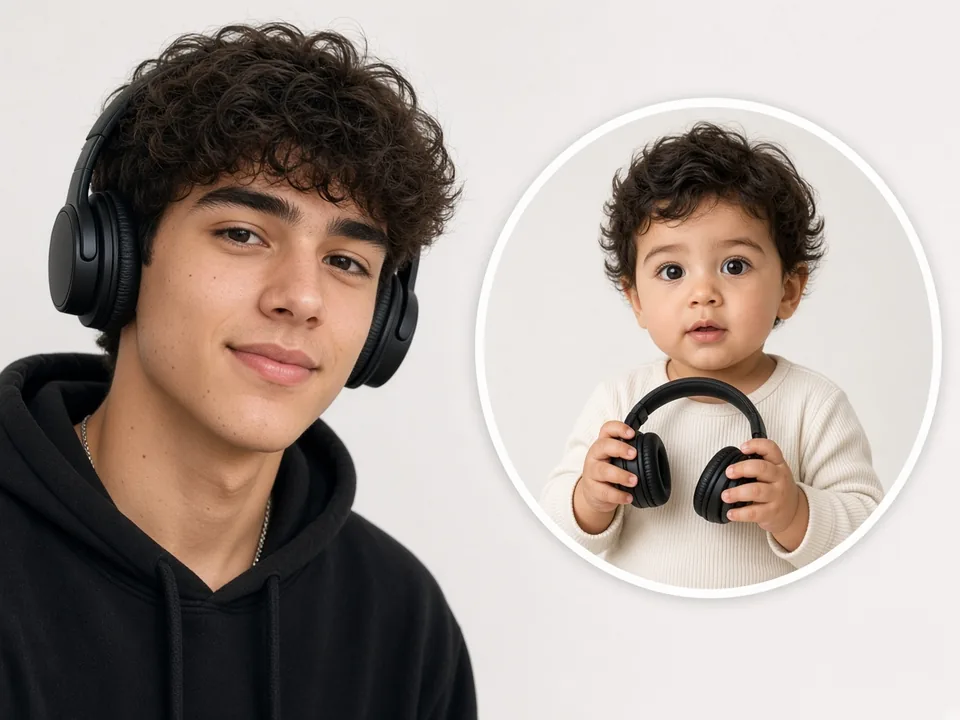
Want to shake up your feed with something fun? Post a baby version of yourself on your Instagram or TikTok story and let your followers guess who it is. It also makes a hilarious temporary profile picture for your birthday week or your Discord and gaming chats. Our baby filter produces clean, sharp portraits that fit perfectly inside profile circles and grab instant smiles. Try this baby face filter for your next viral social post.

A young man in a black hoodie wearing headphones beside a circular photo of a toddler holding small headphones
02

Birthday Gifts & Greeting Cards

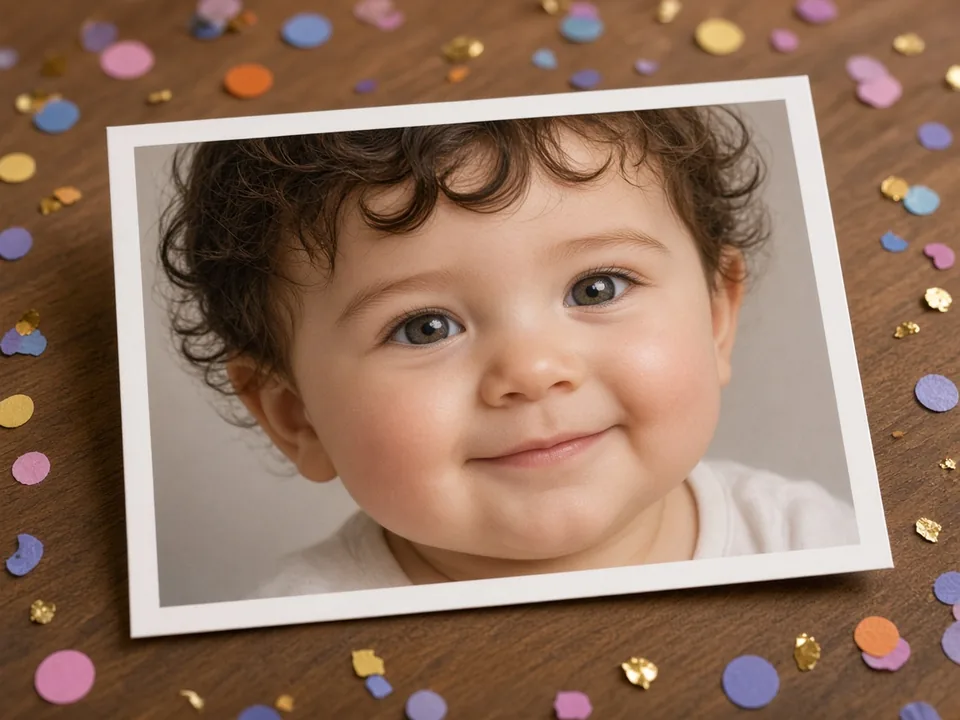
Standard birthday cards from store shelves feel boring. Make someone laugh out loud by printing their AI baby face right on their birthday card, party banner, or custom mug using our baby face filter! Upload a recent photo of your friend or parent into our baby filter. Seeing a 40-year-old or 50-year-old celebrated with their baby face from this baby filter brings instant laughter and warmth to any milestone celebration.

A printed baby portrait on a wooden table surrounded by colorful confetti
03

Couples, Friends & Coworkers Pranks

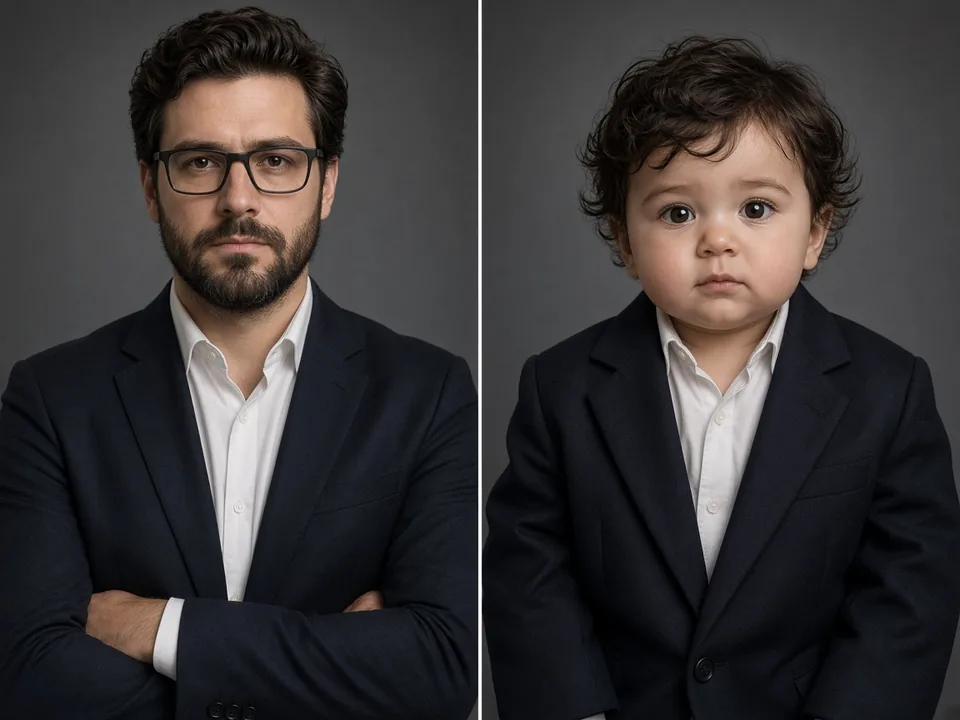
Looking for a harmless joke that makes your whole group chat crack up? Take a picture of your boss, gym buddy, or partner and run it through our baby filter. Nothing is funnier than seeing a serious manager in a dark suit transformed into a chubby toddler with an earnest baby stare. The AI baby filter keeps their suit, glasses, and background unchanged, making the joke hit even harder in your Slack channel or group text. Everyone will ask which baby filter you used.

A serious man in a dark suit beside a toddler wearing the same oversized blazer
04

Celebrity Photos

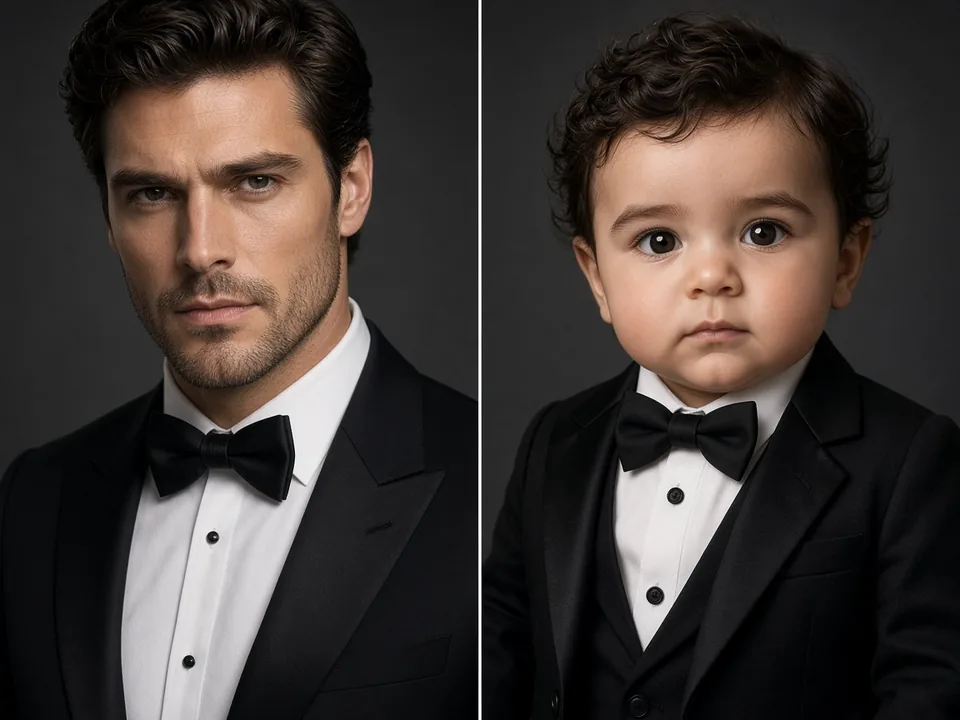
Ever wonder what tough action movie stars, athletes, or pop icons would look like as toddlers? Grab any clear photo from the web and drop it into our baby filter online free. Watching a famous celebrity with a full tuxedo or beard turn into a chubby baby is pure entertainment. These baby filter celebrity edits get tons of likes and shares on Reddit, TikTok, and fan pages.

A man in a black tuxedo and bow tie beside a toddler in a matching tuxedo

Explore More AI Tools

Discover more powerful tools to polish, transform, and elevate your creative visuals.

Frequently Asked Questions

What is AI Baby Filter?

AI Baby Filter is an online photo tool that turns any portrait into a cute, real baby face. Unlike apps that paste a cartoon mask over your head, our baby filter reshapes your facial features into natural baby proportions while keeping your true eyes, smile, skin tone, and background unchanged.

Why does my baby face filter photo look weird?

If your baby face filter photo looks strange, the input picture is usually the cause. Strong shadows, side angles, dark glasses, or heavy makeup stop the AI from seeing your face clearly. When the AI has to guess, the output can look unnatural. For the best result with our baby filter, upload a clear, front-facing selfie with even room light and no heavy filters.

What photos work best with AI Baby Filter?

Clear, front-facing photos work best with our baby filter. Choose a well-lit photo where you look straight at the camera with both eyes open. Avoid hats, sunglasses, heavy face shadows, or group shots. The AI baby filter supports standard JPG, PNG, and WebP images.

Does the AI baby face filter change clothes or backgrounds?

No. The AI baby face filter only edits your face and hair. Your clothes, posture, background room, and lighting stay completely unchanged. This makes your baby filter picture look like a real photo taken in your actual environment.

Can I choose different baby ages with AI Baby Filter?

Yes. Our AI Baby Filter lets you pick how young you want your baby photo to look. You can click any preset card under the converter or write a quick instruction in the prompt box, such as asking our baby filter for a baby with chubby cheeks or a toddler with a big smile.

Is AI Baby Filter free to use?

Yes. You can use our AI Baby Filter for free by creating an account. You can upload a photo, try different age prompts in the baby filter, and preview your baby face directly on your screen. Flexible credit packs and plans are available if you want more generations.

See Your Adorable Baby Face in Seconds

Upload your portrait now and let our AI Baby Filter create your realistic childhood look with our free baby filter online. Fast, fun, and free to try.