


Remove Text from Image Online

Remove any unwanted words, captions, labels or text from your pictures in seconds

Aspect ratio
Resolution

↓ Try with an example

Remove Text from Image Use Cases

BeforeAfter
BeforeAfter
BeforeAfter
BeforeAfter
BeforeAfter

How to Remove Text from Image

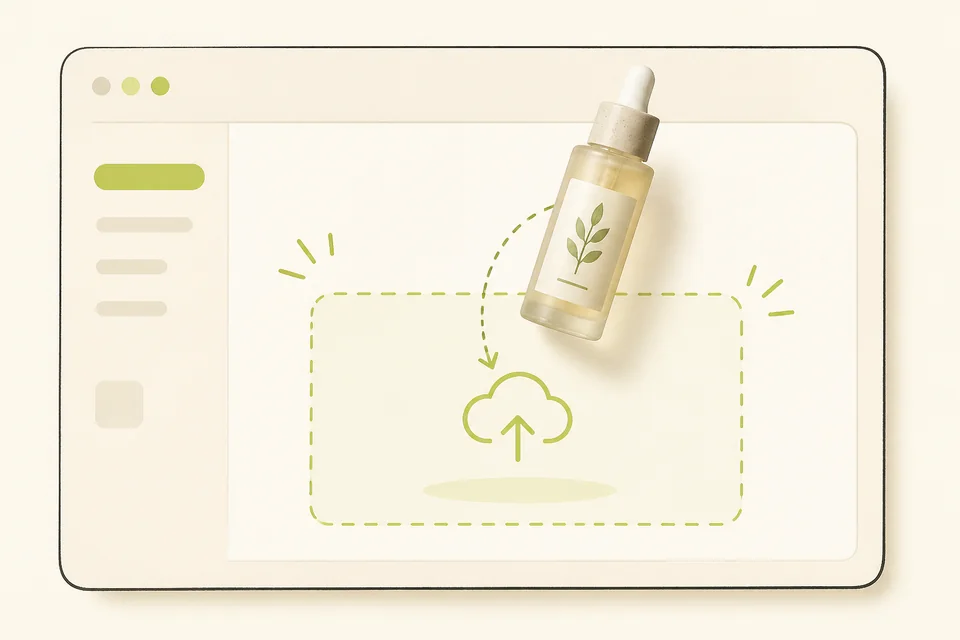
Illustration of a product photo dropping into an upload box
01
Upload your photo

Upload the photo you want to remove text from. Drag it in, or click to choose a file from your phone or computer. JPG, PNG, and WebP all work. A clear, well-lit photo helps the tool take the words off and fill the gap so the picture still looks like yours.
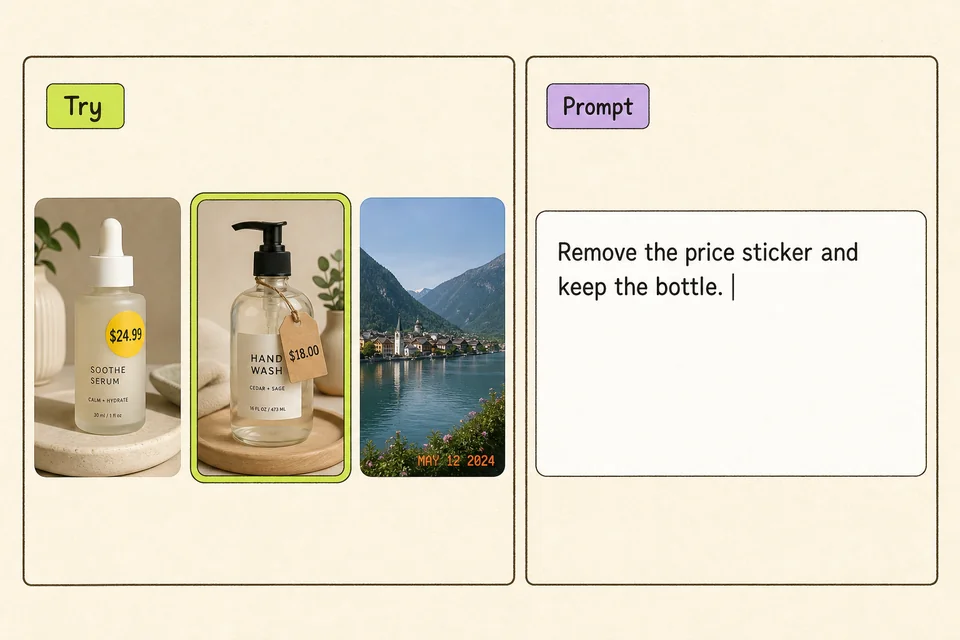
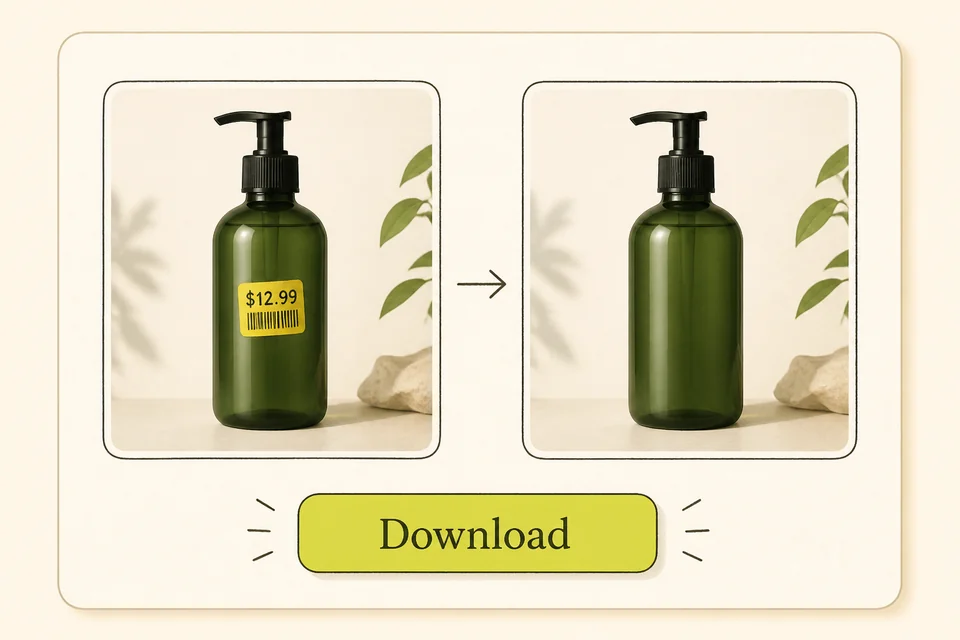
Illustration of sample photos and a prompt that says remove the price sticker and keep the bottle
02
Process your image

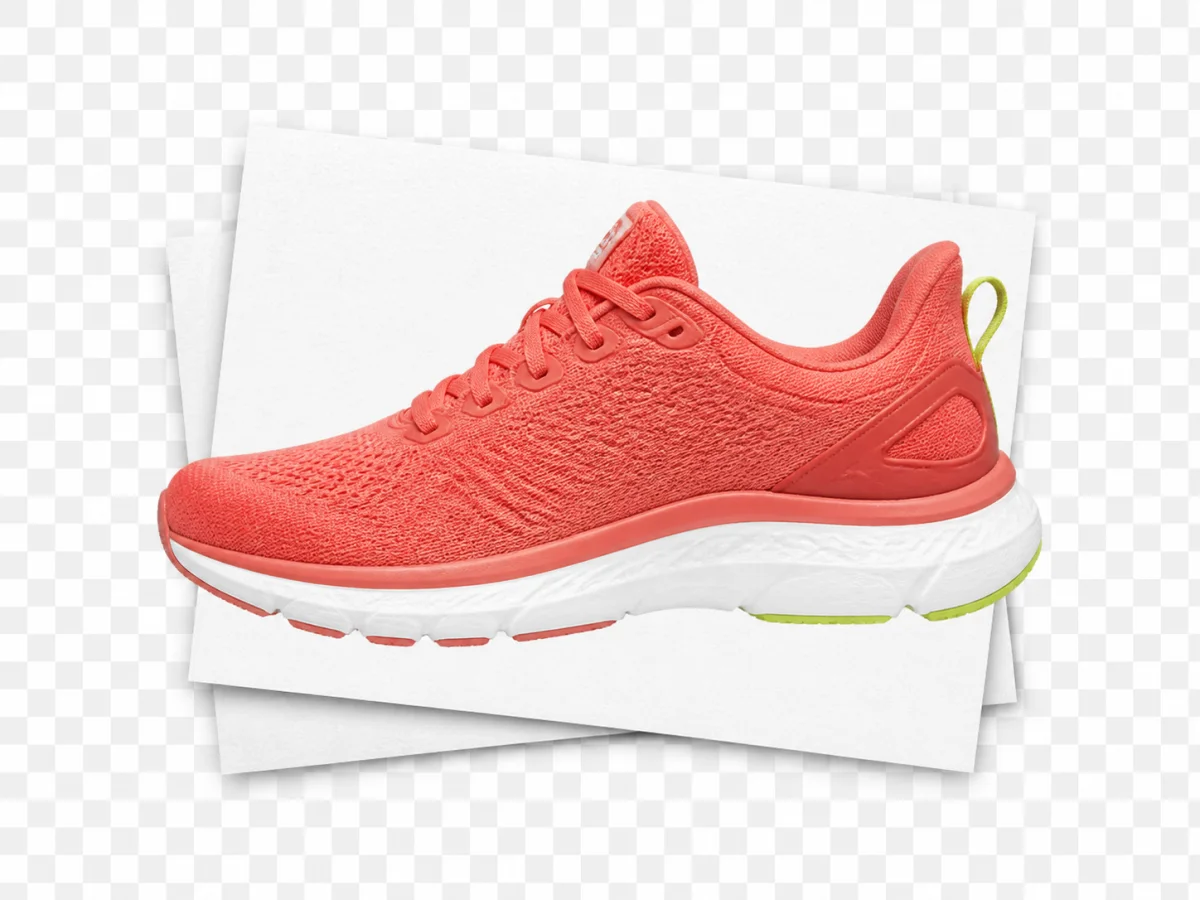
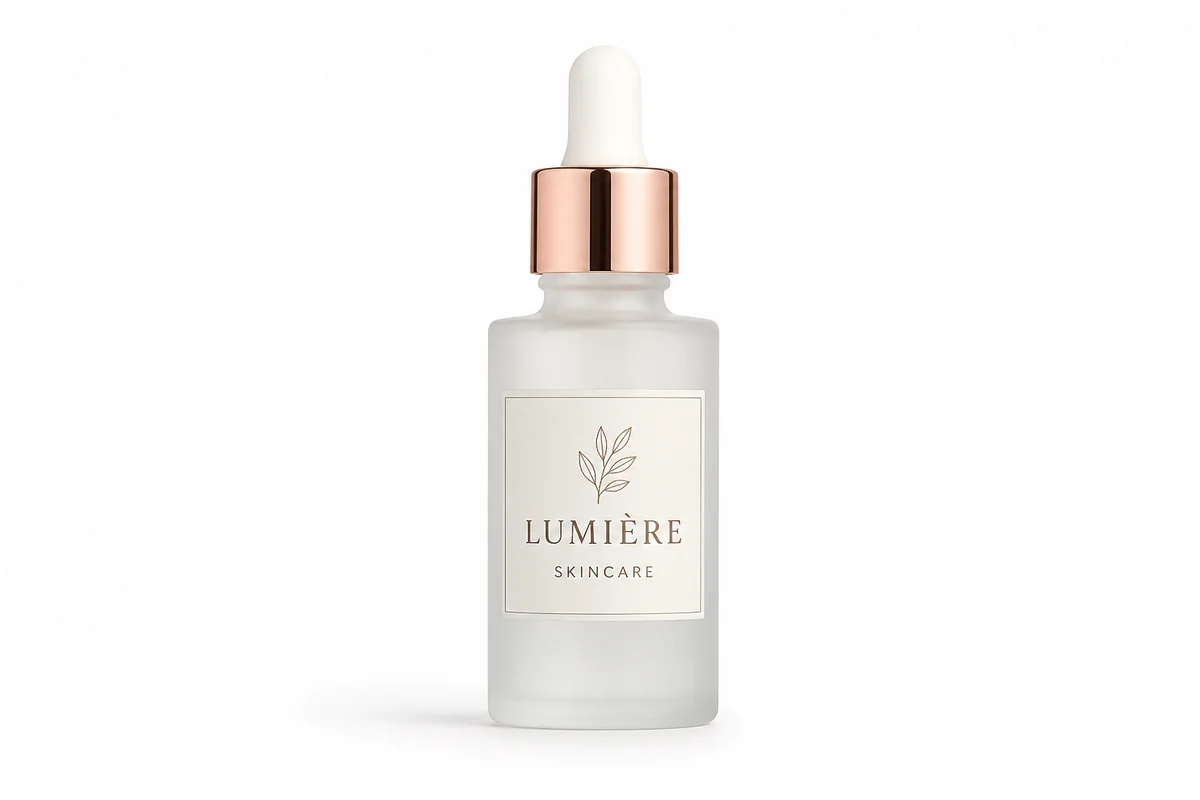
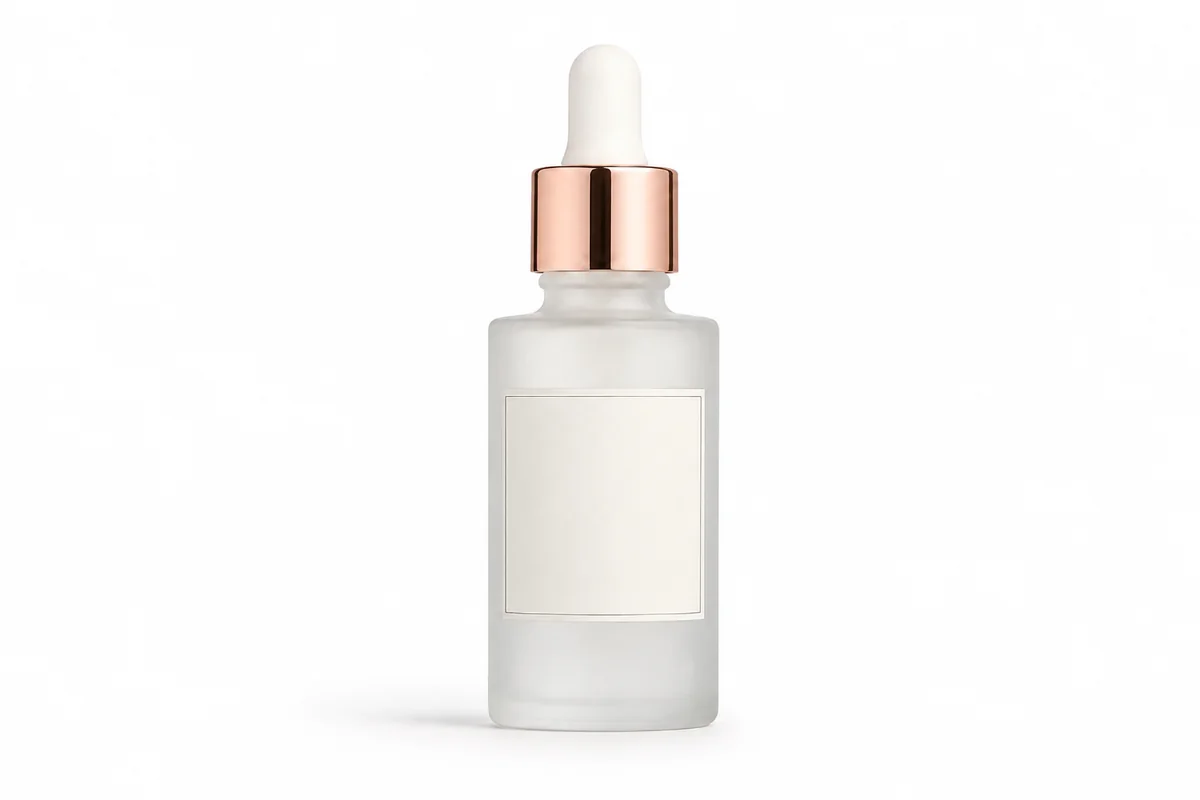
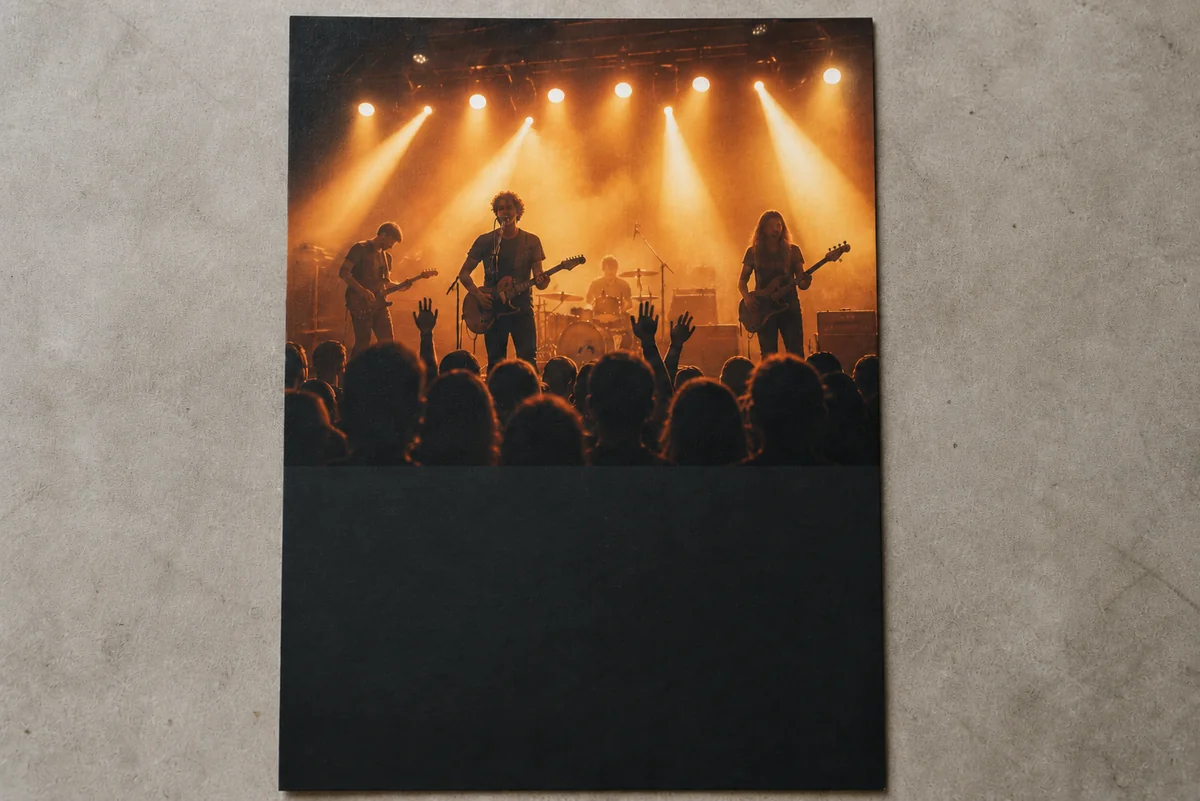
Try a sample: Tap one of the three photos under ↓ Try with an example. The sample loads into the converter, and the prompt fills for you. Use this when you want to remove text fast.

Write your own: Upload your own photo and write what you want in the prompt. Spell out what to take off and what to leave — only the price tag, only the date stamp, or the overlay on an Instagram post. This is full DIY. The tool follows what you write, not a fixed preset.

Illustration of a before and after product result with a download button
03
Generate and download

Click the Generate button. You get a cleaner photo back, with the words taken off. Download the image and use it in your listing, your post, or your layout.

Key Features of Remove Text from Image

01

Keeps original details

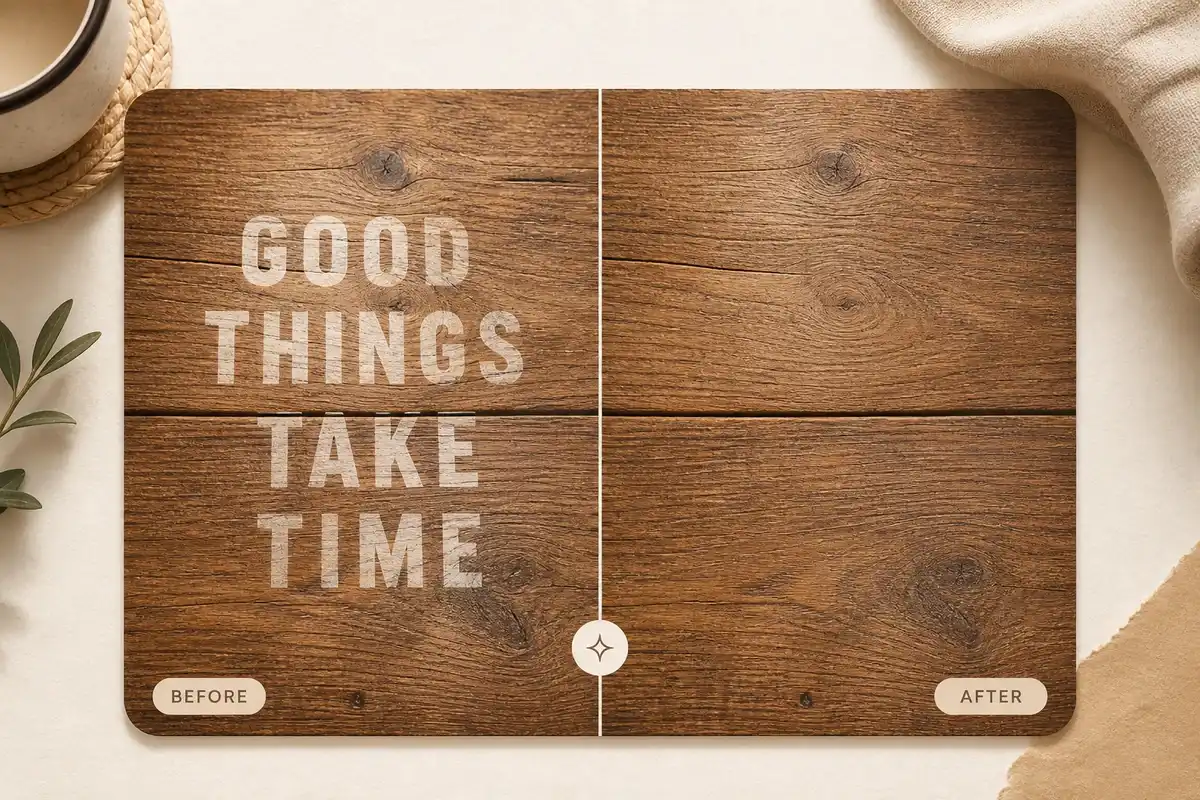
Remove Text from Image keeps the original details, colors, and resolution. Your product, your room, your people still look like themselves — just without the extra words. You get a clean image back, ready to save.

Start Remove Text from Image
Before and after wood board with GOOD THINGS TAKE TIME text removed
02

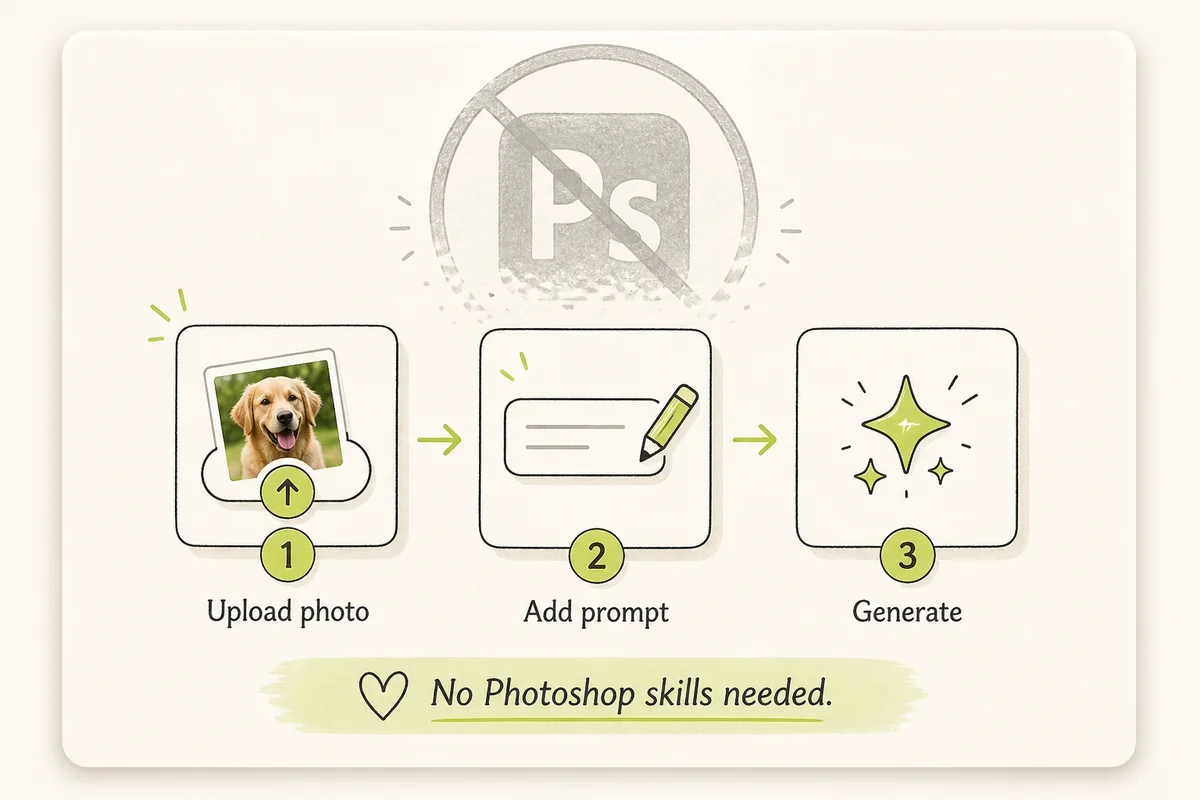
No Photoshop skills required

You don't need to spend time and energy learning Photoshop. Just upload a photo, tap a sample or write a prompt, and click the Generate button. Remove Text from Image takes the words off for you.

Text Remover Online Free
Illustration of a simple upload and generate flow without Photoshop
03

Clean, natural fill

Remove Text from Image helps you fill in where the words were, so it looks natural. The wood, the wall, the sky, or the product stays in place — not a blur. You download a clean image you can actually use.

Try AI Text Remover Now
Close-up of a brick wall where removed text is filled in naturally
04

Works on any device

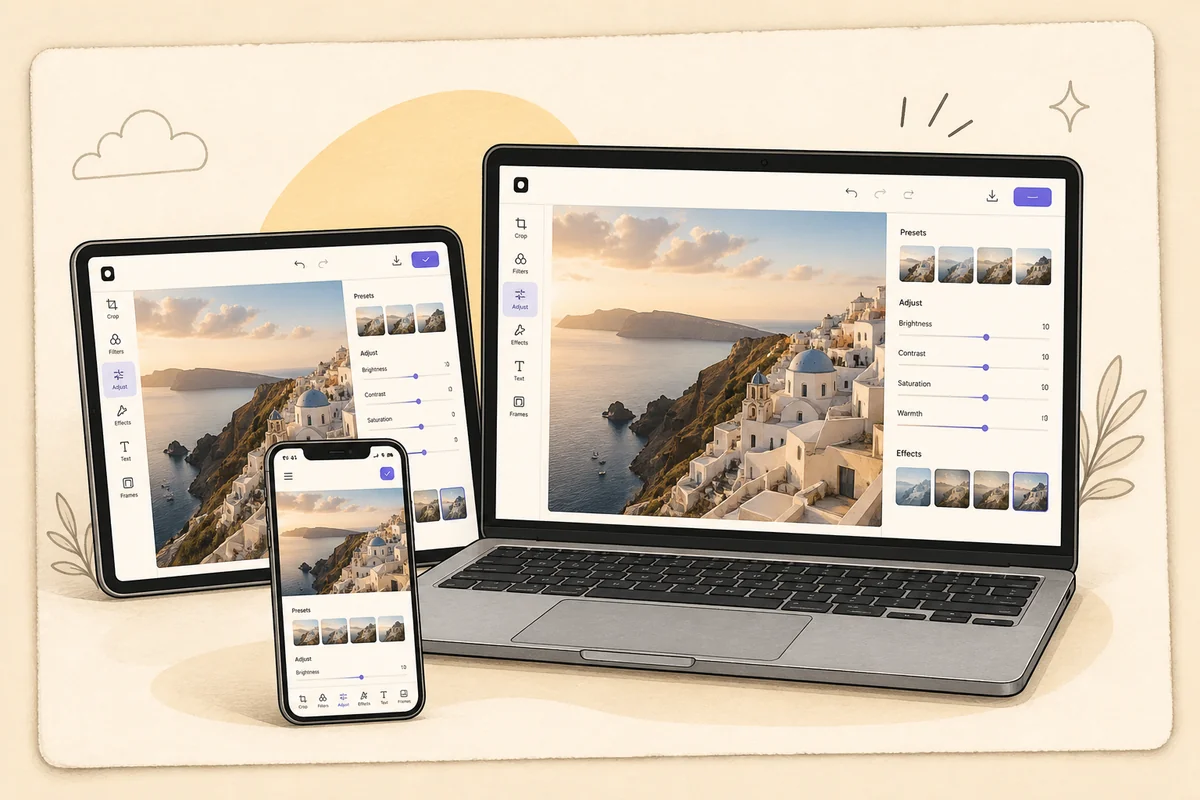
Use Remove Text from Image in your browser on phones, tablets, and computers. Open the page, upload from your camera roll or desktop, and download the image. You don't need extra apps.

Remove Text from Picture Online Free
Phone, tablet, and laptop showing the same photo editing web app

What people say after they remove text from image files

  • Rachel Park

    Rachel Park

    Shop owner

    My product photos had old price tags sitting on them. Remove Text from Image took those off, and the shots stayed sharp. I got listing photos ready without extra editing. It saves me so much time.

  • Daniel King

    Daniel King

    Graphic designer

    I had a poster with last year’s date still printed on the art. Remove Text from Image cleaned those lines off, and the layout stayed intact. I didn’t need to rebuild the file. It’s my go-to for quick client changes.

  • Nina Alvarez

    Nina Alvarez

    Social media manager

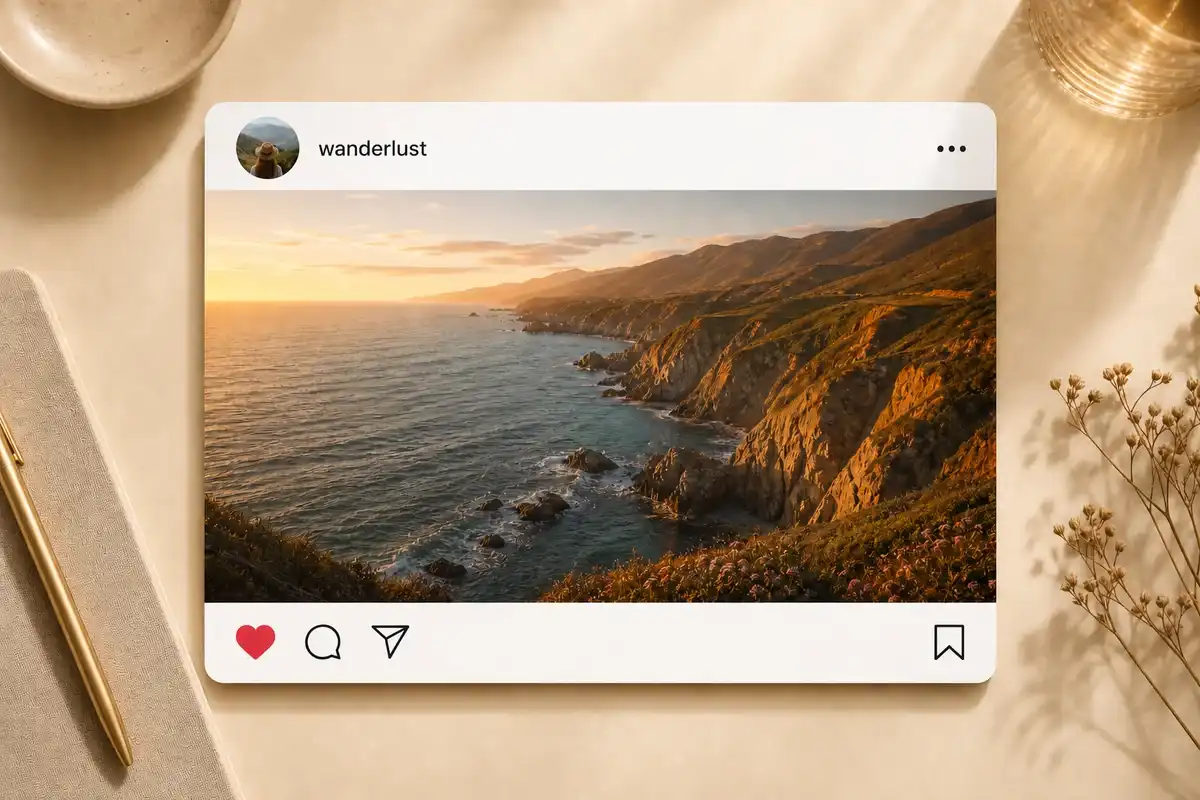
    I had an Instagram screenshot with a line burned into the post. Remove Text from Image took that overlay off, and the photo still looked ready to publish. I keep coming back to it for weekly content.

  • Emma Brooks

    Emma Brooks

    Photographer

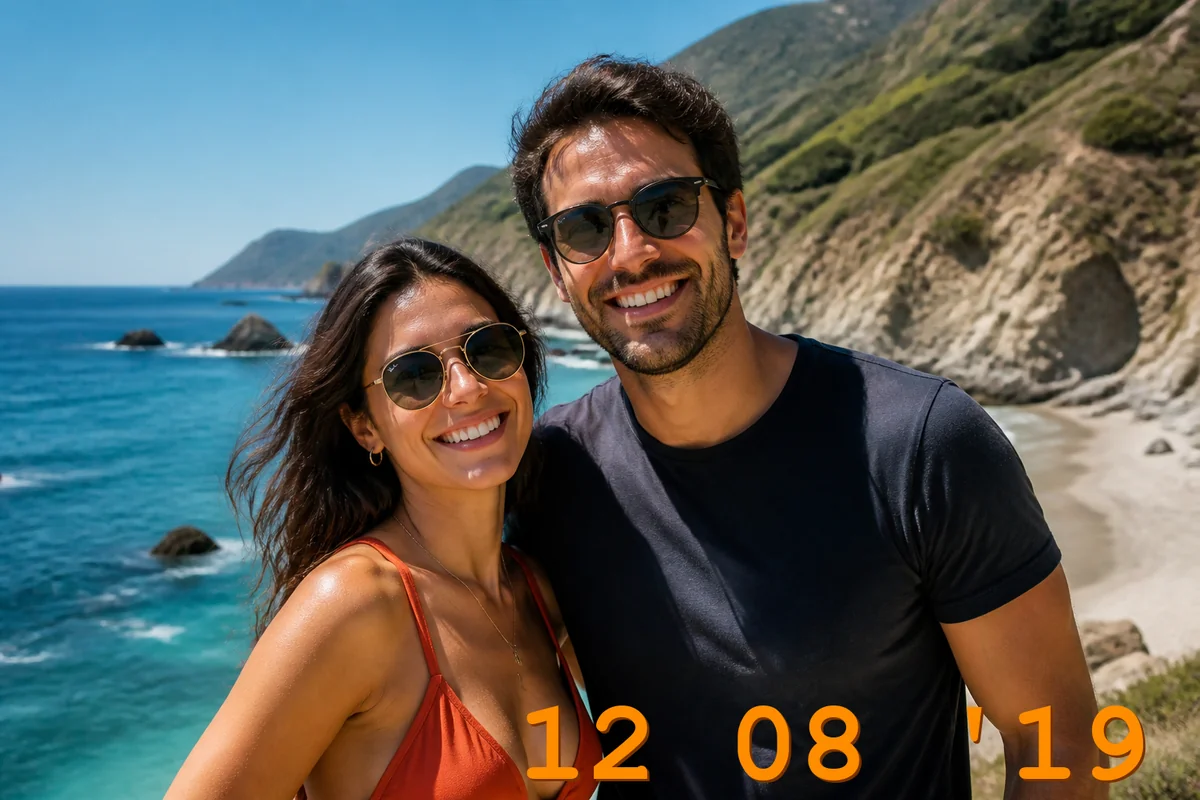
    A lot of my old travel photos had a date stamp in the corner. Remove Text from Image took the stamp off and filled that spot in. The pictures stayed sharp, and I didn’t need extra software. They finally look like normal photos again.

  • Tom Watanabe

    Tom Watanabe

    Art director

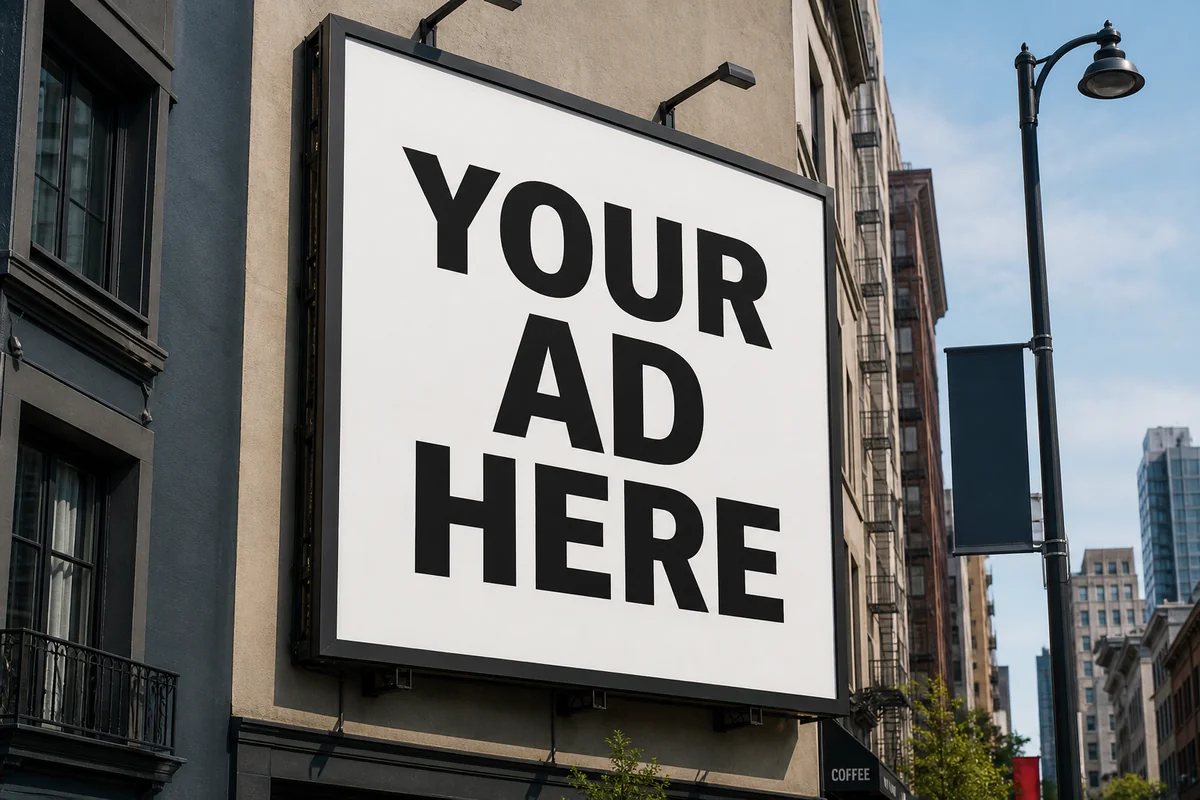
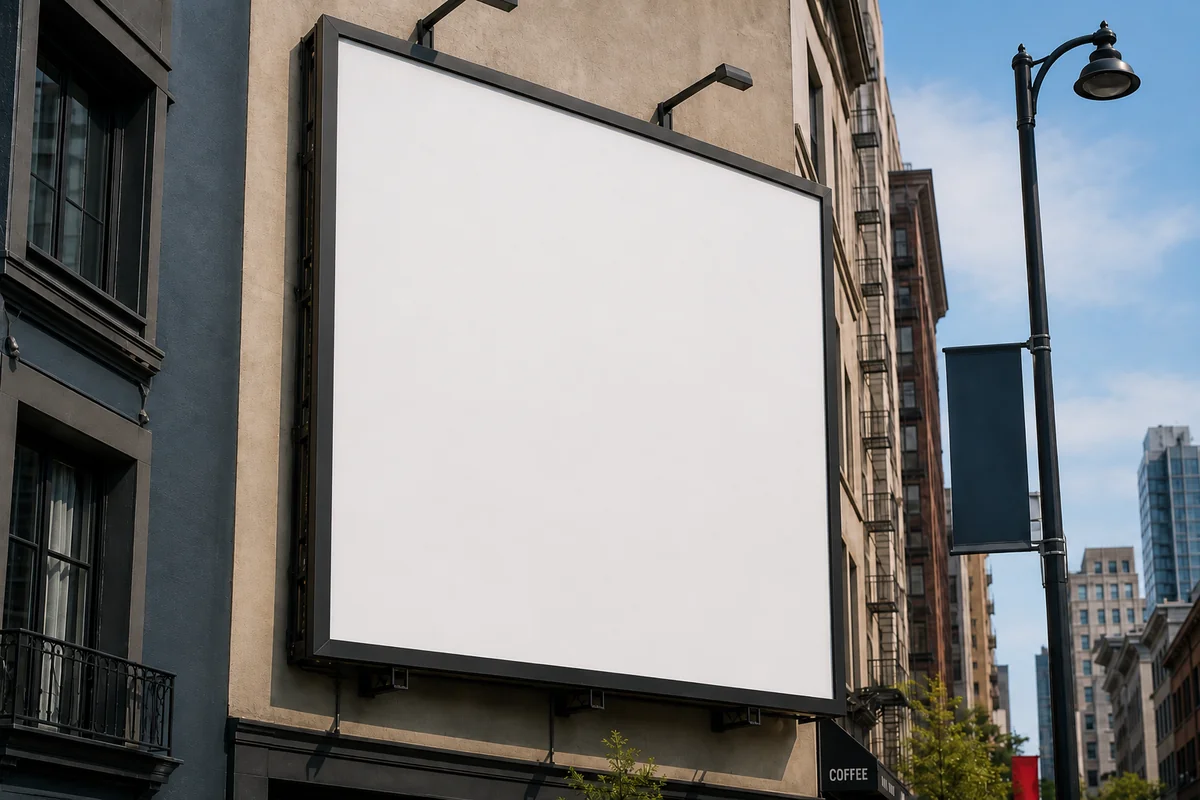
    I send clients billboard and shirt mockups with fake placeholder text on them, like “YOUR AD HERE.” Remove Text from Image cleared that text, and the board still looked real. Then I put the real design on top.

  • Aisha Choudhury

    Aisha Choudhury

    Marketing specialist

    I needed campaign images without last season’s headlines on them. Remove Text from Image erased the old copy, and the quality stayed intact. I dropped the files straight into the deck. I’ll keep using it for this kind of cleanup.

Frequently Asked Questions

What is Remove Text from Image?

Remove Text from Image is an online tool that takes words off a photo. You upload a photo, tap a sample or write a prompt, and download the image. It's fast and effortless to use.

How do I use Remove Text from Image?

Upload your photo at the top of Remove Text from Image. Tap a sample if you want to remove text fast, or write what you want in the prompt. Click the Generate button. You get a cleaner photo back, with the words taken off.

Can I remove text from image files without affecting the background?

Yes. Remove Text from Image takes unwanted words off and keeps the original background. The rest of the photo still looks like yours — like the words were never there.

Is Remove Text from Image free to try?

Yes. Sign up and you can use Remove Text from Image for free. Heavy use and commercial files sit on paid plans. Try your photos first, then upgrade if you need more.

What photo formats work with Remove Text from Image?

You can upload JPG, PNG, and WebP. After you generate, download the image and use it in your listing, your post, or your layout.

Can I use Remove Text from Image on mobile devices?

Yes. Open Remove Text from Image in Safari or Chrome on iPhone or Android. You don't need to install extra apps.

Do I need Photoshop to remove text from image files?

No. You don't need to spend time and energy learning Photoshop. Upload a photo, tap a sample or write a prompt, and click the Generate button. Remove Text from Image takes the words off for you.

Can I use Remove Text from Image for commercial projects?

Yes, on a paid plan. Subscribed users can use the files in real work. Free users are limited to non-commercial use. You still need the rights to the photos you upload.

Start Remove Text from Image Now

Remove unwanted text from your photo in seconds.