Nano Banana AI Image Generator

Edit a photo in plain words. Keep the same face, outfit, or product in the new scene.

Key Features of Nano Banana

01

Photo Edits in Plain Words

Nano Banana edits an existing photo from a short instruction. You can add an object, swap the background, change clothes, fix a small detail, or color a sketch. You do not need masks, layers, or retouching software. It tries to keep the original lighting and style while it makes only the change you asked for.
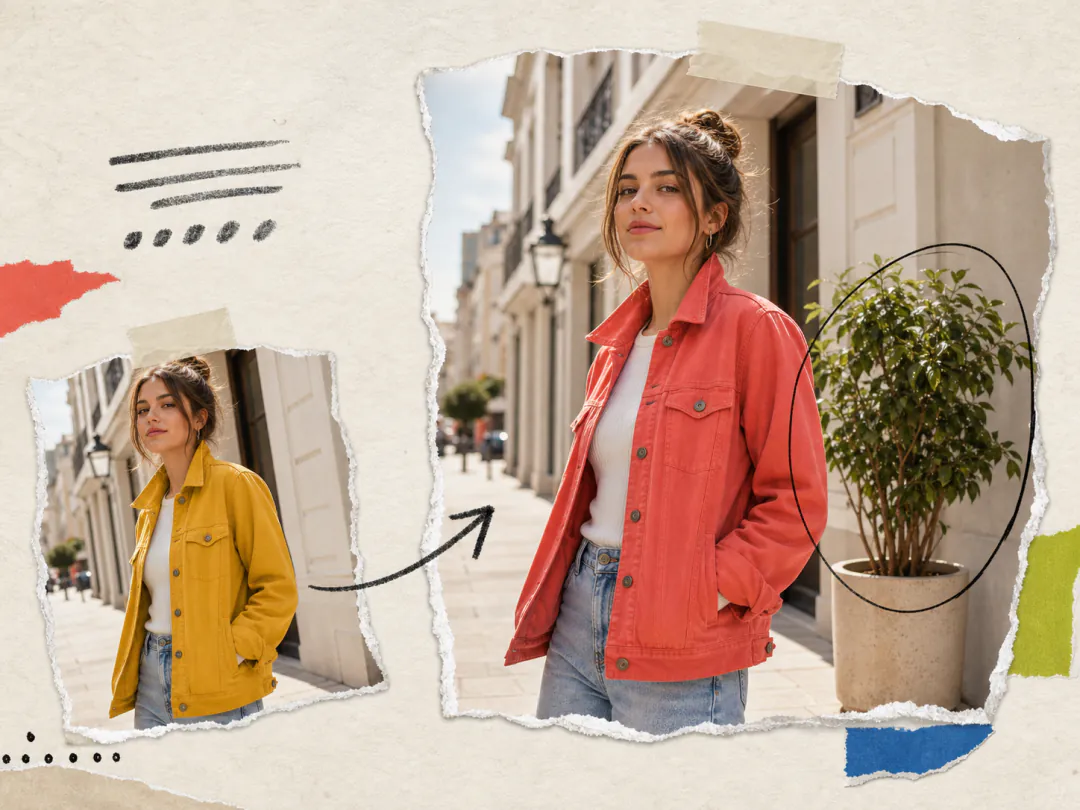
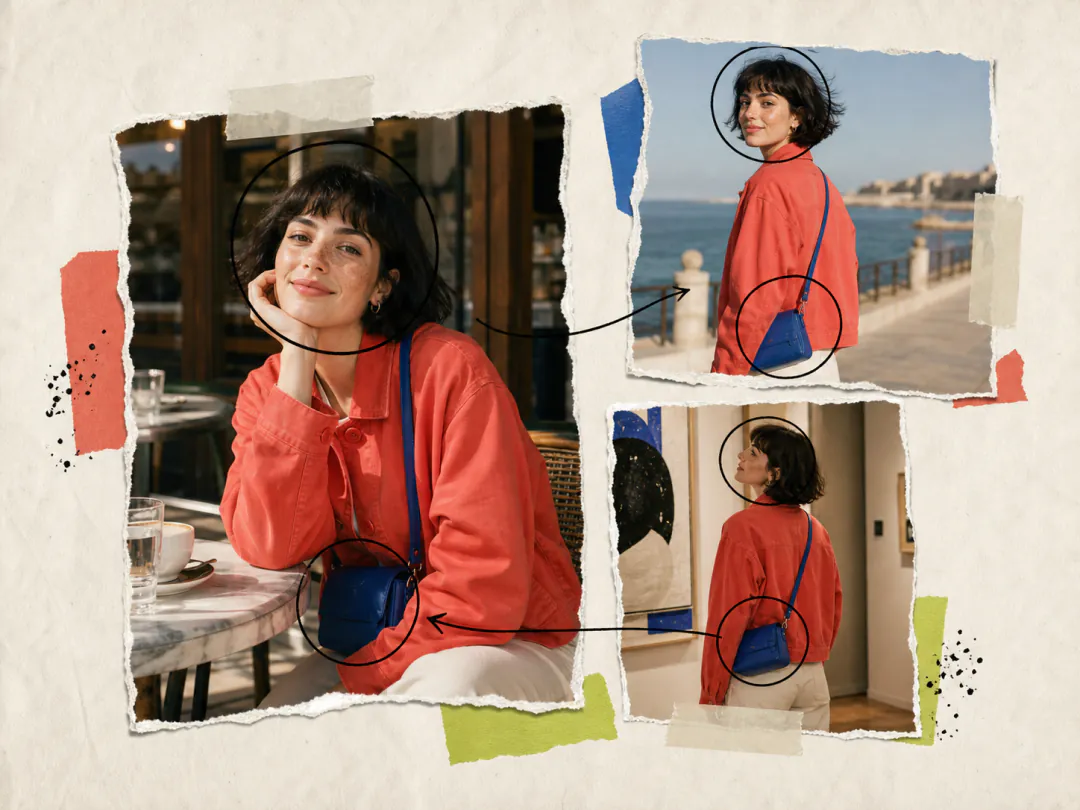
Photo Edits in Plain Words
02

Consistent Faces, Outfits, and Products

Nano Banana is known for keeping identity after an edit. The same person can move to a new pose, camera angle, or setting and still look like themselves. The same lock works for outfits, pets, and products. Upload a reference photo when the match has to be tight.

Consistent Faces, Outfits, and Products
03

Combine Several Photos into One Scene

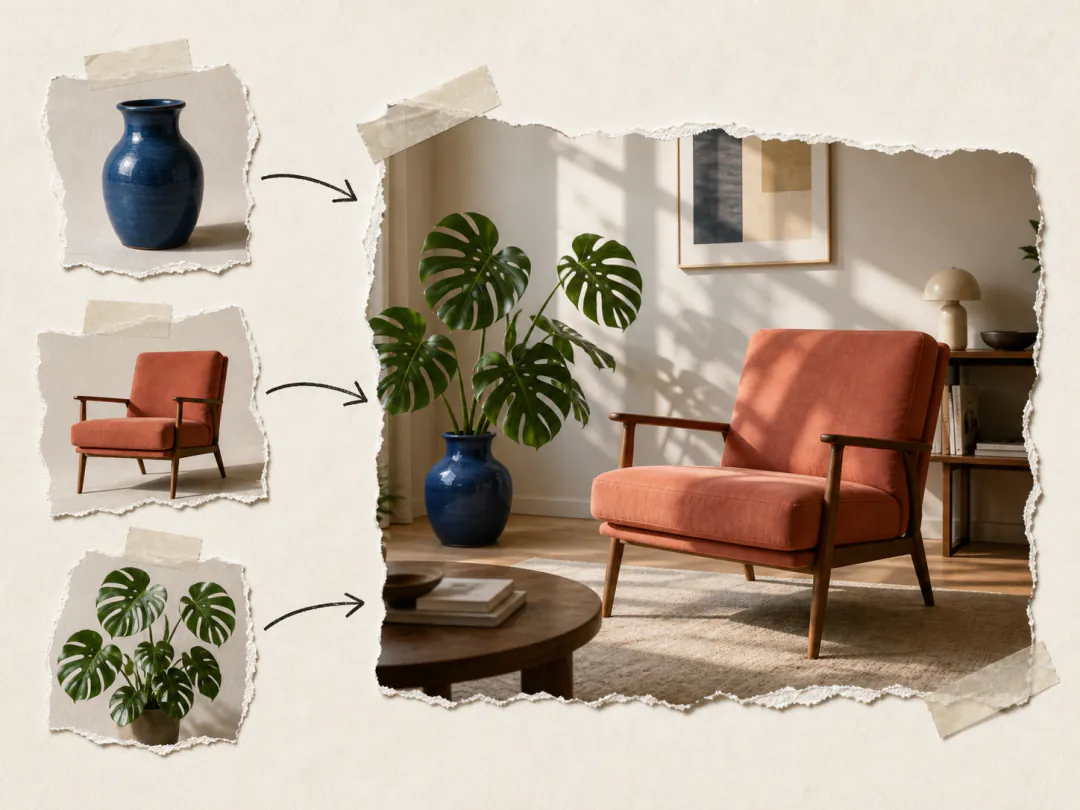
Nano Banana can read more than one photo and build a single image from them. Put jewelry from one shot onto a person in another. Place a product on a new table or in a new room. Restyle a space with a texture or furniture you uploaded.

Combine Several Photos into One Scene
04

Realistic Lighting and Spatial Logic

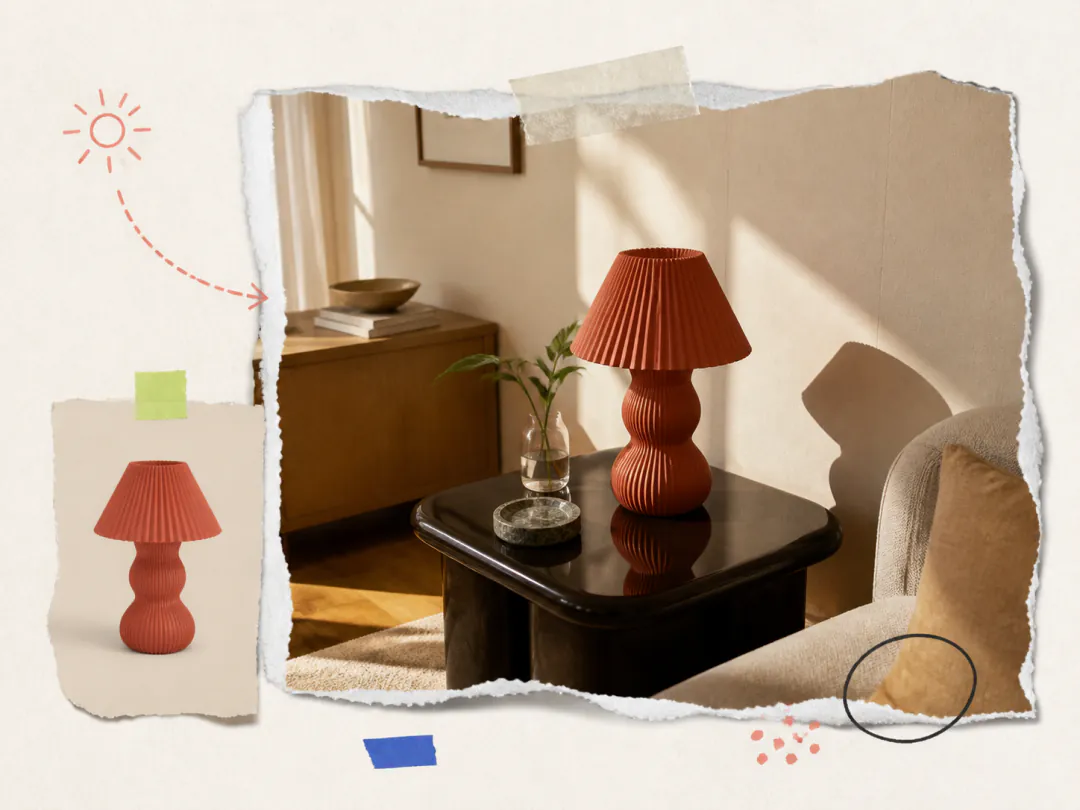
Nano Banana follows real-world light and space when it generates or edits. New objects pick up the same light as the scene. Shadows sit on surfaces. Reflections and depth look like a camera captured them, not like a cutout dropped on top. This is what makes a product swap or a background change look finished.

Realistic Lighting and Spatial Logic
05

Group Scenes with Distinct People

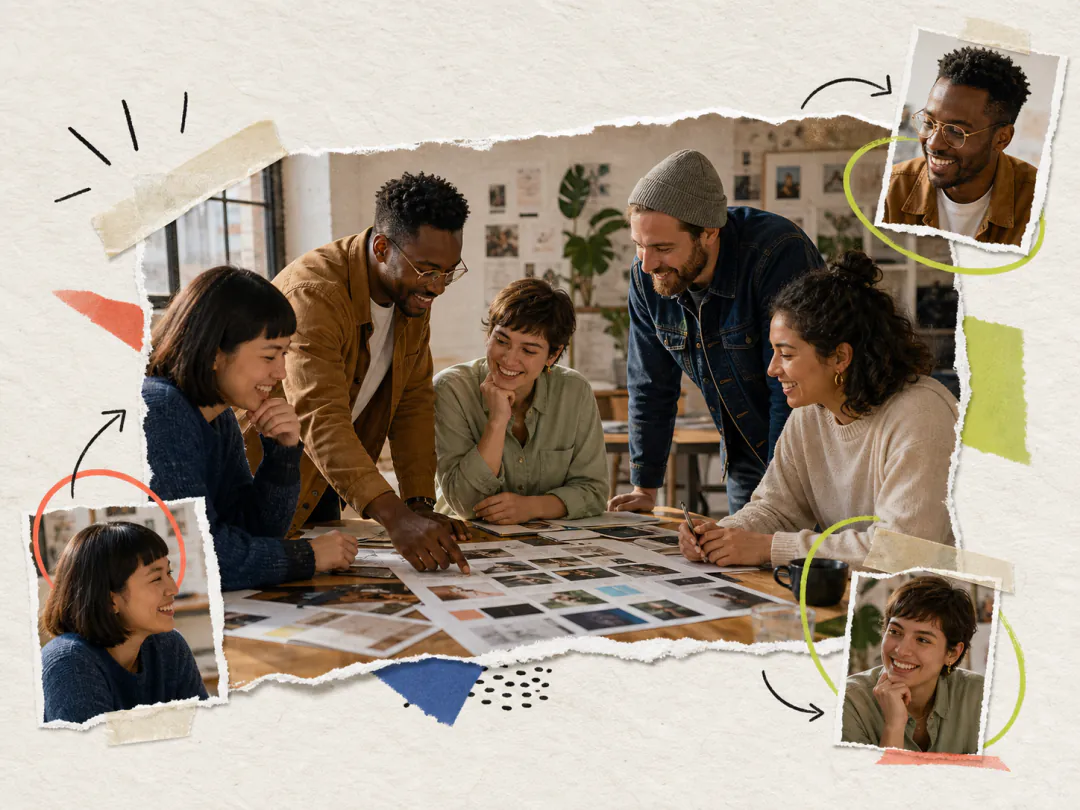
Nano Banana can put several people in one frame without giving them the same face. Office groups, friends, and small crowds get different expressions, poses, and clothes. Add a reference for anyone who must stay recognizable, such as a founder in a team photo or a model across a set.

Group Scenes with Distinct People

How to Use Nano Banana

  1. 01
    Upload images

    Upload the images you want to edit or use as references. You can add up to 10 files. JPEG, PNG, and WebP are supported, up to 10 MB each.

  2. 02
    Write your prompt

    Tell it what you want in plain words. If you uploaded photos, say what to change and what to keep.

  3. 03
    Set the parameters

    Choose an aspect ratio for the output, such as square, tall, or wide.

  4. 04
    Generate and download

    Click Generate. Review the result and download it when you are done.

YouTube Videos About Nano Banana

Frequently Asked Questions

What is Nano Banana?

Nano Banana is Google's Gemini 2.5 Flash Image model. It became known for putting the same person or product into a new scene without losing their look, and for making a precise edit from a short prompt. It can also blend several photos into one image.

Can I edit a photo I already have?

Yes. Upload the photo first, then write the edit in the prompt. You can add an object, remove a person, change the background, or put someone in a new place. You do not have to circle or cut out the area yourself. Nano Banana reads the photo and your words together and applies that change. If the edit needs another object or a second person, upload those photos too and say how they should go together.

Will the person still look like themselves?

Yes. That is what Nano Banana was built for. You can put the same person, pet, or product into a new place, a new outfit, or a new camera angle, and they should still look like themselves. If you have a clear photo of that person or product, upload it as a reference so the model has something to follow.

Can I merge several photos into one image?

Yes. Upload the photos you want to use, then describe how they should go together. For example, put a product onto a table from another shot, or put jewelry from one photo onto a person in another. Say which photo is which in the prompt so the model knows what to take from each.

What is Nano Banana best for?

Nano Banana is strongest when identity has to hold: the same person in a new scene, the same product on a new set, or a small edit on a photo you already have. It is also a fit when you want to blend a few photos into one image. If you need a large poster with a lot of text, use Nano Banana Pro.

How is this different from Nano Banana 2, Lite, and Pro?

Nano Banana is the original Gemini 2.5 Flash Image model. Nano Banana 2 Lite is Google's newer option for the same kind of 1K work, at a lower cost. Nano Banana 2 and Nano Banana Pro can go up to 4K. Pro is the better pick when the image needs a lot of readable text.

Can I try Nano Banana for free?

Yes. Sign up on imgtoimgai.io and you get free credits to start. Open the generator, choose Nano Banana, and run your first image.

Start with Nano Banana

Put the same person or product into a new scene, or make a precise edit from a short prompt.