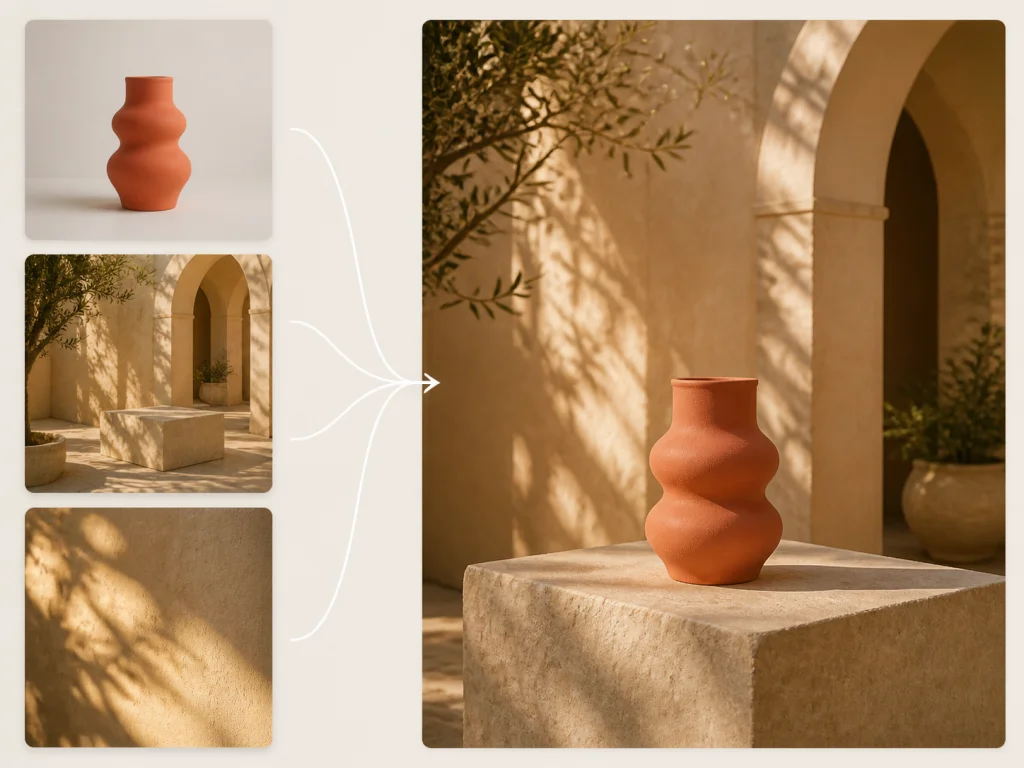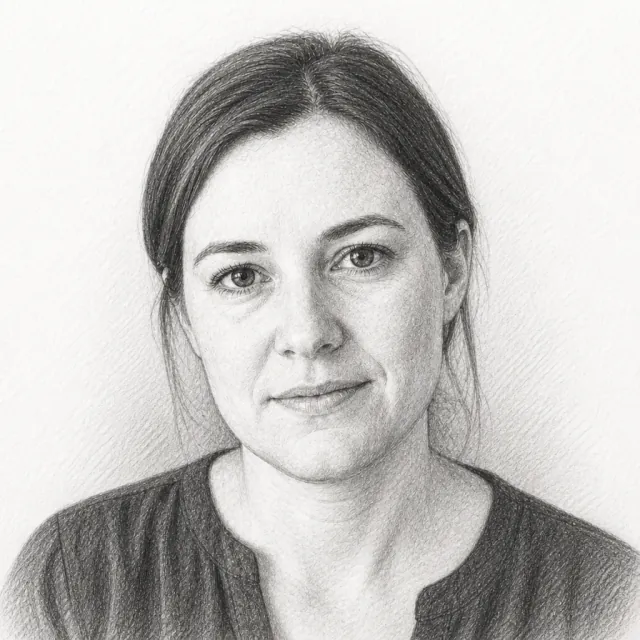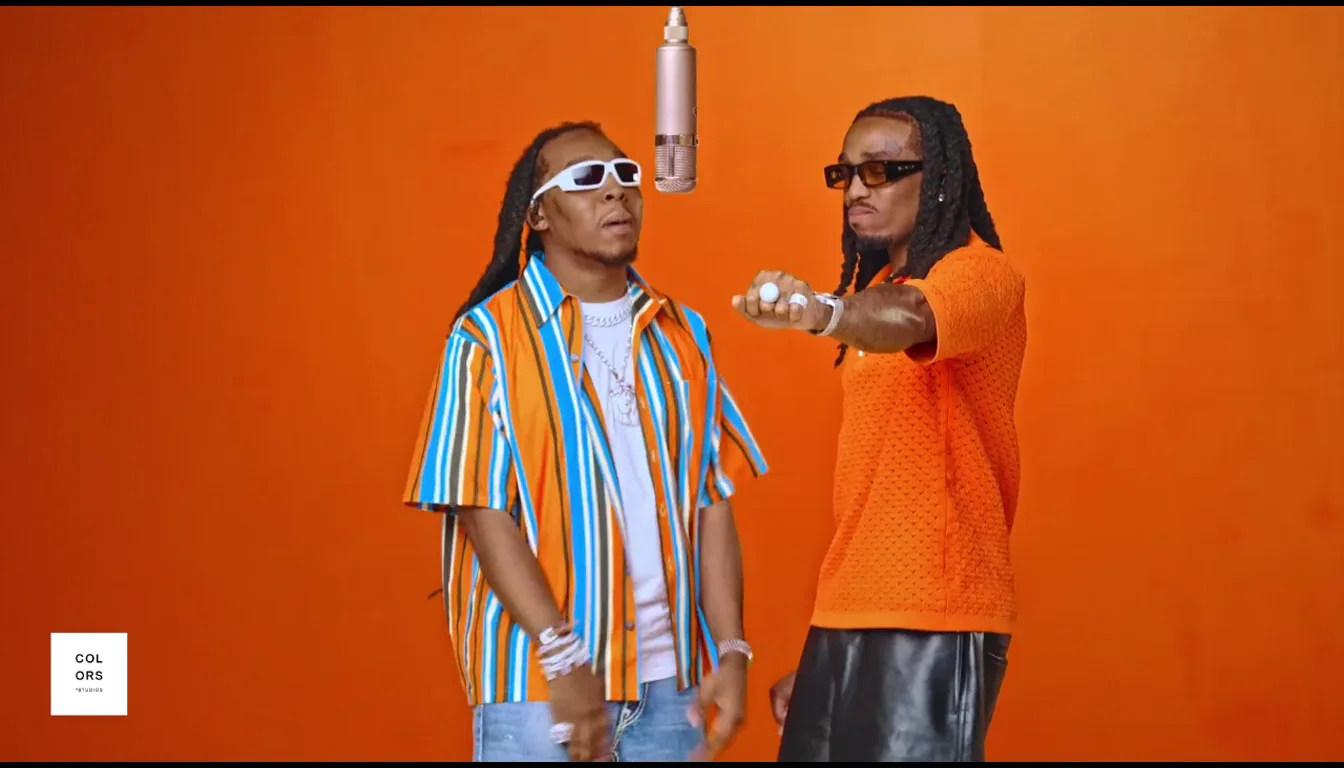
Free Image to Video AI Generator

Transform still photos into stunning videos instantly. No extra editing needed!

Aspect ratio
Duration5s
4s12s
Resolution
Frame mode

Why Our Image to Video Stands Out

01

Built-in Sound With Every Video

Most image to video tools only give you a silent file. Then you still have to open another editor, dig through stock music, and try to sync effects by hand. Our image to video tool builds the clip and the sound together in one pass—ambient noise, sound effects, and natural speech that line up with what’s on screen. When waves roll, shoes hit the pavement, or someone talks, the audio matches the motion. You get a finished video you can share without a second round of editing.

Try Image to Video AI Free
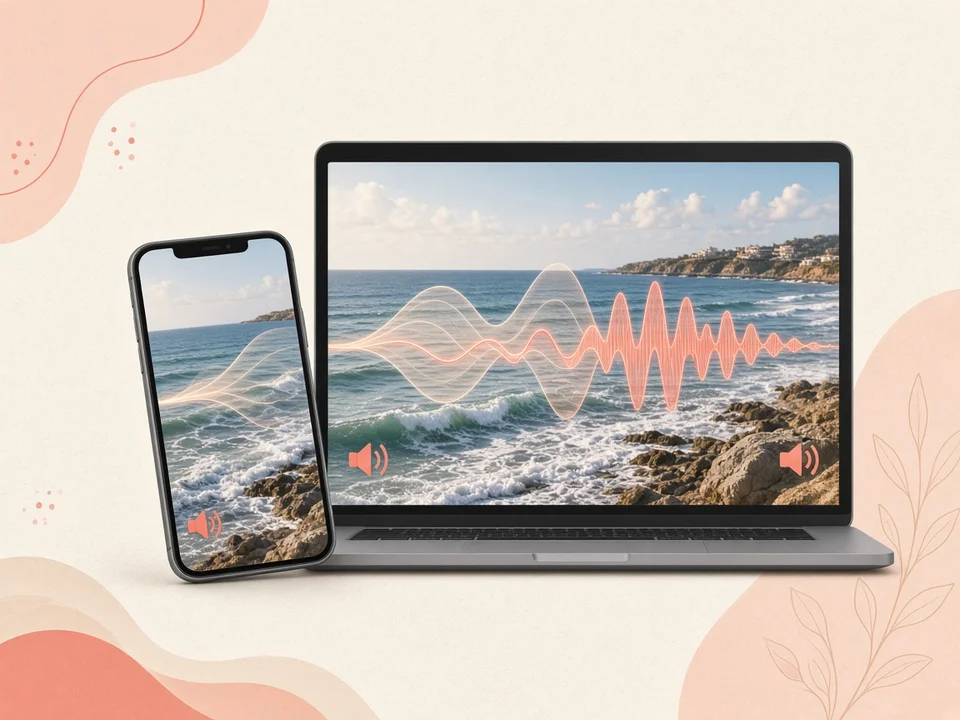
Phone playing a coastal video with sound-wave overlays
02

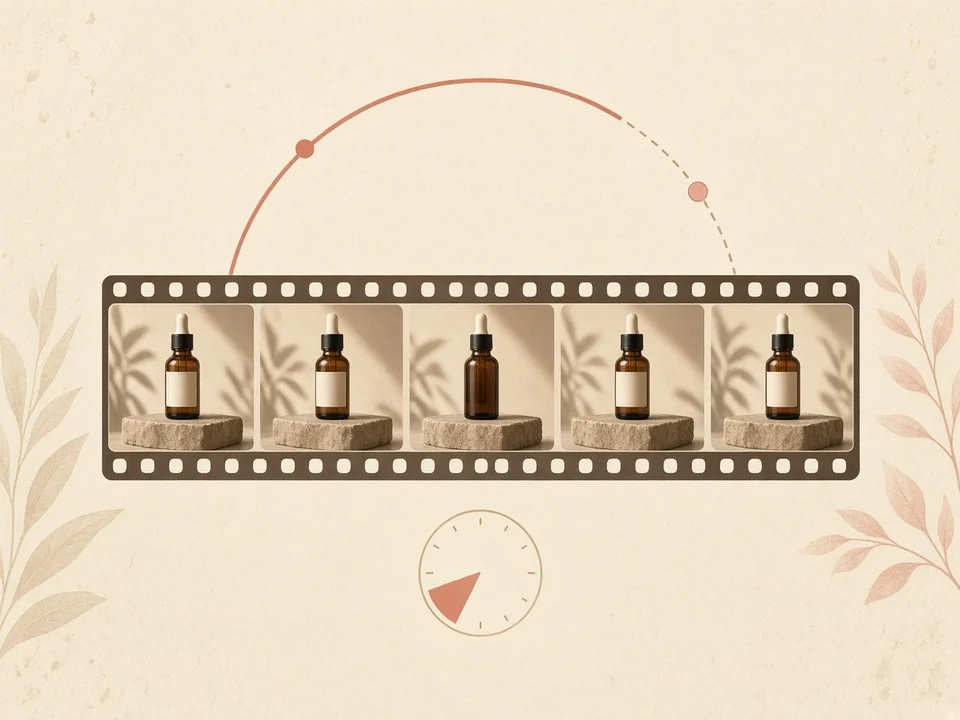
Up to 30 Seconds in One Take

A lot of free tools cut you off after 3 to 5 seconds. That’s barely enough for a quick flicker of motion, and nowhere near enough to show a product or tell a short story. Our image to video AI can keep a smooth, continuous take going for up to 30 seconds. Camera moves stay steady, subjects keep moving naturally, and you have room to show the full scene from the first second to the last—without stitching short clips together.

Turn Photo to Video
Filmstrip timeline of a product bottle in one continuous camera move
03

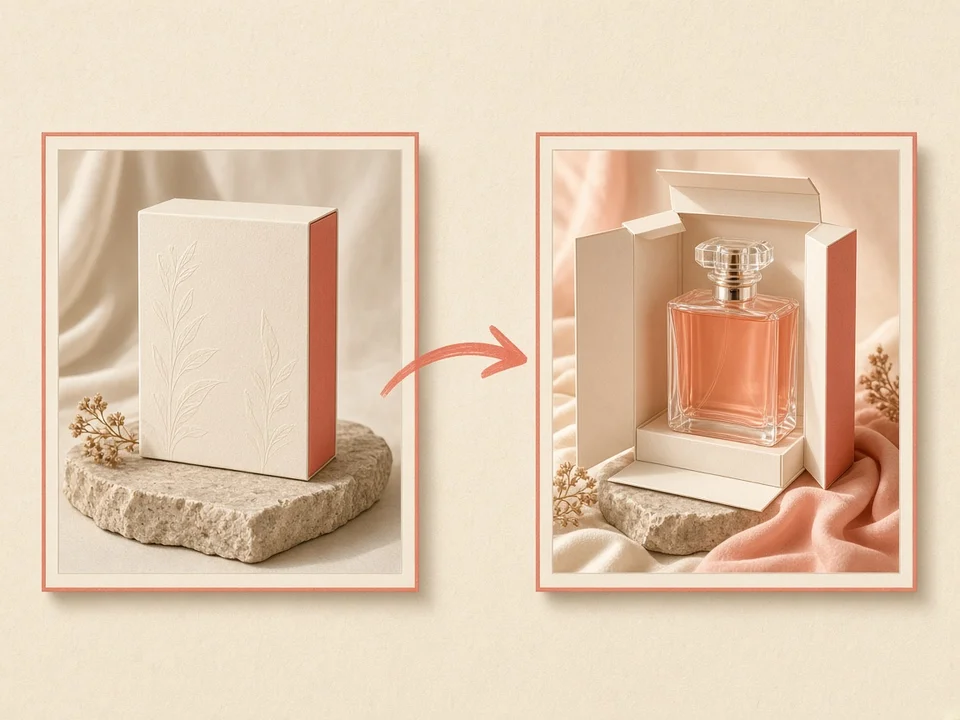
First & Last Frame Control

Most generators leave the ending up to chance. With our image to video tool, you can upload a starting photo and an ending photo. The AI maps the motion between those two frames, so you decide how the clip begins and how it finishes. That makes before-and-after reveals, room makeovers, product packaging opens, and seamless loops much easier to get right on the first try.

Turn Image to Video
Start and end frames of a perfume box opening into a bottle
04

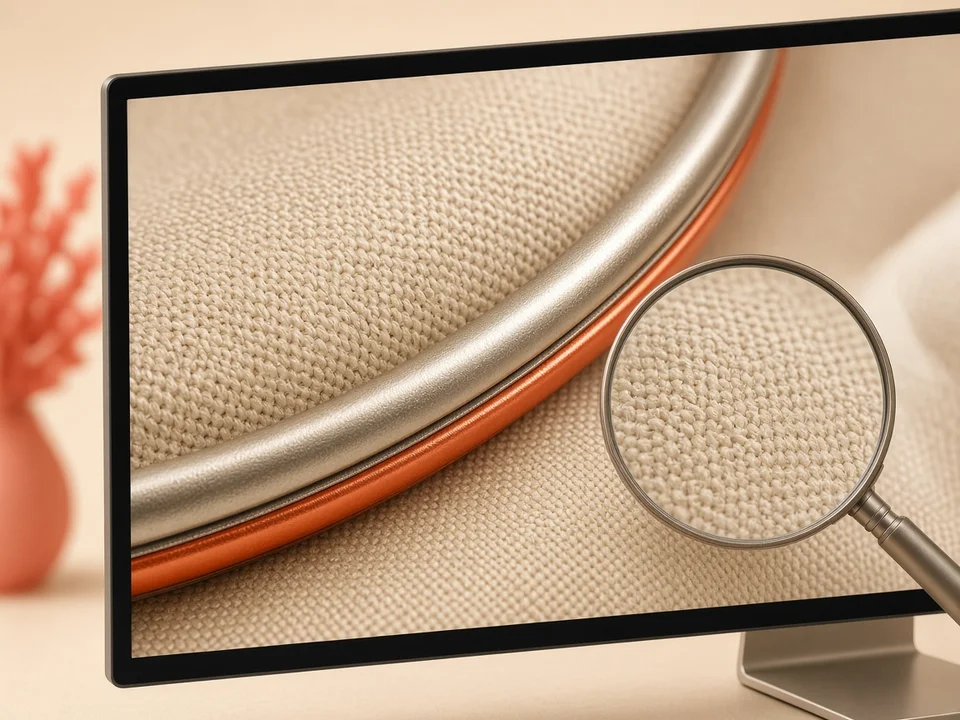
Sharp 1080p & 4K Exports

Soft, compressed video looks cheap on a phone and worse on a big screen. Our image to video AI exports in full HD 1080p and 4K, so fine details stay sharp—hair, fabric weave, skin texture, metal reflections. Whether you’re posting a social ad or playing the clip on a large display, the finished video still looks clear and polished.

Try Our Image to Video Generator
Close-up of sharp fabric and metal detail suggesting 4K clarity
05

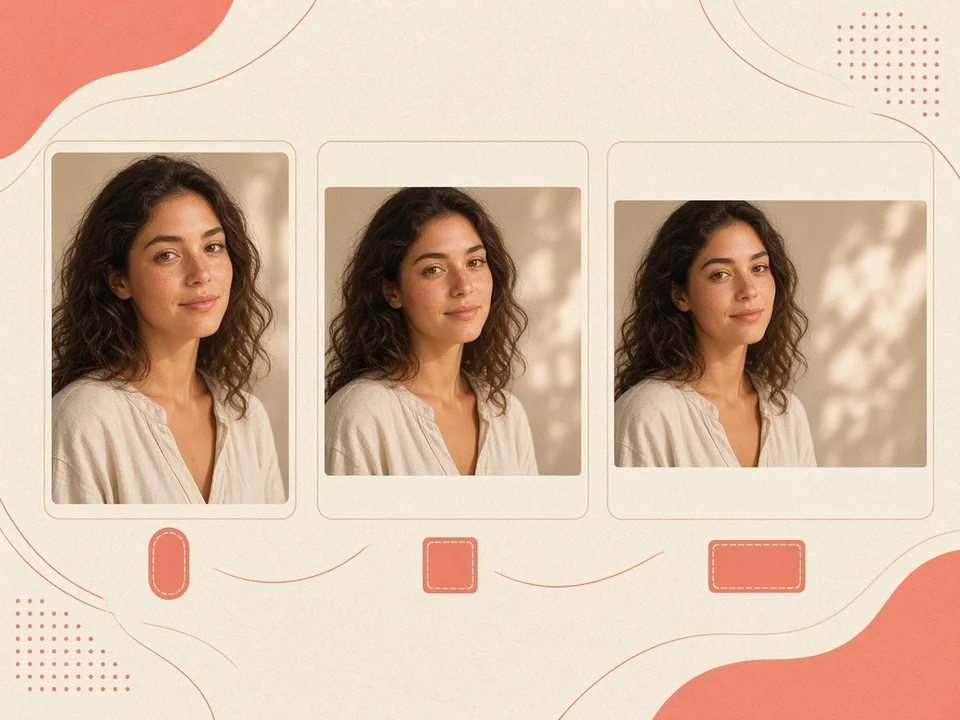
No Forced Crop, No Black Bars

Your video shouldn’t force a crop or pad black bars around the edges. Our image to video generator follows your original photo’s shape: 9:16 for TikTok and Reels, 16:9 for YouTube, 1:1 for square posts, plus an adaptive mode that locks to your exact source size. Vertical stays vertical, widescreen stays widescreen—no ugly framing surprises after you generate.

Try Image to Video AI Free
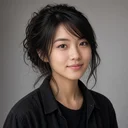
Same portrait fitted into vertical, square, and widescreen frames without black bars
06

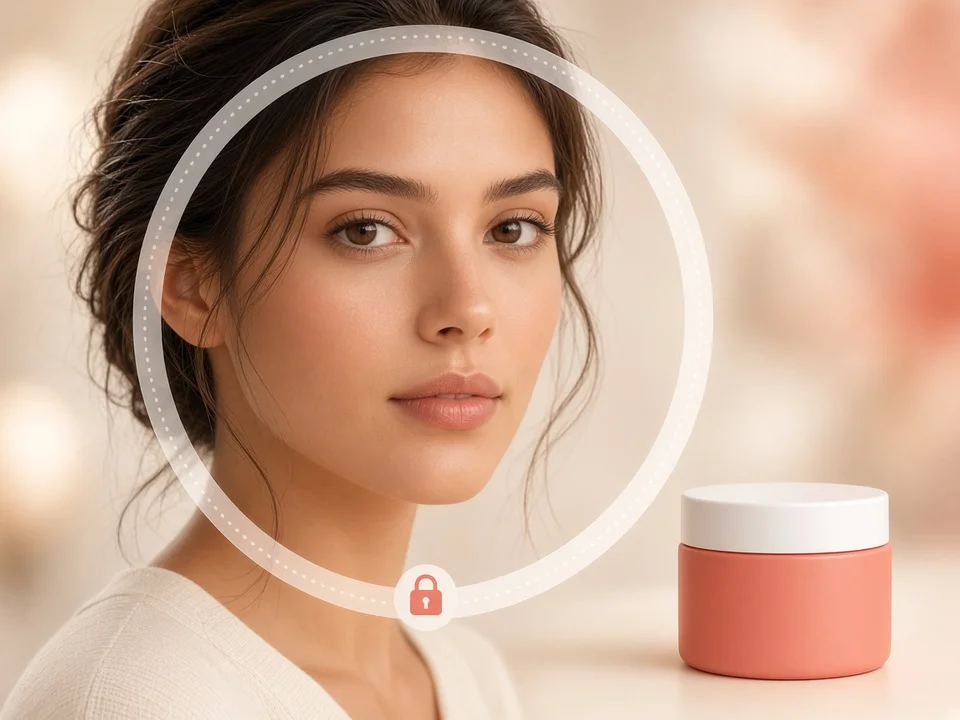
Faces & Brands Stay Recognizable

Some animation apps stretch faces into plastic masks and smear logos into mush. Our image to video AI locks onto the main subject in your photo and protects what makes it recognizable—facial features, brand packaging, product outlines, and the original art style. The clip moves, but the person, product, or drawing still looks like itself from start to finish.

Try the Best Image to Video AI Free
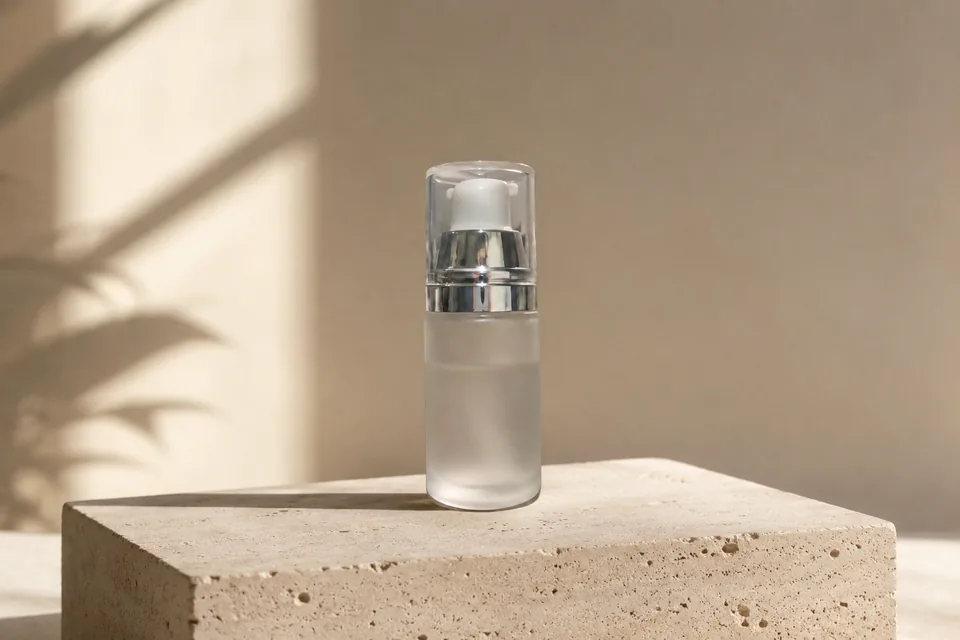
Portrait and product kept sharp inside a focus-lock ring

How to Convert Image to Video in 3 Steps

  1. 01
    Upload Your Image or Keyframes

    Drop your still picture into the image to video uploader, or click to choose a file from your computer or phone. You can upload a single starting photo, or add an ending photo for precise start-to-end keyframe animation.

  2. 02
    Describe the Motion & Pick Your Settings

    Type a simple sentence describing how you want your video to move. For example, write "camera slowly orbits the product on an acrylic block" or "gentle breeze rustling trees with warm evening sunlight." Choose your preferred video duration and aspect ratio, then click Generate Video. Our image to video AI builds realistic depth and renders fluid frames in seconds.

  3. 03
    Preview & Download Your Video

    Preview your clip right on the page and check the motion and pacing. When it looks right, click Download to save the MP4. Then share it on TikTok, Instagram, YouTube, or your ad campaigns.

Popular Ways to Use Image to Video AI

01

Bring Old Photos to Life with Image to Video AI

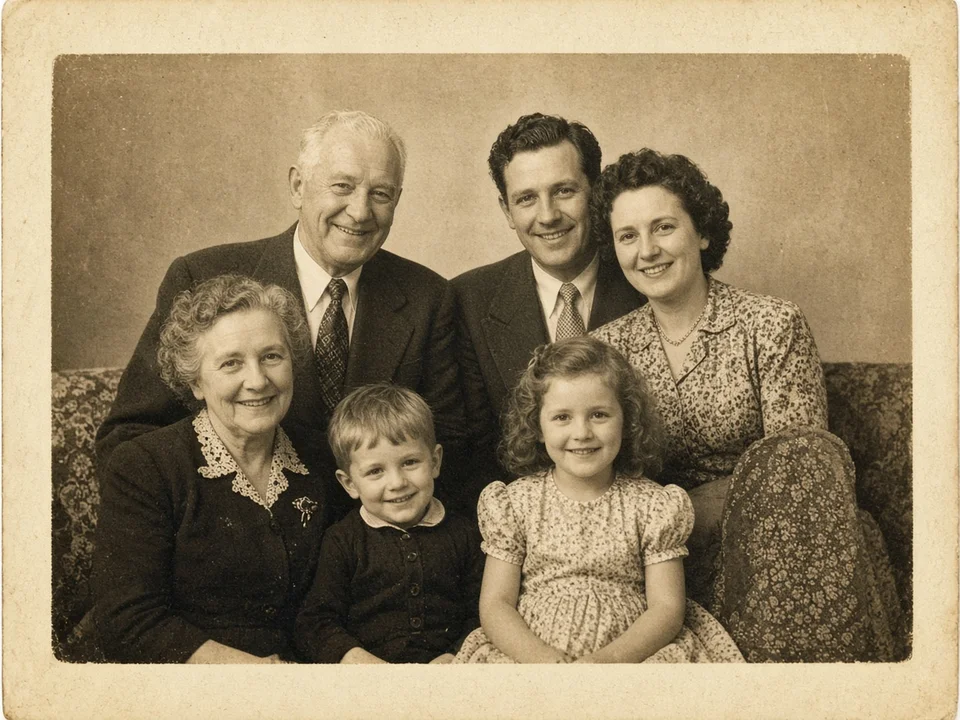
Vintage family photos hold our most precious memories, but still paper prints can feel distant over time. With our image to video AI, you can animate old photos and watch your ancestors smile, blink, and turn naturally. Our image to video tool analyzes facial geometry and restores subtle micro-expressions without erasing historic film grain, sepia tones, or authentic paper textures. By turning an antique family image to video, genealogists, parents, and grandchildren can create touching memorial tributes, holiday surprises, and anniversary gifts that bridge generations.

Warm vintage multi-generation family portrait
02

Turn Product Photos into High-Converting Video Ads with Image to Video

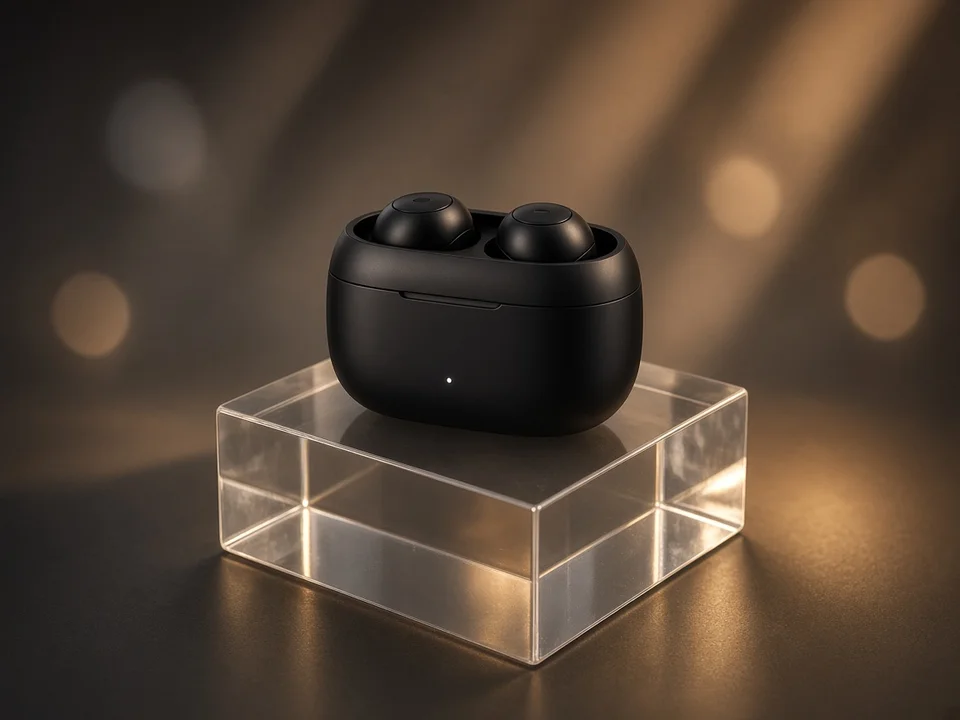
Social video ads on TikTok, Instagram Reels, and Amazon get far higher click-through rates than still images. However, hiring a commercial film crew costs thousands of dollars per shoot. Our image to video tool solves this problem for online stores and Amazon sellers. Upload a simple catalog photo, and our image to video AI creates smooth 360-degree product rotations, floating camera sweeps, and realistic lighting reflections in crisp 4K. Converting a static product image to video lets DTC store owners produce dozens of engaging social ad variations in minutes without buying expensive camera gear or hiring a video studio.

Studio product shot of a wireless earbud case
03

Transform Illustrations and Anime Art into Motion with Image to Video

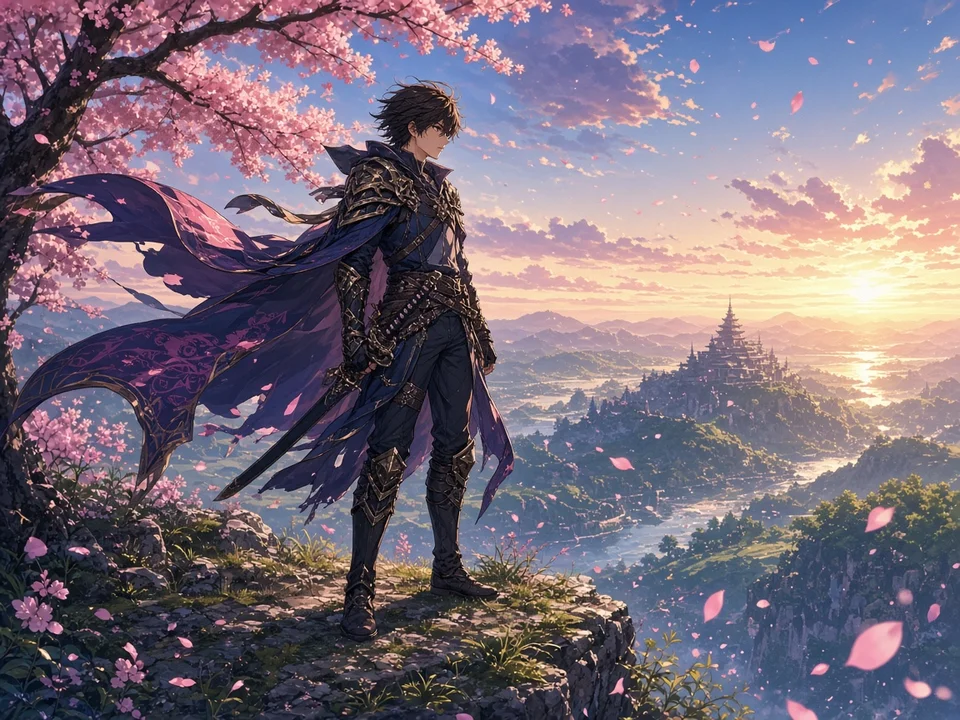
Digital artists, comic creators, and game illustrators often spend days hand-drawing individual animation frames. With our image to video generator, you can turn flat illustrations and 2D anime character art into fluid animation in seconds. You can even upload a starting drawing and an ending drawing to animate a seamless magical action or day-to-night lighting change. Our image to video AI detects character silhouettes, clothing folds, and background layers. It adds fluttering hair, moving clothes, drifting particles, and cinematic camera pans while keeping your exact drawing style intact. Using image to video gives digital creators a fast way to produce animated social teasers, webcomic trailers, and video wallpapers.

Anime warrior on a cliff with cherry blossoms
04

Add Natural Subtle Motion to Headshots with Image to Video

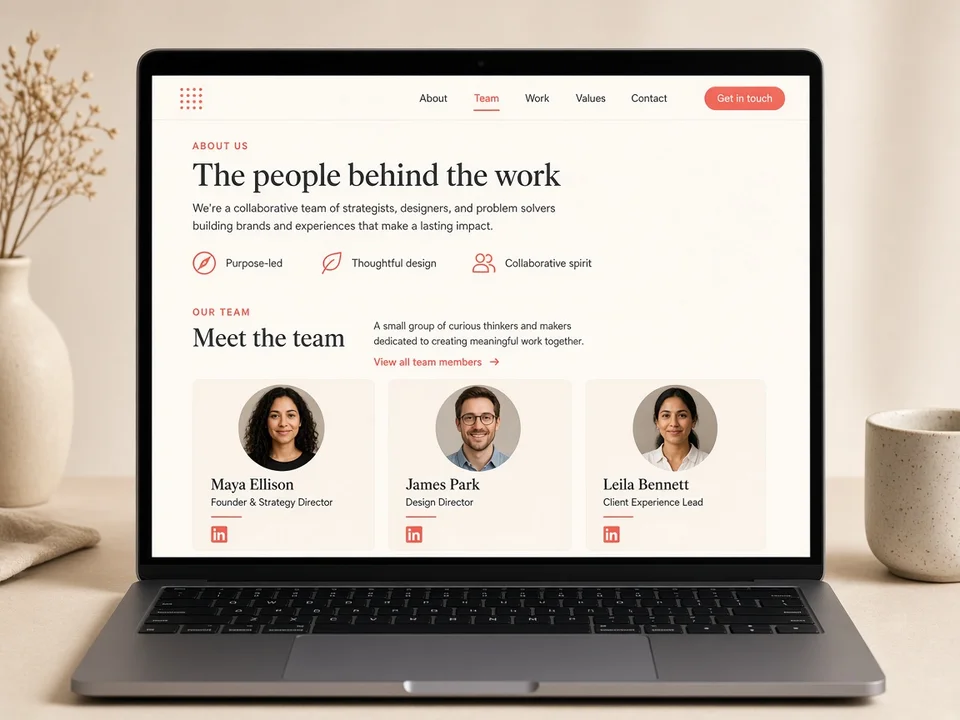
Completely still profile photos get lost in crowded feeds, but natural micro-movement catches the viewer's eye right away. Our image to video tool lets professionals, founders, and creators add delicate motion to corporate headshots and social avatars. The image to video AI generates steady eye contact, natural breathing rhythm, and gentle smiles without warping your jawline, glasses, or clothing. Turning a portrait image to video creates modern live avatars for LinkedIn profiles, website team pages, speaker banners, and digital business cards that look confident and approachable.

Website team page with circular portrait cards

Hear What Our Users Say About Image to Video AI Generator

We used to spend over $1,500 each month filming short product videos for our Shopify store. With this image to video AI, we convert our existing catalog pictures into high-converting 9:16 video ads in seconds. The 4K resolution keeps our product packaging razor sharp, and our ad click-through rate jumped by 34% on TikTok within our first three weeks.

Sarah Jenkins

Sarah Jenkins

DTC Apparel Founder

Currently showing review by Sarah Jenkins, DTC Apparel Founder.

Frequently Asked Questions

What is Image to Video AI Generator?

Image to Video AI Generator is an online tool that uses artificial intelligence to turn a still photograph into a moving video clip. You simply upload a picture, and the AI calculates realistic motion, natural lighting changes, and camera angles to bring your photo to life.

Is Image to Video AI Generator free to use?

Yes—create an account and get free credits so you can start making AI videos right away. For more features and higher volume, upgrade to a paid plan.

How long can my Image to Video clips be?

You can generate continuous video clips ranging from 4 seconds up to 30 seconds long in a single take. This gives you plenty of time for complete storytelling, full 360-degree product showcases, or engaging social media video ads.

What is the Start and End Frame feature in Image to Video AI Generator?

The Start and End Frame feature allows you to upload two photos: a starting image and an ending image. Image to Video AI Generator smoothly animates the movement between both pictures. This is ideal for before-and-after reveals, product assembly videos, and smooth scene transitions.

What resolutions and aspect ratios are supported?

Image to Video AI Generator supports resolutions from 720p HD up to 4K ultra-high definition. It supports all popular social media aspect ratios, including 9:16 vertical (for TikTok, Instagram Reels, and YouTube Shorts), 16:9 widescreen (for YouTube and websites), 1:1 square, and an adaptive mode that locks to your exact photo dimensions without cropping.

Will Image to Video AI Generator distort faces or product logos?

No. Image to Video AI Generator is designed to protect your subject's exact likeness, facial features, and brand logos. The system only adds motion to elements that move naturally in real life, such as hair, clothing, eyes, liquids, clouds, and background scenery.

Can I direct specific camera movements with Image to Video AI Generator?

Yes. You can type camera directions in the prompt box—such as "slow camera zoom in," "cinematic pan left," or "360-degree orbit around the subject"—and Image to Video AI Generator will direct the camera view accordingly.

Can I use my generated Image to Video clips for commercial business ads?

Yes. Paid plans include full commercial rights for store listings, client work, YouTube, and social ads. Free plan users get personal use only—not commercial use.

Do I need to install software or mobile apps to use Image to Video AI Generator?

No. Image to Video AI Generator runs inside your web browser. You can use it on any desktop PC, Mac, iPad, iPhone, or Android smartphone without downloading or installing any apps.

What types of photos work best with Image to Video AI Generator?

Image to Video AI Generator works well with vintage family portraits, e-commerce product photos, 2D anime illustrations, digital art, nature landscapes, and business headshots. Sharp photos with clear lighting and distinct subjects produce the cleanest results.

Explore More AI Tools

Discover more powerful tools to polish, transform, and elevate your creative visuals.

Animate Your Photos With Image to Video AI

Upload a still image and generate cinematic video instantly.