Black Hair Filter: See Yourself With Black Hair

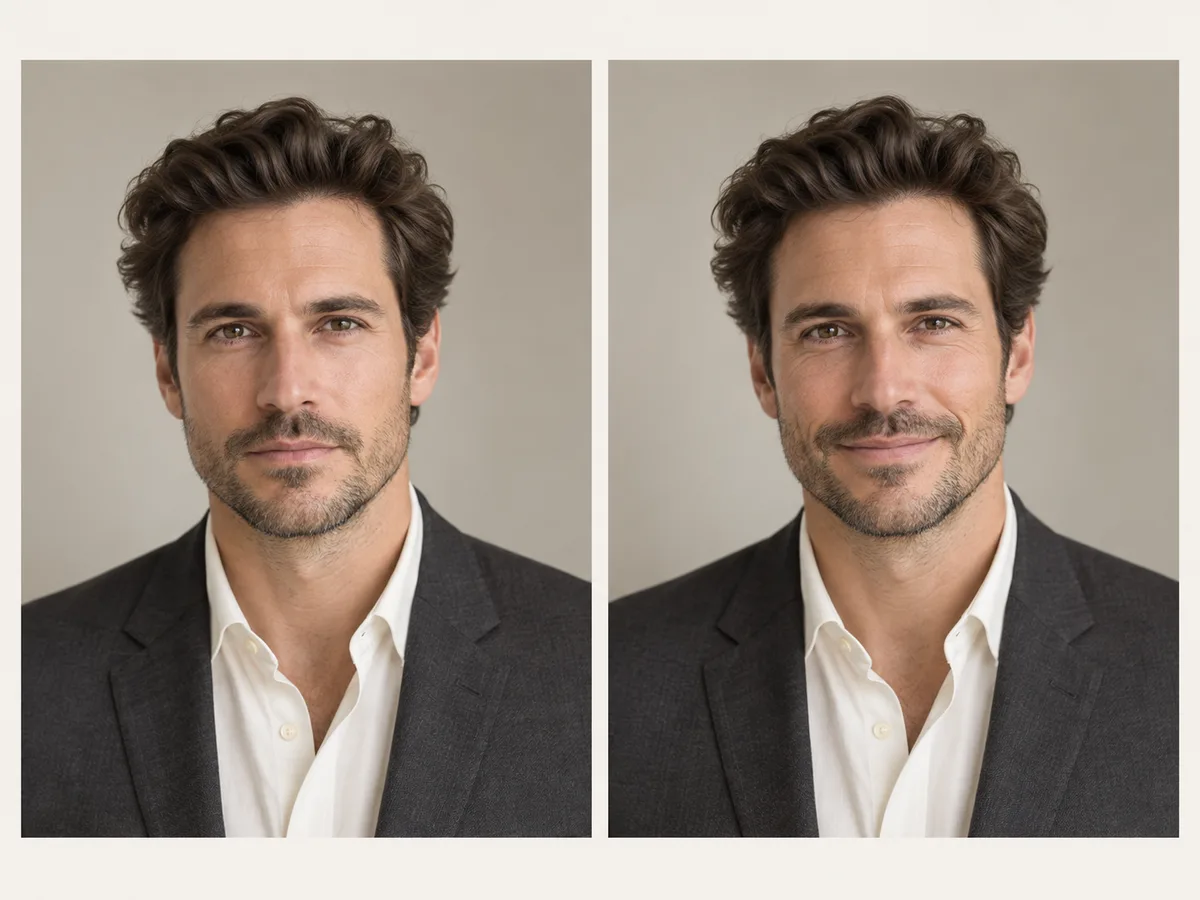
Upload one photo and use the black hair filter to test jet, soft, blue-black, raven, espresso, or off-black before you dye.

Aspect ratio
Resolution

Popular Shades in the Black Hair Filter

Pick a black shade from the black hair filter color cards and test it with one click.

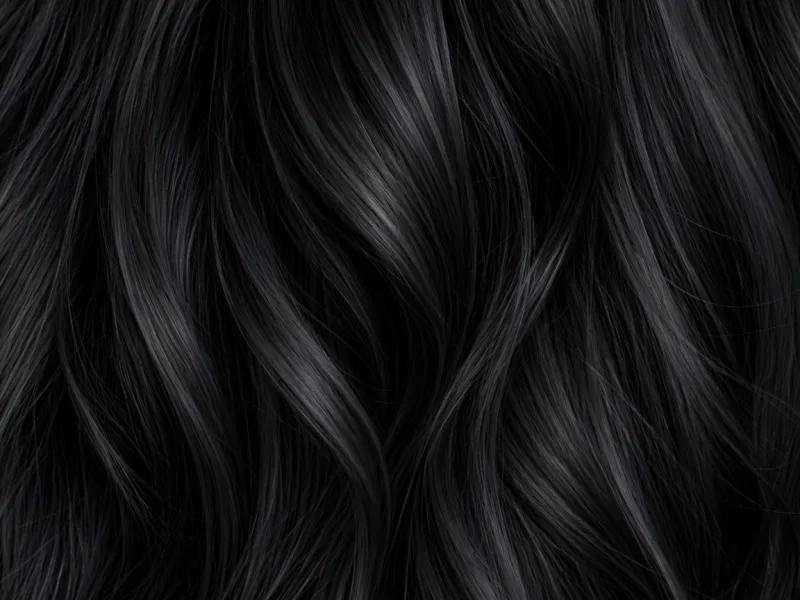
Close-up of glossy jet black hair strands.

Jet Black

Deepest Black

The deepest black. One brand calls it the purest black. A salon guide calls it the strongest black, with a hard shine.

Visual vibe: Bold. It makes the strongest contrast against skin.

Best for: Cool skin, or a dramatic look. It can feel harsh on fair skin. In the black hair filter, use this when you want the darkest result.
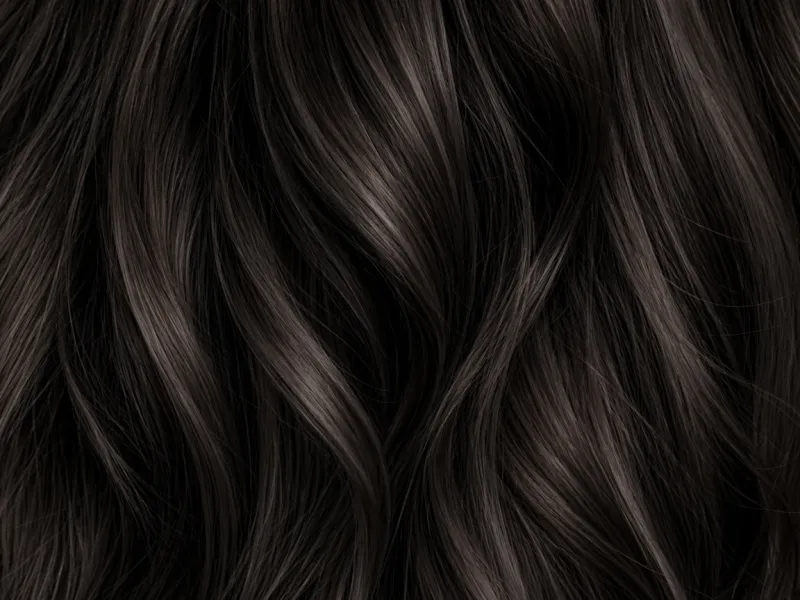
Close-up of soft black hair strands with a little warmth.

Soft Black

Natural Black

One step softer than jet. It still looks black indoors. In sunlight you can see a little warmth. Box dye in this family mixes black with a deep brown.

Visual vibe: Natural. Closer to black hair many people are born with.

Best for: Fair skin and warm skin, when jet feels too hard. A black hair filter test for an everyday black.

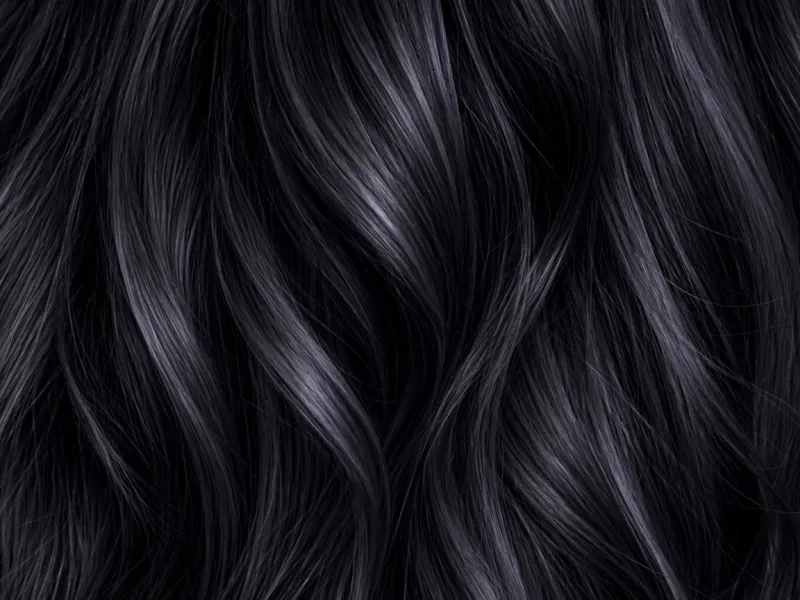
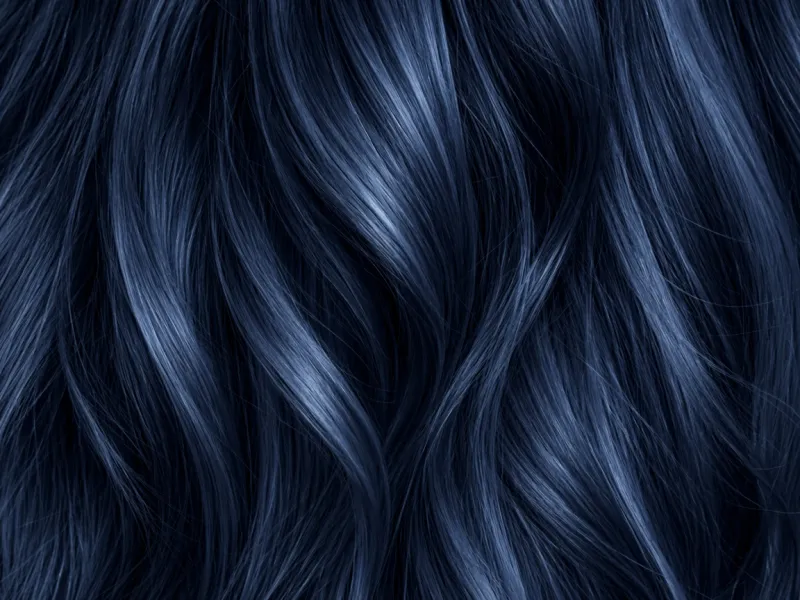
Close-up of blue-black hair strands with a cool blue shine.

Blue-Black

Blue Shine

Black with a blue shine. The blue shows in direct light. In a dim room it can look like normal black.

Visual vibe: Cool. Easy to see in photos.

Best for: Cool skin, and dark skin when you want that blue shine. Check it on warm, gold skin. A black hair filter preview shows the blue before you dye.

Close-up of raven black hair strands with a violet shine.

Raven

Violet Shine

A near-black with a violet shine. It is glossy. It does not flash blue the way blue-black does.

Visual vibe: Deep and glossy, without a blue streak.

Best for: Medium skin. A dye guide puts raven here, next to soft black. Try it in the black hair filter if blue-black looks too blue.

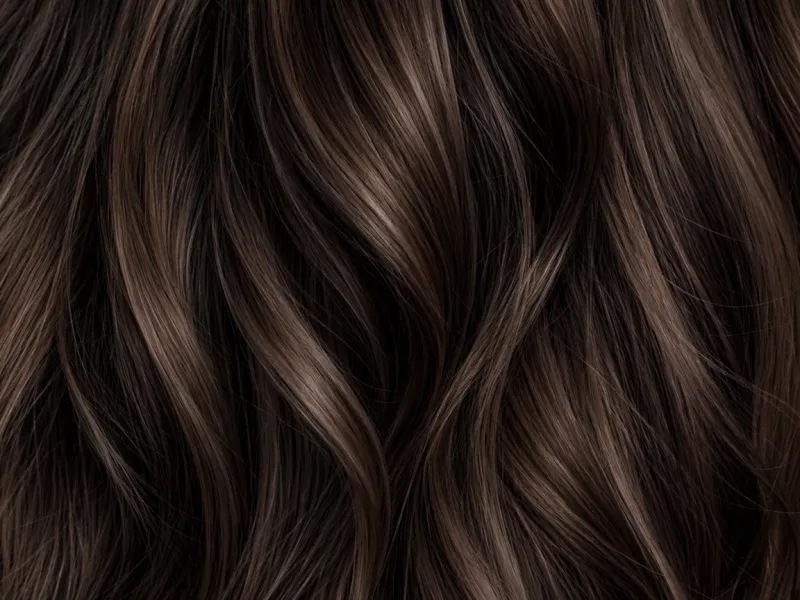
Close-up of warm espresso brown-black hair strands.

Espresso

Brown-Black

A brown-black, not a pure black. It is the warmest of this group. Indoors it can look black. In the sun the brown shows. Some brands label this espresso brown.

Visual vibe: Warm, and less stark than jet.

Best for: Warm skin and olive skin. Also the black hair filter shade to test if you may want to grow the color out later.

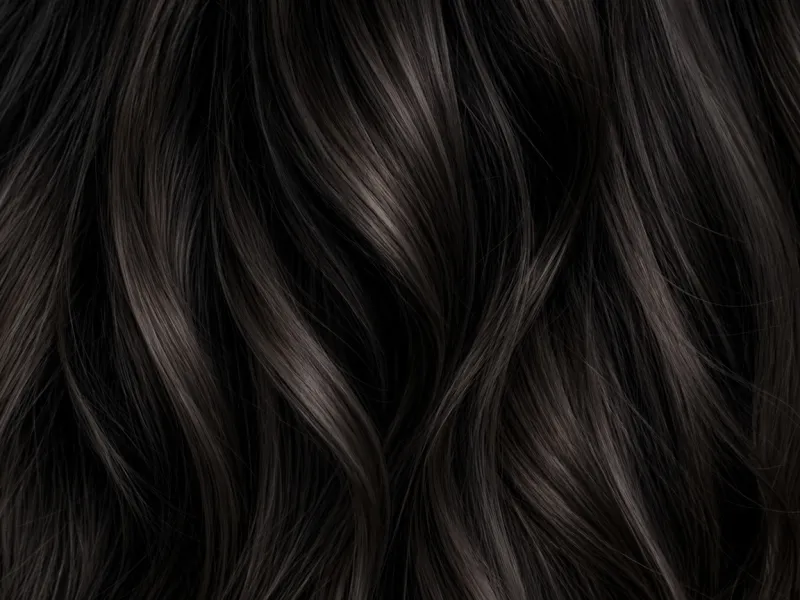
Close-up of off-black hair strands warmed with brown.

Off-Black

Gentler Black

Black warmed with brown. It is not a flat jet. A dye guide lists it next to soft black for pale skin, and next to espresso for warm skin.

Visual vibe: Gentler. Less of a just-dyed line than jet.

Best for: Pale skin and warm skin in the black hair filter, when you want black that does not look painted on.

Which Black Fits You in the Black Hair Filter

Compare how each black looks, which skin it fits, where you would use it, and how the color fades.

BlackLookSkinWhere it fitsAfter it fades
JetDeepest black. Strong shine. Strong contrast with skin.Cool skin. Can feel harsh on fair skin. Dark skin can carry it.A bold look, not a soft everyday black.Stays very dark. Cool blacks can later look dull, blue, or grey.
Soft blackBlack indoors. A little warmth in sunlight.Fair skin and warm skin.Everyday. Closer to black hair people are born with.Can soften toward dark brown.
Blue-blackBlue shine in direct light. In a dim room it can look like normal black.Cool skin and dark skin. On gold skin the blue can make the face look dull.Photos and direct light, when you want the blue.The blue goes first. Then it looks like a plain dark color.
RavenNear-black with a violet shine, not a blue flash.Medium skin. If blue-black looks too blue, try this. Some guides also name a purple-black for deep skin. It is close to raven.Gloss without a blue streak.Fades less than blue-black. Guides do not say it turns brown.
EspressoBrown-black. Black in a dark room. Brown in the sun.Warm skin and olive skin. Also the warmer choice on deep skin.A darker color you may want to grow out later.The easier one to grow out or lighten. Brown shows more as it wears.
Off-blackBlack with brown in it. Not a flat jet.Pale skin and warm skin.A gentler black, next to soft black and espresso.No separate fade path in the guides. Brown can show as it wears.

Frequently Asked Questions

What is Black Hair Filter?

Black Hair Filter is an online photo editor that changes your hair color to black using artificial intelligence. You can test jet, soft black, blue-black, raven, espresso, and off-black on your own photo, and see which shine and which warmth fit your skin before you dye a color that is hard to grow out.

What would I look like with black hair?

Upload your photo to Black Hair Filter and test a black shade. You can see your own hair color change to black. The light, your eyebrows, and your clothes in the photo stay the same, so you can see the result on yourself right away. If jet looks too hard, try soft black, espresso, or off-black on the same photo before you decide that black hair is wrong for you.

Which black should I try on my skin?

If your skin looks pink rather than gold, start with jet or blue-black on Black Hair Filter. If the blue shine looks too strong, switch to raven. If your skin looks gold, peach, or yellow, start with soft black, espresso, or off-black, because blue-black can make a gold complexion look dull. If your skin is fair, test soft black or off-black before jet, because jet can look harsh. If your skin is a medium tone, start with raven. If your skin is deep, start with jet or blue-black, and try espresso or off-black when you want a warmer black. Some dye guides also name a purple-black for deep skin. That color sits close to raven, so test raven for it.

Will Black Hair Filter make my hair look flat?

A dark photo, or the single word “black,” can leave the hair looking like one solid patch, with no light on it. In the black hair filter, choose jet black with shine, soft black with a little brown, or espresso, and upload a bright photo so the hair keeps its light and shadow.

Will Black Hair Filter work on blonde hair?

Yes. Black Hair Filter can show black on blonde, light brown, red, or hair that is already dark. In real life, blonde to black is a big change and hard to undo, so use the picture to decide if you want that contrast.

Does the Black Hair Filter change my face or background?

No. Black Hair Filter only changes your hair color. Your eyes, your nose, your skin, your clothes, and the room behind you will stay the same.

Can I use my Black Hair Filter photo at the salon?

Yes. Save the black hair filter photo and show your stylist which black you mean. It is a picture of the color, not a dye formula. Your stylist still needs to see your real hair, your old color, and your gray. Tell them what you liked in the photo: darker, warmer, cooler, or less blue.

Do I need to download an app to use the Black Hair Filter?

No. Black Hair Filter runs in your web browser. You can use it on your phone or your computer without installing an app.

What photo formats are supported?

Black Hair Filter supports JPG, JPEG, PNG, and WebP. Upload a clear, well-lit photo with your hairline in the frame so you can read the shade.

Is the Black Hair Filter free to try?

Yes. You can use Black Hair Filter for free. For more features, or when you want to use it more, you need a subscription.

Explore More AI Tools

Discover more powerful tools to polish, transform, and elevate your creative visuals.

Try Black Hair Filter Before You Dye

Open the black hair filter and pick jet, soft black, blue-black, raven, espresso, or off-black. See how the color looks before you dye.