Name Into Flowers Generator

Type a name, word, or short phrase, pick an occasion, style, and colors, and watch every letter bloom into floral name art you can save or share.

0/30
Occasion
Style
Favorite colors0/3 selected
Aspect ratio
Resolution

Result

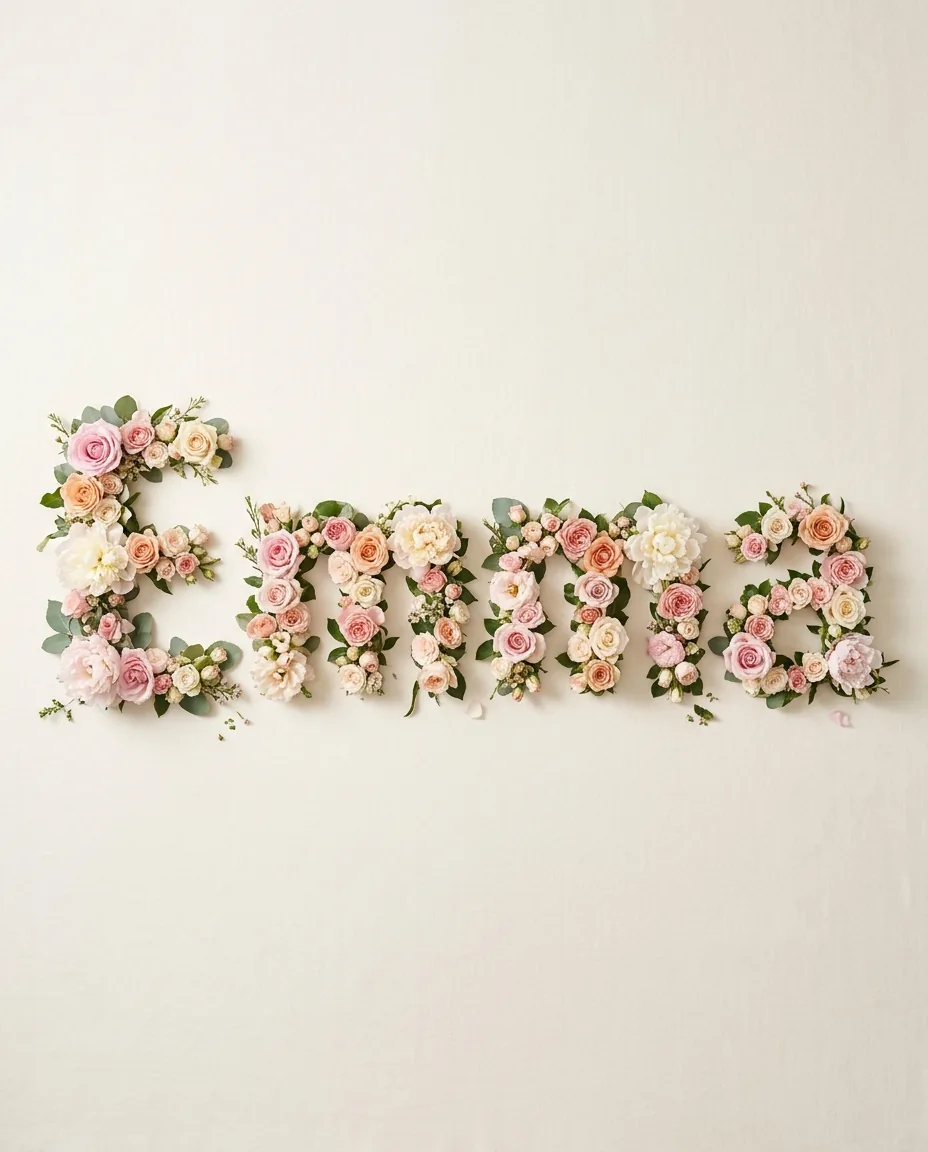
Example result: the name Emma spelled in pink roses and peonies on a cream backgroundExample
"Emma" · Romantic Bouquet · Wallpaper. Your floral name art will appear here.

Key Features of Name Into Flowers Generator

No prompt writing needed. With Name Into Flowers Generator, just make a few simple choices and get floral name art made only for you.

01

Occasion Presets That Set the Mood

Pick Wallpaper, Gift, Wedding, Baby, Pet, or Brand and Name Into Flowers Generator adjusts the layout, background, and mood for you. A wallpaper gets calm space around the letters. A wedding design leans on ivory tones and soft greenery. A pet keepsake feels bright and playful.

Pick an Occasion
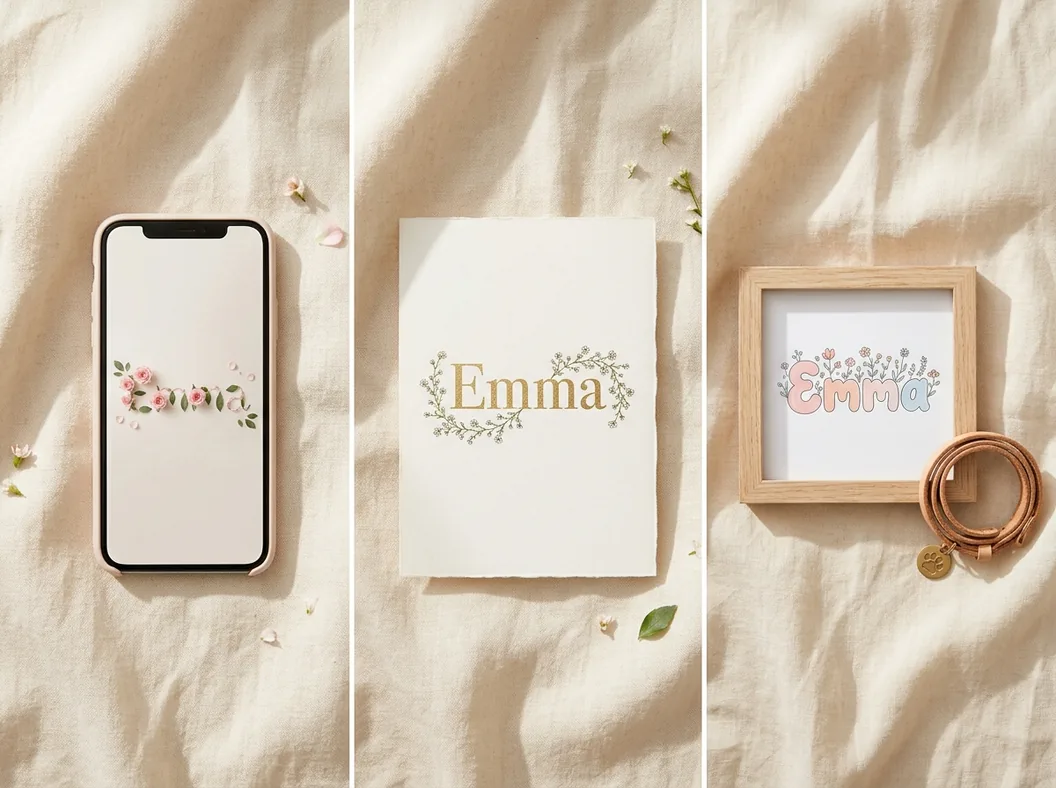
The name Emma as floral art on a phone wallpaper, a wedding invitation, and a framed pet keepsake
02

Eight Floral Styles, From Bouquet to 3D

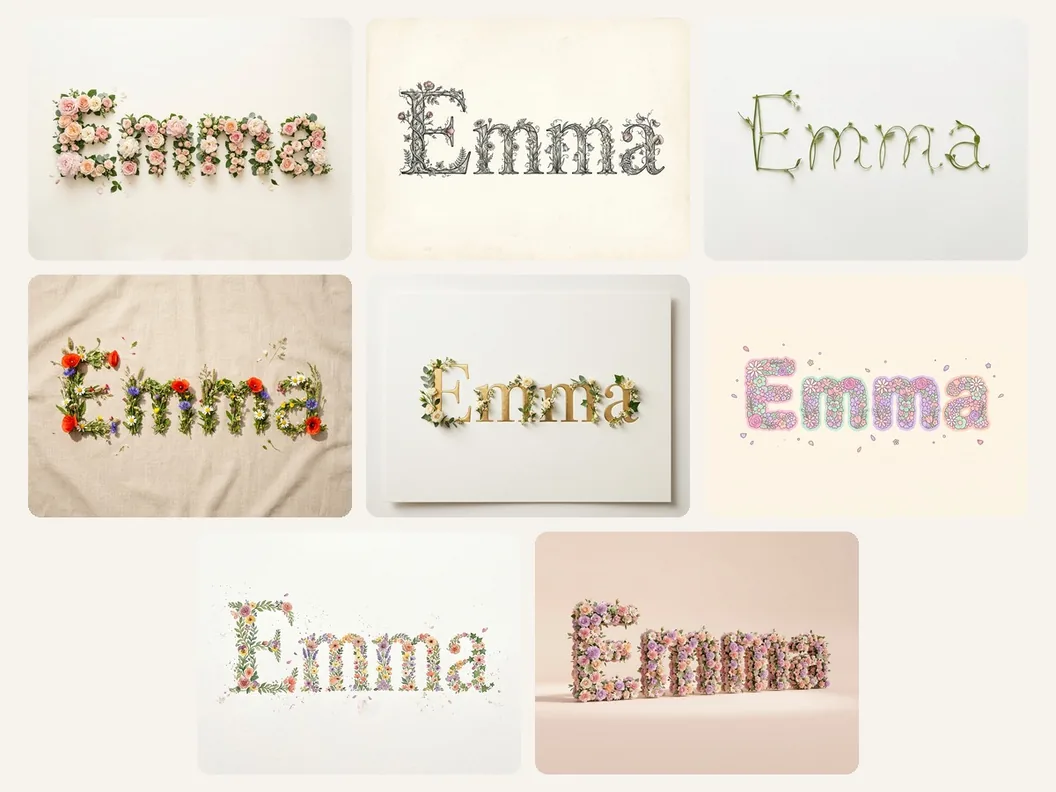
Name Into Flowers Generator offers eight styles: Romantic Bouquet, Botanical Lettering, Minimal Stems, Wildflower, Elegant Invitation, Playful Pastel, Watercolor, or 3D Floral. Each style gives your name a different look, from lush and romantic to clean and minimal.

Browse the Styles
Grid of eight floral lettering styles applied to the name Emma
03

Your Colors and Your Favorite Flowers

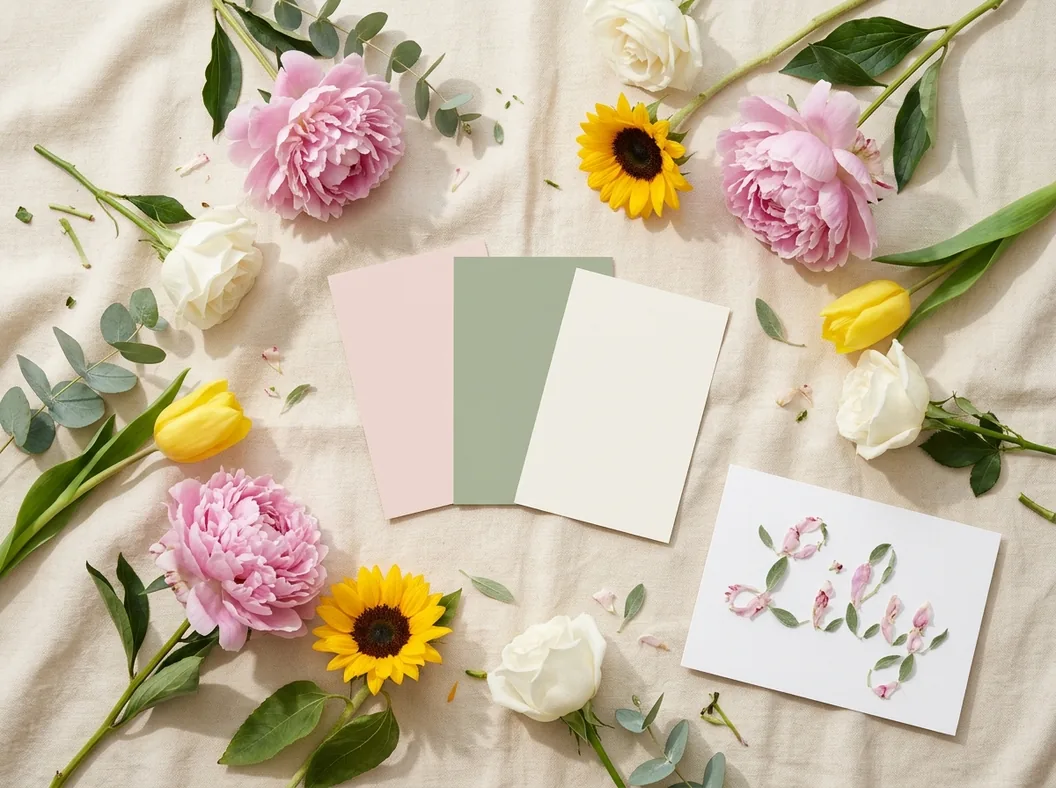
Pick up to three favorite colors. You can also add the flowers you love, like roses, tulips, or sunflowers. Try a birth flower or a loved one's favorite bloom to make your floral name art feel truly personal.

Choose Your Palette
Blush pink, sage, and ivory color swatches surrounded by peonies, roses, tulips, and sunflowers
04

Choose From the Latest AI Image Models

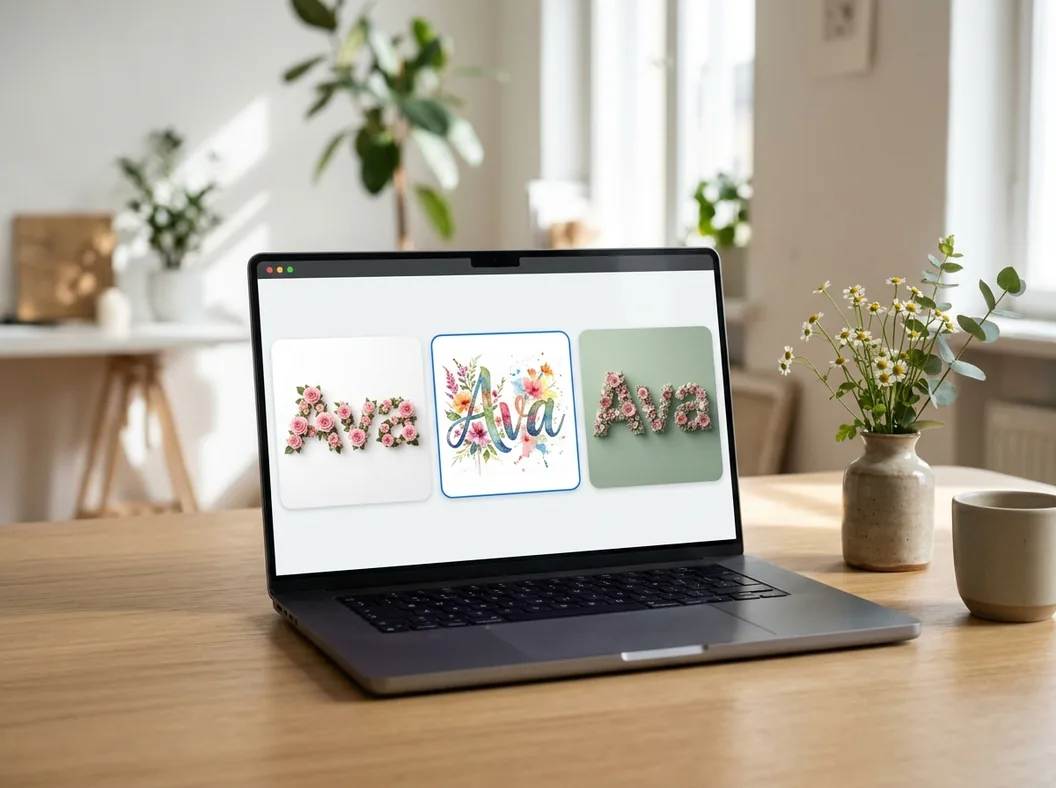
Name Into Flowers Generator puts the most advanced AI image models in one place, including GPT Image, Nano Banana, and Seedream. Pick the model you like, see its credit cost before you generate, and switch anytime to compare different looks.

Compare Models
Laptop screen comparing the name Ava in rose, watercolor, and 3D floral designs side by side
05

Readable Letters in Phone and Social Sizes

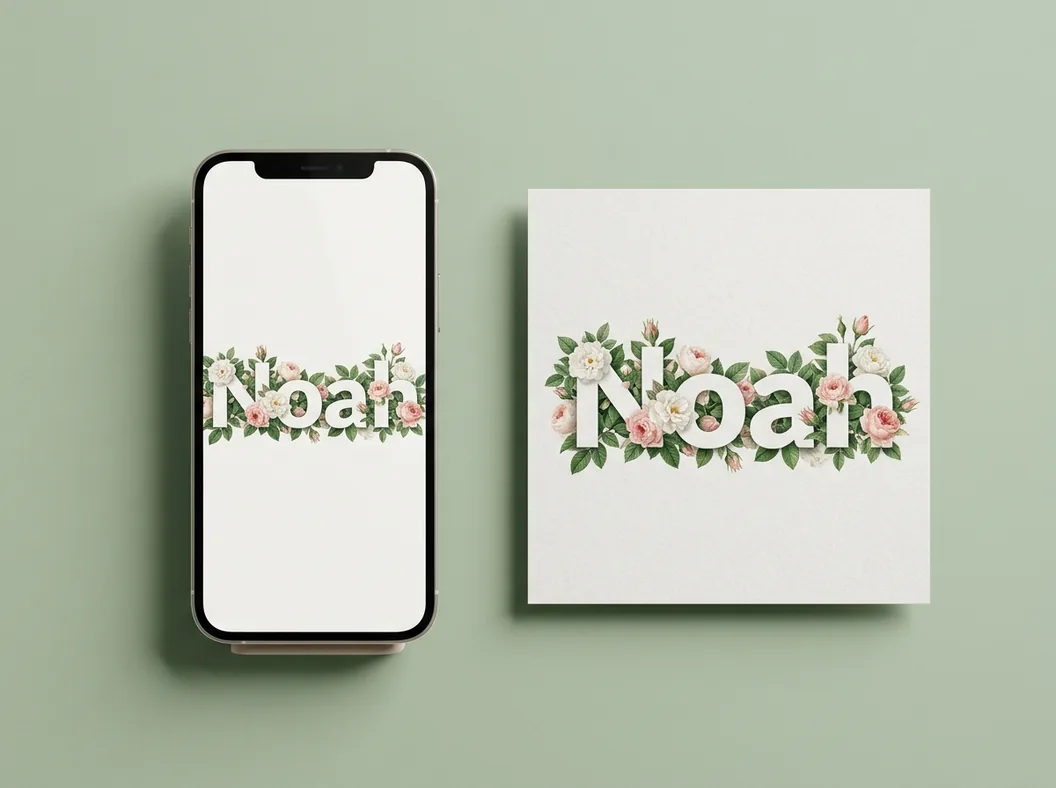
Name Into Flowers Generator shapes every letter clearly with flowers, so your name is easy to read at a glance. Generate it in the size you need: 9:16 for a phone lock screen, 1:1 for a social post, 3:4 for a card, or 16:9 for a banner.

Make a Wallpaper
The floral name Noah shown as a phone wallpaper and a square social post

How to Turn a Name Into Flowers in 3 Steps

  1. 01
    Enter a name, word, or short phrase

    Open Name Into Flowers Generator and type a first name, an initial, a nickname, or a short phrase like "Mom" or "Forever". Shorter text gives each letter more room to bloom.

  2. 02
    Choose an occasion, style, and colors

    Select where the art will be used, pick one floral style, and add up to three colors. Add preferred flowers if you have a favorite, and choose the image model and aspect ratio.

  3. 03
    Generate and download your floral name art

    Click Generate Floral Name, and Name Into Flowers Generator creates a high-resolution image for you to download in a few moments. Share it with friends, post it on social media, or set it as your wallpaper.

Popular Ways to Use Name Into Flowers Designs

  • Phone Wallpapers and Social Posts:
    Many people first saw flower name art in the TikTok flower language trend and wanted one of their own. With Name Into Flowers Generator, you can turn your name or a loved one's name into a floral lock screen or a post to share with friends.
  • Gifts for Partners, Moms, and Friends:
    When flowers alone feel too ordinary, turn their name into flowers instead. It makes a sweet anniversary, Mother's Day, or birthday gift, and you can print it as a card, frame it, or send it as a message that lasts much longer than a real bouquet.
  • Weddings and New Babies:
    Couples can add their names in flowers to save-the-dates, table signs, and welcome boards so every piece matches the wedding theme. New parents can turn their baby's name into flowers for nursery wall art or a birth announcement.
  • Pet Name Keepsakes:
    A pet is part of the family, so turning its name into flowers makes a keepsake you'll love. You can celebrate a new puppy or kitten with bright, playful flowers, or remember a pet you miss with soft, gentle colors on a print or photo frame.
  • Small Brands and Shops:
    If you run a flower shop, a bakery, or an online store, you can turn your brand name into flowers for a logo idea, a shop banner, or a seasonal promotion. It gives your brand a warm, handmade feel without hiring a designer.

Name Into Flowers FAQ

What does Name Into Flowers Generator do?

It turns any name, word, or short phrase into a picture where every letter is made of flowers and leaves. You just pick an occasion, a style, and your favorite colors, and the AI creates the floral design for you in seconds.

How can I make my name into flowers online for free?

Sign in to get free credits, then type your name, choose a style, and click Generate Floral Name. Images made with free credits include a small watermark, and you can remove it anytime by upgrading to a paid plan.

Is this the same as the TikTok flower name filter?

The idea is the same, but Name Into Flowers Generator works in any browser, and you don't need the TikTok app or a video to use it. Instead of one fixed look, you can choose the style, colors, flowers, and size before you download a high-resolution image.

Can I choose which flowers appear in my name?

Yes. Type the flowers you like in the Preferred flowers box, or tap a suggestion such as rose, peony, or sunflower. If you leave it empty, Name Into Flowers Generator picks flowers that match your style and colors.

What text works best when I turn a name into flowers?

Names, initials, and short words work best. Shorter text gives each letter more room for flowers, so your design looks fuller and more detailed.

Which image model should I use?

Name Into Flowers Generator offers several models, and each one has its own style, so feel free to switch models in the picker and compare the results. You can see the credit cost of each model before you generate.

What sizes can I generate?

Name Into Flowers Generator supports 9:16 for phone wallpapers, 1:1 for social posts, 3:4 for cards and prints, or 16:9 for banners, along with other ratios your model supports. Some models also let you pick 2K or 4K resolution for sharper prints.

Can I use my floral name art for gifts or my business?

Yes. Anyone can print their designs as personal gifts, cards, or wall art. If you want to use them for your shop or brand, such as on products, ads, or a logo, you'll need a paid plan, since commercial use is included only with a subscription.

Explore More AI Tools

Discover more powerful tools to polish, transform, and elevate your creative visuals.

Ready to Turn a Name Into Flowers?

Type a name, pick a style, and let Name Into Flowers Generator create floral art you can share today.