Snow White
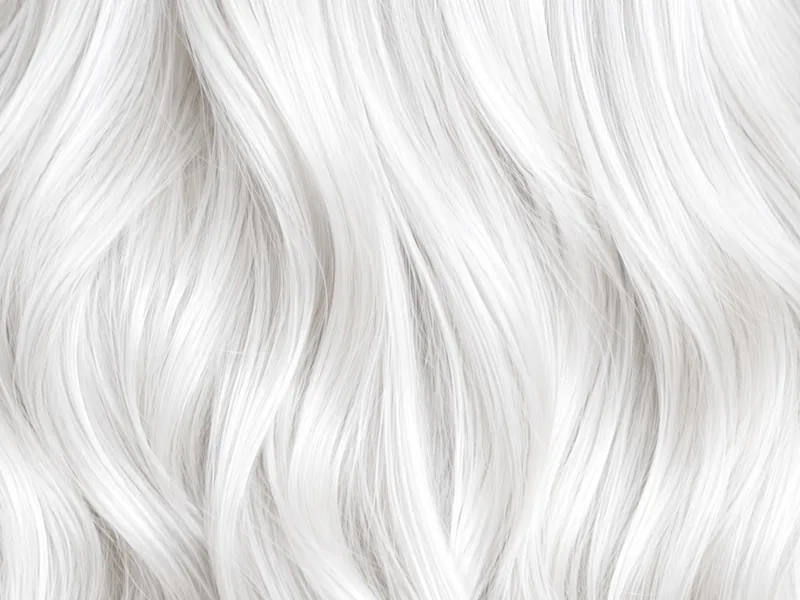
Pure Bright White
Clean, bright white from root to tip with no yellow or grey tint.
Look: Bold and crisp. Stands out right away in photos.
Best for: Your go-to pick if you have cool, neutral, or deep skin and want true pure white.
Upload a photo and try any white hair look on yourself in seconds.
↓ Try with an example photo
Click any shade below to test it in White Hair Filter.
Pure Bright White
Clean, bright white from root to tip with no yellow or grey tint.
Look: Bold and crisp. Stands out right away in photos.
Best for: Your go-to pick if you have cool, neutral, or deep skin and want true pure white.
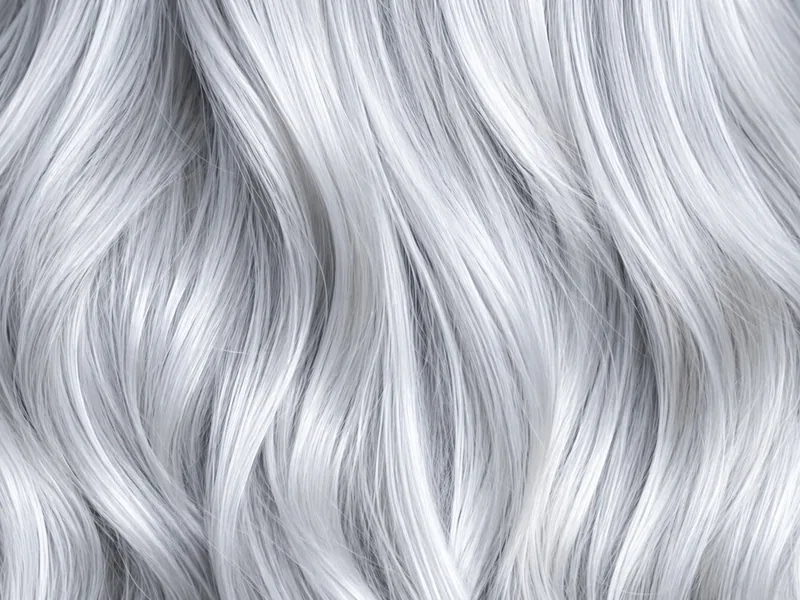
Cool Silver Tone
Bright white with a cool silver shine that catches the light.
Look: Clean, modern, and less flat than solid white.
Best for: Cool, pink, or olive skin tones when pure snow white feels too harsh on you.
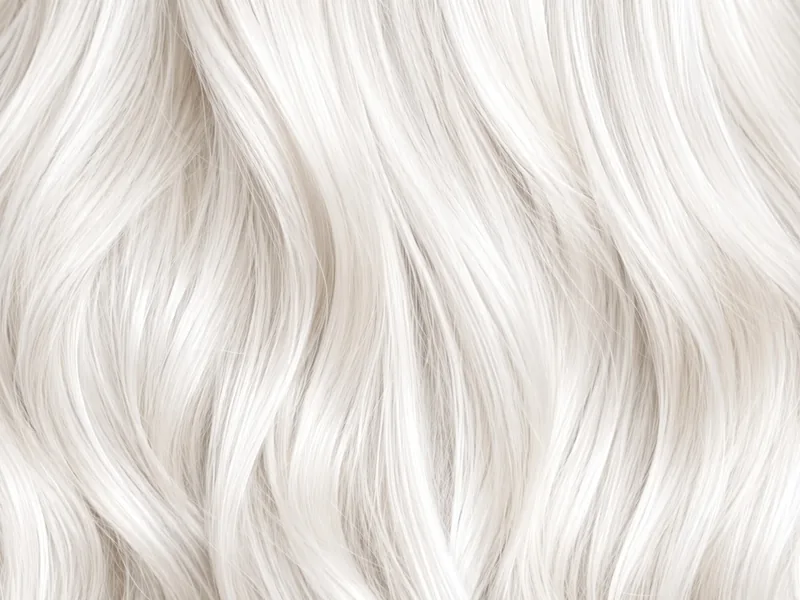
Soft Warm White
Creamy white with a soft warm glow instead of a cold blue cast.
Look: Soft, bright, and easy to wear every day.
Best for: Warm, golden, or peach skin tones where icy silver can make you look washed out.
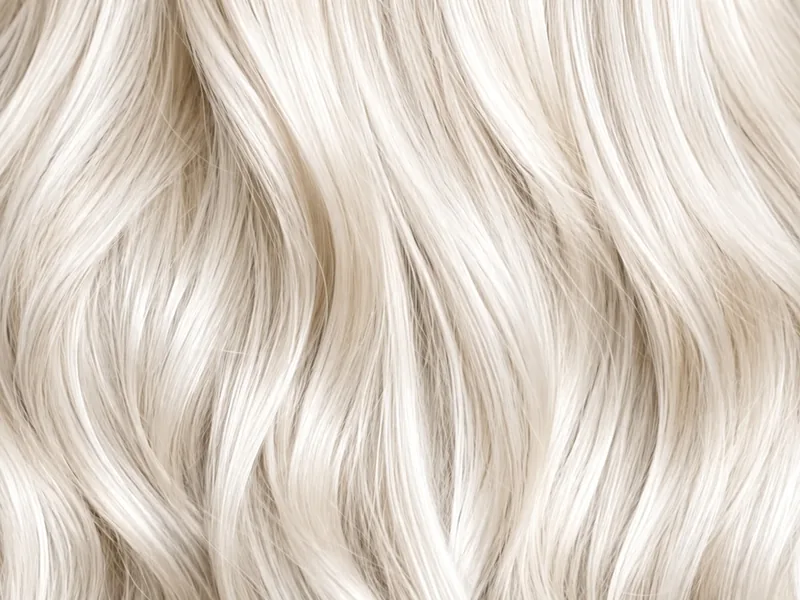
Pale Blonde-White
Sits right between pale platinum blonde and true white, with a hint of warmth.
Look: Classic salon platinum that looks natural in daylight.
Best for: Fair to medium skin, or if you want to ease into white hair without going stark white.
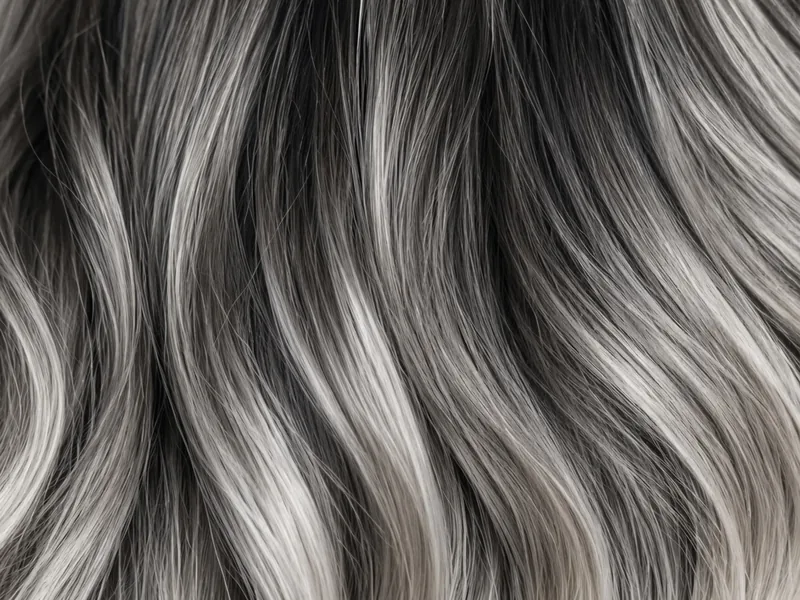
Natural White & Grey
Blends white strands with dark grey depth, especially around your temples.
Look: Natural, realistic, and great for aging previews.
Best for: Seeing how you will look as you grow out natural grey or go white gradually.
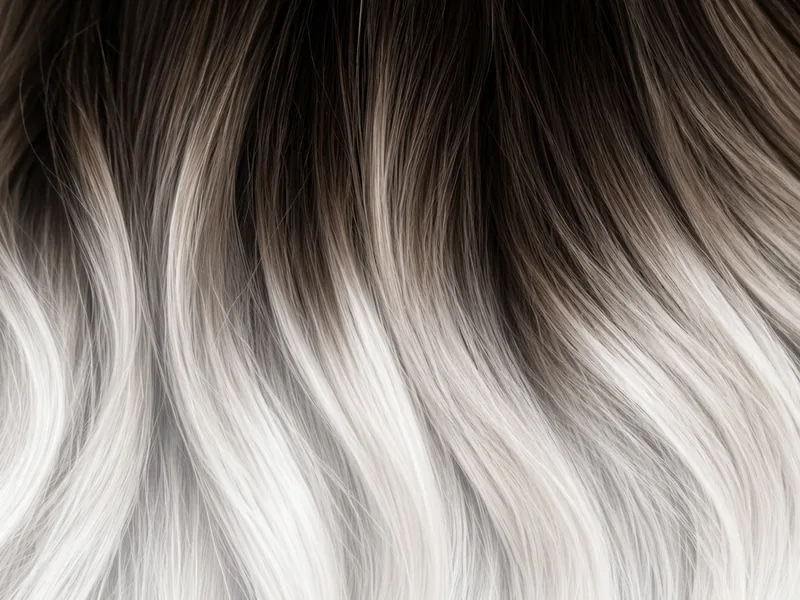
Dark Roots + White Hair
Keeps your roots dark and blends them smoothly into bright white lengths.
Look: Softer around your eyebrows and much easier to grow out.
Best for: Dark natural hair when you want white hair without a harsh line at your scalp.
See how each White Hair Filter shade fits your skin, what real-life upkeep takes, and when to pick it.
| Shade | Look | Skin & Brows | Real-Life Upkeep | When to Pick It |
|---|---|---|---|---|
| Snow White | Pure bright white with no yellow or grey cast. | Cool, neutral, or deep skin. Dark brows give strong contrast. | Needs full bleaching (often multiple sessions on dark hair), purple shampoo, and regular root touch-ups. | When you want true pure white for a bold dye job or cosplay. |
| Icy Silver-White | Bright white with a cool silver shine. | Cool, pink, or olive skin. Balances redness well. | Needs a pale blonde base plus silver toner every few weeks. | When you want a cool metallic shade that does not look chalky. |
| Pearl White | Creamy white with a soft warm sheen. | Warm, golden, or peach skin that looks dull next to icy tones. | Still needs full lift, but looks nicer as the toner warms up. | When you want soft, wearable white hair for everyday life. |
| Platinum White | Pale blonde-white, one step warmer than snow white. | Fair to medium skin, especially with light or medium brows. | Easier to keep toned than pure snow white; touch up roots every 4–6 weeks. | When pure white feels like too big a jump for your first bleach. |
| Salt & Pepper | White strands mixed with dark grey instead of solid white. | Works on any skin tone and blends right in with dark brows or a beard. | Very low upkeep if you are growing out your natural grey. | When you want a realistic aging preview or grey transition. |
| Shadow-Root White | Dark natural roots blended into bright white lengths. | Works on any skin tone, especially if you have dark hair and dark brows. | Easiest dyed white to grow out; you can wait longer between salon visits. | When you have dark hair and want lower-maintenance white hair. |
I almost bleached my dark brown hair pure snow white. Testing three shades in White Hair Filter showed me pearl white and shadow roots fit my warm skin much better.

Hannah Brooks
Salon Client, Seattle
Currently showing review by Hannah Brooks, Salon Client, Seattle.
Upload a clear, well-lit photo into White Hair Filter at the top of this page, pick a preset or type the shade you want, and hit generate. Your face, skin tone, and background stay the same so you can see how white hair really looks on you.
White hair is bright and clean with almost no dark pigment. Silver adds a cool metallic shine, while grey and salt & pepper mix white with darker strands for a softer look. You can compare all of them on your photo in White Hair Filter.
If you have cool or pink skin, snow white and icy silver-white usually look sharpest. If you have warm or golden skin, pearl white or platinum white will keep your face from looking washed out. With dark eyebrows, shadow-root white often looks the most balanced.
Instagram and Snapchat lenses work on live video, but they often look flat or glitch when you move. White Hair Filter works right in your phone or desktop browser—no app download needed—and gives you a clean photo you can save and compare.
Yes, White Hair Filter works on black, brown, blonde, red, and dyed hair. By default, it only changes the hair on your head and leaves your face and eyebrows alone. If you want a white or salt-and-pepper beard too, just add that to your prompt.
Yes. Save two or three shades on the same photo and show your stylist which tone you like best. Use the preview as a visual reference—your stylist will check your hair health and tell you how many bleach sessions it takes.
White Hair Filter is made to preview white, silver, and grey hair. If you want to cover grey or try darker hair instead, use Black Hair Filter or Blonde Hair Filter below.
Yes. You can upload any JPG, PNG, or WebP photo straight from your phone camera roll. Pick a bright, front-facing photo with your hairline visible for the best result. White Hair Filter only uses your photo to create your preview.
Yes, you can try White Hair Filter online for free. If you want more generations later, you can upgrade anytime on the pricing page.
Explore More AI Tools
Discover more powerful tools to polish, transform, and elevate your creative visuals.
Upload a photo into White Hair Filter and preview any white hair look on yourself in seconds.